Skip to content

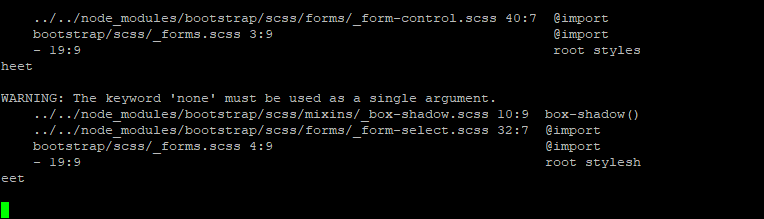
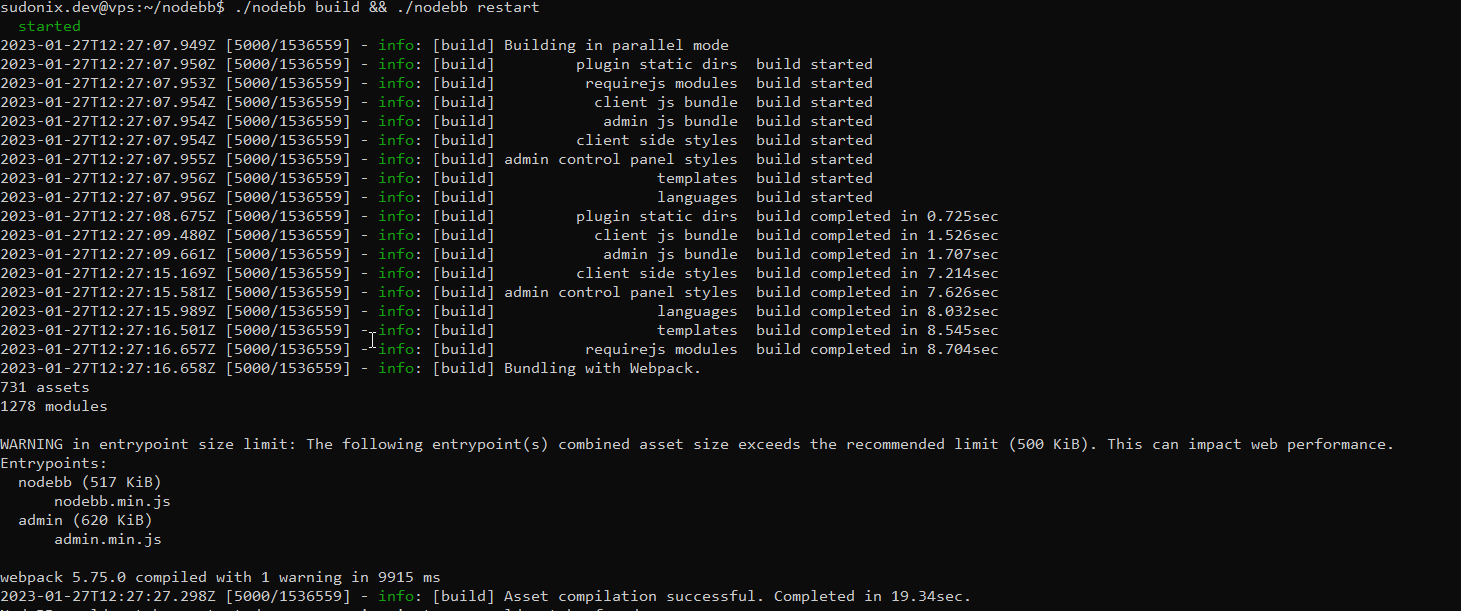
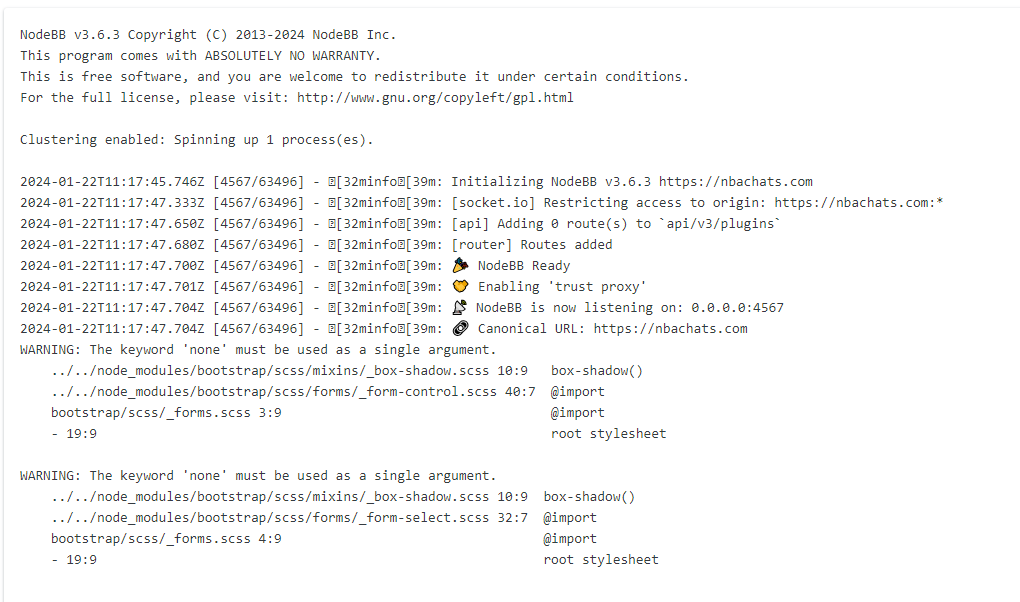
nodebb error logs

Bugs
6 2 1.5k 1

Related Topics
  • Nodebb vs Wordpress vs Other

    General wordpress nodebb woocomerce business
    4
    2 Votes
    4 Posts
    592 Views
    PrestaShop + modules IA https://www.prestashop.com Magento https://developer.adobe.com/open/magento
  • NodeBB upgrade now cant post

    Solved Bugs nodebb
    5
    2 Votes
    5 Posts
    1k Views
    @Panda yes, for some reason, that is the case. If you need an urgent response, it’s probably better to post here because of the time difference.
  • Email validation NodeBB

    Bugs nodebb
    21
    3 Votes
    21 Posts
    6k Views
    @Panda said in Email validation NodeBB: Did you configure that as a custom change to the usual quote icon. How do you do that? I notice on NodeBB site its a solid blue quotes Yes, I changed it. NodeBB by default users the free font awesome library whereas I use the pro (paid) version SDK have access to a wider set of icons, and at different thicknesses etc. The change of colour is just simple CSS.
  • adding some console.log to Nodebb

    Solved Customisation nodebb
    4
    1 Votes
    4 Posts
    2k Views
    @eeeee if you’re using the console, you could try node app.js > app.log 2>&1 This would redirect stdout to a file named app.log and redirect stderr to stdout. I’m not sure about standard logging under NodeBB, but there is an error log located at logs/error.log. Failing that, you could always stop the NodeBB service then use ./nodebb dev from the console which would then provide debug output.
  • Title on homepage of nodebb forum

    Solved Customisation nodebb
    2
    1 Votes
    2 Posts
    1k Views
    @eveh Welcome board The code you are referring to is custom written as no such functionality exists under NodeBB. However, adding the functionality is relatively trivial. Below are the required steps Navigate to /admin/appearance/customise#custom-header Add the below code to your header, and save once completed <ol id="mainbanner" class="breadcrumb"><li id="addtext">Your Title Goes Here</li></ol> Navigate to /admin/appearance/customise#custom-js and add the below code, then save $(document).ready(function() { $(window).on('action:ajaxify.end', function(data) { // Initialise mainbanner ID, but hide it from view $('#mainbanner').hide(); var pathname = window.location.pathname; if (pathname === "/") { $("#addtext").text("Your Title"); $('#mainbanner').show(); } else {} // If we want to add a title to a sub page, uncomment the below and adjust accordingly //if (pathname === "/yourpath") { //$("#addtext").text("Your Title"); //$('#mainbanner').show(); //} }); }); Navigate to /admin/appearance/customise#custom-css and add the below CSS block .breadcrumb { right: 0; margin-right: auto; text-align: center; background: #0086c4; color: #ffffff; width: 100vw; position: relative; margin-left: -50vw; left: 50%; top: 50px; position: fixed; z-index: 1020; } Note, that you will need to adjust your CSS code to suit your own site / requirements.
  • IRC Server/Client - Chat App with NodeBB

    Linux nodebb irc server client
    6
    1 Votes
    6 Posts
    2k Views
    @Hari not sure from the consumer perspective, but Skype has been all but completely consumed by Microsoft Teams when it comes to business usage.
  • Nodebb Hashtag plugin

    Solved General
    15
    1 Votes
    15 Posts
    3k Views
    @jac Great ! I’ll close this off.
  • RSS parser script [NodeBB]

    Customisation nodebb rss script
    47
    9 Votes
    47 Posts
    15k Views
    @phenomlab said in RSS parser script [NodeBB]: @jac Not yet. Sorry. Have some other work commitments I need to prioritise. Hoping to get to this over the weekend. No worries at all mate, thanks