NodeBB upgrade now cant post
-
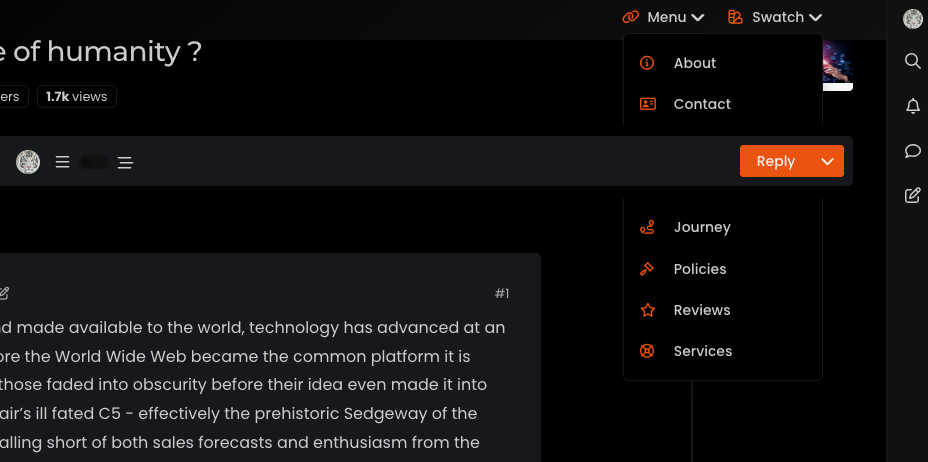
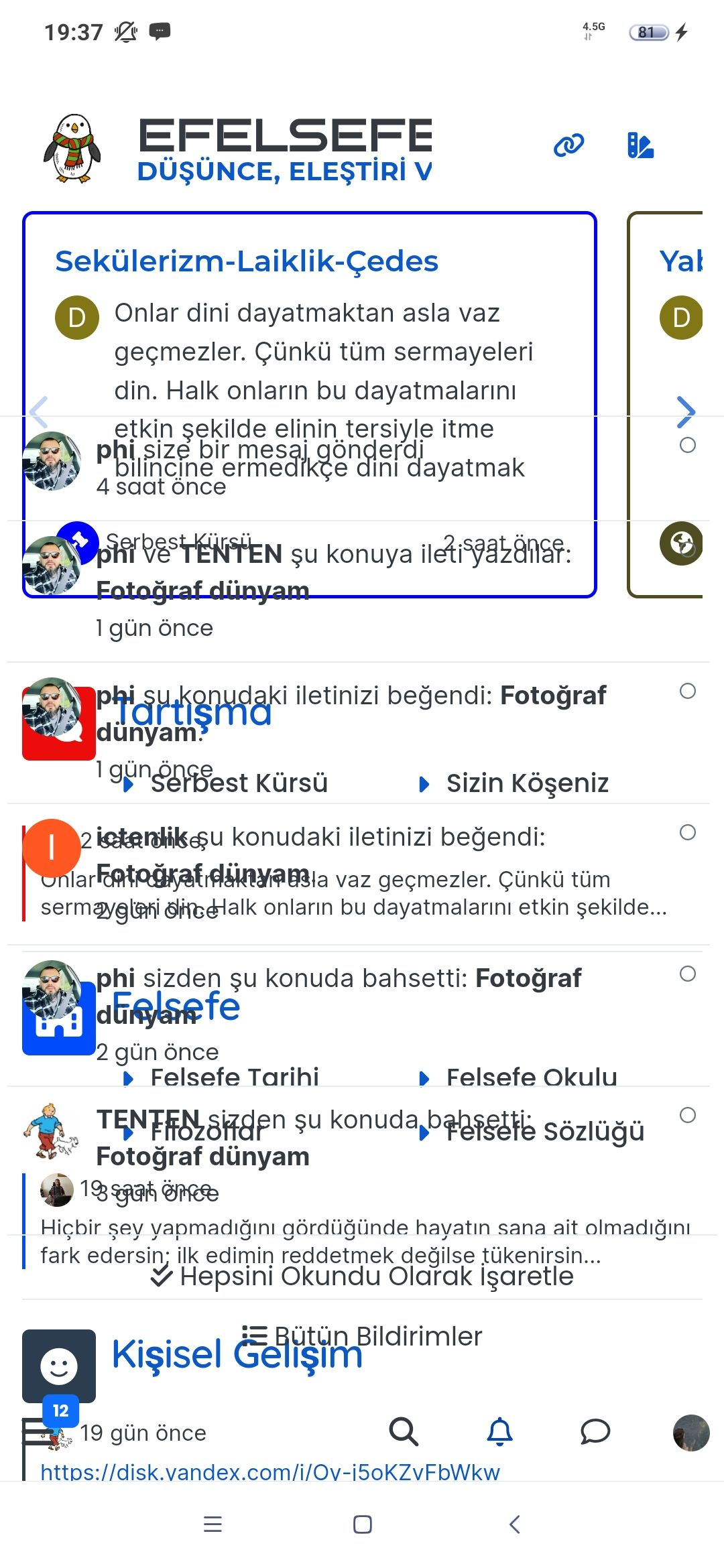
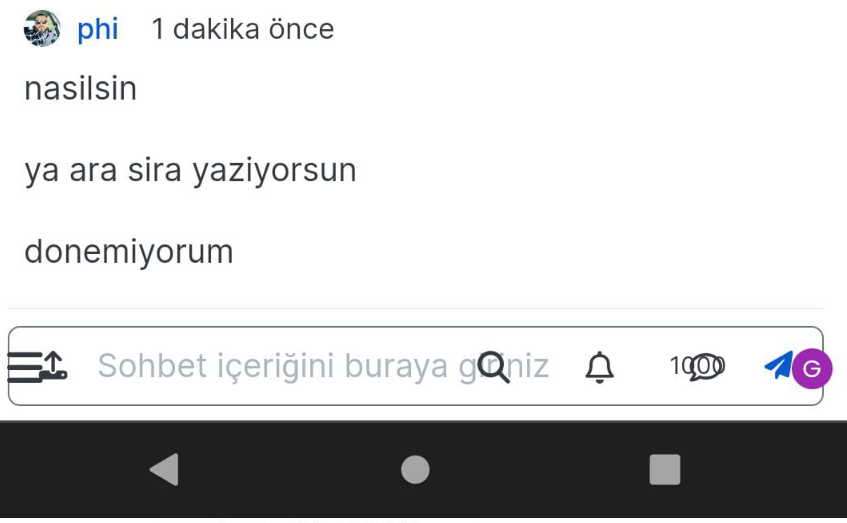
On my site An annoying ‘n out of n’ banner comes over the reply button, and the forum bar is just below that
So I can just see a fraction of the reply button but cant click it.
I cant even screenshot it to show example now as that seems ‘disabled’ as a new ‘feature’Id like to stop screenshot disabled, and remove this ‘8 out of 8 banner’. Is that possible?
-
I’ve just seen the duplicate post on NodeBB. Can you go to
/admin/plugins/harmonyand match the settings below then save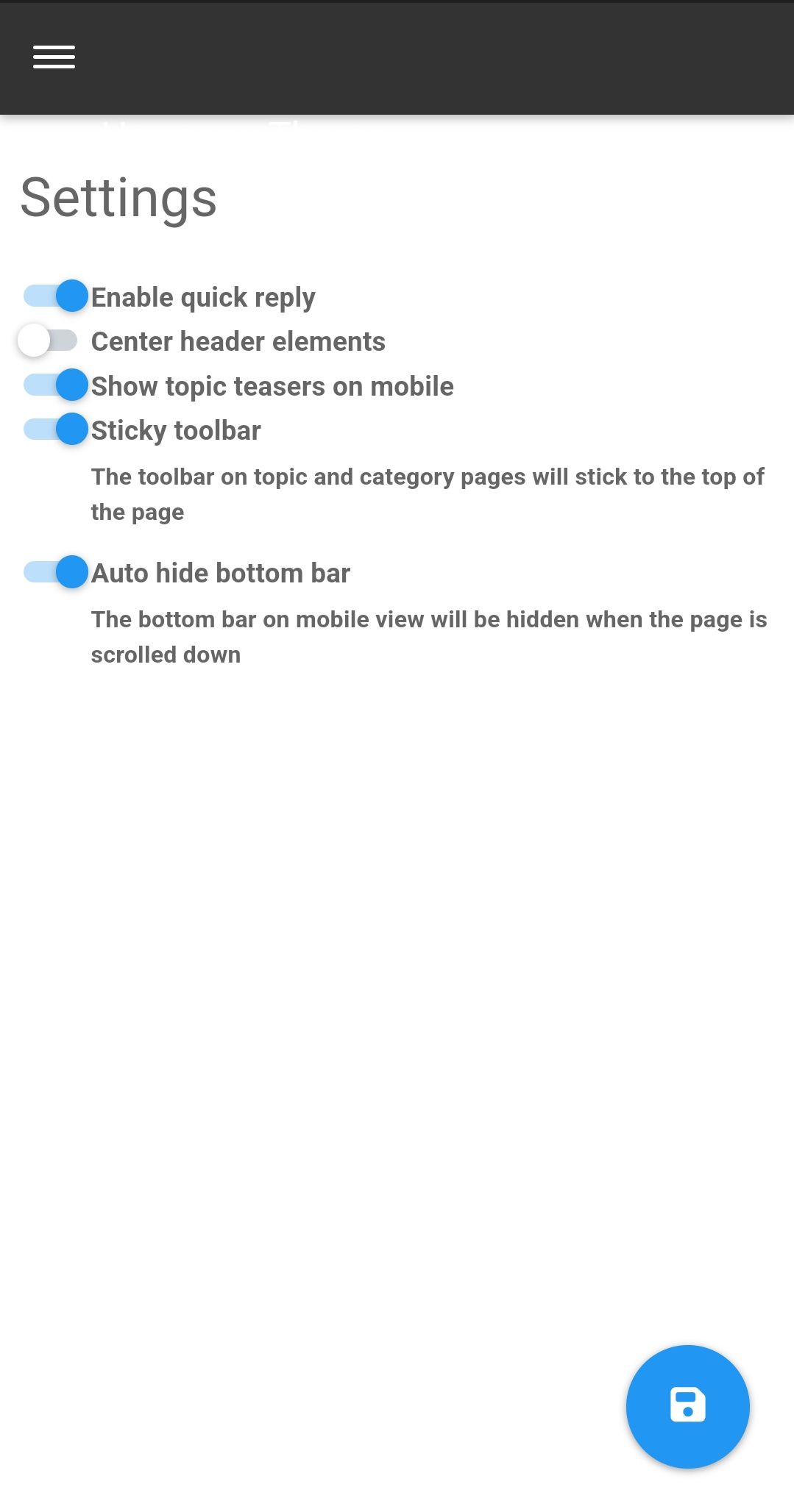
That issue is caused by element positioning where the bottom bar should auto hide to prevent that issue. If that doesn’t work, disable the quick reply feature and see if that helps.
-
On my site An annoying ‘n out of n’ banner comes over the reply button, and the forum bar is just below that
So I can just see a fraction of the reply button but cant click it.
I cant even screenshot it to show example now as that seems ‘disabled’ as a new ‘feature’Id like to stop screenshot disabled, and remove this ‘8 out of 8 banner’. Is that possible?
@Panda NodeBB doesn’t disable the ability to take a screenshot. That’s at operating system level not application, so something else is stopping that.
I’ll need a screenshot of sorts, or access to your forum to be able to see what’s going on.
-
I’ve just seen the duplicate post on NodeBB. Can you go to
/admin/plugins/harmonyand match the settings below then saveThat issue is caused by element positioning where the bottom bar should auto hide to prevent that issue. If that doesn’t work, disable the quick reply feature and see if that helps.
-
Thanks, can post now.
I find it disconcerting that ‘out of the box settings’ dont work. If it wasnt for your help I would have broken forum now!
Thats why sometimes I double post urgent questions on both forums as I appreciate your fast and accurate responses
-
Thanks, can post now.
I find it disconcerting that ‘out of the box settings’ dont work. If it wasnt for your help I would have broken forum now!
Thats why sometimes I double post urgent questions on both forums as I appreciate your fast and accurate responses@Panda yes, for some reason, that is the case. If you need an urgent response, it’s probably better to post here because of the time difference.
-
 undefined phenomlab marked this topic as a question on
-
undefined phenomlab has marked this topic as solved on

Hello! It looks like you're interested in this conversation, but you don't have an account yet.
Getting fed up of having to scroll through the same posts each visit? When you register for an account, you'll always come back to exactly where you were before, and choose to be notified of new replies (either via email, or push notification). You'll also be able to save bookmarks and upvote posts to show your appreciation to other community members.
With your input, this post could be even better 💗
Register Login