Skip to content

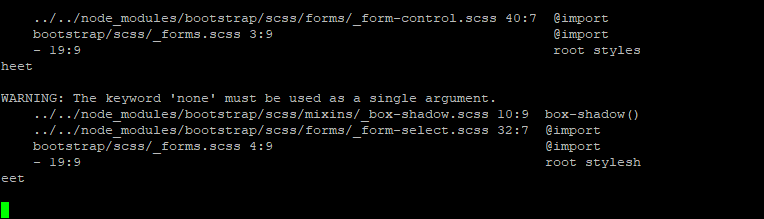
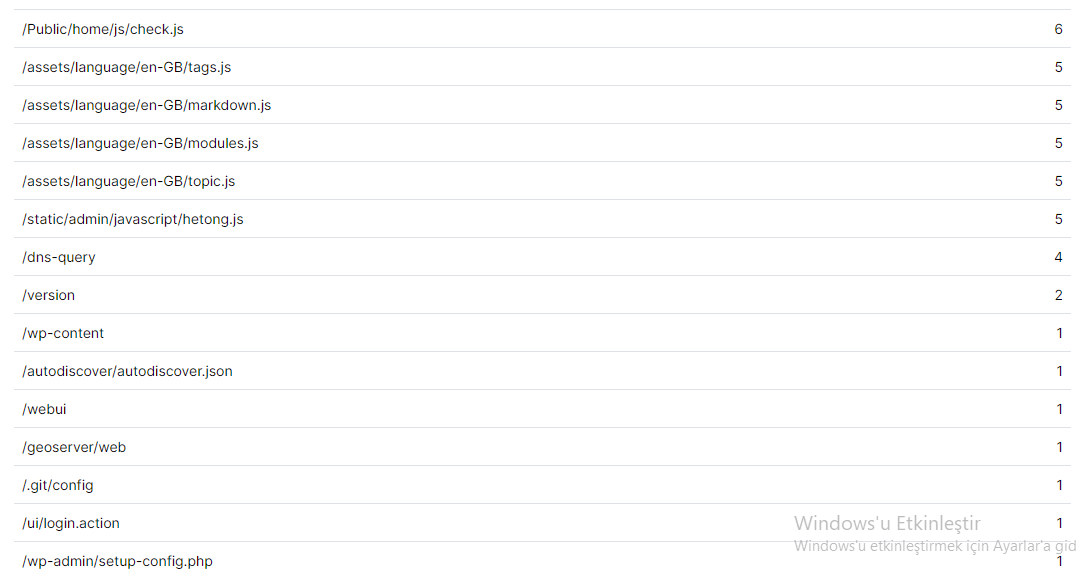
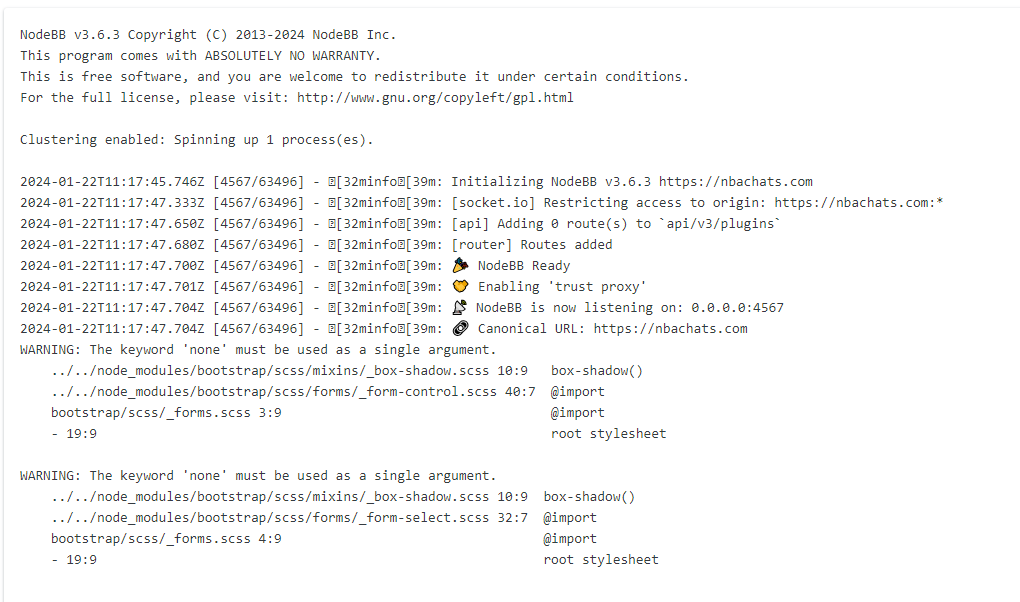
nodebb error logs

Bugs
6 2 1.9k 1

Related Topics
  • NodeBB upgrade now cant post

    Solved Bugs nodebb
    5
    2 Votes
    5 Posts
    2k Views
    @Panda yes, for some reason, that is the case. If you need an urgent response, it’s probably better to post here because of the time difference.
  • Email validation NodeBB

    Bugs nodebb
    21
    3 Votes
    21 Posts
    8k Views
    @Panda said in Email validation NodeBB: Did you configure that as a custom change to the usual quote icon. How do you do that? I notice on NodeBB site its a solid blue quotes Yes, I changed it. NodeBB by default users the free font awesome library whereas I use the pro (paid) version SDK have access to a wider set of icons, and at different thicknesses etc. The change of colour is just simple CSS.
  • NodeBB 3.0 alpha1 : Error on install

    Solved Configure nodebb version 3 install error
    19
    2 Votes
    19 Posts
    5k Views
    @phenomlab Work now
  • How to fix size of photos & videos NodeBB

    Solved Customisation nodebb nodebb size
    7
    3 Votes
    7 Posts
    2k Views
    @crazycells pleasure. Using percentages makes much more sense in this case. It’s the same argument with px vs pt vs em with fonts, margins, padding, etc., in the sense that em is generally preferred over px and pt https://stackoverflow.com/questions/609517/why-em-instead-of-px
  • Title on homepage of nodebb forum

    Solved Customisation nodebb
    2
    1 Votes
    2 Posts
    2k Views
    @eveh Welcome board The code you are referring to is custom written as no such functionality exists under NodeBB. However, adding the functionality is relatively trivial. Below are the required steps Navigate to /admin/appearance/customise#custom-header Add the below code to your header, and save once completed <ol id="mainbanner" class="breadcrumb"><li id="addtext">Your Title Goes Here</li></ol> Navigate to /admin/appearance/customise#custom-js and add the below code, then save $(document).ready(function() { $(window).on('action:ajaxify.end', function(data) { // Initialise mainbanner ID, but hide it from view $('#mainbanner').hide(); var pathname = window.location.pathname; if (pathname === "/") { $("#addtext").text("Your Title"); $('#mainbanner').show(); } else {} // If we want to add a title to a sub page, uncomment the below and adjust accordingly //if (pathname === "/yourpath") { //$("#addtext").text("Your Title"); //$('#mainbanner').show(); //} }); }); Navigate to /admin/appearance/customise#custom-css and add the below CSS block .breadcrumb { right: 0; margin-right: auto; text-align: center; background: #0086c4; color: #ffffff; width: 100vw; position: relative; margin-left: -50vw; left: 50%; top: 50px; position: fixed; z-index: 1020; } Note, that you will need to adjust your CSS code to suit your own site / requirements.
  • IRC Server/Client - Chat App with NodeBB

    Linux nodebb irc server client
    6
    1 Votes
    6 Posts
    3k Views
    @Hari not sure from the consumer perspective, but Skype has been all but completely consumed by Microsoft Teams when it comes to business usage.
  • NodeBB - Created pages not found?

    General
    20
    3 Votes
    20 Posts
    5k Views
    @jac Exactly. Hard point to argue.
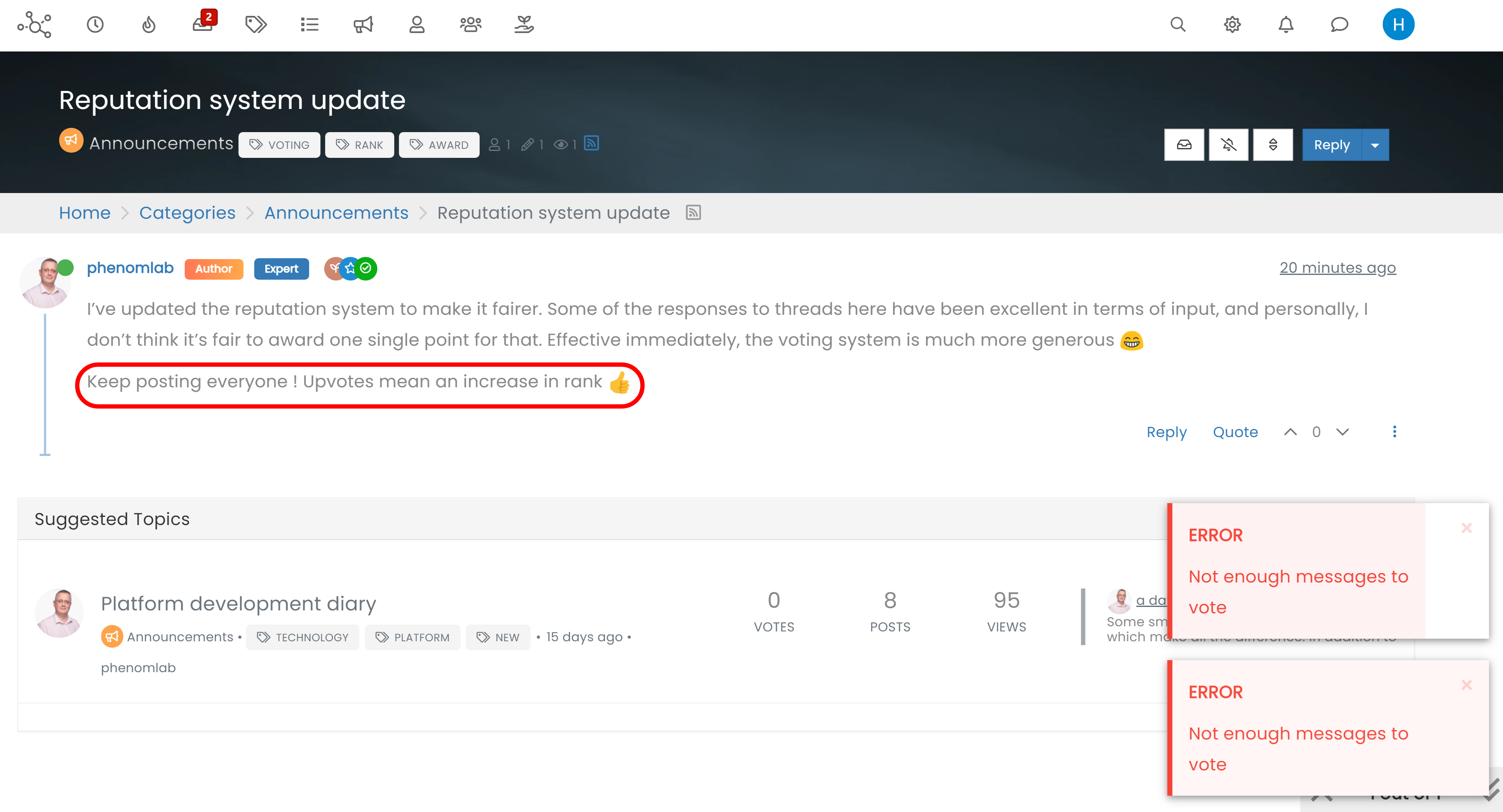
  • unable to upvote on forum

    Solved Performance
    10
    1
    3 Votes
    10 Posts
    3k Views
    @phenomlab yes, i can understand. it is working now