Skip to content

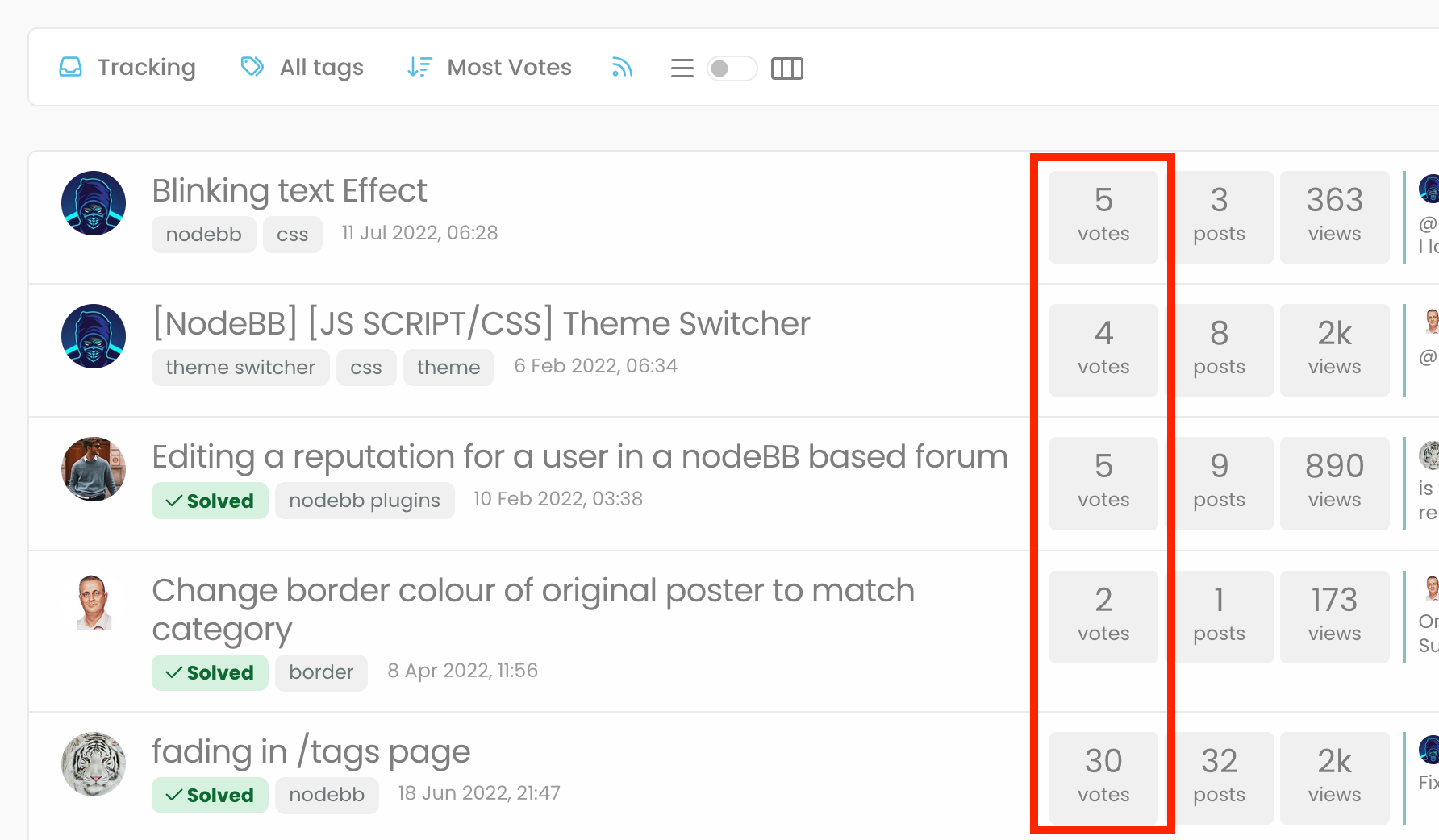
"most votes" ranking option is not respecting the plugin

Bugs
5 2 1.2k 1

Related Topics
  • 3 Votes
    1 Posts
    661 Views
    No one has replied
  • 2 Votes
    94 Posts
    16k Views
    @willi@social.tchncs.de a VPS can be had from DigitalOcean or Vultr quite economically (although I know that isn’t always the case in some countries) You can also use our referral link for an account credit too!
  • Fixed background to nodebb forum

    Solved Configure nodebb
    25
    4 Votes
    25 Posts
    7k Views
    @Panda said in Fixed background to nodebb forum: Chatgpt told me the ::before method. Go figure
  • Top Ranked Forums

    Chitchat nodebb top ranked
    9
    1
    3 Votes
    9 Posts
    2k Views
    The real issue here is that most people consider forums to be “dead” in the sense that nobody uses them anymore, and social media groups have taken their place. Their once dominant stance in the 90’s and early 00’s will never be experienced again, but having said that, there are a number of forums that did in fact survive the social media onslaught, and still enjoy a large user base. Forums tend to be niche. One that immediately sticks out is Reddit - despite looking like it was designed in the 80s, it still has an enormous user base. Another is Stack Overflow, which needs no introduction. The key to any forum is the content it offers, and the more people whom contribute in terms of posting , the more popular and widely respected it becomes as a reliable source of information. Forums are still intensely popular with gamers, alongside those that offer tips on hacking etc.
  • Rotating homepage icons, gifs?

    Solved Configure nodebb
    2
    3 Votes
    2 Posts
    910 Views
    @eveh It’s not a GIF, no. It’s actually a webp file so made much smaller, and uses keyframes to control the rotation on hover. You can easily make your own though The CSS for that is as below @keyframes rotate180 { from { transform: rotate(0deg); } to { transform: rotate(180deg); } } @keyframes rotate0 { from { transform: rotate(180deg); } to { transform: rotate(0deg); } } Your milage may vary on the CSS below, as it’s custom for Sudonix, but this is the class that is used to control the rotate .header .forum-logo, img.forum-logo.head { max-height: 50px; width: auto; height: 30px; margin-top: 9px; max-width: 150px; min-width: 32px; display: inline-block; animation-name: rotate180, rotate0; animation-duration: 1000ms; animation-delay: 0s, 1000ms; animation-iteration-count: 1; animation-timing-function: linear; transition: transform 1000ms ease-in-out; }
  • Title on homepage of nodebb forum

    Solved Customisation nodebb
    2
    1 Votes
    2 Posts
    1k Views
    @eveh Welcome board The code you are referring to is custom written as no such functionality exists under NodeBB. However, adding the functionality is relatively trivial. Below are the required steps Navigate to /admin/appearance/customise#custom-header Add the below code to your header, and save once completed <ol id="mainbanner" class="breadcrumb"><li id="addtext">Your Title Goes Here</li></ol> Navigate to /admin/appearance/customise#custom-js and add the below code, then save $(document).ready(function() { $(window).on('action:ajaxify.end', function(data) { // Initialise mainbanner ID, but hide it from view $('#mainbanner').hide(); var pathname = window.location.pathname; if (pathname === "/") { $("#addtext").text("Your Title"); $('#mainbanner').show(); } else {} // If we want to add a title to a sub page, uncomment the below and adjust accordingly //if (pathname === "/yourpath") { //$("#addtext").text("Your Title"); //$('#mainbanner').show(); //} }); }); Navigate to /admin/appearance/customise#custom-css and add the below CSS block .breadcrumb { right: 0; margin-right: auto; text-align: center; background: #0086c4; color: #ffffff; width: 100vw; position: relative; margin-left: -50vw; left: 50%; top: 50px; position: fixed; z-index: 1020; } Note, that you will need to adjust your CSS code to suit your own site / requirements.
  • Error install plugin

    Solved Customisation plugin nodebb
    8
    1
    1 Votes
    8 Posts
    4k Views
    @pobojmoks Not WP plugin but nodeBB but it a known bug
  • CSS codes for fa-info icon

    Solved Customisation nodebb
    9
    1
    6 Votes
    9 Posts
    2k Views
    I have just figured it out… it can be targeted with text-decoration-color: I was mistakenly using color