Threaded post support for NodeBB
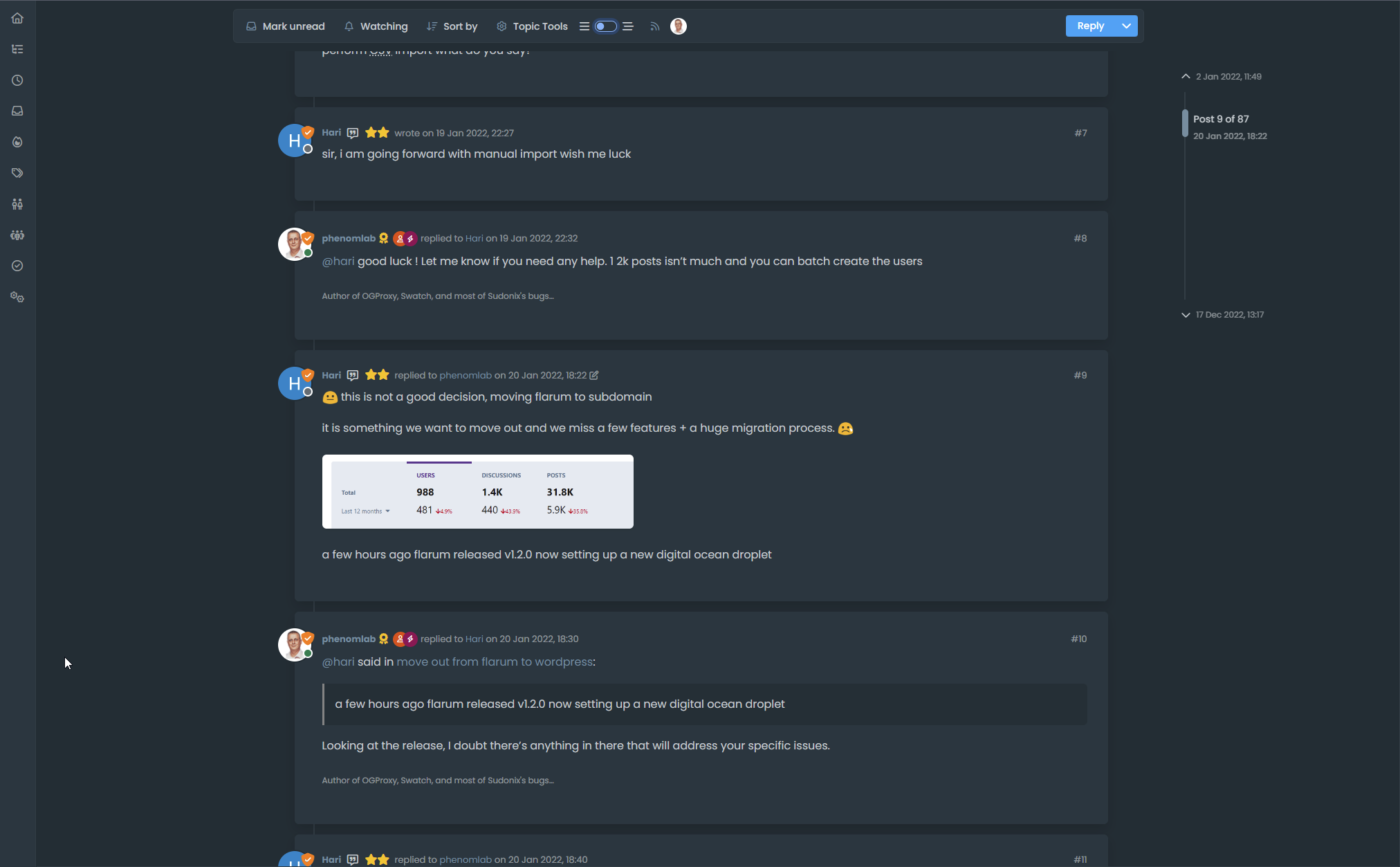

-
no return to vanilla background
vanilla: bs-body-bg
thread ON: bs-body-navbarPW and WS Spirit alive
-
-
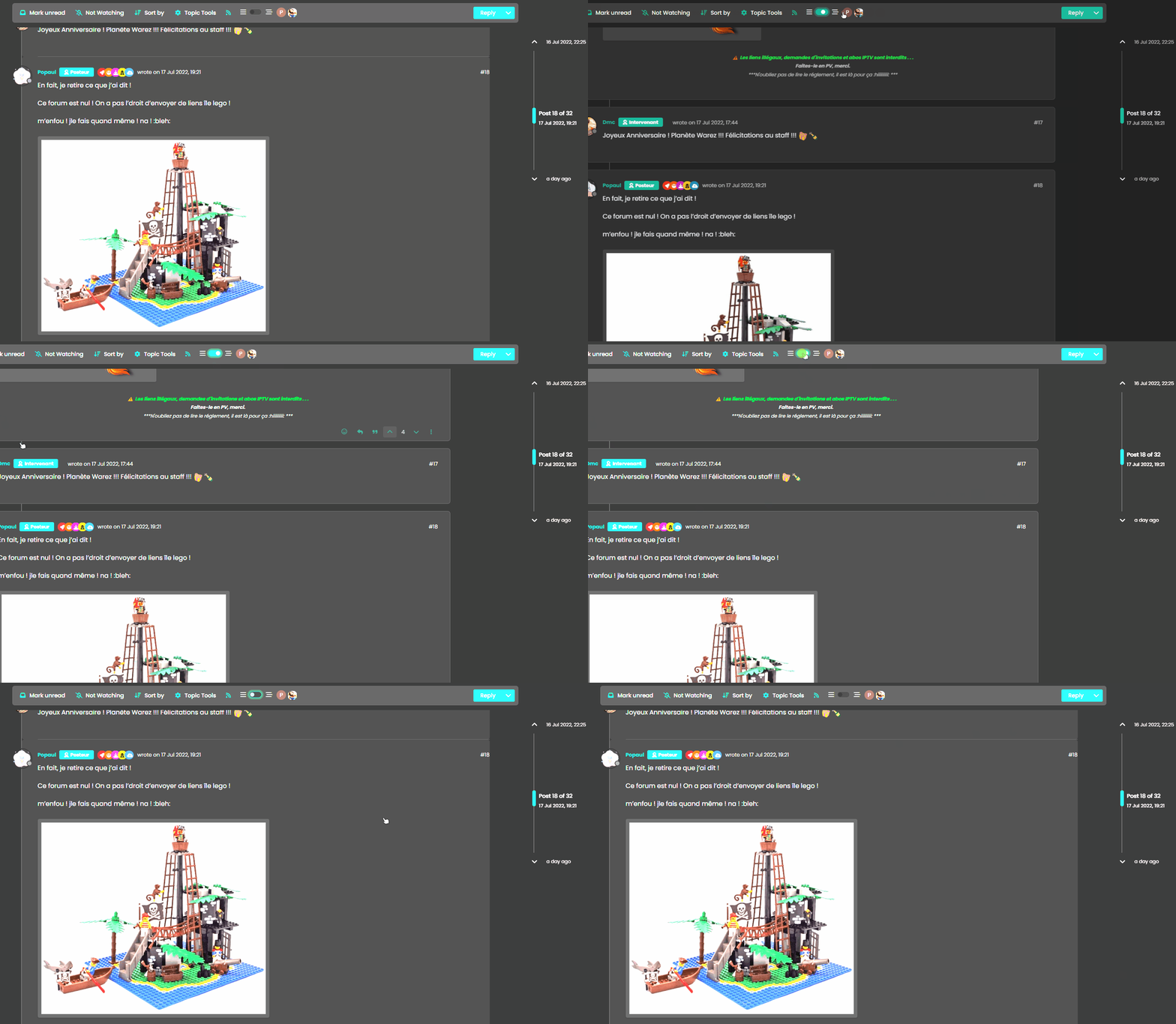
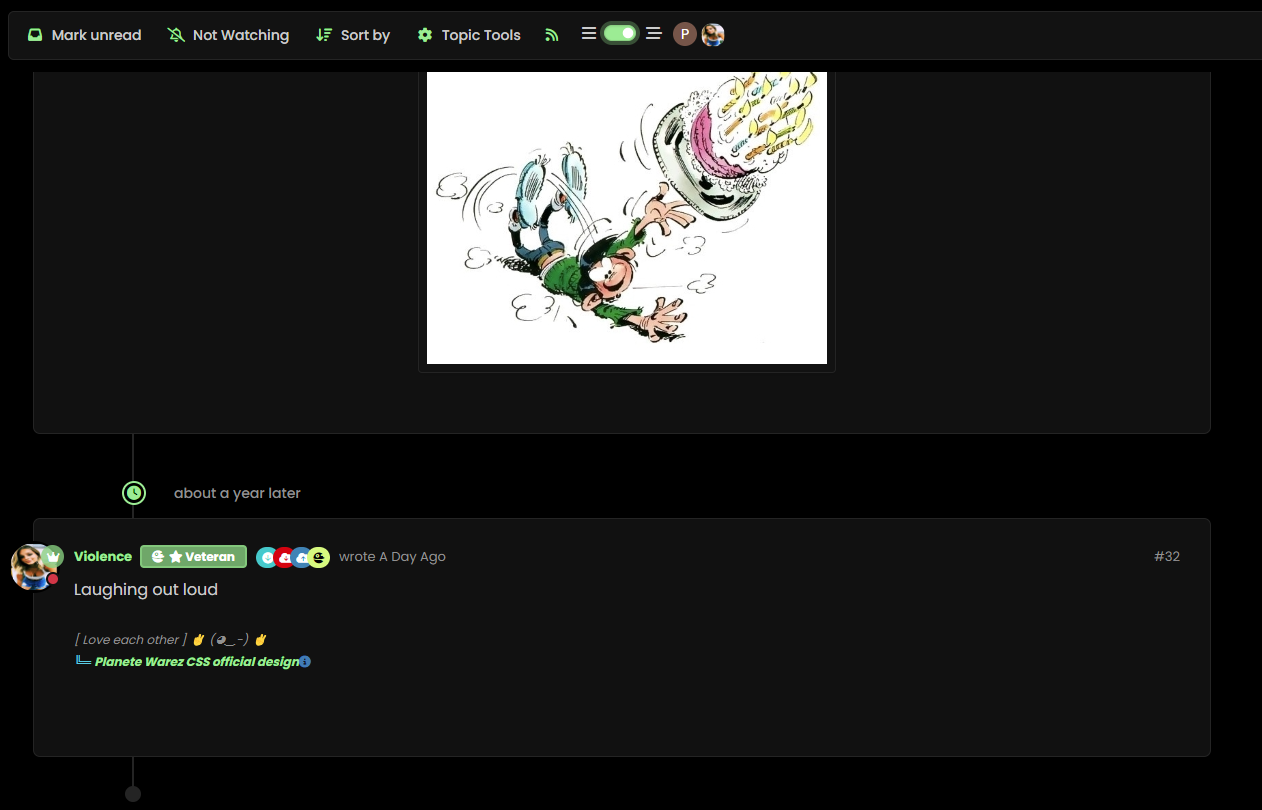
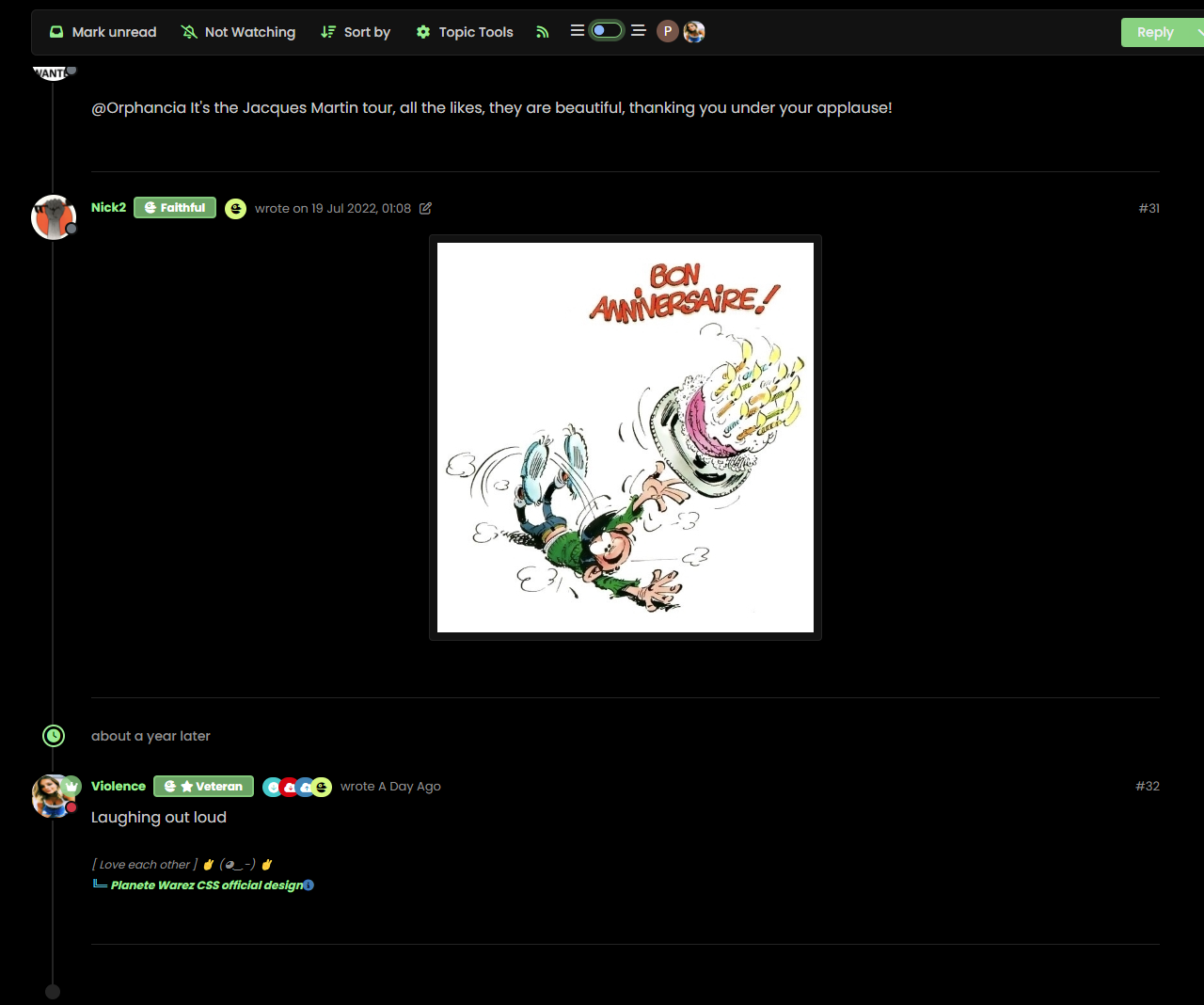
I have not the same result :
I have bs-body-bg with thread ON
PW and WS Spirit alive
-
@DownPW Isn’t that correct, or do you want
--bs-body-navbar? -
@DownPW said in Threading support for NodeBB:
vanilla: bs-body-bg
thread ON: bs-body-navbarPW and WS Spirit alive
-
@DownPW said in Threading support for NodeBB:
vanilla: bs-body-bg
thread ON: bs-body-navbar@DownPW Right. Hold on.
-
or maybe for each modification this must be specified twice ?
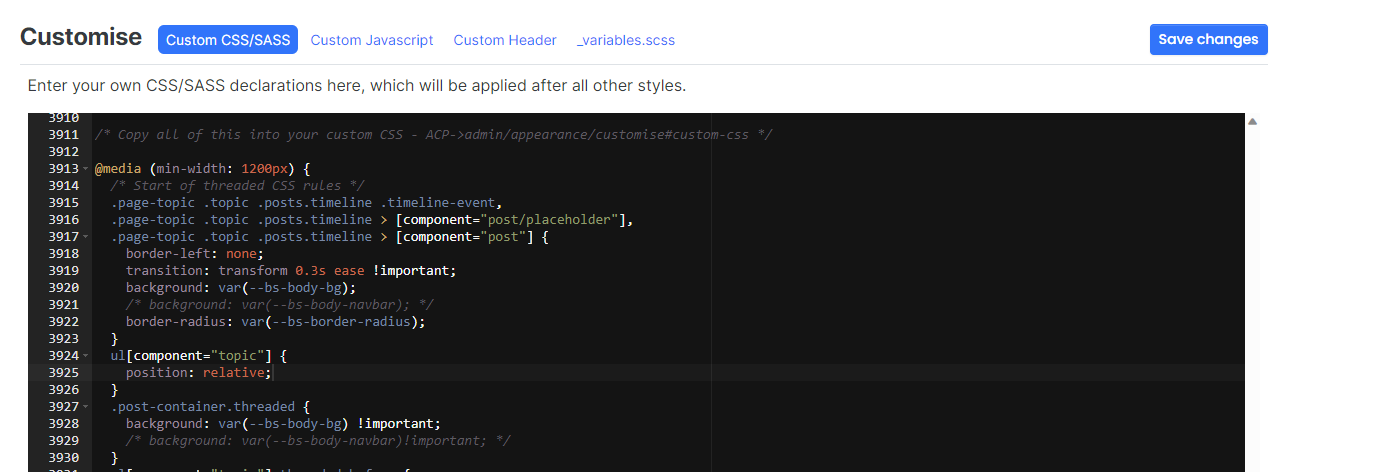
THREAD OFF
/* Start of threaded CSS rules */
.page-topic .topic .posts.timeline .timeline-event,
.page-topic .topic .posts.timeline > [component="post/placeholder"],
.page-topic .topic .posts.timeline > [component="post"] {
  border-left: none;
  transition: transform 0.3s ease !important;
  background: var(--bs-body-bg);
  /* background: var(--bs-body-navbar); */
  border-radius: var(--bs-border-radius);
}
THREAD ON
/* Start of threaded CSS rules */
.page-topic .topic .posts.timeline .timeline-event,
.page-topic .topic .posts.timeline > [component="post/placeholder"],
.page-topic .topic .posts.timeline > [component="post"].threaded {
  border-left: none;
  transition: transform 0.3s ease !important;
  /* background: var(--bs-body-bg); */
  background: var(--bs-body-navbar);
  border-radius: var(--bs-border-radius);
}
Same things for other modif like border radius
PW and WS Spirit alive
-
or maybe for each modification this must be specified twice ?
THREAD OFF
/* Start of threaded CSS rules */
.page-topic .topic .posts.timeline .timeline-event,
.page-topic .topic .posts.timeline > [component="post/placeholder"],
.page-topic .topic .posts.timeline > [component="post"] {
  border-left: none;
  transition: transform 0.3s ease !important;
  background: var(--bs-body-bg);
  /* background: var(--bs-body-navbar); */
  border-radius: var(--bs-border-radius);
}
THREAD ON
/* Start of threaded CSS rules */
.page-topic .topic .posts.timeline .timeline-event,
.page-topic .topic .posts.timeline > [component="post/placeholder"],
.page-topic .topic .posts.timeline > [component="post"].threaded {
  border-left: none;
  transition: transform 0.3s ease !important;
  /* background: var(--bs-body-bg); */
  background: var(--bs-body-navbar);
  border-radius: var(--bs-border-radius);
}
Same things for other modif like border radius
@DownPW Try now.
-

One or 2 classes are missing in Thread ON mode but this is the logic I want.
What have you done that I can understand and modify?
PW and WS Spirit alive
-
One or 2 classes are missing in Thread ON mode but this is the logic I want.
What have you done that I can understand and modify?
@DownPW Good…
Added
  li.pt-4.threaded {
    background: var(--bs-body-navbar) !important;
}
Modified
.page-topic .topic .posts.timeline .timeline-event, .page-topic .topic .posts.timeline > [component="post/placeholder"], .page-topic .topic .posts.timeline > [component="post"] { border-left: none; transition: transform 0.3s ease !important; background: var(--bs-body-bg); border-radius: var(--bs-border-radius); } -
hmm Ok
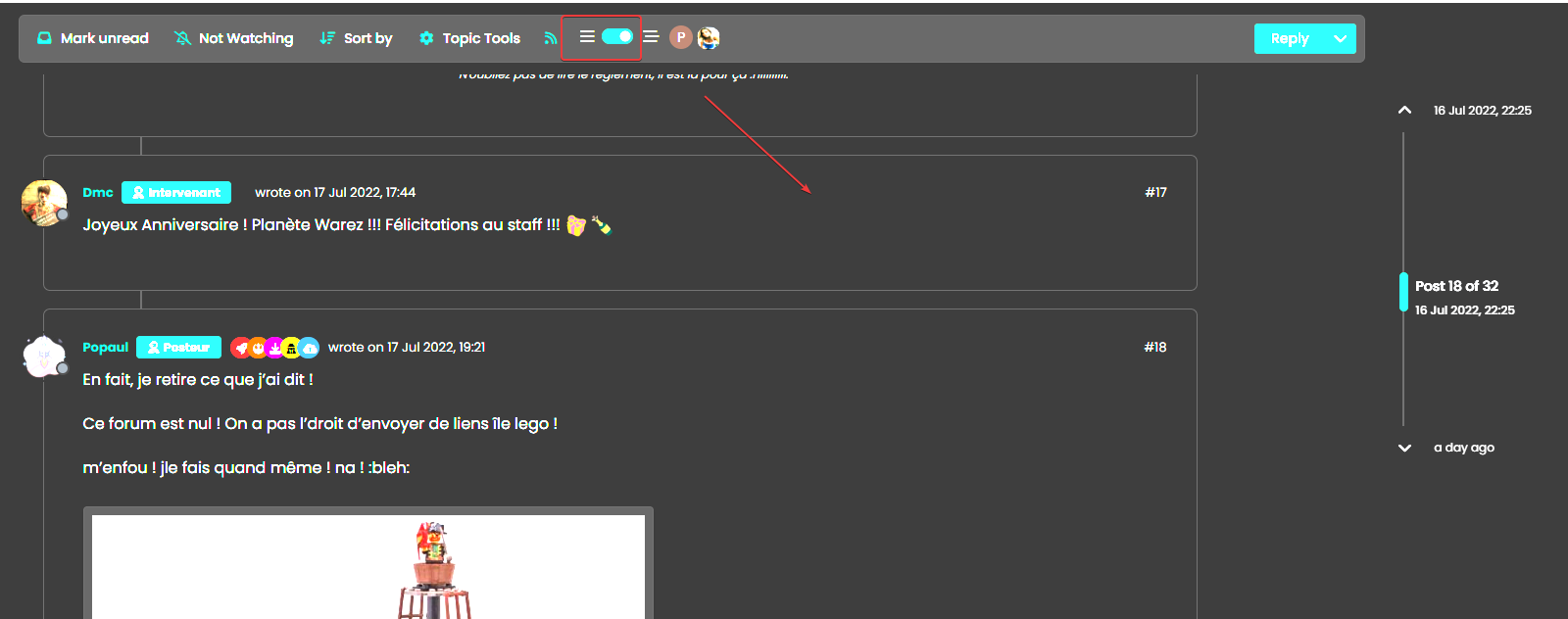
For once I don’t understand the logicJust one thing I have added befor one Thread ON mode :
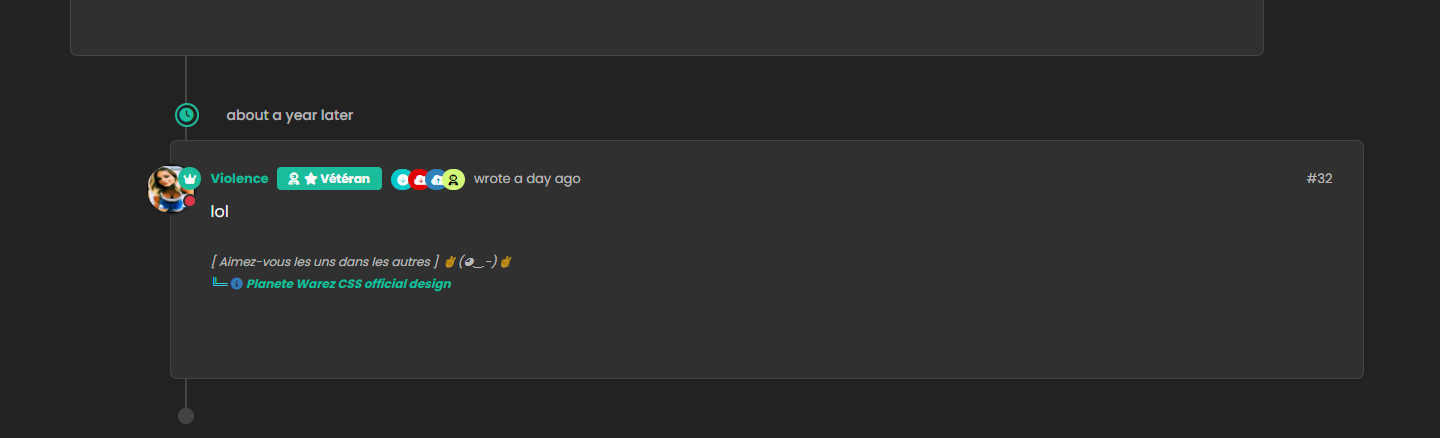
PW and WS Spirit alive
-
hmm Ok
For once I don’t understand the logicJust one thing I have added befor one Thread ON mode :
-
Hmm problem, incognito mode and on your screen = not thread mode with Threadinf ON
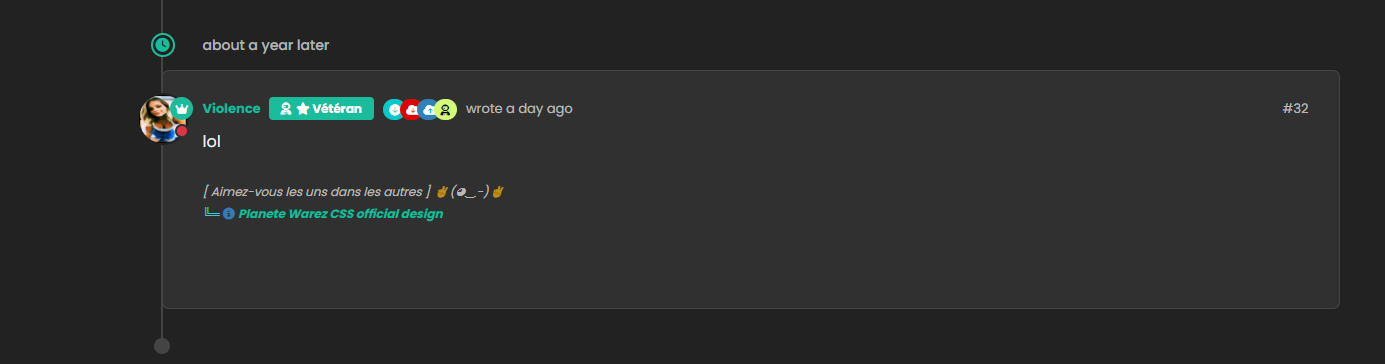
(see my last self post/last post)And I see this rest of thread ON border-radius on vanilla :
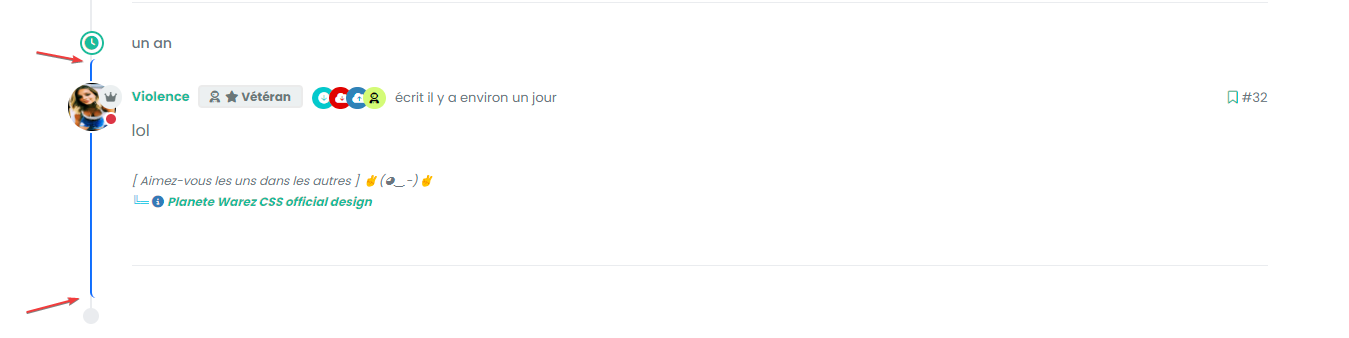
Seem very hard to understand
PW and WS Spirit alive
-
Hmm problem, incognito mode and on your screen = not thread mode with Threadinf ON
(see my last self post/last post)And I see this rest of thread ON border-radius on vanilla :
Seem very hard to understand
@DownPW This one?
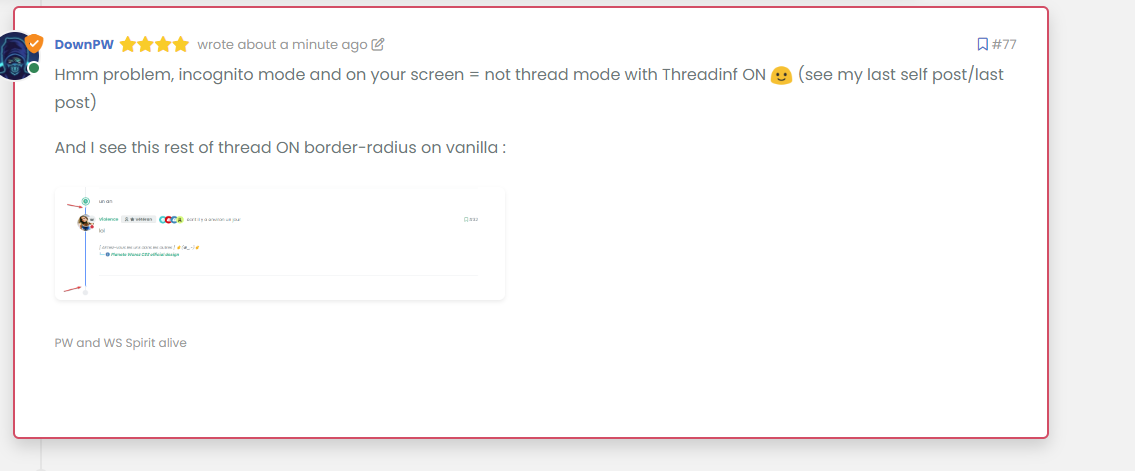
Seems fine to me?
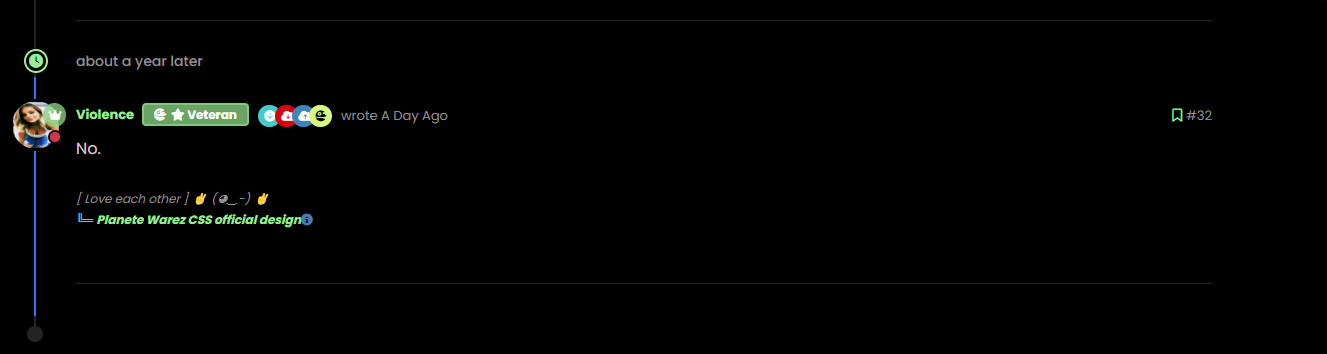
For the radius issue on highlight, this will fix it (I updated your CSS already)
.page-topic .topic .posts.timeline .timeline-event.highlight, .page-topic .topic .posts.timeline > [component="post/placeholder"].highlight, .page-topic .topic .posts.timeline > [component=post].highlight {
    border-left: 2px solid #0d6efd !important;
    margin-left: 22px;
    transition: transform 0.3s ease !important;
    border-radius: 0px;
}
-
nope we have top and bottom left border radius. On vanilla harmony, we have not
PW and WS Spirit alive
-
but the most important thing for now is that we lost the Threading effect
PW and WS Spirit alive
-
@DownPW said in Threading support for NodeBB:
nope we have top and bottom left border radius. On vanilla harmony, we have not
No, you don’t - see my screenshot…
-
ah ok you just edited
-
@DownPW said in Threading support for NodeBB:
but the most important thing for now is that we lost the Threading effect
Nope. I see this as working correctly in standard and incognito mode.
-
Arf yes sorry. Apologies
But it’s seem we have lost margin-left
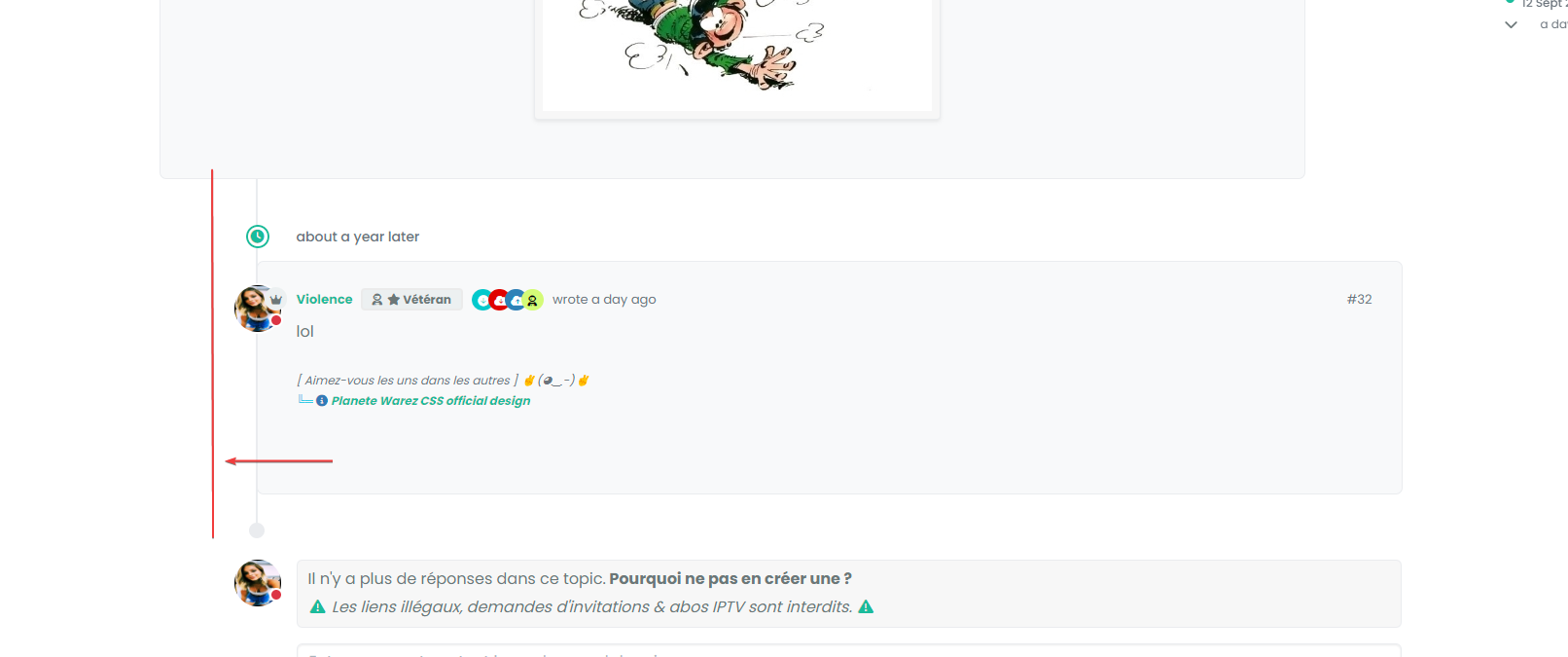
you have same things ?
PW and WS Spirit alive


Hello! It looks like you're interested in this conversation, but you don't have an account yet.
Getting fed up of having to scroll through the same posts each visit? When you register for an account, you'll always come back to exactly where you were before, and choose to be notified of new replies (either via email, or push notification). You'll also be able to save bookmarks and upvote posts to show your appreciation to other community members.
With your input, this post could be even better 💗
Register LoginRelated Topics
-
Please help me, I can't install nodebb
Locked Solved Customisation -
-
-
-
-
-
-