Skip to content

Threaded post support for NodeBB

Let's Build It
146 5 116.5k 1
  • wrote on last edited by
    #64

    nope for me

    image.png

  • wrote on last edited by DownPW
    #65

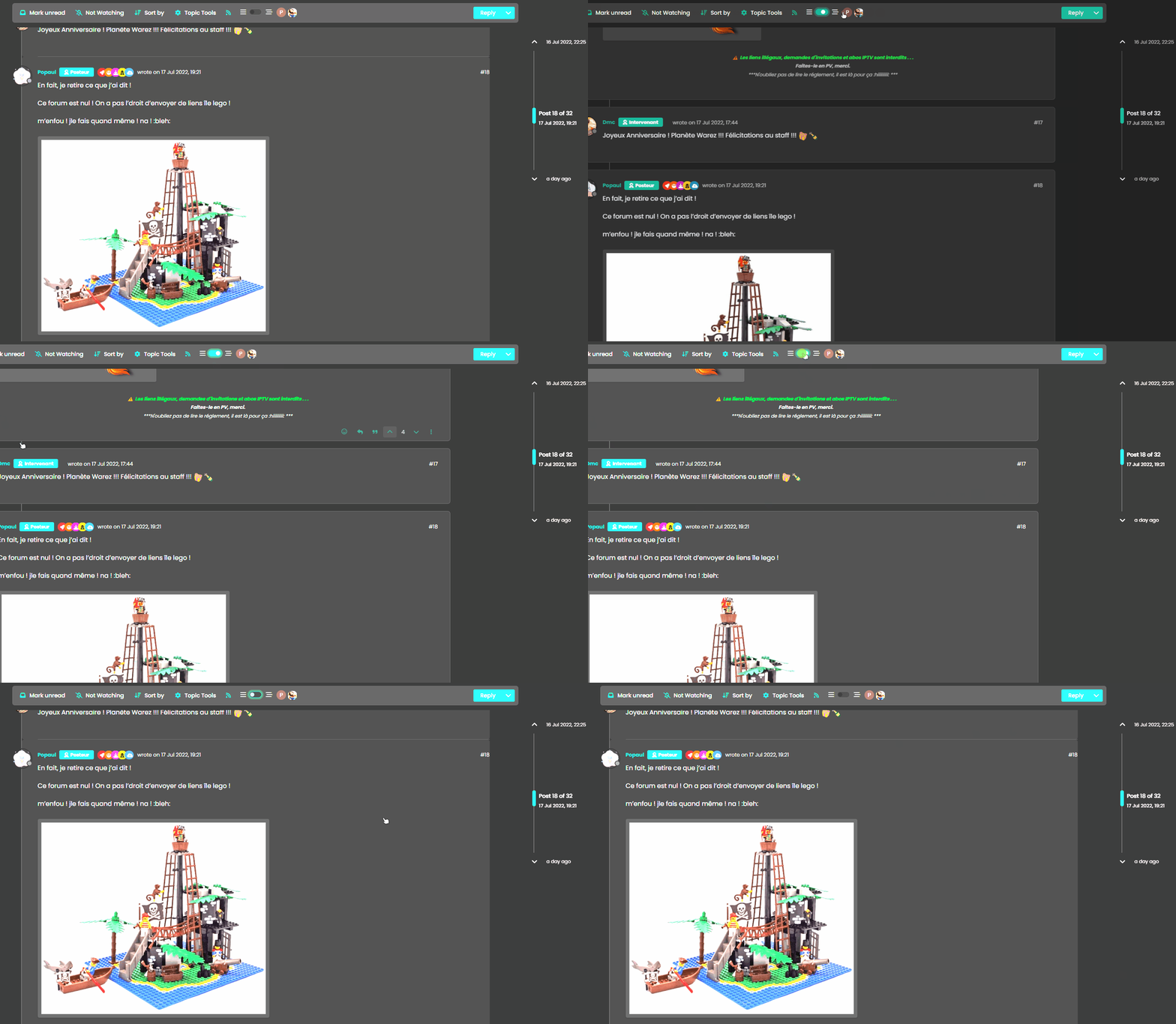
    no return to vanilla background

    blink2.gif

    vanilla: bs-body-bg
    thread ON: bs-body-navbar

  • no return to vanilla background

    blink2.gif

    vanilla: bs-body-bg
    thread ON: bs-body-navbar

    wrote on last edited by
    #66

    @DownPW Because your CSS has not been altered dude.

    ebe21e6c-5409-498f-a5dd-605403c52622-image.png

    Try now. It works for me?

  • wrote on last edited by DownPW
    #67

    I have not the same result :

    image.png

    I have bs-body-bg with thread ON

  • I have not the same result :

    image.png

    I have bs-body-bg with thread ON

    wrote on last edited by
    #68

    @DownPW Isn’t that correct, or do you want --bs-body-navbar ?

  • no return to vanilla background

    blink2.gif

    vanilla: bs-body-bg
    thread ON: bs-body-navbar

    wrote on last edited by
    #69

    @DownPW said in Threading support for NodeBB:

    vanilla: bs-body-bg
    thread ON: bs-body-navbar

  • @DownPW said in Threading support for NodeBB:

    vanilla: bs-body-bg
    thread ON: bs-body-navbar

    wrote on last edited by
    #70

    @DownPW Right. Hold on.

  • wrote on last edited by DownPW
    #71

    or maybe for each modification this must be specified twice ?

    THREAD OFF

    /* Start of threaded CSS rules */
    .page-topic .topic .posts.timeline .timeline-event,
    .page-topic .topic .posts.timeline > [component="post/placeholder"],
    .page-topic .topic .posts.timeline > [component="post"] {
      border-left: none;
      transition: transform 0.3s ease !important;
      background: var(--bs-body-bg);
      /* background: var(--bs-body-navbar); */
      border-radius: var(--bs-border-radius);
    }
    

    THREAD ON

    /* Start of threaded CSS rules */
    .page-topic .topic .posts.timeline .timeline-event,
    .page-topic .topic .posts.timeline > [component="post/placeholder"],
    .page-topic .topic .posts.timeline > [component="post"].threaded {
      border-left: none;
      transition: transform 0.3s ease !important;
      /* background: var(--bs-body-bg); */
      background: var(--bs-body-navbar);
      border-radius: var(--bs-border-radius);
    }
    

    Same things for other modif like border radius

  • or maybe for each modification this must be specified twice ?

    THREAD OFF

    /* Start of threaded CSS rules */
    .page-topic .topic .posts.timeline .timeline-event,
    .page-topic .topic .posts.timeline > [component="post/placeholder"],
    .page-topic .topic .posts.timeline > [component="post"] {
      border-left: none;
      transition: transform 0.3s ease !important;
      background: var(--bs-body-bg);
      /* background: var(--bs-body-navbar); */
      border-radius: var(--bs-border-radius);
    }
    

    THREAD ON

    /* Start of threaded CSS rules */
    .page-topic .topic .posts.timeline .timeline-event,
    .page-topic .topic .posts.timeline > [component="post/placeholder"],
    .page-topic .topic .posts.timeline > [component="post"].threaded {
      border-left: none;
      transition: transform 0.3s ease !important;
      /* background: var(--bs-body-bg); */
      background: var(--bs-body-navbar);
      border-radius: var(--bs-border-radius);
    }
    

    Same things for other modif like border radius

    wrote on last edited by
    #72

    @DownPW Try now.

  • wrote on last edited by
    #73

    🙂

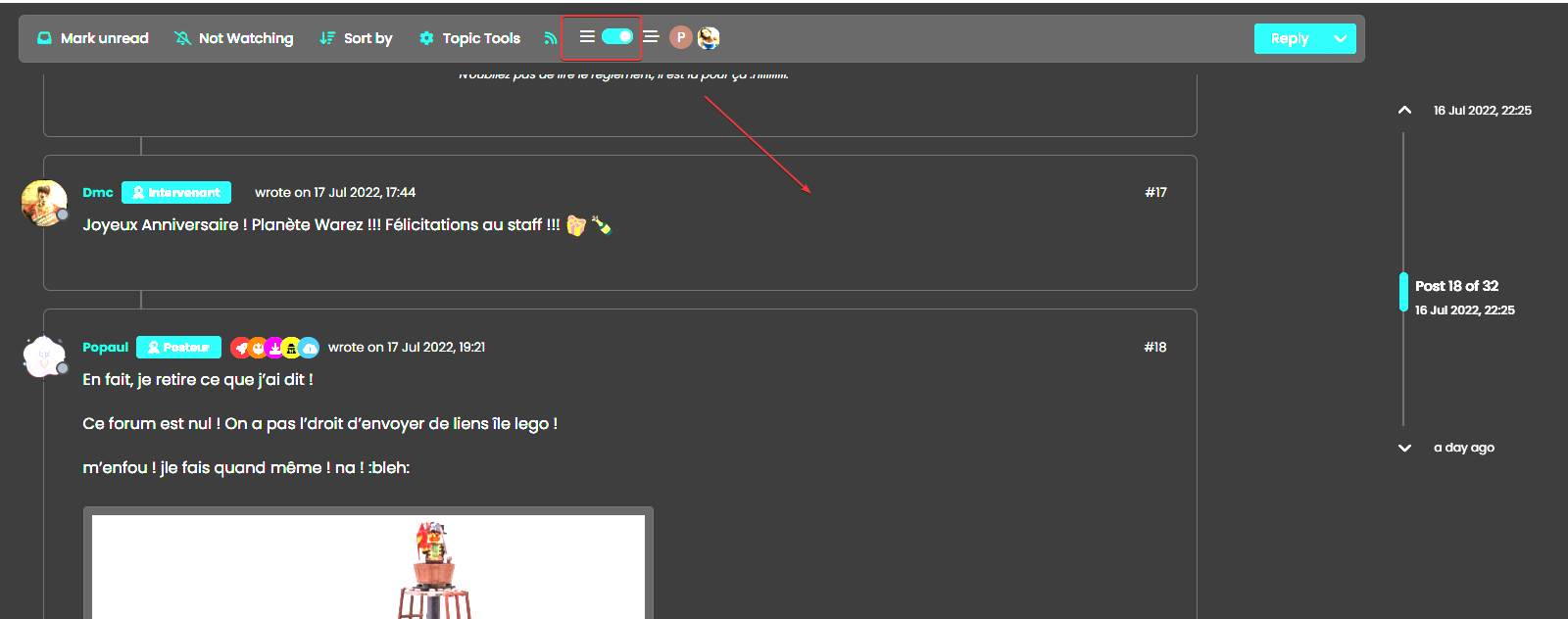
    One or 2 classes are missing in Thread ON mode but this is the logic I want.

    What have you done that I can understand and modify?

  • 🙂

    One or 2 classes are missing in Thread ON mode but this is the logic I want.

    What have you done that I can understand and modify?

    wrote on last edited by
    #74

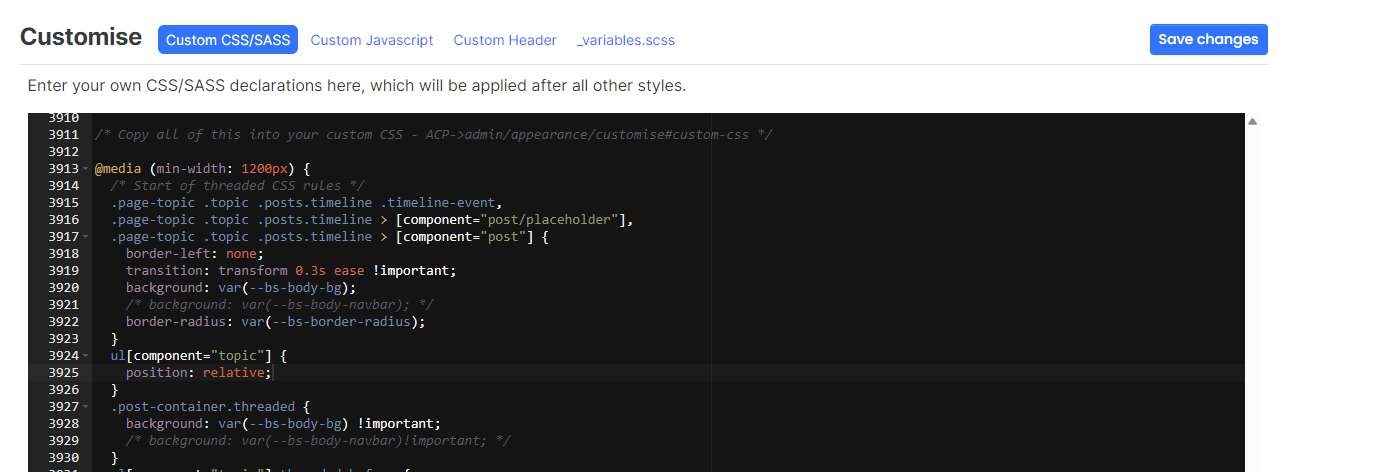
    @DownPW Good…

    Added

      li.pt-4.threaded {
        background: var(--bs-body-navbar) !important;
    }
    

    Modified

      .page-topic .topic .posts.timeline .timeline-event,
      .page-topic .topic .posts.timeline > [component="post/placeholder"],
      .page-topic .topic .posts.timeline > [component="post"] {
        border-left: none;
        transition: transform 0.3s ease !important;
        background: var(--bs-body-bg); 
        border-radius: var(--bs-border-radius);
      }
    
  • wrote on last edited by DownPW
    #75

    hmm Ok
    For once I don’t understand the logic 🙂

    Just one thing I have added befor one Thread ON mode :
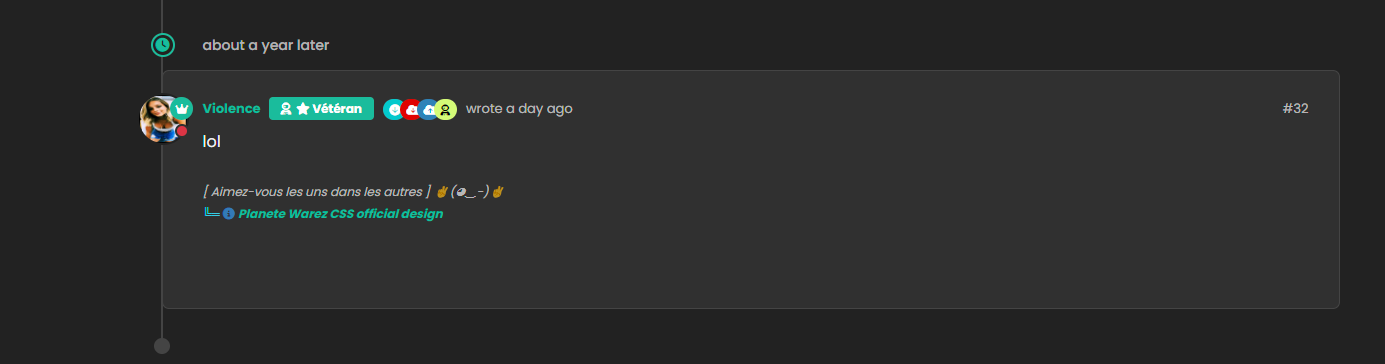
    image.png
    image.png

  • hmm Ok
    For once I don’t understand the logic 🙂

    Just one thing I have added befor one Thread ON mode :
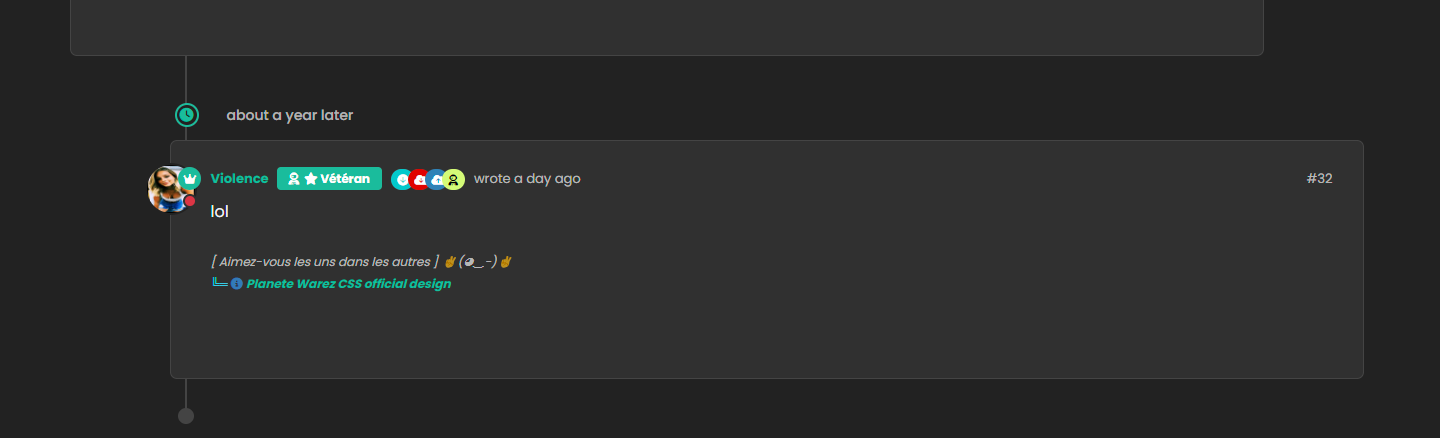
    image.png
    image.png

    wrote on last edited by
    #76

    @DownPW Caching issue I think. Seems to work ok for me

    Threading On

    00542631-8e3c-4ca7-b7ec-bb851a883bdb-image.png

    Threading Off

    f82a0eba-8361-4900-93e1-2af05e3b33a3-image.png

  • wrote on last edited by DownPW
    #77

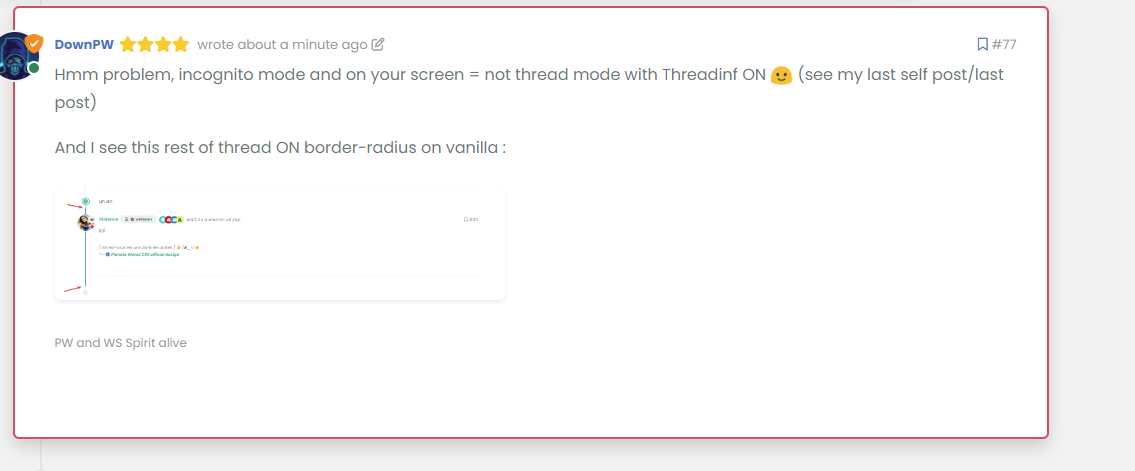
    Hmm problem, incognito mode and on your screen = not thread mode with Threadinf ON 🙂 (see my last self post/last post)

    And I see this rest of thread ON border-radius on vanilla :
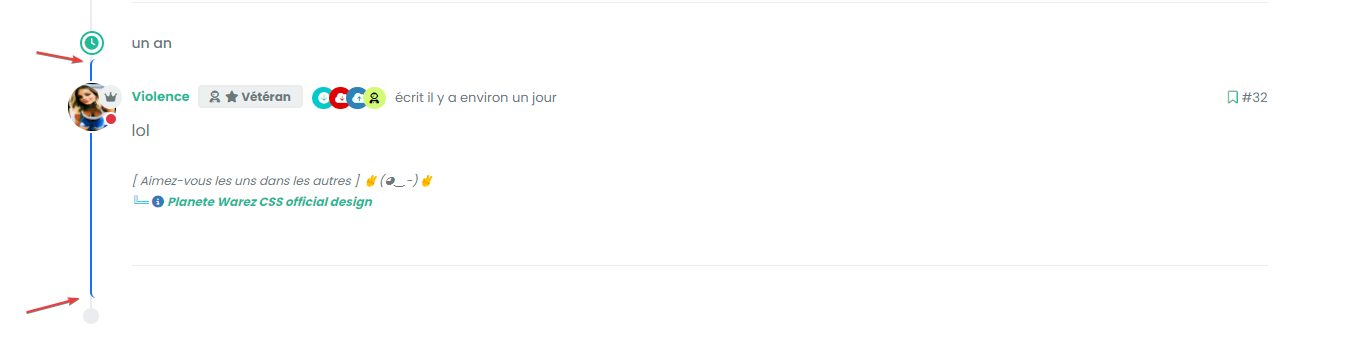
    image.png

    Seem very hard to understand

  • Hmm problem, incognito mode and on your screen = not thread mode with Threadinf ON 🙂 (see my last self post/last post)

    And I see this rest of thread ON border-radius on vanilla :

    image.png

    Seem very hard to understand

    wrote on last edited by phenomlab
    #78

    @DownPW This one?

    9ab34fe4-53c7-4466-b2bf-ee77a9495cf1-image.png

    Seems fine to me?

    For the radius issue on highlight, this will fix it (I updated your CSS already)

    .page-topic .topic .posts.timeline .timeline-event.highlight, .page-topic .topic .posts.timeline > [component="post/placeholder"].highlight, .page-topic .topic .posts.timeline > [component=post].highlight {
        border-left: 2px solid #0d6efd !important;
        margin-left: 22px;
        transition: transform 0.3s ease !important;
        border-radius: 0px;
    }
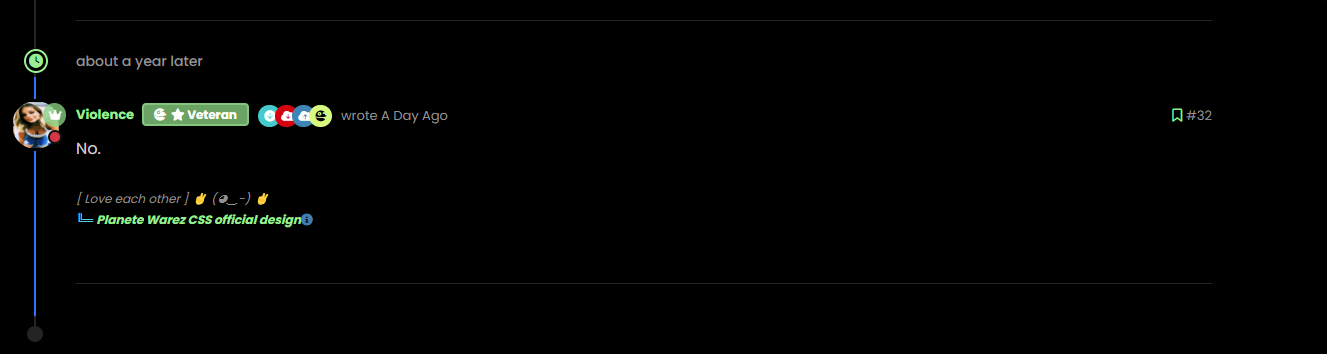
    

    7de4ff82-561b-49f2-9e80-b4876e2caaba-image.png

  • wrote on last edited by
    #79

    nope we have top and bottom left border radius. On vanilla harmony, we have not

  • wrote on last edited by
    #80

    but the most important thing for now is that we lost the Threading effect

  • nope we have top and bottom left border radius. On vanilla harmony, we have not

    wrote on last edited by
    #81

    @DownPW said in Threading support for NodeBB:

    nope we have top and bottom left border radius. On vanilla harmony, we have not

    No, you don’t - see my screenshot…

  • wrote on last edited by
    #82

    ah ok you just edited

  • but the most important thing for now is that we lost the Threading effect

    wrote on last edited by phenomlab
    #83

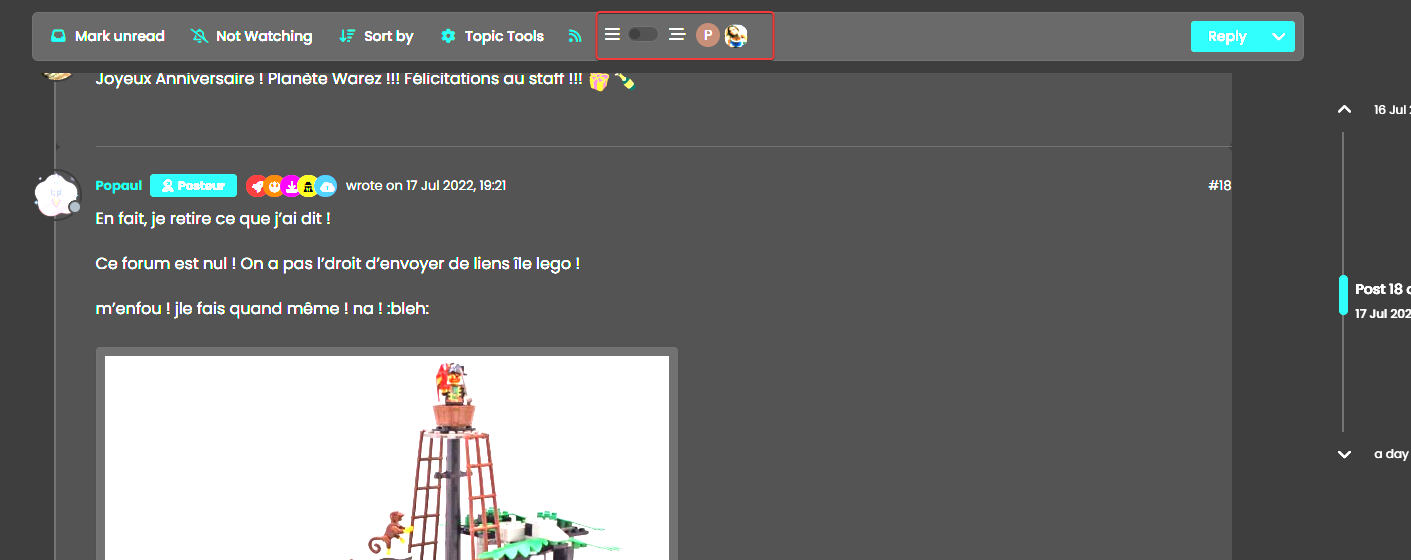
    @DownPW said in Threading support for NodeBB:

    but the most important thing for now is that we lost the Threading effect

    Nope. I see this as working correctly in standard and incognito mode.

Related Topics
  • 3 Votes
    2 Posts
    2k Views
    DownPW
    Very great
  • MogoDB v6 to v7 upgrade

    Solved Configure nodebb
    5
    1 Votes
    5 Posts
    2k Views
    phenomlab
    @Panda if you used the Ubuntu PPA, I think this only goes as far as 6.x if I recall correctly.
  • Bug Report

    Solved Bugs nodebb bugs
    47
    1
    26 Votes
    47 Posts
    20k Views
    phenomlab
    @crazycells Good points, thanks. I completely forgot that classes are added - makes life much simpler! EDIT - seems this is pretty straightforward, and only needs the below CSS .upvoted i { color: var(--bs-user-level) !important; } This then yields [image: 3f072f8a-ebfa-4910-8723-73c493b8e4eb-image.png] However, the caveat here is that the .upvoted class will only show for your upvotes, and nobody else’s. However, this does satisfy the original request however I would love to see my upvoted posts more clearly, because currently, when I upvote, nothing on the post tool is changing, it would be nicer if there is an indication that I have upvoted (like a filled or colored triangle?)
  • Setup OGProxy for use in NodeBB

    Moved Let's Build It ogproxy opengraph npm node
    110
    2
    21 Votes
    110 Posts
    55k Views
    phenomlab
    @crazycells said in Setup OGProxy for use in NodeBB: are they cached for each user separately? No. It’s a shared cache @crazycells said in Setup OGProxy for use in NodeBB: additionally, this is also handling youtube videos etc, right? No. This is handled by nodebb-plugin-ns-embed
  • Setting up a beta NodeBB v3 environment

    Moved Let's Build It nodebb upgrades beta1
    14
    3
    11 Votes
    14 Posts
    6k Views
    phenomlab
    @dave1904 excellent news. Thanks for the feedback
  • Upgrade Problem from 2.8.3 to 2.8.4

    Solved Configure nodebb
    35
    1
    8 Votes
    35 Posts
    12k Views
    phenomlab
    @cagatay No, you can ignore that.
  • NodeBB 1.19.3

    Solved Performance nodebb 1.19.3 performance
    33
    4 Votes
    33 Posts
    16k Views
    DownPW
    @phenomlab I find the problem Mark The error message indicated this path : http://localhost:4567/assets/plugins/nodebb-plugin-emoji/emoji/styles.css?v=6983dobg16u I change the path url on config.json [image: 47bacc80-f141-41e4-a261-3f8d650cc6f6-image.png] And all it’s good Weird, I didn’t have to change that path before 1.19.3 But this does not prevent the problem from a clean install with Emoji Plugin EDIT: After test, that resolv the problem installation for 1.18.x but not for 1.19.x (I have other error message when I run ./nodebb Setup For resume: NodeJS 16_x with 1.18.x is ok
  • creating topic specific widgets

    Solved Customisation nodebb
    16
    10 Votes
    16 Posts
    7k Views
    phenomlab
    @crazycells said in creating topic specific widgets: Additionally if hide class exists, why are we re-defining it? We’re not 🤭 I misspelled it - it should be hidden