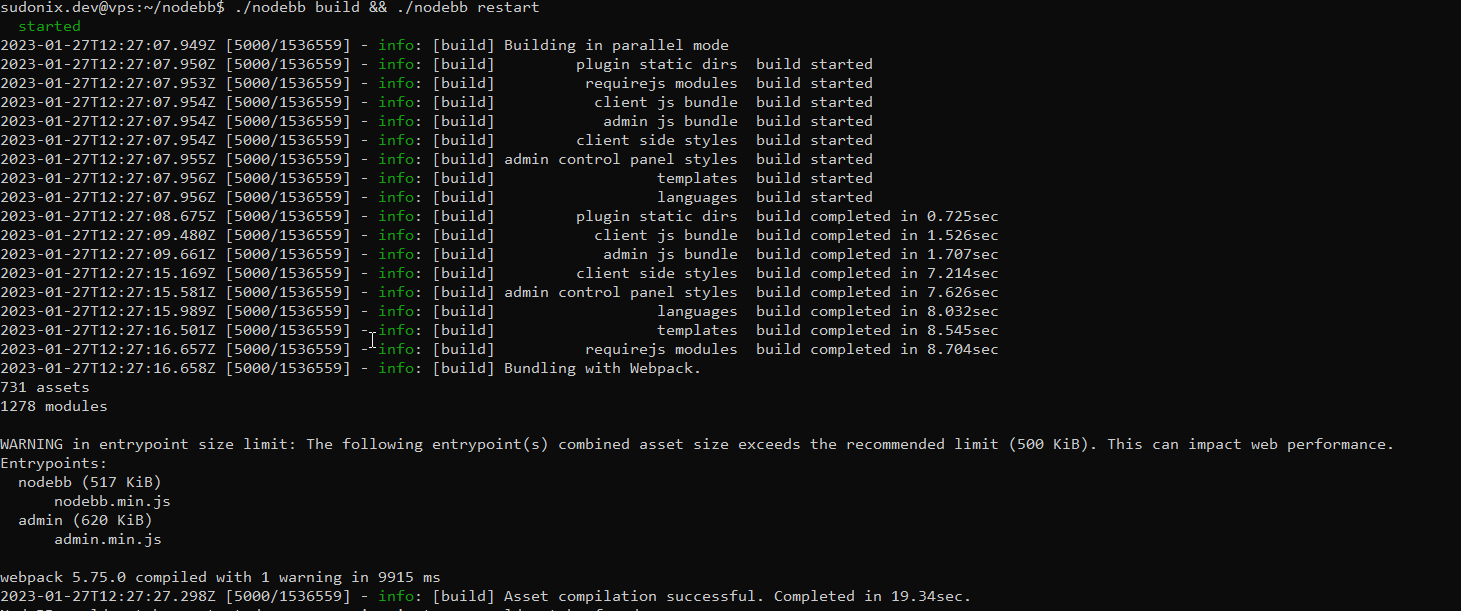
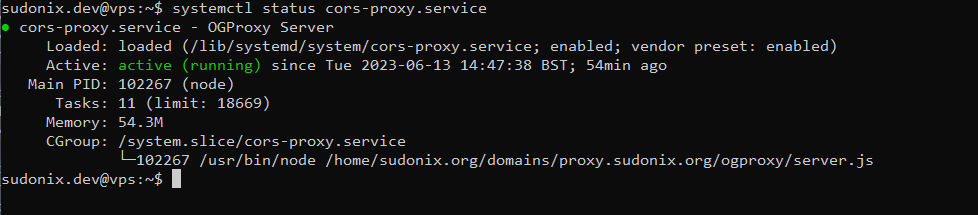
Setup OGProxy for use in NodeBB

-
-

fixed

with this code (add no border and change width) :
.card.card-wrapper {
    background: none;
    border: none;
    /* width: 450px; */
    width: 100%;
}
All the code fixed for Desktop & Smartphone and adding Effect hover Iframe :
/*----------------------------------------------------------------------------*/ /*------------------ nodebb-plugin-OGPROXY ----------------------*/ /*----------------------------------------------------------------------------*/ /* Desktop */ .card img.card-favicon { max-width: 21px; max-height: 21px; margin-right: 10px; } h4.card-site-title { color: var(--bs-body-color); text-transform: capitalize; } .card.card-preview { margin: 20px 0 20px 0; width: 50%; } .card.card-wrapper { background: none; border: none; /* width: 450px; */ width: 100%; } [component="chat/message"] .card.card-preview { margin: 20px 0 20px 0; width: 30%; } .card.card-preview img:not(.card-favicon) { object-fit: cover; width: 100%; max-height: 15rem; border-top-left-radius: 0.375rem; border-top-right-radius: 0.375rem; } .card.card-preview .img-fluid { max-width: 100% !important; } .card-preview p.card-text { font-size: 80%; color: var(--bs-body-color); } .card-preview h5.card-title { font-weight: 600; font-size: 120%; color: var(--bs-body-color); } /* Effect hover Iframe */ .card-image-container { max-width: 100%; max-height: 250px; overflow: hidden; border-top-left-radius: 0.375rem !important; border-top-right-radius: 0.375rem !important; } #card-image { -webkit-transition: all 0.8s ease; -moz-transition: all 0.8s ease; transition: all 0.8s ease; } #card-image:hover { transform: scale(1.5,1.5); } /* Smartphone */ @media (max-width: 1010px) { [component="chat/message"] .card.card-preview { margin: 20px 0 20px 0; width: 100%; } .card.card-preview { margin: 20px 0 20px 0; width: 100%; } } -

Found another bug where mentions are converted into preview links in chat where they shouldn’t be (thanks @DownPW for reporting).
-
-
i confused. what i have to do add or delete
@cagatay see below
https://github.com/phenomlab/ogproxy/blob/03d5ff125611361700d785bd82a6ab16fcd68bfc/function.js#L7
It’s basically this line - replace what you already have in your JS functions with this one.
Mark Cutting also advises organisations as a Fractional CIO, Fractional CISO and Executive Advisor, helping boards improve technology governance, cyber resilience and executive decision making. Learn more at Gratmore Ltd
-
@cagatay see below
https://github.com/phenomlab/ogproxy/blob/03d5ff125611361700d785bd82a6ab16fcd68bfc/function.js#L7
It’s basically this line - replace what you already have in your JS functions with this one.

@phenomlab i think did it
-
phenomlab referenced this topic on
-

hi @phenomlab , what would be the difference between running this on server side (as link-preview plugin) or on client side (as ogproxy) in layman’s terms?
-
hi @phenomlab , what would be the difference between running this on server side (as link-preview plugin) or on client side (as ogproxy) in layman’s terms?
@crazycells In laymen terms, it means that there is zero load on the server because all rendering of website previews is handled client side. This makes it more performant on budget hosts because the processing is handled by the visiting web browser.
All sessions are also cached meaning it has superior speed.
Mark Cutting also advises organisations as a Fractional CIO, Fractional CISO and Executive Advisor, helping boards improve technology governance, cyber resilience and executive decision making. Learn more at Gratmore Ltd
-
@crazycells In laymen terms, it means that there is zero load on the server because all rendering of website previews is handled client side. This makes it more performant on budget hosts because the processing is handled by the visiting web browser.
All sessions are also cached meaning it has superior speed.
@phenomlab are they cached for each user separately?
additionally, this is also handling youtube videos etc, right?
-
@phenomlab are they cached for each user separately?
additionally, this is also handling youtube videos etc, right?
@crazycells said in Setup OGProxy for use in NodeBB:
are they cached for each user separately?
No. It’s a shared cache
@crazycells said in Setup OGProxy for use in NodeBB:
additionally, this is also handling youtube videos etc, right?
No. This is handled by
nodebb-plugin-ns-embed -
phenomlab referenced this topic on
Hello! It looks like you're interested in this conversation, but you don't have an account yet.
Getting fed up of having to scroll through the same posts each visit? When you register for an account, you'll always come back to exactly where you were before, and choose to be notified of new replies (either via email, or push notification). You'll also be able to save bookmarks and upvote posts to show your appreciation to other community members.
With your input, this post could be even better 💗
Register Login