Skip to content

Linux

21 Topics 317 Posts

Linux issue? Get help here

  • To the Window to the Linux . . .

    Pinned arch linux windows endoflife
    22
    19 Votes
    22 Posts
    2k Views
    @phenomlab said: @Madchatthew ouch. Sounds nasty. Did you get to the bottom of why it happened? I believe it is due to not everything getting upgraded because i wasn’t checking on the different packages I had installed from the AUR. Then when I ran yay it was like, hey would you like to update all of these things that you haven’t updated in months, perhaps years or ever for that matter and I was like yes please If you don’t have yay there are no notifications that you need more updates than what you realize. Chrome was staying updated because it would give me a notification, but there was the nvidia package that needed to be upgraded as well and I had never upgraded it. I didn’t realize it and should have. Then some of those packages use cmake and that needed to be updated as well. So using yay is beneficial to make sure you get all the updates you need.
  • Arch Linux | Reflector

    arch linux pacman reflector updates
    4
    4 Votes
    4 Posts
    2k Views
    I have another update for reflector that I just figured out. You will want to edit the following file and add details to make sure that every time it updates the mirror list, it is grabbing them from your country and I grab 10 and sort them by rate. This will ensure that your mirrorlist isn’t getting populated with links from other countries which can slow down you downloads. sudo nano /etc/xdg/reflector/reflector.conf This is what the file looks like. # Reflector configuration file for the systemd service. # # Empty lines and lines beginning with "#" are ignored. All other lines should # contain valid reflector command-line arguments. The lines are parsed with # Python's shlex modules so standard shell syntax should work. All arguments are # collected into a single argument list. # # See "reflector --help" for details. # Recommended Options # Set the output path where the mirrorlist will be saved (--save). --save /etc/pacman.d/mirrorlist # Select the transfer protocol (--protocol). --protocol https # Select the country (--country). # Consult the list of available countries with "reflector --list-countries" and # select the countries nearest to you or the ones that you trust. For example: --country US # Use only the most recently synchronized mirrors (--latest). --latest 10 # Sort the mirrors by synchronization time (--sort). --sort rate Here are the different flag options that you can change or add to this file. I found this on google by searching arch linux reflector flags. Filtering Options (What to find) --country <CODE/Name>: Selects mirrors from specific countries (e.g., US, France,Germany). Use {Link: reflector --list-countries https://archlinux.org/mirrors/status/}, for a full list. --protocol <http|https>: Filters for HTTP or HTTPS mirrors. --age <hours>: Only includes mirrors synced within the last X hours (e.g., --age 12). --delay <hours>: Limits to mirrors with a reported sync delay of X hours or less (e.g., --delay 0.25 for 15 mins). --latest <N>: Limits results to the top N newest mirrors. Sorting Options (How to order) --sort rate: Sorts by download speed (requires testing, can be slow). --sort age: Sorts by most recently synced. --sort score: Sorts by overall score. --sort country: Sorts by country, useful with multiple countries. Output Options (Where to put it) --save <path>: Writes the filtered/sorted list to a file (e.g., /etc/pacman.d/mirrorlist). --verbose or -v: Shows detailed progress and mirror info.
  • Linux on a Stick

    linux usb arch
    29
    16 Votes
    29 Posts
    4k Views
    @DownPW I haven’t tried either of those, I am sure they run fast as well. Linux is so versatile it is awesome!
  • Ubuntu 22.04 to Ubuntu 24.04 Unable to ping

    Locked Unsolved ubuntu
    37
    3 Votes
    37 Posts
    6k Views
    Okay, you have time, let me know
  • Linux Certification

    linux certs
    4
    2 Votes
    4 Posts
    786 Views
    @Madchatthew You might be sorry you asked This is the mentoring category below. Presently, it’s unused, but we have a dedicated area for it. https://sudonix.org/category/8/mentoring Other services https://sudonix.org/services
  • Arch Linux + Me = Crazy

    arch linux web server vps
    10
    0 Votes
    10 Posts
    1k Views
    @Madchatthew hmm, yes, that might be problematic.
  • 3 Votes
    30 Posts
    5k Views
    @DownPW any update?
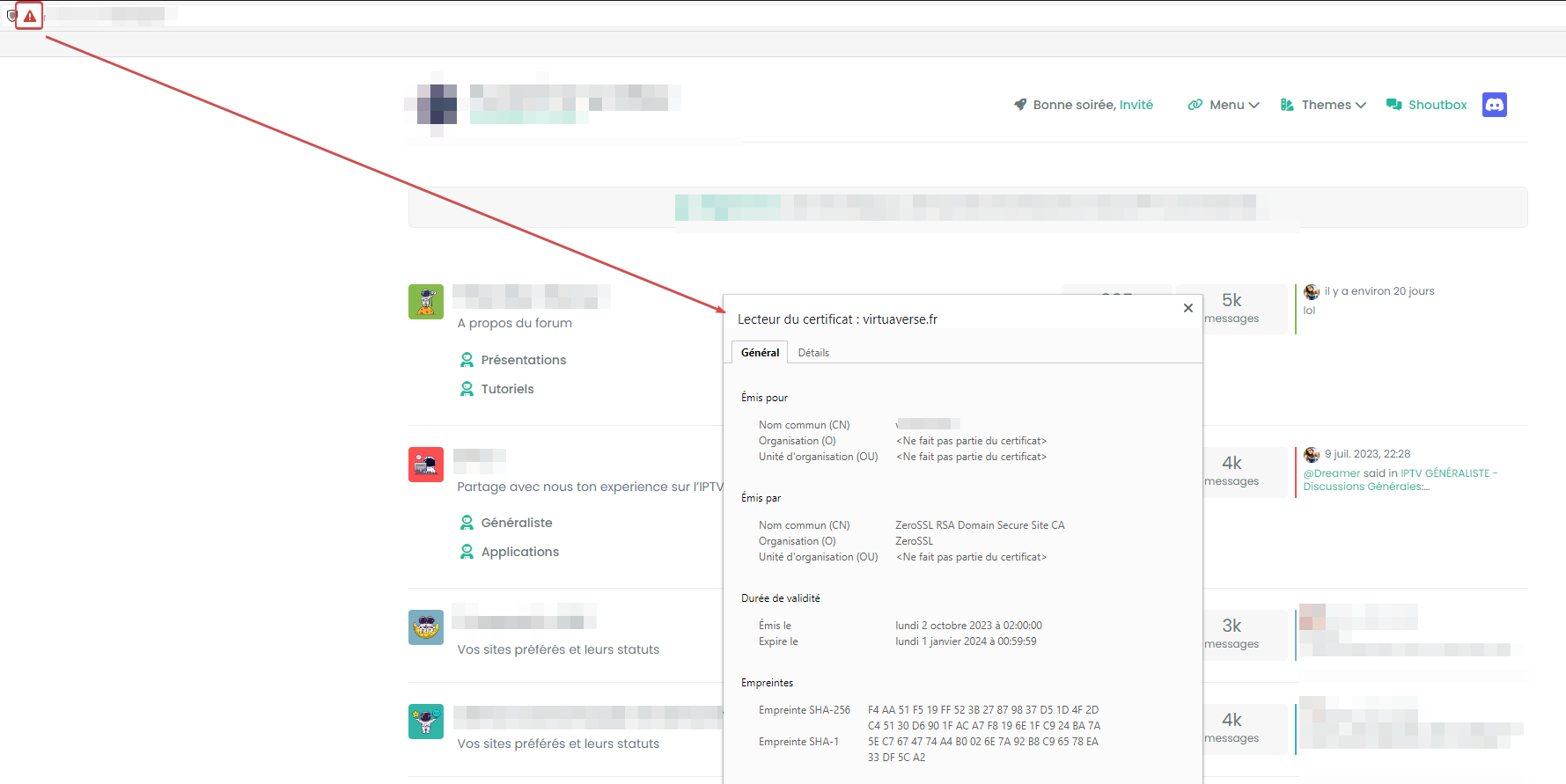
  • Error certification on virtualmin/Nginx

    Solved cert virtualmin nginx
    17
    2
    0 Votes
    17 Posts
    3k Views
    @DownPW anytime
  • Avoid network traffic jam with BBR

    ftp speed
    2
    1 Votes
    2 Posts
    847 Views
    @DownPW interesting. Does this have any effect on data transfers over SCP
  • Ubuntu Upgrade All Packages

    Solved mangodb sudonix
    3
    3 Votes
    3 Posts
    877 Views
    @phenomlab Upgraded, everything works
  • what is docker?

    Solved docker discourse
    3
    1 Votes
    3 Posts
    1k Views
    @Hari sort of, but not in the sense of a full blown system In simple terms, Docker is a software platform that simplifies the process of building, running, managing and distributing applications. It does this by virtualizing the operating system of the computer on which it is installed and running.
  • IRC Server/Client - Chat App with NodeBB

    nodebb irc server client
    6
    1 Votes
    6 Posts
    2k Views
    @Hari not sure from the consumer perspective, but Skype has been all but completely consumed by Microsoft Teams when it comes to business usage.
  • how to configure DNS records virtualmin?

    Solved digitalocean dns
    26
    1
    11 Votes
    26 Posts
    5k Views
    i think we can mark this discussion as solved learned how to install virtualmin with NGINX We can easily point the DNS by mentioning server IP at CF a name record learned how to install SSL
  • Is plesk good over virtual min?

    Solved linux
    6
    4 Votes
    6 Posts
    1k Views
    @phenomlab thank you
  • Debian 11 root Login

    Solved debian root
    3
    0 Votes
    3 Posts
    2k Views
    @phenomlab Ah sorry I accidentally opened ssh_config and not sshd_config. Then I don’t need to wonder why it didn’t work ^^
  • Environment Variables

    Solved
    8
    1
    1 Votes
    8 Posts
    2k Views
    @madchatthew great you got this to work ! Thanks for the update.
  • Digitalocean Ubuntu configuration

    Solved
    33
    12 Votes
    33 Posts
    6k Views
    @phenomlab thank you! not me
  • Need help with ping in linux

    Locked ping ubuntu
    16
    5 Votes
    16 Posts
    3k Views
    Note to everyone else here. This user was formally banned from metabullet.com for abusing the service, and as a result, has been banned here also. Quite why this person thought it was ok to come here under the guise of an account he’d previously used at metabullet.com and hope I wouldn’t notice is beyond me. If you abuse my services once, you won’t get to use them again - period. As a reminder, the policies surrounding this service, and it’s usage can be found here
  • Blomstra Realtime issues on ubuntu server

    Solved
    26
    1 Votes
    26 Posts
    5k Views
    Just checked this thread on Discuss. It’s effectively not stable yet. My suggestion would be to use kyrne/websocket
  • SASL LOGIN authentication failed: generic failure

    Moved Solved
    5
    0 Votes
    5 Posts
    2k Views
    @Ash3T I’m going to mark this post as solved as I’ve not heard from you in a while. Let me know if this isn’t the case and you need more help.