Nodebb 3.2.2
-
@cagatay Odd. Are you able to replicate this issue on your own phone? NodeBB does not differentiate between phone models, but will of course vary depending on screen size.
@phenomlab mine is okey its also android but my phone is new samsung s23.
client has also android phone but i do not know
-
@phenomlab mine is okey its also android but my phone is new samsung s23.
client has also android phone but i do not know@cagatay said in Nodebb 3.2.2:
client has also android phone but i do not know
Can you find out what device they have?
Mark Cutting also advises organisations as a Fractional CIO, Fractional CISO and Executive Advisor, helping boards improve technology governance, cyber resilience and executive decision making. Learn more at Phenomlab Ltd
-
@cagatay said in Nodebb 3.2.2:
client has also android phone but i do not know
Can you find out what device they have?
@phenomlab user said that phone is hiking.
-
@phenomlab user said that phone is hiking.
@cagatay said in Nodebb 3.2.2:
user said that phone is hiking.
Are you sure? I’ve never heard of that as a make of Android!
-
yes we have Mark

https://www.hepsiburada.com/hiking-a23-128-gb-6-gb-ram-hiking-turkiye-garantili-pm-HB000018HTWQ
He said that, only chat are has a that problem, new topic or reply to topic area is clear.
-
yes we have Mark
https://www.hepsiburada.com/hiking-a23-128-gb-6-gb-ram-hiking-turkiye-garantili-pm-HB000018HTWQ
He said that, only chat are has a that problem, new topic or reply to topic area is clear.
@cagatay Thanks. It looks that handset is for the Turkish market. I found the specs though
https://www.imei.info/phonedatabase/hiking-a23/
Is seems to have a
1080x2340(FHD+) Pixel resolution which shouldn’t be an issue but will check. -
@cagatay I’m not able to reproduce this on your site. Can you ask the affected user to try in an incognito tab?
-
no problem Mark.
he is not writing always so its not urgent.
But if there will be any folllowers for that issues wil llet you know. -
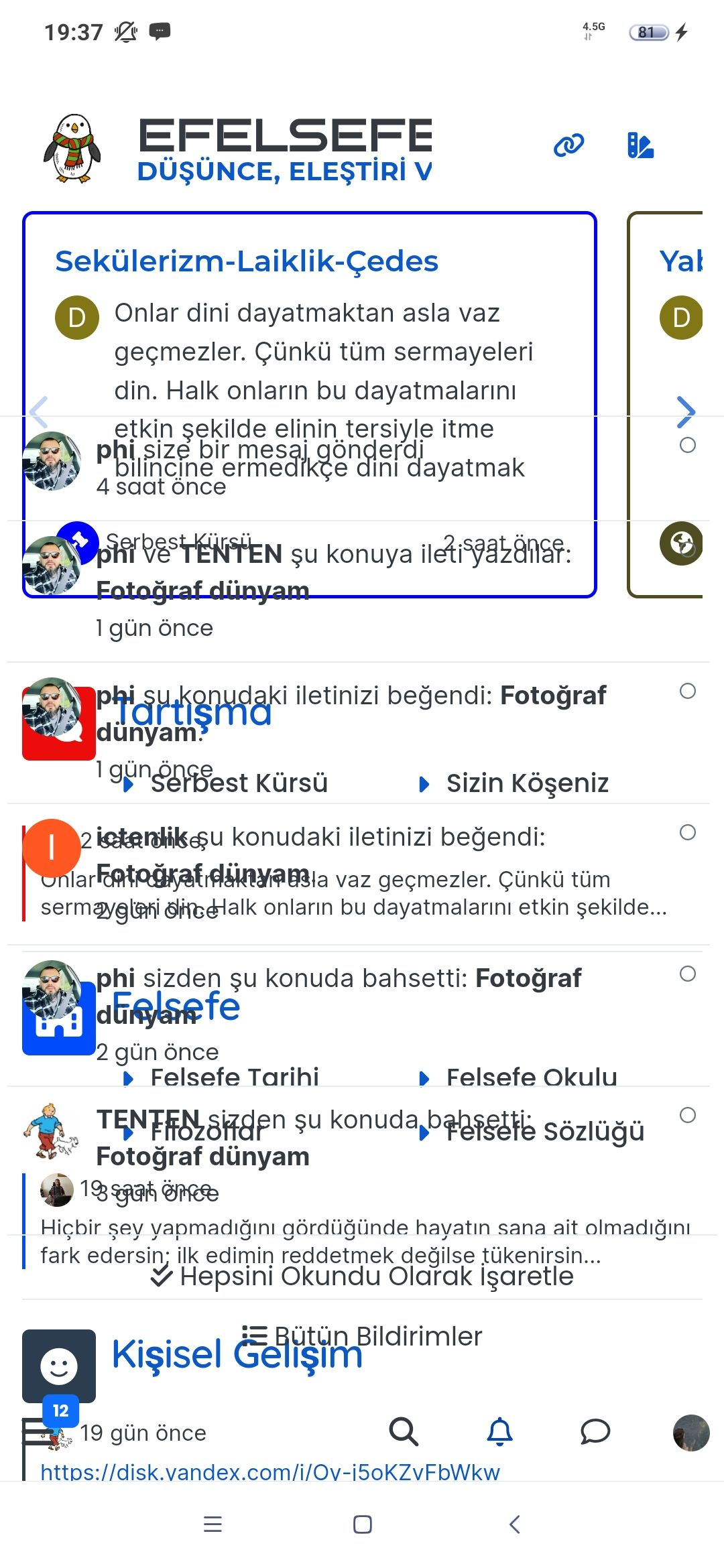
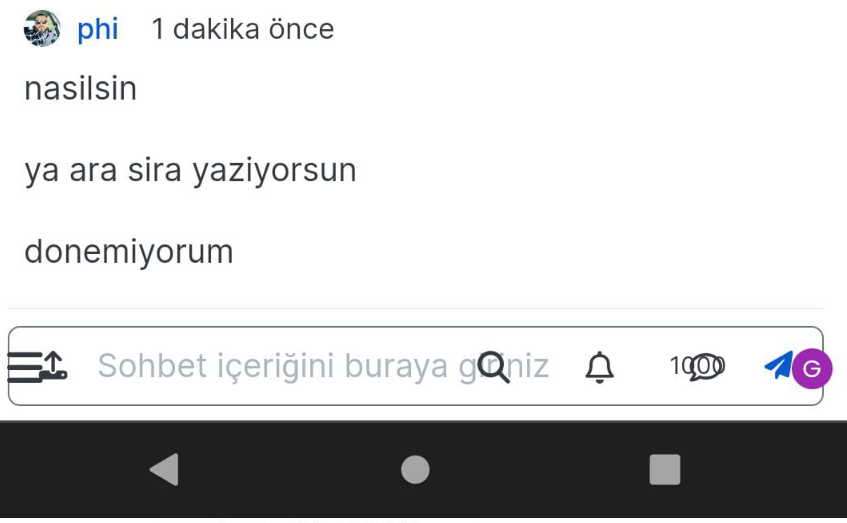
@phenomlab as for the andorid user there are problem on chat box. alll buttons are mixed.
how we can fix it? -
@phenomlab as for the andorid user there are problem on chat box. alll buttons are mixed.
how we can fix it?@cagatay this is hard to reproduce so not a straightforward fix, but I suspect it’s an issue with the resolution which may require some custom CSS to work around.
I strongly suspect “Device Pixel Ratio” (DPR), as there is a difference between physical (the device itself) and CSS Pixels. Typically, you’d use the below common breakpoints to determine the CSS offered to the connecting device
@media (min-width:320px)  { /* smartphones, iPhone, portrait 480x320 phones */ }
@media (min-width:481px)  { /* portrait e-readers (Nook/Kindle), smaller tablets @ 600 or @ 640 wide. */ }
@media (min-width:641px)  { /* portrait tablets, portrait iPad, landscape e-readers, landscape 800x480 or 854x480 phones */ }
@media (min-width:961px)  { /* tablet, landscape iPad, lo-res laptops ands desktops */ }
@media (min-width:1025px) { /* big landscape tablets, laptops, and desktops */ }
@media (min-width:1281px) { /* hi-res displays */ }
Not all devices fit neatly into these categories so sometimes it’s necessary to create custom ones for better device compatibility.
It would also be good to know if this particular user uses larger font sizes as this will also have a material impact to layout.
-
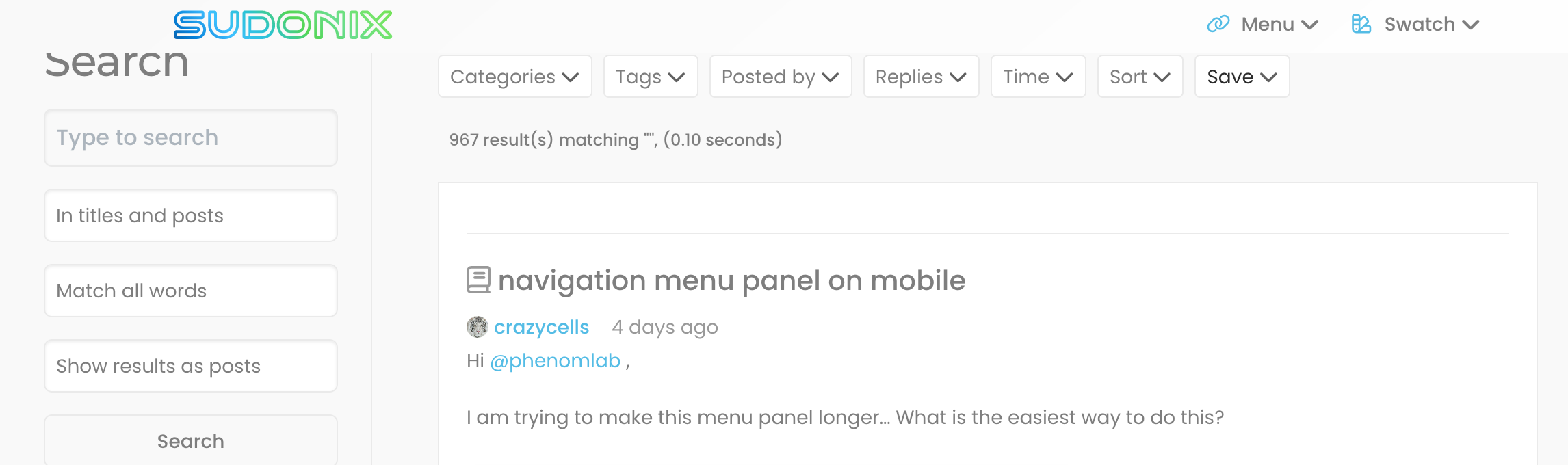
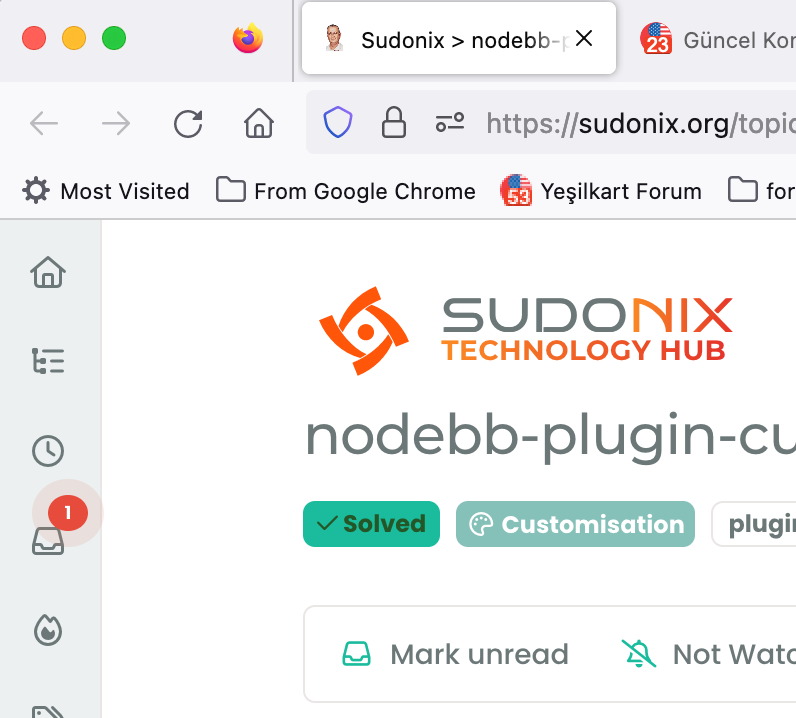
hi @phenomlab , favicon of this forum seems weird, it shows your profile picture, however, it goes away when I refresh the page. If I open 10 new pages, 1 of them looks like this but it goes away after I refresh it.
-
hi @phenomlab , favicon of this forum seems weird, it shows your profile picture, however, it goes away when I refresh the page. If I open 10 new pages, 1 of them looks like this but it goes away after I refresh it.
@crazycells hmm. That is odd. Can you provide me with a URL where you experience this?
Mark Cutting also advises organisations as a Fractional CIO, Fractional CISO and Executive Advisor, helping boards improve technology governance, cyber resilience and executive decision making. Learn more at Phenomlab Ltd
-
@crazycells hmm. That is odd. Can you provide me with a URL where you experience this?
@phenomlab not a specific one… any topic link…
this is what I am talking about… I opened the last 10 topic link on the /recent page…

You see, one of them is your profile pic, but the rest is fine.
Firefox Browser 115.0.2 (64-bit)
-
@phenomlab not a specific one… any topic link…
this is what I am talking about… I opened the last 10 topic link on the /recent page…
You see, one of them is your profile pic, but the rest is fine.
Firefox Browser 115.0.2 (64-bit)
@crazycells thanks. I’ll check this, but can’t think of any reason as to why this would be happening.
-
previously @barisusakli mentioned that these two links should contain your favicon:
https://community.nodebb.org/post/88978
maybe you can check both, and if both are correct, I guess there is nothing else to do… but this is not a huge problem, when I go that tab and refresh it, it corrects itself… FYI…
-
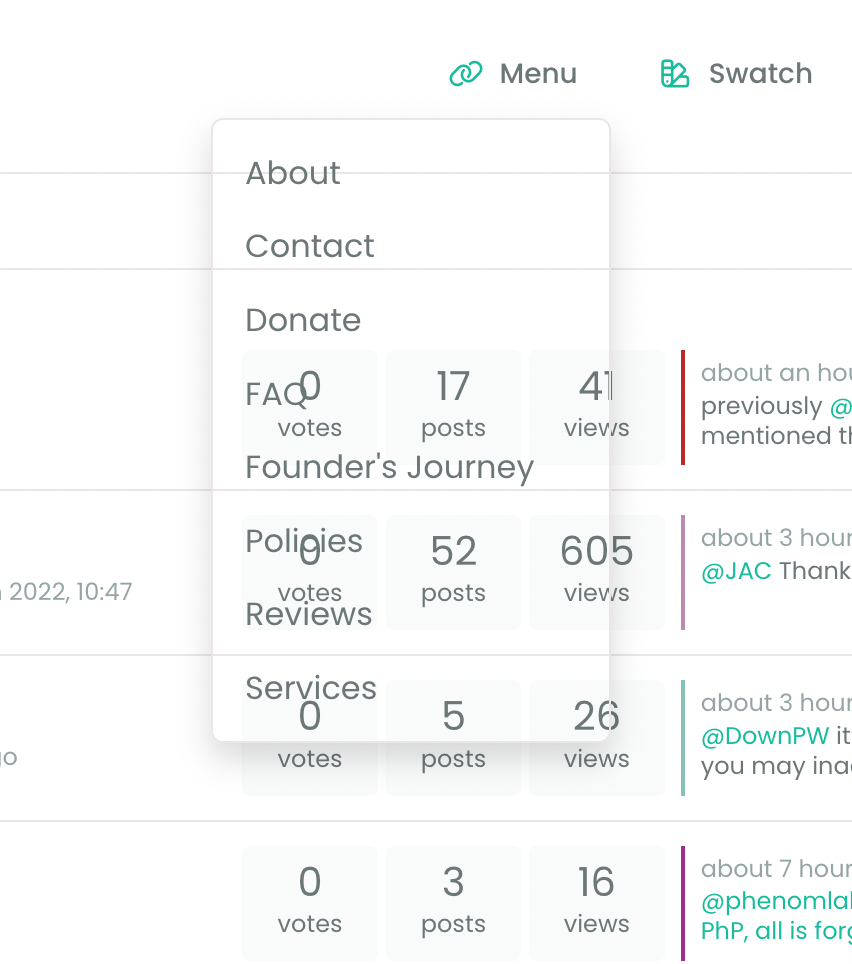
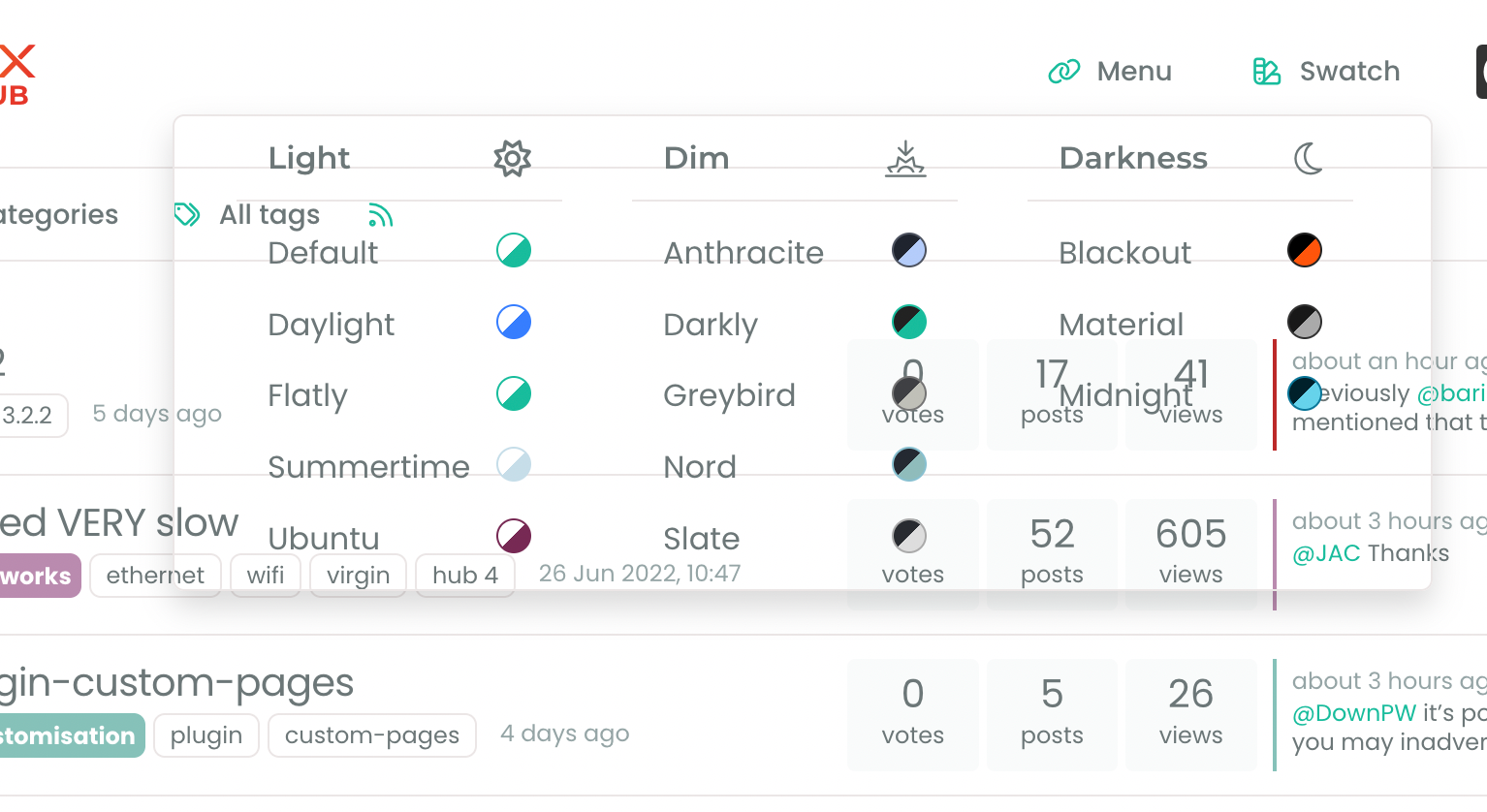
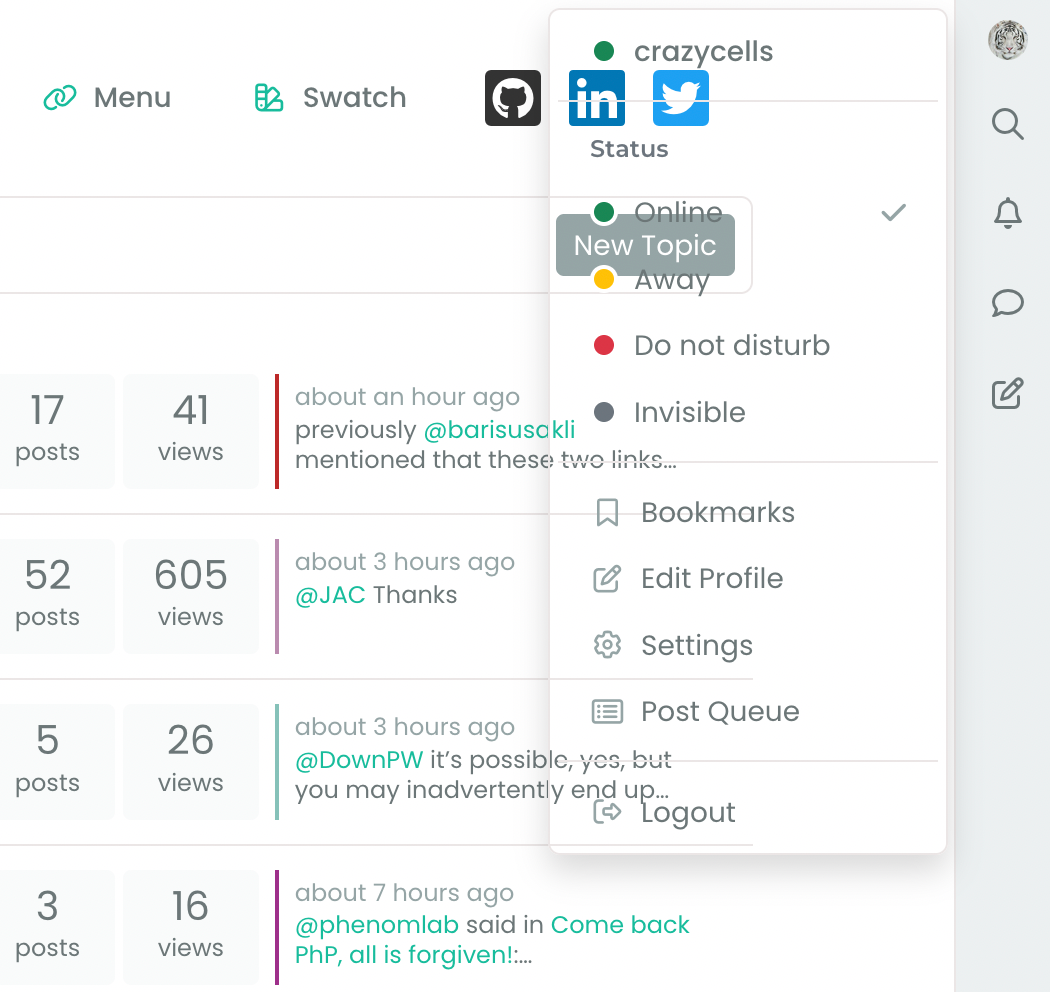
Additionally, there seems to be a problem with the background when there is an open panel…

-
Additionally, there seems to be a problem with the background when there is an open panel…
@crazycells This smells like a cache issue to me. Can you clear your cache, or try from an incognito session and let me know if that resolves it?
Mark Cutting also advises organisations as a Fractional CIO, Fractional CISO and Executive Advisor, helping boards improve technology governance, cyber resilience and executive decision making. Learn more at Phenomlab Ltd
-
@phenomlab you are using 3.2.2 version for now?
@crazycells i think it will be fixed with 3.2.3 version as @barisusakli said.my problem also will be fixed 3.2.3 which relased today.
-
@phenomlab you are using 3.2.2 version for now?
@crazycells i think it will be fixed with 3.2.3 version as @barisusakli said.my problem also will be fixed 3.2.3 which relased today.
@cagatay I’m actually using 3.2.1
-
@crazycells This smells like a cache issue to me. Can you clear your cache, or try from an incognito session and let me know if that resolves it?
@phenomlab yeap, clearing cache solved the issues




Hello! It looks like you're interested in this conversation, but you don't have an account yet.
Getting fed up of having to scroll through the same posts each visit? When you register for an account, you'll always come back to exactly where you were before, and choose to be notified of new replies (either via email, or push notification). You'll also be able to save bookmarks and upvote posts to show your appreciation to other community members.
With your input, this post could be even better 💗
Register LoginRelated Topics
-
-
-
-
-
-
-
NodeBB upgrade now cant post
Solved Bugs -