
Skip to content

Nodebb 3.2.2

Bugs
27 3 10.7k 1
  • wrote on last edited by
    #13

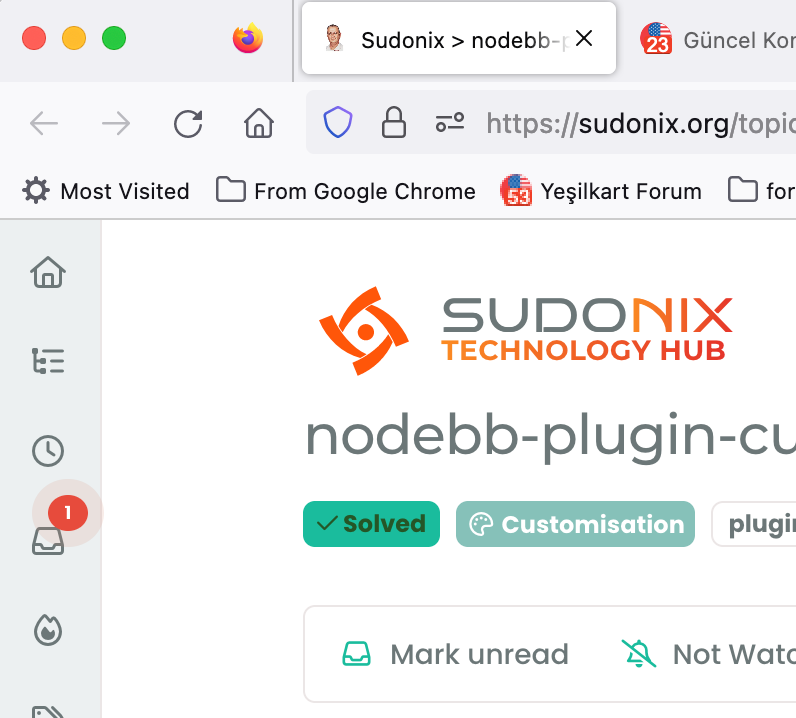
    hi @phenomlab , favicon of this forum seems weird, it shows your profile picture, however, it goes away when I refresh the page. If I open 10 new pages, 1 of them looks like this but it goes away after I refresh it.
    Screen Shot 2023-07-18 at 18.02.32.png

  • hi @phenomlab , favicon of this forum seems weird, it shows your profile picture, however, it goes away when I refresh the page. If I open 10 new pages, 1 of them looks like this but it goes away after I refresh it.

    Screen Shot 2023-07-18 at 18.02.32.png

    wrote on last edited by
    #14

    @crazycells hmm. That is odd. Can you provide me with a URL where you experience this?

  • @crazycells hmm. That is odd. Can you provide me with a URL where you experience this?

    wrote on last edited by
    #15

    @phenomlab not a specific one… any topic link…

    this is what I am talking about… I opened the last 10 topic link on the /recent page…

    Screen Shot 2023-07-18 at 18.46.23.png

    You see, one of them is your profile pic, but the rest is fine.

    Firefox Browser 115.0.2 (64-bit)

  • @phenomlab not a specific one… any topic link…

    this is what I am talking about… I opened the last 10 topic link on the /recent page…

    Screen Shot 2023-07-18 at 18.46.23.png

    You see, one of them is your profile pic, but the rest is fine.

    Firefox Browser 115.0.2 (64-bit)

    wrote on last edited by
    #16

    @crazycells thanks. I’ll check this, but can’t think of any reason as to why this would be happening.

  • wrote on last edited by
    #17

    previously @barisusakli mentioned that these two links should contain your favicon:

    https://community.nodebb.org/post/88978

    maybe you can check both, and if both are correct, I guess there is nothing else to do… but this is not a huge problem, when I go that tab and refresh it, it corrects itself… FYI…

  • wrote on last edited by
    #18

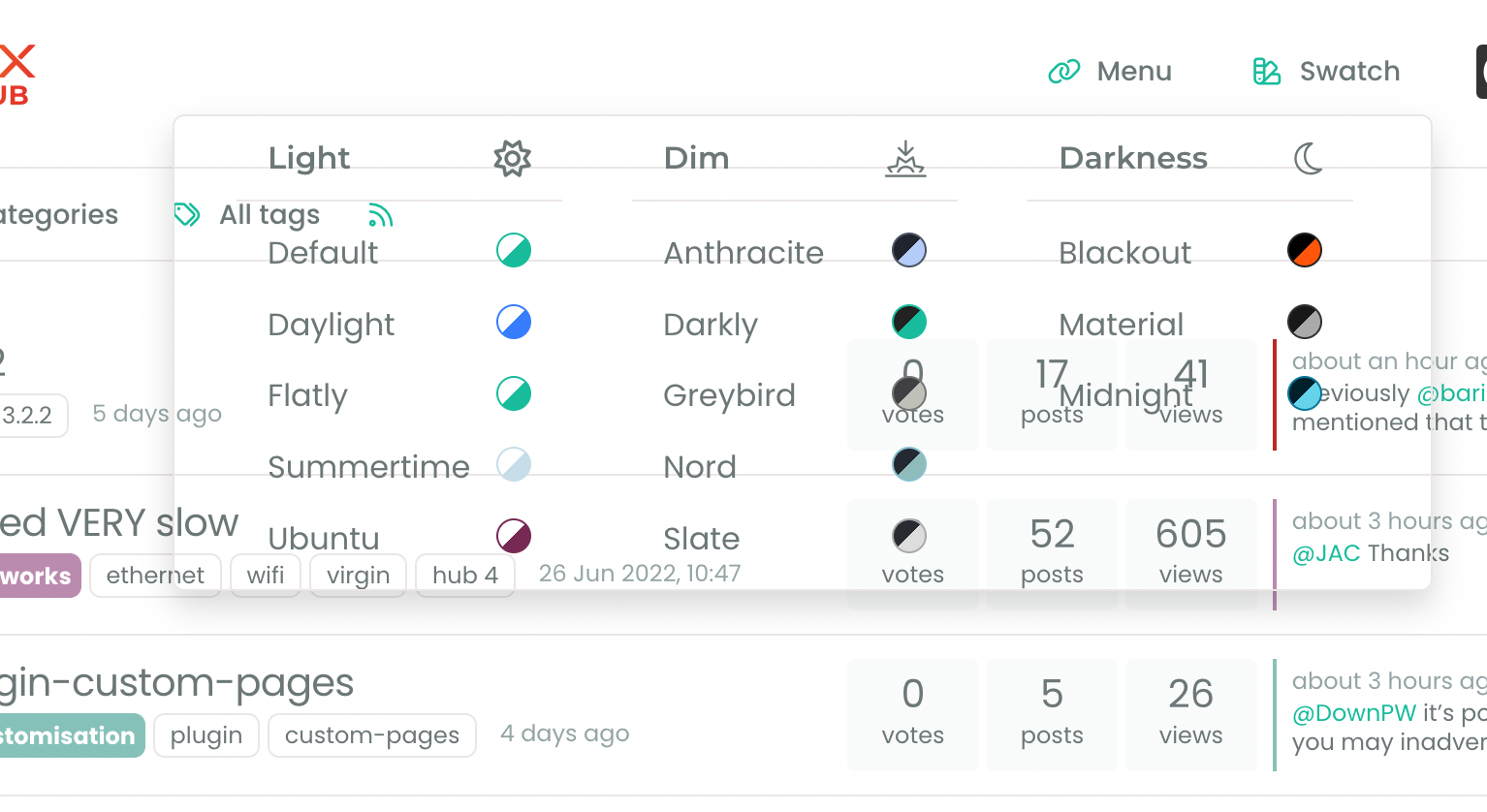
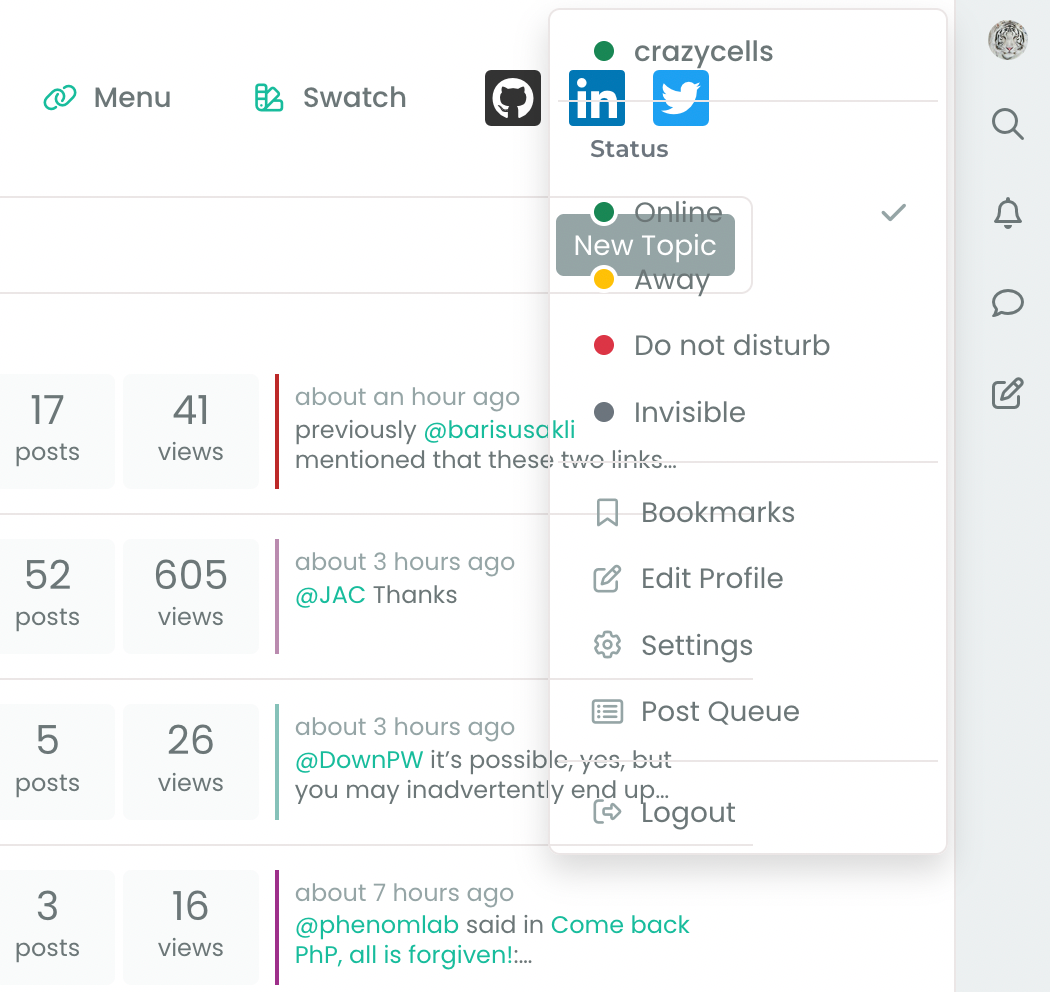
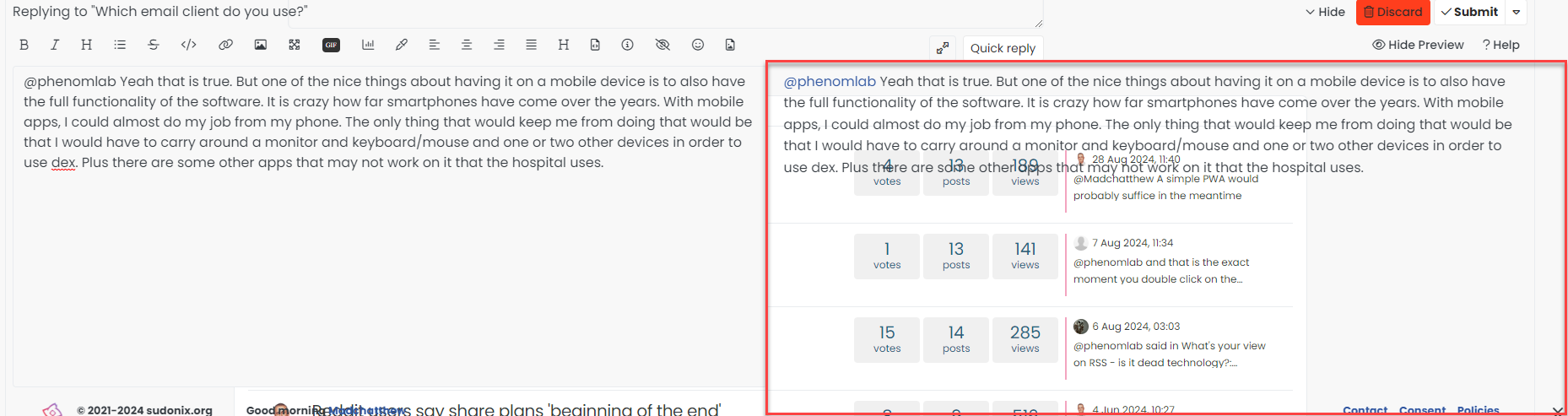
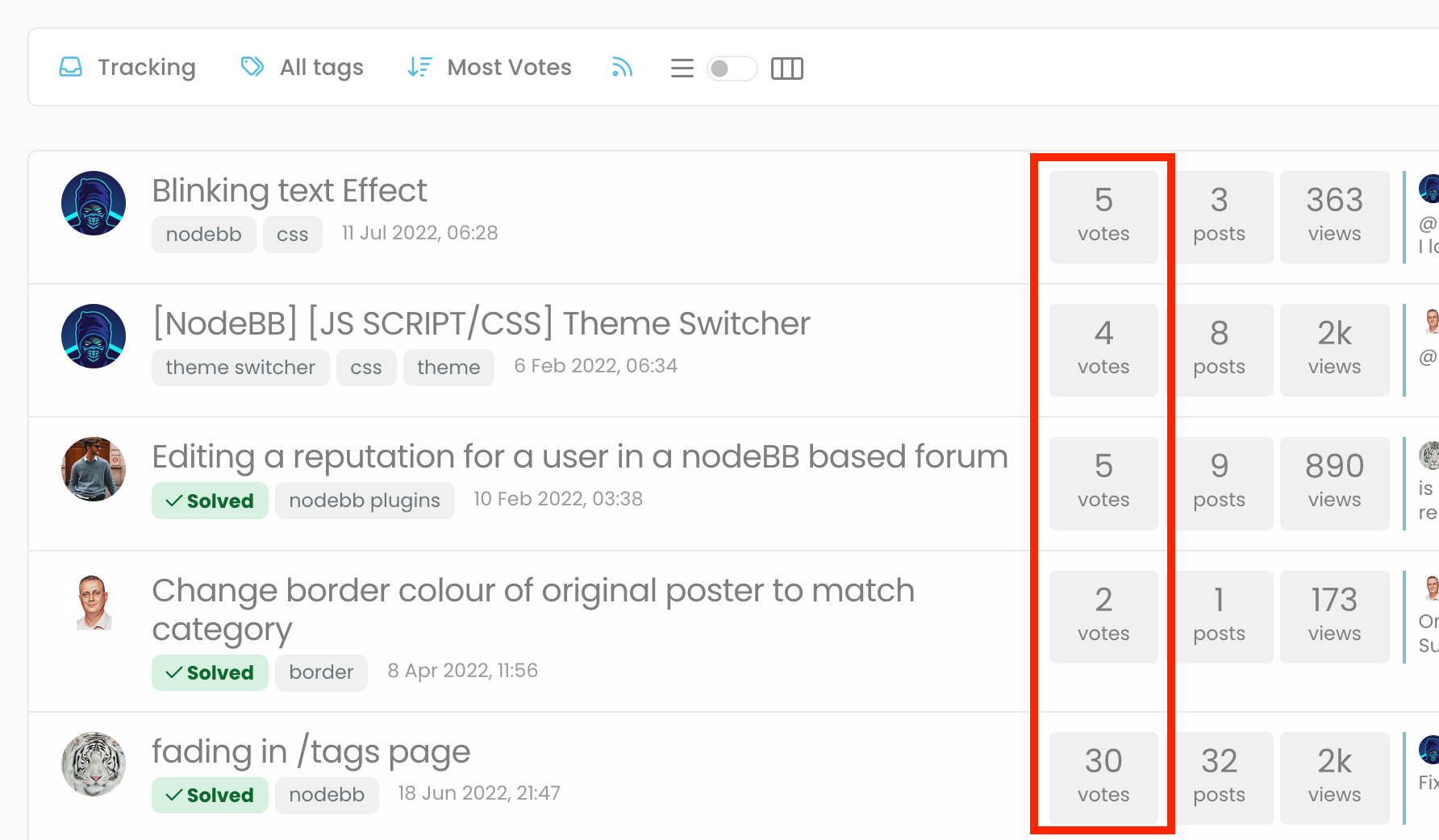
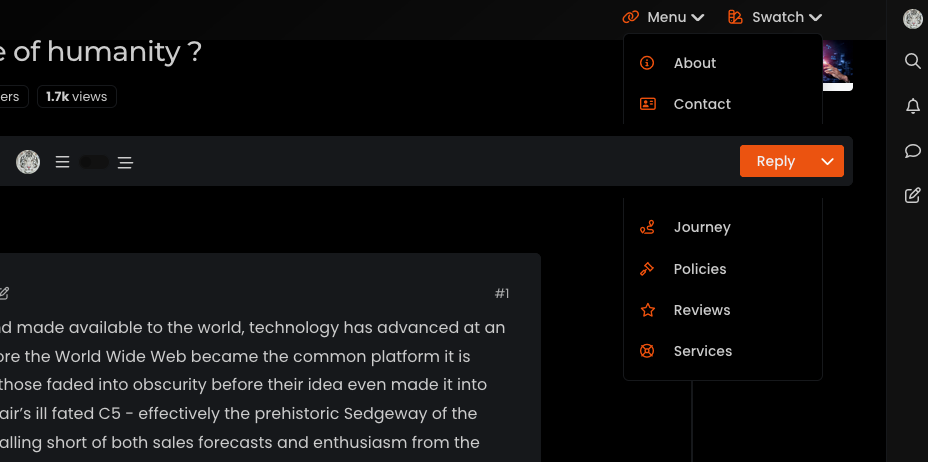
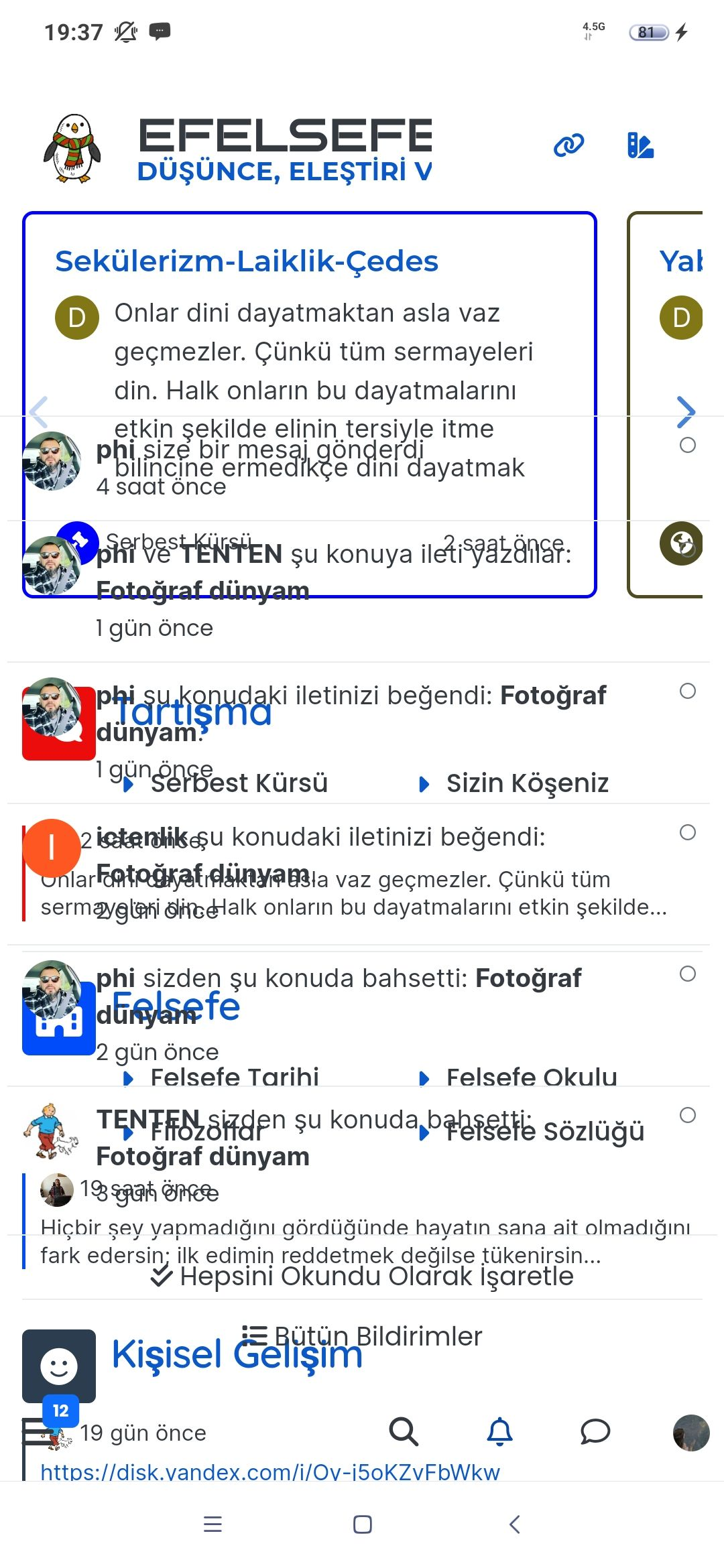
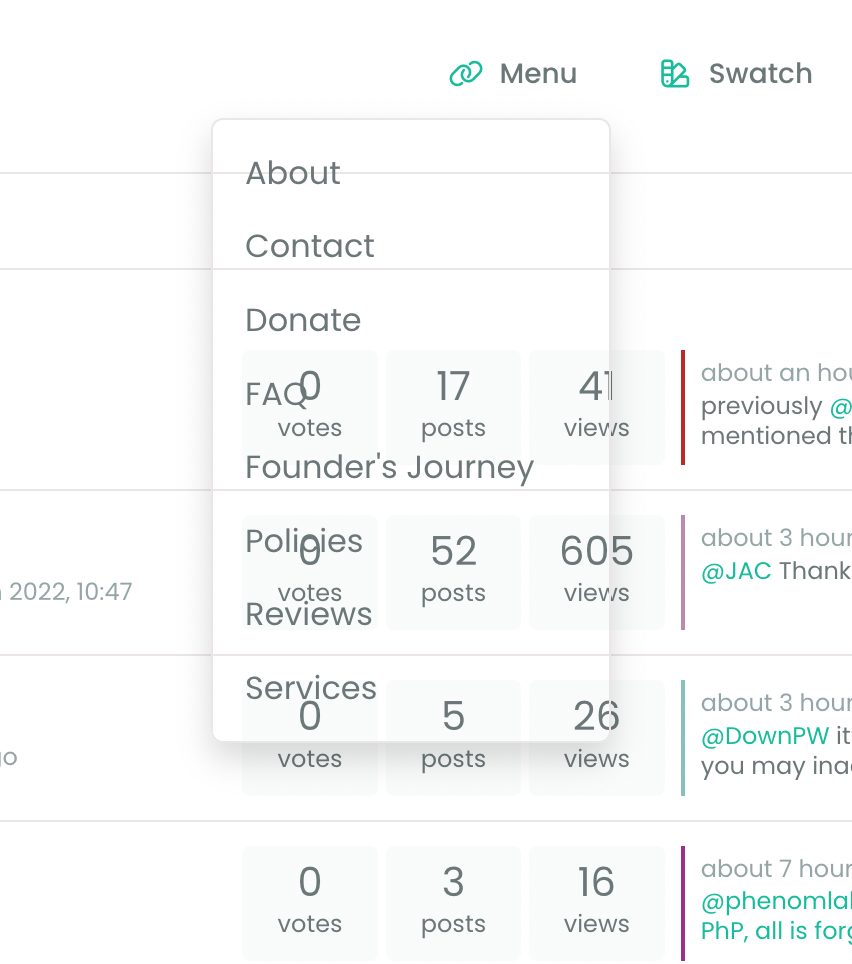
    Additionally, there seems to be a problem with the background when there is an open panel…

    Screen Shot 2023-07-18 at 19.53.06.png

    Screen Shot 2023-07-18 at 19.52.37.png

    Screen Shot 2023-07-18 at 19.52.45.png

    Screen Shot 2023-07-18 at 19.52.53.png

  • Additionally, there seems to be a problem with the background when there is an open panel…
    Screen Shot 2023-07-18 at 19.53.06.png

    Screen Shot 2023-07-18 at 19.52.37.png

    Screen Shot 2023-07-18 at 19.52.45.png

    Screen Shot 2023-07-18 at 19.52.53.png

    wrote on last edited by
    #19

    @crazycells This smells like a cache issue to me. Can you clear your cache, or try from an incognito session and let me know if that resolves it?

  • wrote on last edited by cagatay
    #20

    @phenomlab you are using 3.2.2 version for now?
    @crazycells i think it will be fixed with 3.2.3 version as @barisusakli said.

    my problem also will be fixed 3.2.3 which relased today.

  • @phenomlab you are using 3.2.2 version for now?
    @crazycells i think it will be fixed with 3.2.3 version as @barisusakli said.

    my problem also will be fixed 3.2.3 which relased today.

    wrote on last edited by
    #21

    @cagatay I’m actually using 3.2.1

  • @crazycells This smells like a cache issue to me. Can you clear your cache, or try from an incognito session and let me know if that resolves it?

    wrote on last edited by
    #22

    @phenomlab yeap, clearing cache solved the issues 👍

  • wrote on last edited by
    #23

    I think the color of SSO writings should be changed so they are visible.

    Screen Shot 2023-08-02 at 15.03.54.png

  • I think the color of SSO writings should be changed so they are visible.

    Screen Shot 2023-08-02 at 15.03.54.png

    wrote on last edited by
    #24

    @crazycells hmm. That’s odd. I’ll need to check that. Thanks for reporting.

  • I think the color of SSO writings should be changed so they are visible.

    Screen Shot 2023-08-02 at 15.03.54.png

    wrote on last edited by
    #25

    @crazycells Should be fixed now

    6623b6b4-c945-44eb-b3a5-add24a6d4fd2-image.png

  • wrote on last edited by
    #26

    Screen Shot 2023-08-11 at 22.22.19.png

    https://sudonix.org/post/7187

    double quote sentences turn into “code”

  • Screen Shot 2023-08-11 at 22.22.19.png

    https://sudonix.org/post/7187

    double quote sentences turn into “code”

    wrote on last edited by
    #27

    @crazycells yes, I’ve just seen that and modified the post. It seems to only happen if you have a space between the “greater than” symbol and the actual text.

    Clearly a markdown thing.


Related Topics
  • Layout Issues/Transparency

    Solved Bugs bug reply transparent
    5
    2
    2 Votes
    5 Posts
    2k Views
    Madchatthew
    @phenomlab said in Layout Issues/Transparency: Does it work properly now? Yes, it does
  • "most votes" ranking option is not respecting the plugin

    Bugs nodebb
    5
    1
    3 Votes
    5 Posts
    2k Views
    phenomlab
    @crazycells Agreed. It takes a more sensible approach. Nobody ever upvotes the first post - it’s usually much further down as the conversation progresses.
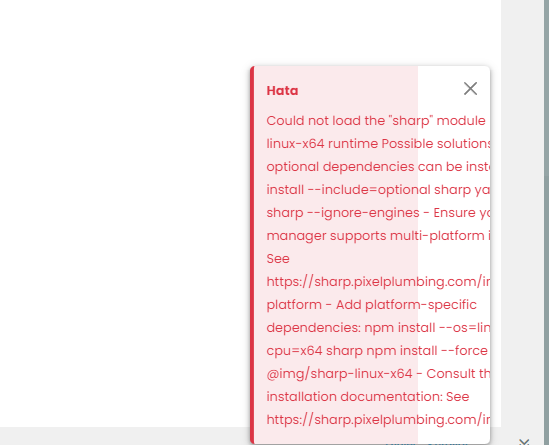
  • Loading Image Problem

    Bugs hata bug
    24
    3
    6 Votes
    24 Posts
    11k Views
    cagatay
    Thank you Mark.
  • Bug Report

    Solved Bugs nodebb bugs
    47
    1
    26 Votes
    47 Posts
    20k Views
    phenomlab
    @crazycells Good points, thanks. I completely forgot that classes are added - makes life much simpler! EDIT - seems this is pretty straightforward, and only needs the below CSS .upvoted i { color: var(--bs-user-level) !important; } This then yields [image: 3f072f8a-ebfa-4910-8723-73c493b8e4eb-image.png] However, the caveat here is that the .upvoted class will only show for your upvotes, and nobody else’s. However, this does satisfy the original request however I would love to see my upvoted posts more clearly, because currently, when I upvote, nothing on the post tool is changing, it would be nicer if there is an indication that I have upvoted (like a filled or colored triangle?)
  • Rendering issues post migration to Sudonix theme/code

    Solved Bugs
    49
    1
    20 Votes
    49 Posts
    20k Views
    phenomlab
    @cagatay Those are in /admin/extend/widgets/brand header. Look inside the HTML widget that is there, and you’ll find <div class="socialicons"> <a class="btn-ghost p-2" href="https://github.com/phenomlab" rel="noreferrer noopener"><i style="color: #333;background: #ffffff; width: 26px" class="fa fa-2x fa-github-square"></i></a> <a class="btn-ghost p-2" href="https://linkedin.com/in/phenomlab" rel="noreferrer noopener"><i style="color: #0077B5;background: #ffffff; width: 26px" class="fa fa-2x fa-brands fa-linkedin-square"></i></a> <a class="btn-ghost p-2" href="https://twitter.com/phenomlab" rel="noreferrer noopener"><i style="color: #1DA1F2;background: #ffffff; width: 26px" class="fa fa-2x fa-twitter-square"></i></a> <!-- <a class="btn-ghost p-2" href="https://www.facebook.com/sudonixtech" rel="noreferrer noopener"><i style="color: #4268B2;background: #ffffff; width: 26px" class="fa fa-2x fa-facebook-square"></i></a> --> </div> Remove that block and save.
  • Can you adjust Admin settings on your NodeBB?

    Bugs nodebb
    5
    0 Votes
    5 Posts
    2k Views
    phenomlab
    @Panda as, yes, now I understand and that makes 100% sense. It means those who get down voted can still have an opinion and use common services. And yes, you’re right. Rather than down vote, just ignore if you don’t agree.
  • NodeBB upgrade now cant post

    Solved Bugs nodebb
    5
    2 Votes
    5 Posts
    2k Views
    phenomlab
    @Panda yes, for some reason, that is the case. If you need an urgent response, it’s probably better to post here because of the time difference.
  • Email validation NodeBB

    Bugs nodebb
    21
    3 Votes
    21 Posts
    10k Views
    phenomlab
    @Panda said in Email validation NodeBB: Did you configure that as a custom change to the usual quote icon. How do you do that? I notice on NodeBB site its a solid blue quotes Yes, I changed it. NodeBB by default users the free font awesome library whereas I use the pro (paid) version SDK have access to a wider set of icons, and at different thicknesses etc. The change of colour is just simple CSS.