Skip to content

Threaded post support for NodeBB

Let's Build It
146 5 116.4k 1
  • wrote on last edited by DownPW

    Besides, my solution above is only partial. It turns out that sometimes I can no longer click to reply to the post via quick Reply. Nothing happens when I click to enter text

    cache maybe. I have delete the bugfix because not bug fix 🙂

    image.png

  • Besides, my solution above is only partial. It turns out that sometimes I can no longer click to reply to the post via quick Reply. Nothing happens when I click to enter text

    cache maybe. I have delete the bugfix because not bug fix 🙂
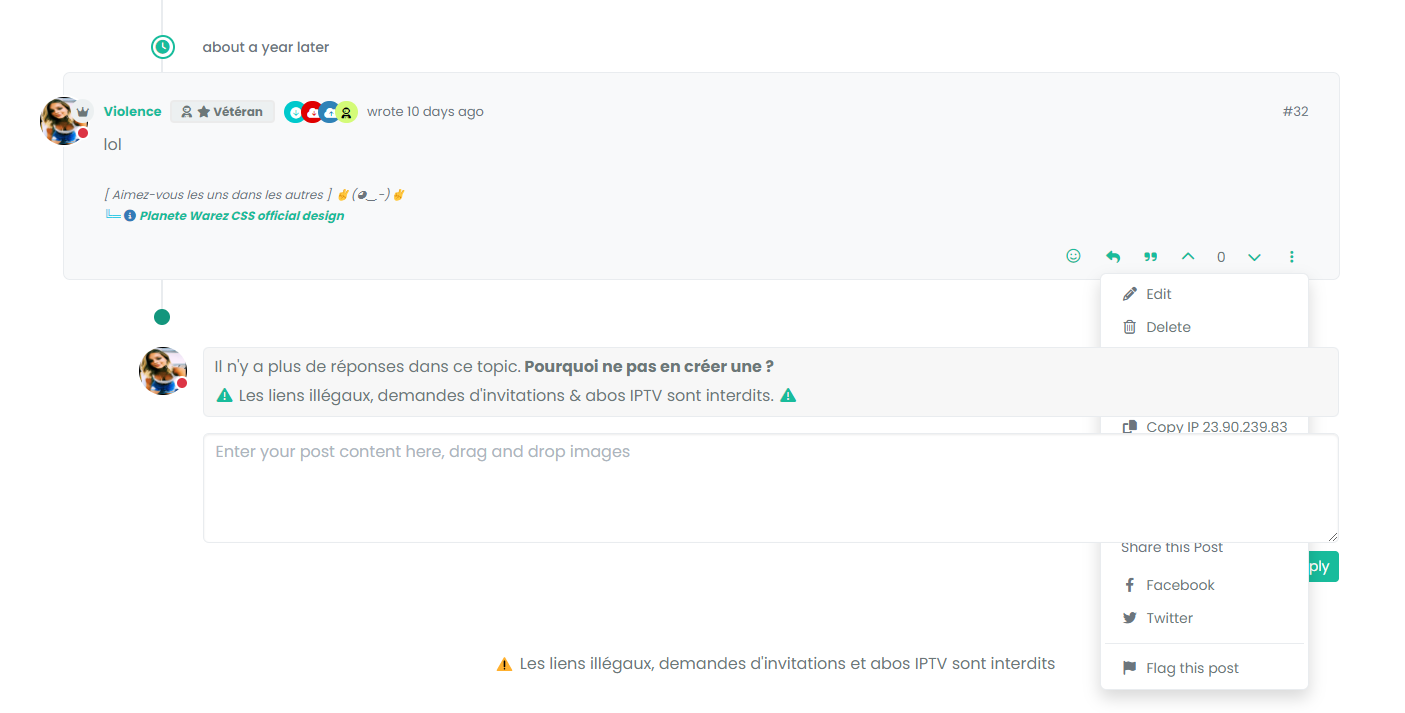
    image.png

    wrote on last edited by

    @DownPW said in Threading support for NodeBB:

    cache maybe. I have delete the bugfix because not bug fix

    Yes, I can’t reproduce this.

  • wrote on last edited by

    I mean bug is present but my bug fix don’t work properly.

    test to delete my cache and tell you

  • phenomlab phenomlab referenced this topic on
  • wrote on last edited by

    @phenomlab not cache 😞

  • @phenomlab not cache 😞

    wrote on last edited by

    @DownPW PM me the link to the post.

  • wrote on last edited by DownPW

    actually, I noticed that it’s not on all the posts.
    it seems that these are the posts where the last response is that of the user (selfpost)

    DONE

  • actually, I noticed that it’s not on all the posts.
    it seems that these are the posts where the last response is that of the user (selfpost)

    DONE

    wrote on last edited by

    @DownPW I’ll have a look at this later

  • wrote on last edited by DownPW

    no problem.
    I have resolve this bug with change/replace this CSS CODE (I have just delete transform directive) :

    li.pt-4.self-post:not(.self-post .topic-owner-post).threaded {
       /*transform: translateX(0px) !important;*/
       transition: transform 0.3s ease !important;
       background: var(--bs-body-bg);
       background: var(--bs-body-navbar)!important;
       padding-right: 30px;
       margin-left: 0rem;
       padding-bottom: 0rem !important;
     }
    

    I don’t know if is a goodfix or not.

  • no problem.
    I have resolve this bug with change/replace this CSS CODE (I have just delete transform directive) :

    li.pt-4.self-post:not(.self-post .topic-owner-post).threaded {
       /*transform: translateX(0px) !important;*/
       transition: transform 0.3s ease !important;
       background: var(--bs-body-bg);
       background: var(--bs-body-navbar)!important;
       padding-right: 30px;
       margin-left: 0rem;
       padding-bottom: 0rem !important;
     }
    

    I don’t know if is a goodfix or not.

    wrote on last edited by

    @DownPW yes, was just typing that!

  • wrote on last edited by

    ha ha 🙂

  • wrote on last edited by phenomlab

    Quick note here for anyone who is using the Threaded Posts code and has recently upgraded to 3.7.0 - only to find the threaded posts is now broken 💔

    This is being caused by the HTML structure changes that 3.7.0 makes in the DOM, meaning the element we used to target pre this release no longer exists. To resolve this, locate the line (within the threaded JS function)

    $('.topic .sticky-tools ul.list-unstyled').append(threadView);
    

    And replace it with

    $('.topic .sticky-tools .thread-tools').append(threadView);
    

    That should make it re-appear.

  • wrote on last edited by

    Mark hi,
    I dont have this code in my js functions.

  • Mark hi,
    I dont have this code in my js functions.

    wrote on last edited by

    @cagatay Yes, because you have legacy code. The line you have is this

    $('.topic .sticky-tools ul [component="topic/browsing-users"]:last-of-type').append(threadView);
    

    This will work fine because you are using the browsing users plugin, but should you decide to remove it, the threaded utility will cease to function. I’ve replaced that line with the below on your forum.

    $('.topic .sticky-tools .thread-tools').append(threadView);
    
  • wrote on last edited by

Related Topics
  • Bug Report

    Solved Bugs nodebb bugs
    47
    1
    26 Votes
    47 Posts
    20k Views
    phenomlab
    @crazycells Good points, thanks. I completely forgot that classes are added - makes life much simpler! EDIT - seems this is pretty straightforward, and only needs the below CSS .upvoted i { color: var(--bs-user-level) !important; } This then yields [image: 3f072f8a-ebfa-4910-8723-73c493b8e4eb-image.png] However, the caveat here is that the .upvoted class will only show for your upvotes, and nobody else’s. However, this does satisfy the original request however I would love to see my upvoted posts more clearly, because currently, when I upvote, nothing on the post tool is changing, it would be nicer if there is an indication that I have upvoted (like a filled or colored triangle?)
  • Sidebar Widget is no longer on the side!

    Moved Solved General nodebb
    4
    2
    2 Votes
    4 Posts
    1k Views
    phenomlab
    @Panda said in Sidebar Widget is no longer on the side!: Ah, so sidebar wont work on mobile? Correct. If you review the docs on bootstrap, you’ll notice that it is designed on a grid system https://getbootstrap.com/docs/5.0/layout/grid/ What I mean by changing the category is moving it on here to general as you posted it in bugs, when it isn’t.
  • Setup OGProxy for use in NodeBB

    Moved Let's Build It ogproxy opengraph npm node
    110
    2
    21 Votes
    110 Posts
    55k Views
    phenomlab
    @crazycells said in Setup OGProxy for use in NodeBB: are they cached for each user separately? No. It’s a shared cache @crazycells said in Setup OGProxy for use in NodeBB: additionally, this is also handling youtube videos etc, right? No. This is handled by nodebb-plugin-ns-embed
  • NodeBB: Favicon upload issue

    Solved Configure nodebb favicon
    12
    1
    3 Votes
    12 Posts
    4k Views
    mventures
    @phenomlab I am on a Mac, so I used the “Option + Command + I”, and then performed the steps. It loaded my favicon! I checked on Firefox which I haven’t used before, and it showed my favicon also! That’s fantastic and thank you for the help!
  • Setting up a beta NodeBB v3 environment

    Moved Let's Build It nodebb upgrades beta1
    14
    3
    11 Votes
    14 Posts
    6k Views
    phenomlab
    @dave1904 excellent news. Thanks for the feedback
  • NodeBB inline videoplayer

    Solved Customisation nodebb
    12
    3 Votes
    12 Posts
    5k Views
    Panda
    @phenomlab YAY! It works Thanks so much
  • Adding fileWrite to nodebb code

    Solved Configure nodebb
    16
    1
    5 Votes
    16 Posts
    5k Views
    phenomlab
    @eveh this might be a question for the NodeBB Devs themselves. In all honesty, I’m not entirely sure without having to research this myself.
  • unable to upvote on forum

    Solved Performance
    10
    1
    3 Votes
    10 Posts
    4k Views
    Hari
    @phenomlab yes, i can understand. it is working now