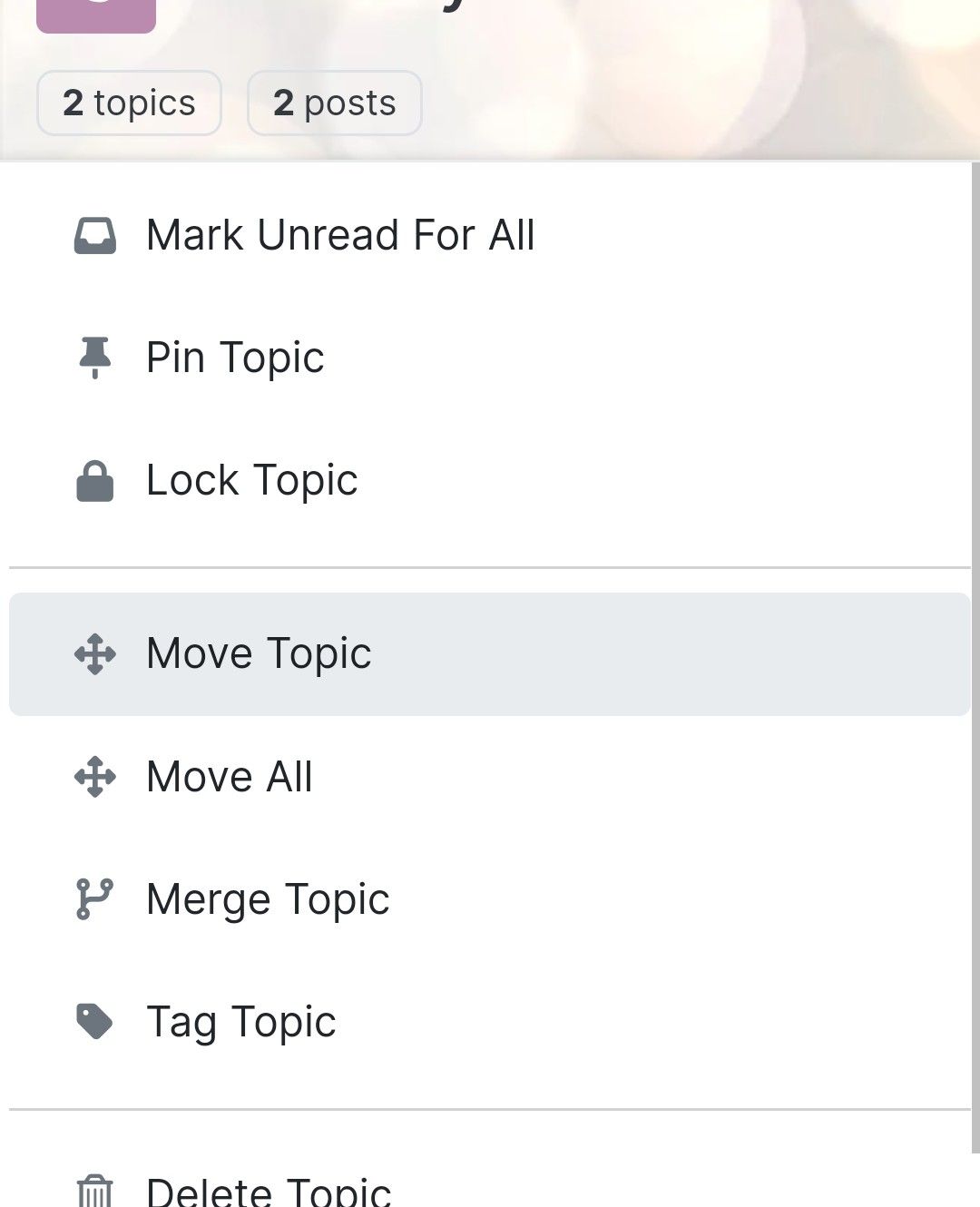
-
This forum:
https://aignite.nodebb.com/
is on v3.2, awaiting upgrade to latest version …if you go into a category, then click the forum title
On Mobile, it doesnt go back to home page, it refreshes and stays in the same categoryOn desktop, if you click on the icon (flame image) it will go to the home category list as expected, but if you click on the word (Aignite) it trys to load something, then says page not found!
Interestingly, Sudonix site doesn’t have this flaw. Not sure if its been fixed in v 3.2.1 or @phenomlab has set something up that I haven’t?
In Admin the Home Page route is set to Categories, (default setting)
-
This forum:
https://aignite.nodebb.com/
is on v3.2, awaiting upgrade to latest version …if you go into a category, then click the forum title
On Mobile, it doesnt go back to home page, it refreshes and stays in the same categoryOn desktop, if you click on the icon (flame image) it will go to the home category list as expected, but if you click on the word (Aignite) it trys to load something, then says page not found!
Interestingly, Sudonix site doesn’t have this flaw. Not sure if its been fixed in v 3.2.1 or @phenomlab has set something up that I haven’t?
In Admin the Home Page route is set to Categories, (default setting)
@Panda That looks to be because of this setting you have
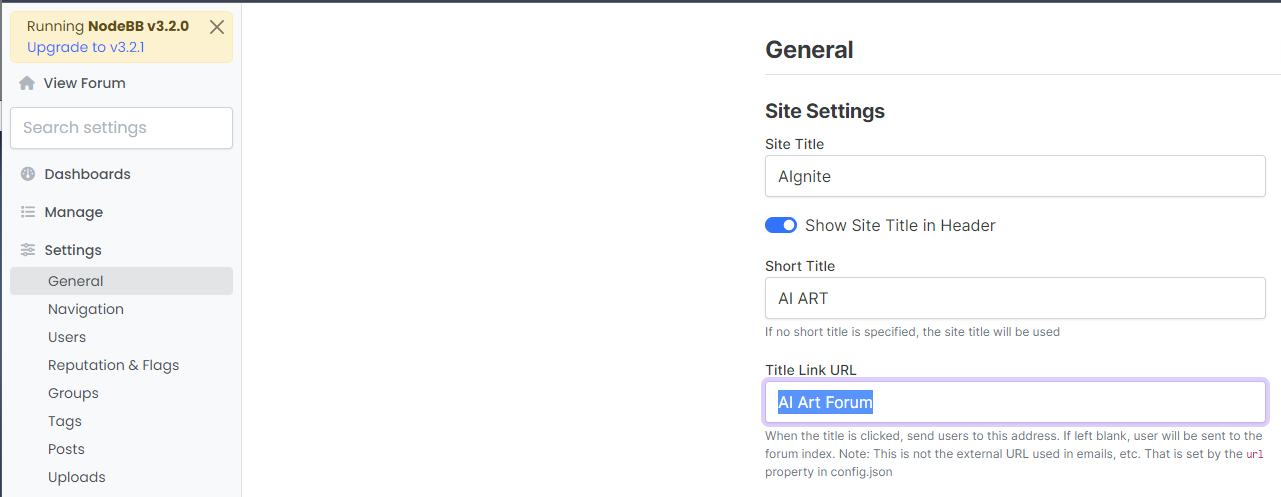
Title Link URL cannot be freeform text - it needs to be a hyperlink. If you leave this blank, it will use the
siteUrl -
Ah silly me, thanks for finding that!
-
 undefined phenomlab moved this topic from Bugs on

Hello! It looks like you're interested in this conversation, but you don't have an account yet.
Getting fed up of having to scroll through the same posts each visit? When you register for an account, you'll always come back to exactly where you were before, and choose to be notified of new replies (either via email, or push notification). You'll also be able to save bookmarks and upvote posts to show your appreciation to other community members.
With your input, this post could be even better 💗
Register LoginRelated Topics
-
-
-
Nodebb design
Solved General -
-
-
-
NodeBB: Consent page
Solved Configure -