Skip to content

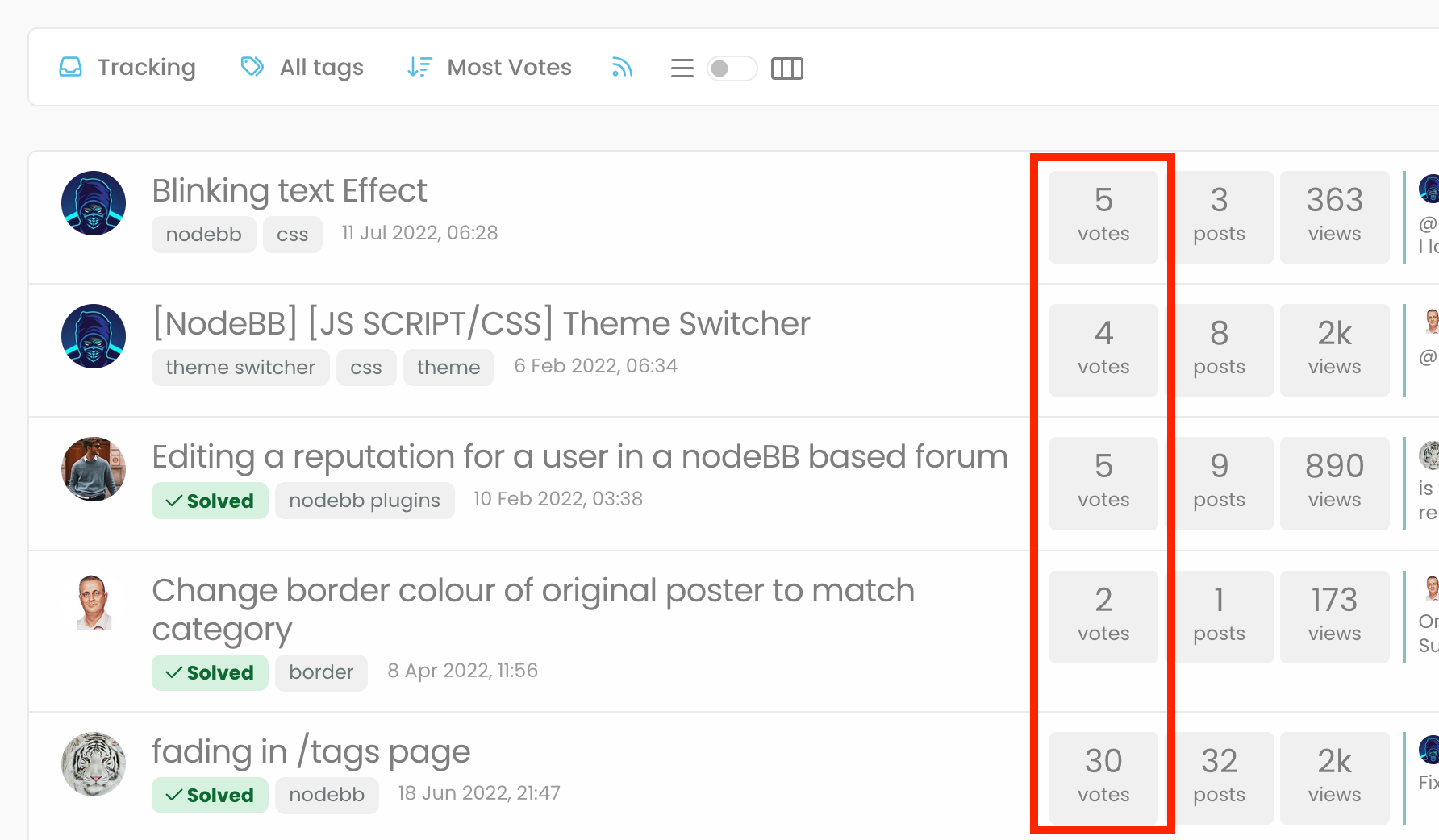
"most votes" ranking option is not respecting the plugin

Bugs
5 2 956 1

Related Topics
  • External Links - New Window

    Solved Customisation nodebb links settings
    8
    2 Votes
    8 Posts
    137 Views
    @Sampo2910 search the forum here for ogproxy which is the client side version of that plugin I wrote. It’s in use here on this forum.
  • TNG + Nodebb

    General tng genealogy nodebb plugin
    4
    0 Votes
    4 Posts
    917 Views
    @Madchatthew said in TNG + Nodebb: you have to try and use duck tape and super glue to change something to make it do what you want it to do I couldn’t have put that better myself.
  • Bug Report

    Solved Bugs nodebb bugs
    47
    1
    26 Votes
    47 Posts
    9k Views
    @crazycells Good points, thanks. I completely forgot that classes are added - makes life much simpler! EDIT - seems this is pretty straightforward, and only needs the below CSS .upvoted i { color: var(--bs-user-level) !important; } This then yields [image: 1718028529465-3f072f8a-ebfa-4910-8723-73c493b8e4eb-image.png] However, the caveat here is that the .upvoted class will only show for your upvotes, and nobody else’s. However, this does satisfy the original request however I would love to see my upvoted posts more clearly, because currently, when I upvote, nothing on the post tool is changing, it would be nicer if there is an indication that I have upvoted (like a filled or colored triangle?)
  • SEO and Nodebb

    Performance nodebb seo
    2
    2 Votes
    2 Posts
    782 Views
    @Panda It’s the best it’s ever been to be honest. I’ve used a myriad of systems in the past - most notably, WordPress, and then Flarum (which for SEO, was absolutely dire - they never even had SEO out of the box, and relied on a third party extension to do it), and NodeBB easily fares the best - see below example https://www.google.com/search?q=site%3Asudonix.org&oq=site%3Asudonix.org&aqs=chrome..69i57j69i60j69i58j69i60l2.9039j0j3&sourceid=chrome&ie=UTF-8#ip=1 However, this was not without significant effort on my part once I’d migrated from COM to ORG - see below posts https://community.nodebb.org/topic/17286/google-crawl-error-after-site-migration/17?_=1688461250365 And also https://support.google.com/webmasters/thread/221027803?hl=en&msgid=221464164 It was painful to say the least - as it turns out, there was an issue in NodeBB core that prevented spiders from getting to content, which as far as I understand, is now fixed. SEO in itself is a dark art - a black box that nobody really fully understands, and it’s essentially going to boil down to one thing - “content”. Google’s algorithm for indexing has also changed dramatically over the years. They only now crawl content that has value, so if it believes that your site has nothing to offer, it will simply skip it.
  • adding some console.log to Nodebb

    Solved Customisation nodebb
    4
    1 Votes
    4 Posts
    1k Views
    @eeeee if you’re using the console, you could try node app.js > app.log 2>&1 This would redirect stdout to a file named app.log and redirect stderr to stdout. I’m not sure about standard logging under NodeBB, but there is an error log located at logs/error.log. Failing that, you could always stop the NodeBB service then use ./nodebb dev from the console which would then provide debug output.
  • NodeBB: Creating pages

    Solved Configure nodebb create page
    9
    0 Votes
    9 Posts
    2k Views
    OK, I think I have figured out how to place a link in the footer which will click to a new page.
  • [NodeBB] Import custom Font

    Solved Customisation custom fonts nodebb css
    12
    3 Votes
    12 Posts
    3k Views
    @cagatay you’ll need to define this in the body tag (or another element if you want greater or more granular targets) - for example body { font-family: "Poppins"; font-size: 16px; } Essentially, you use the font-size CSS directive.
  • WordPress & NodeBB

    Solved WordPress
    6
    0 Votes
    6 Posts
    2k Views
    @jac That won’t matter. You just redirect at nginx or apache level and it’ll work. The generally accepted standard though is to use a subdomain.