Skip to content

Threaded post support for NodeBB

Let's Build It
146 5 116.4k 1
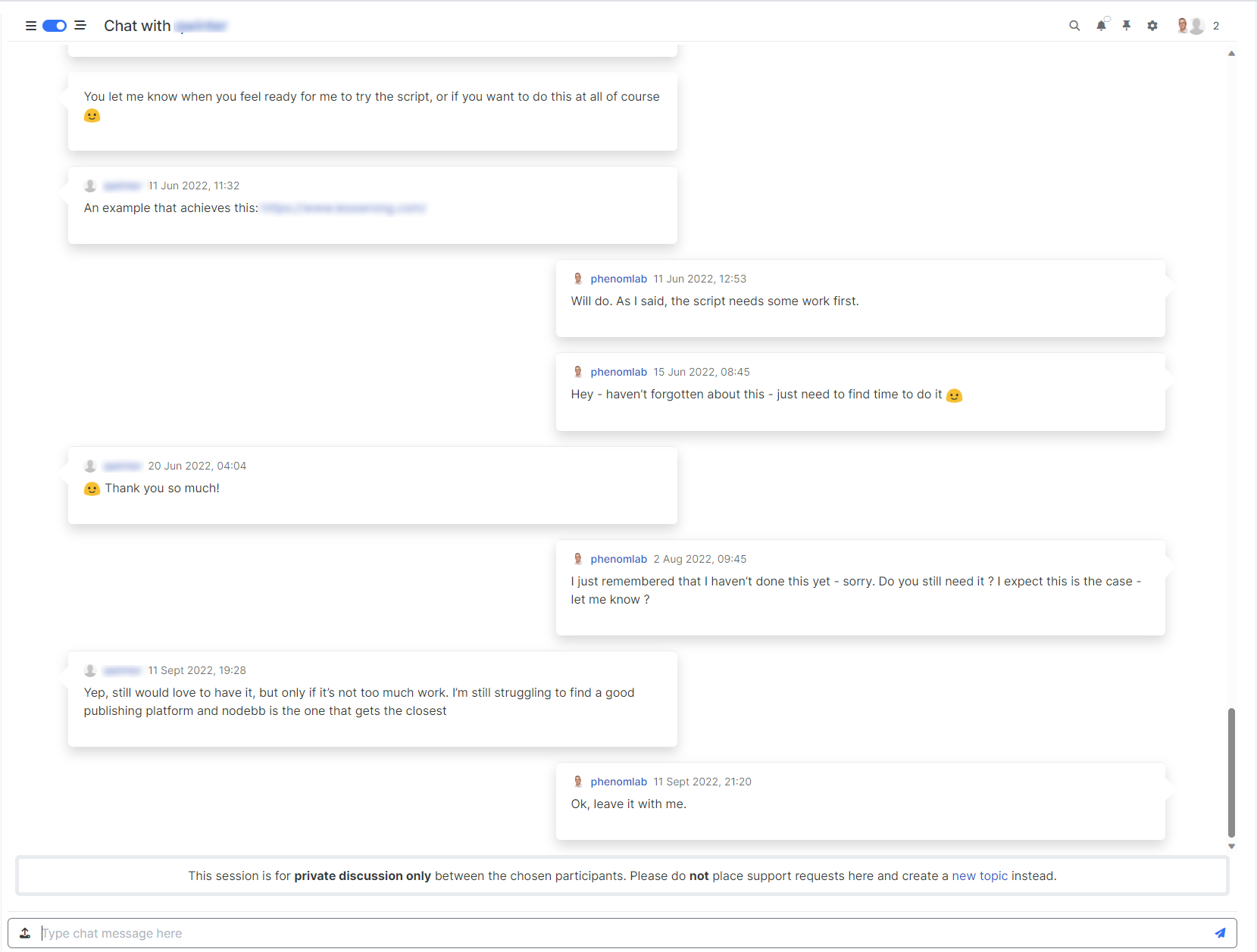
  • Besides, my solution above is only partial. It turns out that sometimes I can no longer click to reply to the post via quick Reply. Nothing happens when I click to enter text

    cache maybe. I have delete the bugfix because not bug fix 🙂

    image.png

    wrote on last edited by

    @DownPW said in Threading support for NodeBB:

    cache maybe. I have delete the bugfix because not bug fix
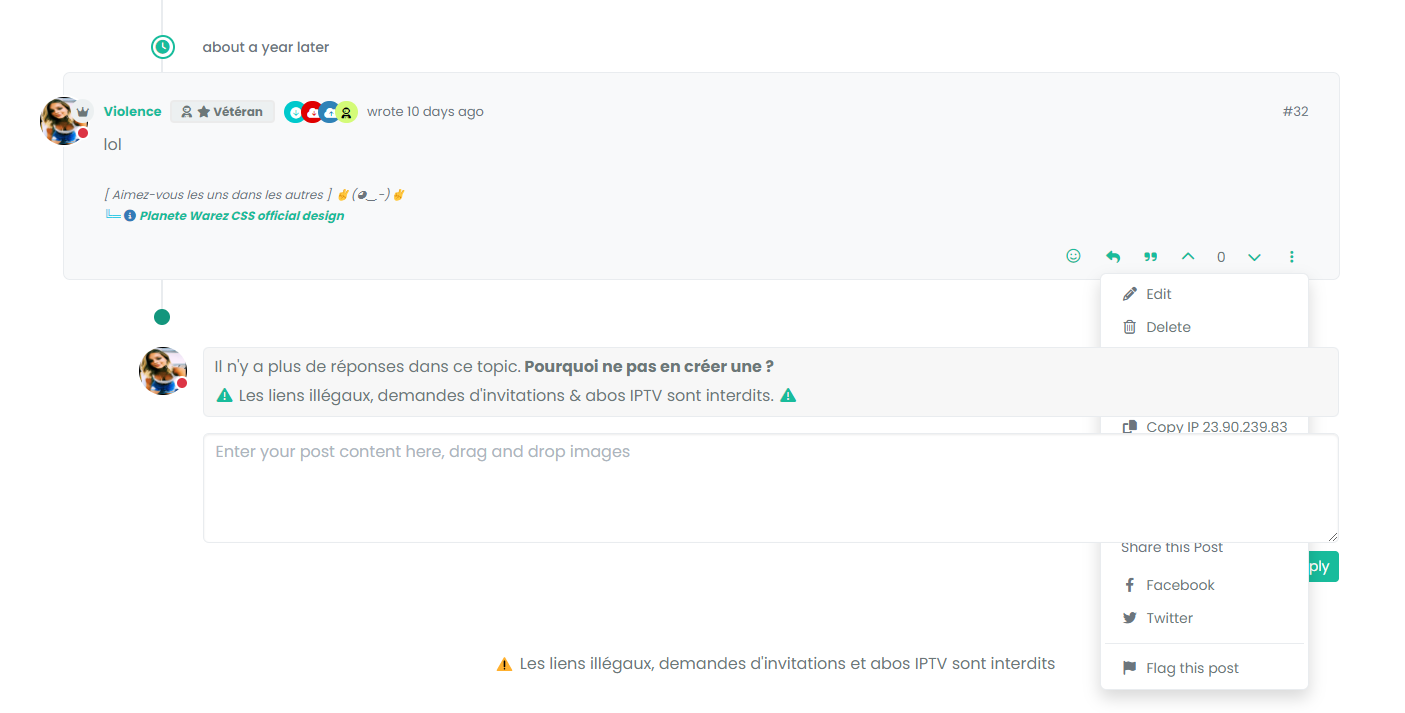
    Yes, I can’t reproduce this.

  • wrote on last edited by

    I mean bug is present but my bug fix don’t work properly.

    test to delete my cache and tell you

  • phenomlab phenomlab referenced this topic on
  • wrote on last edited by

    @phenomlab not cache 😞

  • @phenomlab not cache 😞

    wrote on last edited by

    @DownPW PM me the link to the post.

  • wrote on last edited by DownPW

    actually, I noticed that it’s not on all the posts.
    it seems that these are the posts where the last response is that of the user (selfpost)

    DONE

  • actually, I noticed that it’s not on all the posts.
    it seems that these are the posts where the last response is that of the user (selfpost)

    DONE

    wrote on last edited by

    @DownPW I’ll have a look at this later

  • wrote on last edited by DownPW

    no problem.
    I have resolve this bug with change/replace this CSS CODE (I have just delete transform directive) :

    li.pt-4.self-post:not(.self-post .topic-owner-post).threaded {
       /*transform: translateX(0px) !important;*/
       transition: transform 0.3s ease !important;
       background: var(--bs-body-bg);
       background: var(--bs-body-navbar)!important;
       padding-right: 30px;
       margin-left: 0rem;
       padding-bottom: 0rem !important;
     }
    

    I don’t know if is a goodfix or not.

  • no problem.
    I have resolve this bug with change/replace this CSS CODE (I have just delete transform directive) :

    li.pt-4.self-post:not(.self-post .topic-owner-post).threaded {
       /*transform: translateX(0px) !important;*/
       transition: transform 0.3s ease !important;
       background: var(--bs-body-bg);
       background: var(--bs-body-navbar)!important;
       padding-right: 30px;
       margin-left: 0rem;
       padding-bottom: 0rem !important;
     }
    

    I don’t know if is a goodfix or not.

    wrote on last edited by

    @DownPW yes, was just typing that!

  • wrote on last edited by

    ha ha 🙂

  • wrote on last edited by phenomlab

    Quick note here for anyone who is using the Threaded Posts code and has recently upgraded to 3.7.0 - only to find the threaded posts is now broken 💔

    This is being caused by the HTML structure changes that 3.7.0 makes in the DOM, meaning the element we used to target pre this release no longer exists. To resolve this, locate the line (within the threaded JS function)

    $('.topic .sticky-tools ul.list-unstyled').append(threadView);
    

    And replace it with

    $('.topic .sticky-tools .thread-tools').append(threadView);
    

    That should make it re-appear.

  • wrote on last edited by

    Mark hi,
    I dont have this code in my js functions.

  • Mark hi,
    I dont have this code in my js functions.

    wrote on last edited by

    @cagatay Yes, because you have legacy code. The line you have is this

    $('.topic .sticky-tools ul [component="topic/browsing-users"]:last-of-type').append(threadView);
    

    This will work fine because you are using the browsing users plugin, but should you decide to remove it, the threaded utility will cease to function. I’ve replaced that line with the below on your forum.

    $('.topic .sticky-tools .thread-tools').append(threadView);
    
  • wrote on last edited by

Related Topics
  • TNG + Nodebb

    General tng genealogy nodebb plugin
    4
    0 Votes
    4 Posts
    2k Views
    phenomlab
    @Madchatthew said in TNG + Nodebb: you have to try and use duck tape and super glue to change something to make it do what you want it to do I couldn’t have put that better myself.
  • NodeBB Twitter / X embeds

    Let's Build It twitter script
    34
    21 Votes
    34 Posts
    16k Views
    DownPW
    @phenomlab said: @DownPW thanks for spotting (and fixing) this issue. I admittedly threw this together quickly for @jac some time ago, and it hasn’t had any love since. If OK with you, I’ll merge these changes into the github repository? No problem dude
  • Material View Support for Stock NodeBB

    Unsolved Let's Build It material view javascript css
    51
    4
    15 Votes
    51 Posts
    27k Views
    DownPW
    Oh yes, that’s what’s super cool, I learn something every day. Afterwards I start from so low in JS
  • Threaded chat support for NodeBB

    Let's Build It threaded chat code
    35
    1
    19 Votes
    35 Posts
    16k Views
    phenomlab
    @DownPW said in Threaded chat support for NodeBB: Better like this : add shadow and border-left on self answer Of course - you style to your own requirements and taste I’ll commit that CSS we discussed yesterday also
  • Removing blue 'moved' tag from post

    Solved Configure nodebb
    16
    2
    3 Votes
    16 Posts
    5k Views
    Panda
    @phenomlab Ah, got it working! I reversed the CSS addition to put z index high, and then I could see another error box saying fork title must be at least 3 characters. So made the new fork title longer and button responded.
  • Difficult to move posts now, on mobile.

    Bugs nodebb
    16
    1
    5 Votes
    16 Posts
    5k Views
    phenomlab
    @DownPW Yes, it is. It’s set far too low meaning other elements with a higher preference will sit over the top of it.
  • Header Menu After Upgrading V3.1.1

    Solved Customisation header nodebb
    2
    1
    2 Votes
    2 Posts
    1k Views
    phenomlab
    @cagatay this relates to a change the css classes used for the brand header meaning it will now float to the left instead of right. If you’d like to retain the original behavior, you can add this css class [data-widget-area="brand-header"] { justify-content: end; display: flex; } Further information here https://community.nodebb.org/topic/17090/manual-build-a-custom-header-in-harmony/19?_=1684069325296
  • Setting up a beta NodeBB v3 environment

    Moved Let's Build It nodebb upgrades beta1
    14
    3
    11 Votes
    14 Posts
    6k Views
    phenomlab
    @dave1904 excellent news. Thanks for the feedback