Fixed background to nodebb forum
-
I’ve been asked to do this:
On the forum, mobile friendly and on PC you’ll get a fire coloured gradient for the background with everything within a frame on top of that background so the frame can be scrolled but the background doesn’t change.
Centred experience such as tumblr or twitter in the sense that it’s the info that gets scrolled but not the whole pageThe forum is nodebb hosted, so although I can add custom CSS or Javascript, where can I upload the image to use?
Also what CSS to write please? -
I’ve been asked to do this:
On the forum, mobile friendly and on PC you’ll get a fire coloured gradient for the background with everything within a frame on top of that background so the frame can be scrolled but the background doesn’t change.
Centred experience such as tumblr or twitter in the sense that it’s the info that gets scrolled but not the whole pageThe forum is nodebb hosted, so although I can add custom CSS or Javascript, where can I upload the image to use?
Also what CSS to write please?@Panda this is untested as I’m not in front of a PC currently, but should work
body {
background-image: url("/path/to/your/image.jpg");
min-height: 100%;
background-repeat: no-repeat;
background-attachment: fixed;
background-position: center;
background-size: cover;
}
The image can be hosted anywhere outside of the NodeBB ecosystem provided it is reachable from any machine with an Internet connection. It doesn’t necessarily need to be on the site itself
Mark Cutting also advises organisations as a Fractional CIO, Fractional CISO and Executive Advisor, helping boards improve technology governance, cyber resilience and executive decision making. Learn more at Phenomlab Ltd
-
@Panda this is untested as I’m not in front of a PC currently, but should work
body {
background-image: url("/path/to/your/image.jpg");
min-height: 100%;
background-repeat: no-repeat;
background-attachment: fixed;
background-position: center;
background-size: cover;
}
The image can be hosted anywhere outside of the NodeBB ecosystem provided it is reachable from any machine with an Internet connection. It doesn’t necessarily need to be on the site itself
@phenomlab there was error, close } without opening {
Is there missing line at start?
On that topic the brackets and some words in that code block (center , cover etc) are very feint to read on my device?
-
Ah I figured out needed
body {Its working but got this funny response as if background is being clicked, and slightly moves sometimes, when you scroll up and down on forum content
-
Apart from the slight move issue
The dark background was also too stong and making forum text hard to read.I asked chatGPT for fix, both its suggestions didnt work
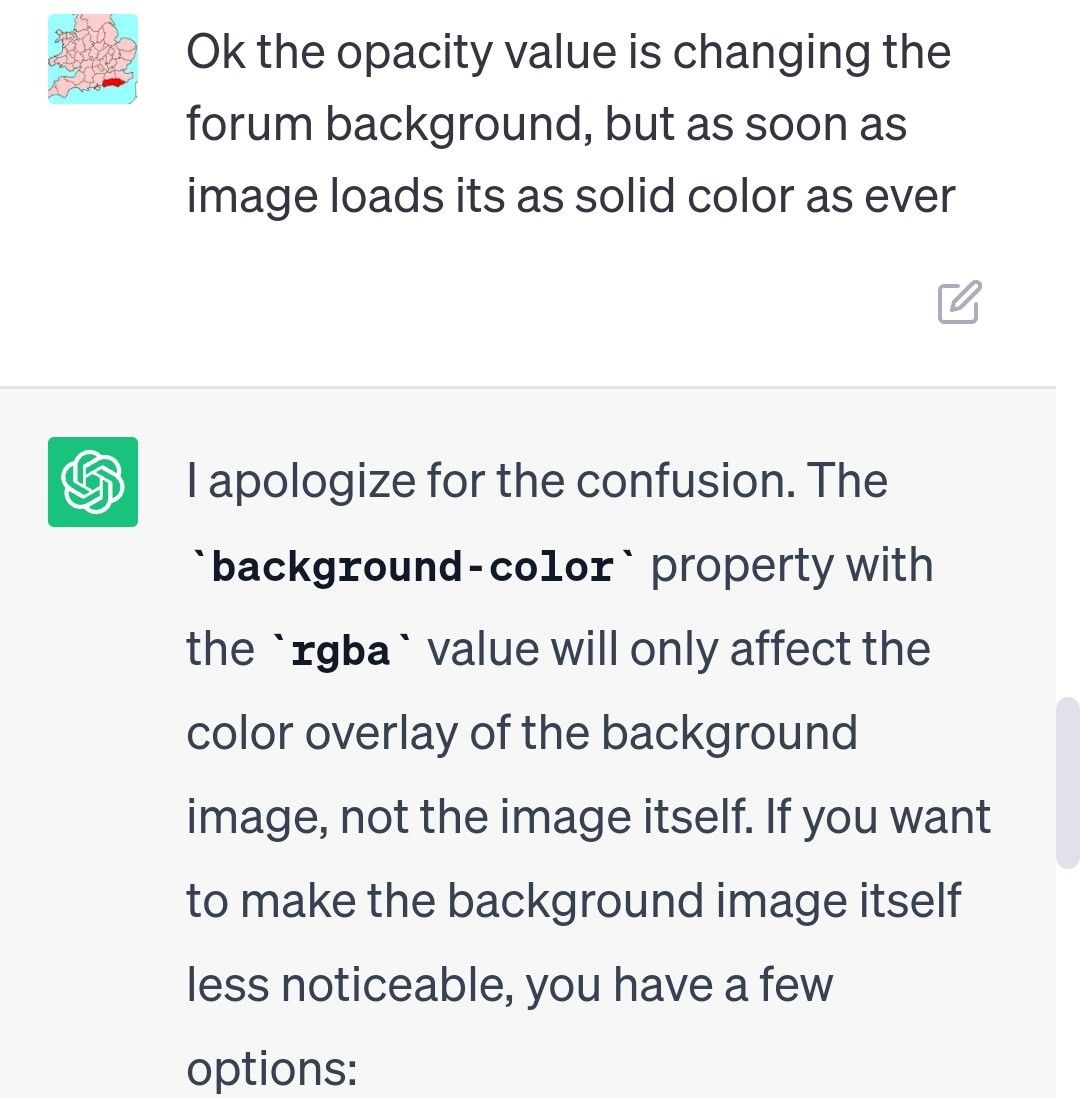
1st suggestion change alpha value on rgb made no difference
2nd idea, filter:
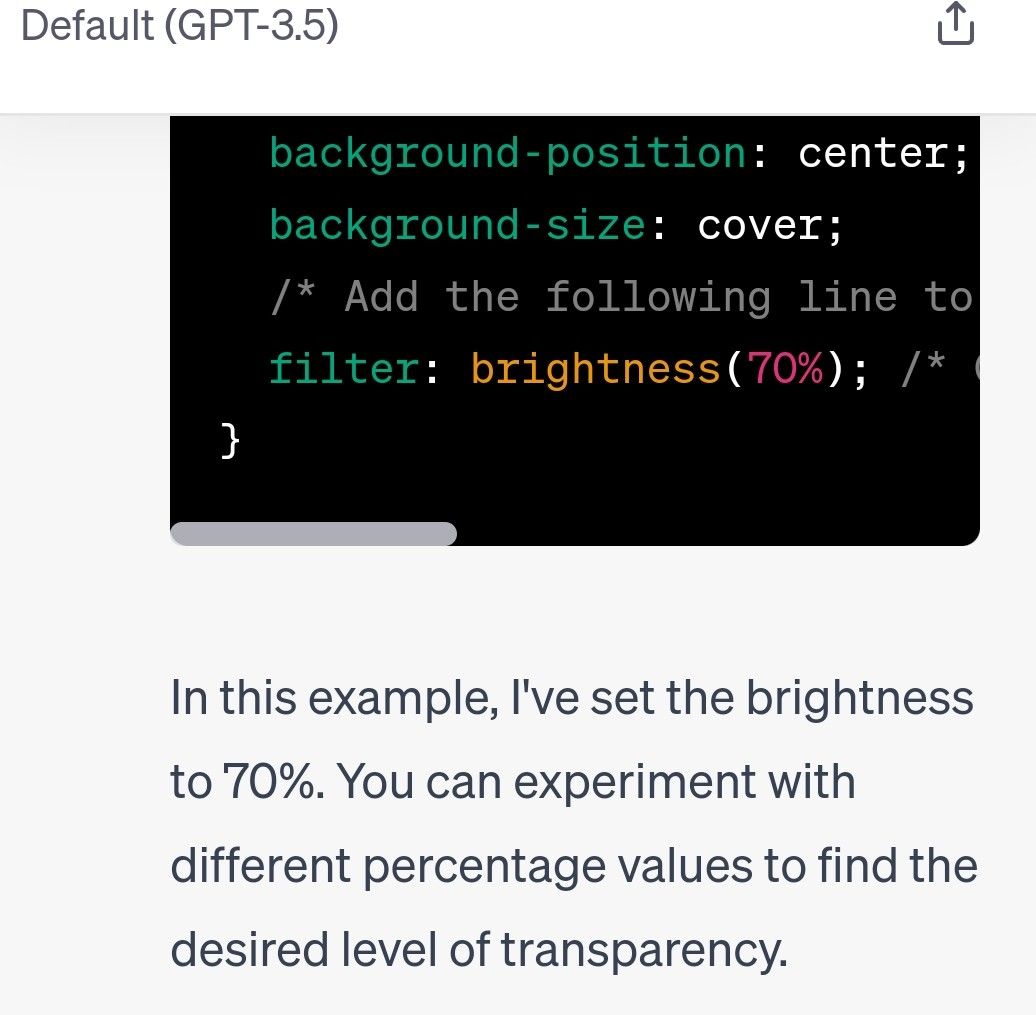
This only made forum text weaker!
Its now saying I need to edit the image in a paint program, and save it with more transparency, but as Im loading from website I cant do that
Is there a CSS way to reduce alpha value on image from external url?
-
Ah I figured out needed
body {Its working but got this funny response as if background is being clicked, and slightly moves sometimes, when you scroll up and down on forum content
@Panda yes, sorry. I’ve updated the original post
-
Apart from the slight move issue
The dark background was also too stong and making forum text hard to read.I asked chatGPT for fix, both its suggestions didnt work
1st suggestion change alpha value on rgb made no difference
2nd idea, filter:
This only made forum text weaker!
Its now saying I need to edit the image in a paint program, and save it with more transparency, but as Im loading from website I cant do that
Is there a CSS way to reduce alpha value on image from external url?
@Panda there is. What you are seeing here with the image moving when clicked is called Cumulative Layout Shift which occurs when the body height is set incorrectly.
Filter and Opacity are a bad idea as you are targeting the
bodyelement meaning all ancestors are affected by that change which in turn makes the text even harder to read.Tired want to use a overlay with the image, to add background color with transparency which should solve the issue.
Mark Cutting also advises organisations as a Fractional CIO, Fractional CISO and Executive Advisor, helping boards improve technology governance, cyber resilience and executive decision making. Learn more at Phenomlab Ltd
-
@Panda there is. What you are seeing here with the image moving when clicked is called Cumulative Layout Shift which occurs when the body height is set incorrectly.
Filter and Opacity are a bad idea as you are targeting the
bodyelement meaning all ancestors are affected by that change which in turn makes the text even harder to read.Tired want to use a overlay with the image, to add background color with transparency which should solve the issue.
@phenomlab
I did try putting 95% height, but didnt solve itRe: putting a background color on…
If you look at the aignite site can you suggest what line to put to make the dark background more transparentI try to avoid CSS, so dont know it!
-
@phenomlab
I did try putting 95% height, but didnt solve itRe: putting a background color on…
If you look at the aignite site can you suggest what line to put to make the dark background more transparentI try to avoid CSS, so dont know it!
@Panda said in Fixed background to nodebb forum:
I try to avoid CSS, so dont know it!
You’ll never avoid having to use it. I’d recommend you start to learn it because you’ll come across this in all aspects of web development.
Mark Cutting also advises organisations as a Fractional CIO, Fractional CISO and Executive Advisor, helping boards improve technology governance, cyber resilience and executive decision making. Learn more at Phenomlab Ltd
-
@Panda said in Fixed background to nodebb forum:
I try to avoid CSS, so dont know it!
You’ll never avoid having to use it. I’d recommend you start to learn it because you’ll come across this in all aspects of web development.
@phenomlab making min height 90% fixed it

-
 undefined Panda has marked this topic as solved on
-
@phenomlab making min height 90% fixed it
@Panda Good. And the background image with the text?
Mark Cutting also advises organisations as a Fractional CIO, Fractional CISO and Executive Advisor, helping boards improve technology governance, cyber resilience and executive decision making. Learn more at Phenomlab Ltd
-
@phenomlab
Sort of …
Its taken me ages to get a skin that looks ok even over a feint backgroundIf I pick a skin can I change just one of the colors if its not dark enough?
-
@phenomlab
Sort of …
Its taken me ages to get a skin that looks ok even over a feint backgroundIf I pick a skin can I change just one of the colors if its not dark enough?
@Panda yes, but you should start with a sane value and work backwards. The lower the last number in terms of
rgbathe higher the transparency.Mark Cutting also advises organisations as a Fractional CIO, Fractional CISO and Executive Advisor, helping boards improve technology governance, cyber resilience and executive decision making. Learn more at Phenomlab Ltd
-
@Panda yes, but you should start with a sane value and work backwards. The lower the last number in terms of
rgbathe higher the transparency.@phenomlab ah ok
So how do I change one color in a skin? -
@phenomlab ah ok
So how do I change one color in a skin?@Panda first, define “skin”
Mark Cutting also advises organisations as a Fractional CIO, Fractional CISO and Executive Advisor, helping boards improve technology governance, cyber resilience and executive decision making. Learn more at Phenomlab Ltd
-
@phenomlab I go to admin menu and select skins
Current one is Quartz -
@phenomlab I go to admin menu and select skins
Current one is Quartz@Panda ok, but which code runs this? Is it mine, or someone else’s work (it does make a difference.
Edit - ok, unless I login, I cannot change the skin if it’s under admin. I’m being forced to wear sunglasses currently.
Mark Cutting also advises organisations as a Fractional CIO, Fractional CISO and Executive Advisor, helping boards improve technology governance, cyber resilience and executive decision making. Learn more at Phenomlab Ltd
-
@Panda ok, but which code runs this? Is it mine, or someone else’s work (it does make a difference.
Edit - ok, unless I login, I cannot change the skin if it’s under admin. I’m being forced to wear sunglasses currently.
@phenomlab
on aignite.nodebb.com I want to pick skin with colors that look ok over back image.
But all the skins I try have at least one text color that is light and hard to see over image -
@phenomlab
on aignite.nodebb.com I want to pick skin with colors that look ok over back image.
But all the skins I try have at least one text color that is light and hard to see over image@Panda it seems you are using the NodeBB skins which frankly, are terrible. They are all based on bootswatch and all have issues.
You really need to custom develop a skin if your want it to look right.
Mark Cutting also advises organisations as a Fractional CIO, Fractional CISO and Executive Advisor, helping boards improve technology governance, cyber resilience and executive decision making. Learn more at Phenomlab Ltd
-
@Panda it seems you are using the NodeBB skins which frankly, are terrible. They are all based on bootswatch and all have issues.
You really need to custom develop a skin if your want it to look right.
@phenomlab yea, this is what Im asking,
Using a skin but maybe modifying one of the color choices

Hello! It looks like you're interested in this conversation, but you don't have an account yet.
Getting fed up of having to scroll through the same posts each visit? When you register for an account, you'll always come back to exactly where you were before, and choose to be notified of new replies (either via email, or push notification). You'll also be able to save bookmarks and upvote posts to show your appreciation to other community members.
With your input, this post could be even better 💗
Register LoginDid this solution help you?
Related Topics
-
-
-
-
NodeBB upgrade now cant post
Solved Bugs -
-
-
Podcast Share NodeBB
Solved Configure -