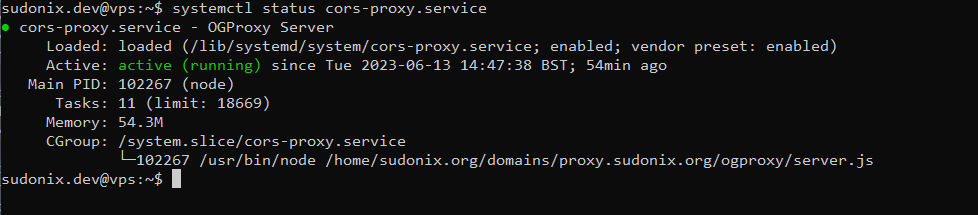
Setup OGProxy for use in NodeBB
-
-
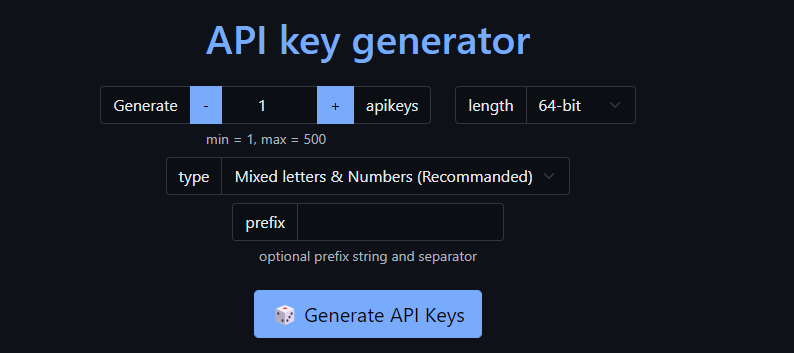
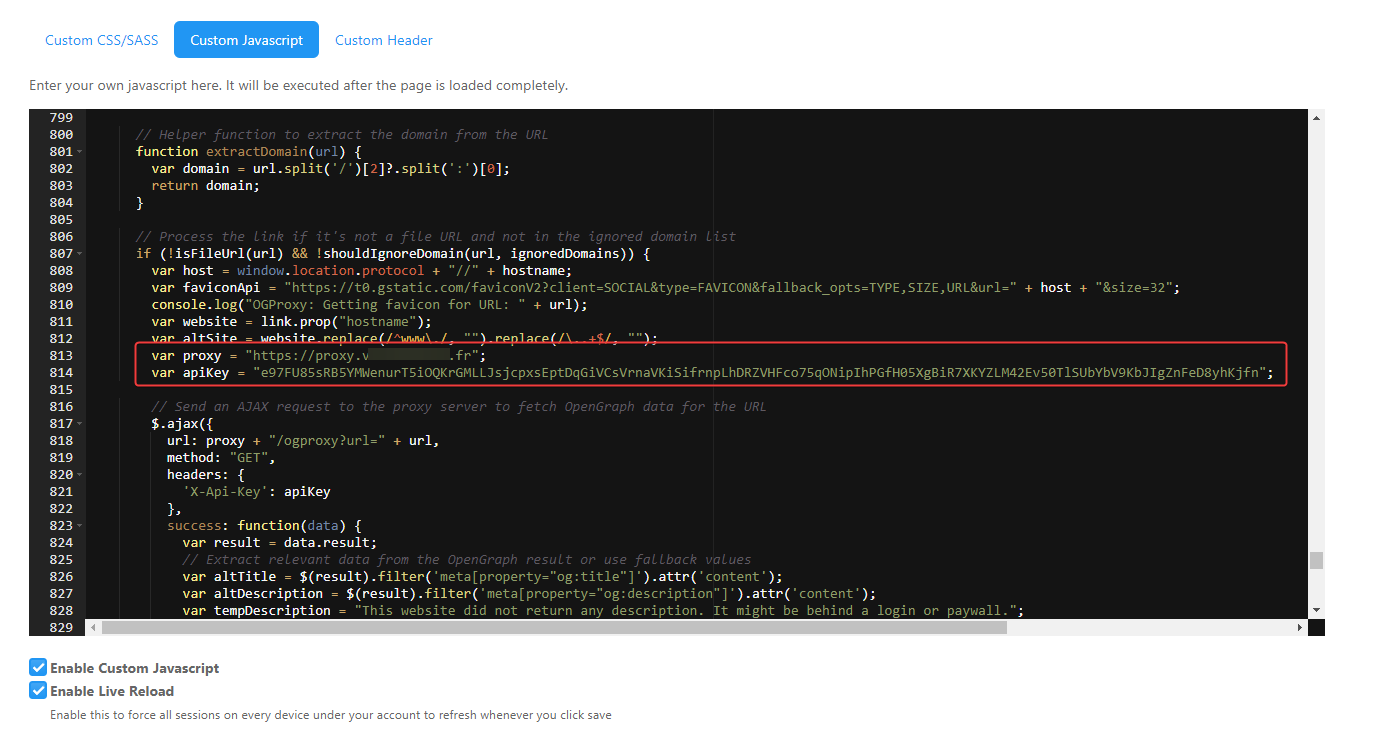
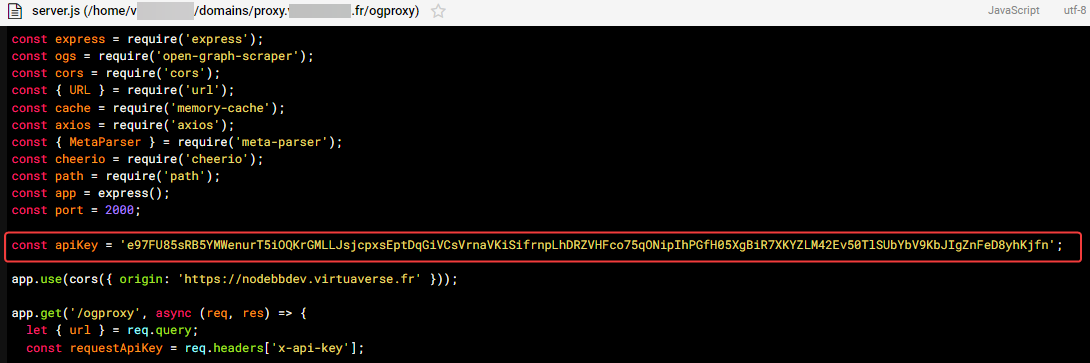
for custom js script, API key is just on ACP/customJS and not on
/home/XXXX/domains/proxy.XXXXXX.XXX/ogproxy/function.jsfile because not write in tuto -
-
-
-
-
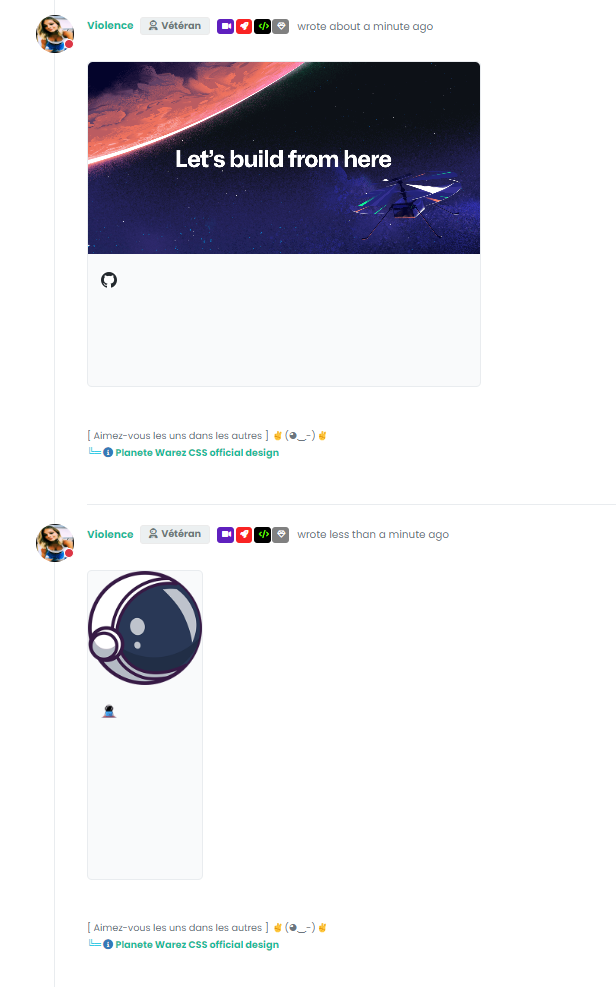
Seem to be better. Just CSS problem I guess. I must see that
-
-
But see the second link, I don’t think it’s a CSS problem no ?
-
-
Already Done.
It seems i’m not be able to change text color after test. Idem with important -
-
???
Example:
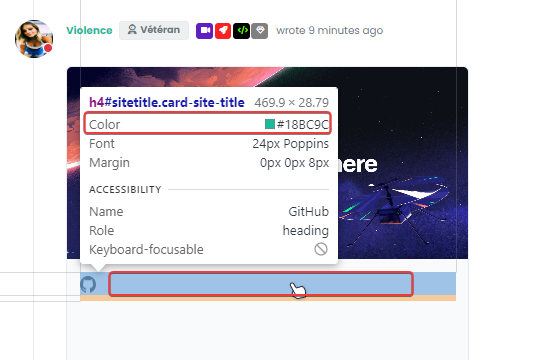
yep better with disable all the rest of my CSS code grrrrr
it’s not going to be easy to find but it shows that there may be conflicts with the master CSS used
-
-
hmm yes
h4.card-site-title { color: var(--bs-body-color); text-transform: capitalize; } -

yes you are right.
I Have find the guilty: It’s my code to have an effect on URL link :
.posts .content a { color: var(--bs-link-color); /*background-image: linear-gradient(to right, var(--bs-link-color), var(--bs-link-color) 50%, var(--bs-link-hover-color) 50%);*/ background-image: linear-gradient(to right, var(--bs-link-hover-color), var(--bs-link-hover-color) 50%, var(--bs-link-color) 50%); background-size: 200% 100%; background-position: -100%; display: inline-block; padding: 5px 0; position: relative; -webkit-background-clip: text; -webkit-text-fill-color: transparent; transition: all 0.3s ease-in-out; } .posts .content a:hover { background-position: 0; } .posts .content a:hover::before{ width: 100%; } -
-
But I wonder how to keep it without it coming into conflict with OGProxy, especially for the internal links to the site which do not have an iframe

-
@DownPW said in Setup OGProxy for use in NodeBB:
especially for the internal links to the site which do not have an iframe
it works ??!!!
Internal links are also in an Iframe.
Very strange,I thought that was not the intended operation.PW and WS Spirit alive
-
@DownPW said in Setup OGProxy for use in NodeBB:
especially for the internal links to the site which do not have an iframe
it works ??!!!
Internal links are also in an Iframe.
Very strange,I thought that was not the intended operation.
@DownPW it wasn’t to start with, but I changed my mind 🤭
Mark Cutting also advises organisations as a Fractional CIO, Fractional CISO and Executive Advisor, helping boards improve technology governance, cyber resilience and executive decision making. Learn more at Gratmore Ltd

Hello! It looks like you're interested in this conversation, but you don't have an account yet.
Getting fed up of having to scroll through the same posts each visit? When you register for an account, you'll always come back to exactly where you were before, and choose to be notified of new replies (either via email, or push notification). You'll also be able to save bookmarks and upvote posts to show your appreciation to other community members.
With your input, this post could be even better 💗
Register Login