Skip to content

Setup OGProxy for use in NodeBB
Moved Let's Build It
110 5 55.3k 2
  • wrote on last edited by
    #8

    hmmm OK.
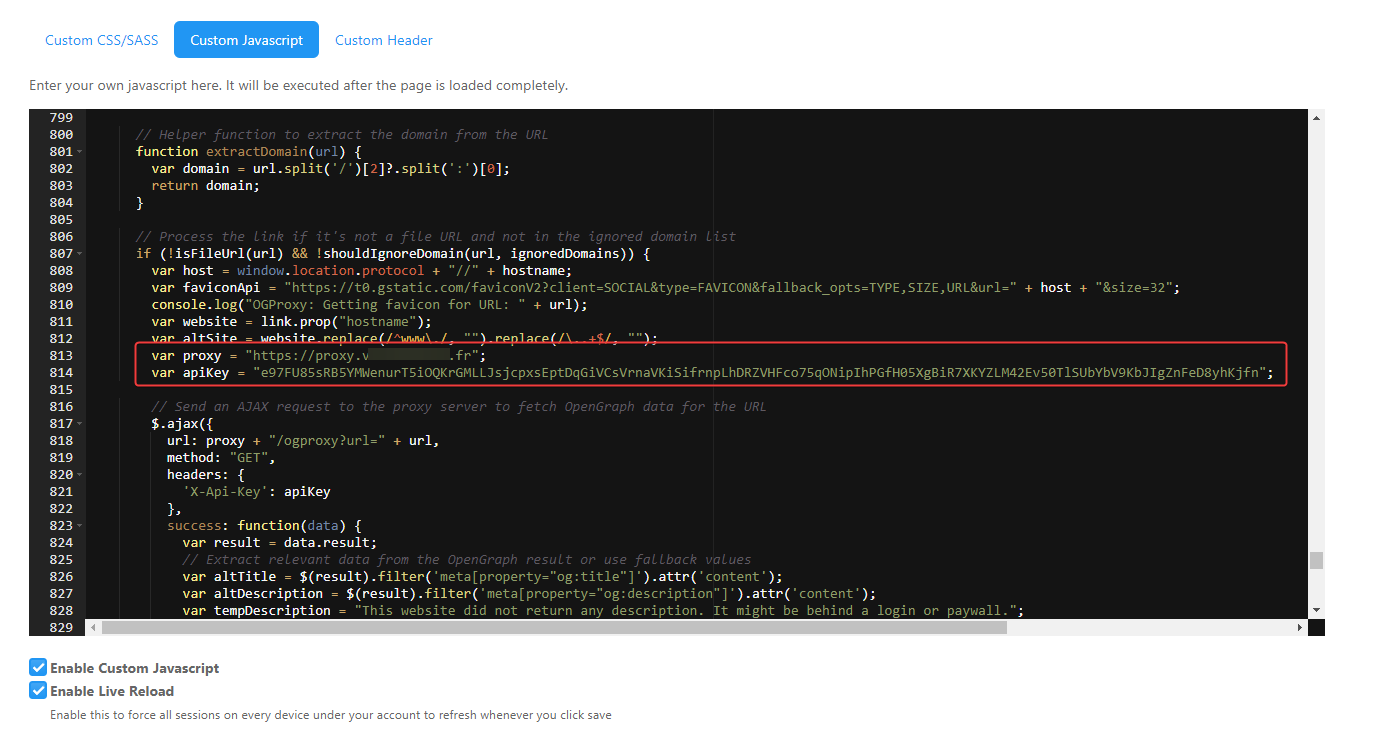
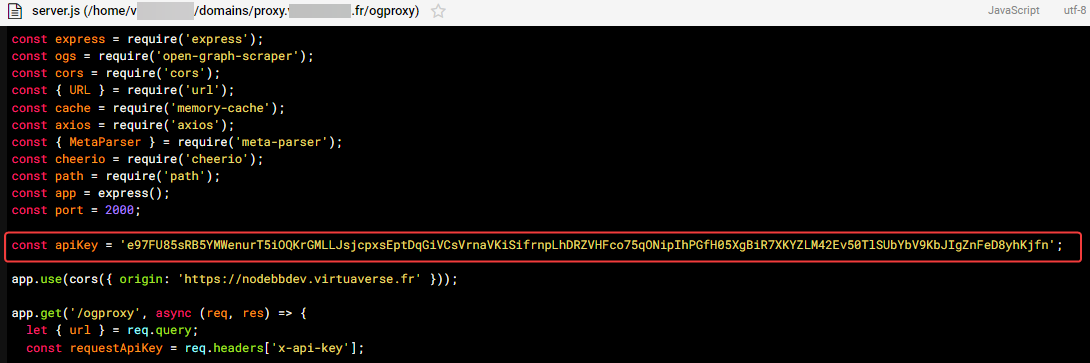
    Yep API key are in server.js file and custom js script

  • hmmm OK.
    Yep API key are in server.js file and custom js script

    wrote on last edited by
    #9

    @DownPW are you sure there is no error in the console?

  • wrote on last edited by
    #10

    nope no error

  • wrote on last edited by DownPW
    #11

    for custom js script, API key is just on ACP/customJS and not on /home/XXXX/domains/proxy.XXXXXX.XXX/ogproxy/function.js file because not write in tuto

  • for custom js script, API key is just on ACP/customJS and not on /home/XXXX/domains/proxy.XXXXXX.XXX/ogproxy/function.js file because not write in tuto

    wrote on last edited by
    #12

    @DownPW function.js is just the code that gets pasted into the custom JS console 😁

  • wrote on last edited by DownPW
    #13

    image.png

    30622d7f-b2c5-47c2-b7db-ac2412cfa06d-image.png

  • wrote on last edited by
    #14

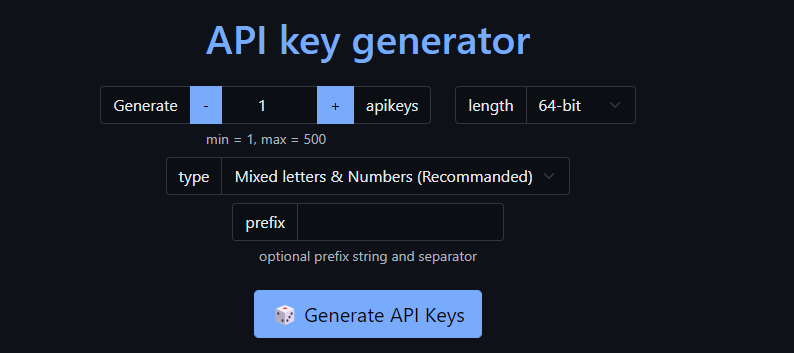
    @DownPW can you change the key so it’s 64bit? Just a theory I want to test. You’ll need to change it in the function and the server.js file.

  • wrote on last edited by DownPW
    #15

    Ok I will test now

  • wrote on last edited by
    #16

    Seem to be better. Just CSS problem I guess. I must see that
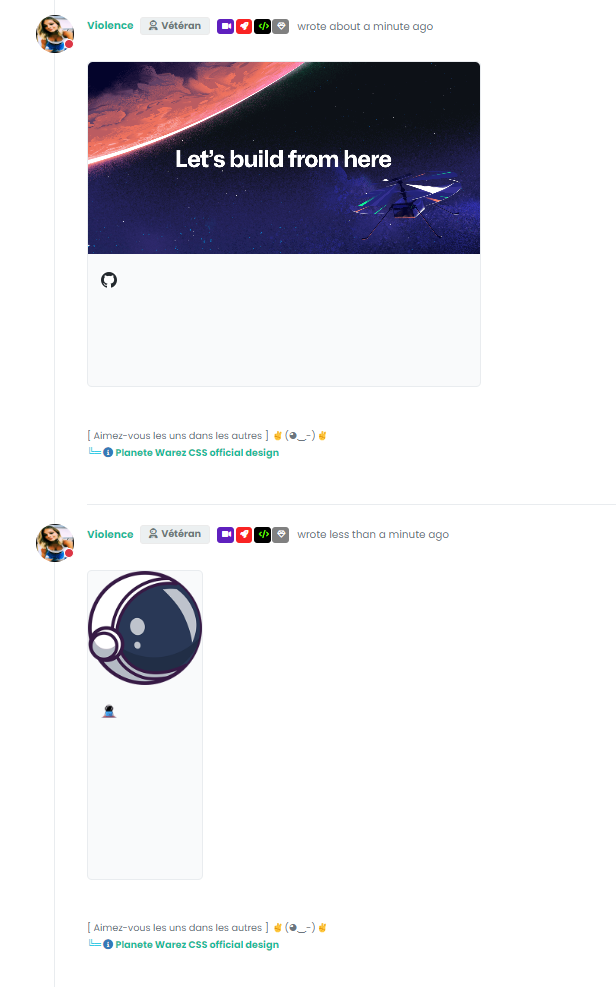
    image.png

  • Seem to be better. Just CSS problem I guess. I must see that

    image.png

    wrote on last edited by phenomlab
    #17

    @DownPW yes, you can use the CSS I provided in the original post as a starting point.

    I’m guessing that the server received a truncated API key because of the length so the authentication failed.

  • wrote on last edited by DownPW
    #18

    But see the second link, I don’t think it’s a CSS problem no ?

  • But see the second link, I don’t think it’s a CSS problem no ?

    wrote on last edited by
    #19

    @DownPW yes, try the CSS provided in the article.

  • wrote on last edited by
    #20

    Already Done.
    It seems i’m not be able to change text color after test. Idem with important

  • Already Done.
    It seems i’m not be able to change text color after test. Idem with important

    wrote on last edited by phenomlab
    #21

    @DownPW that may be your local CSS. I don’t think any of my code would prevent that

  • wrote on last edited by DownPW
    #22

    ???

    Example:

    image.png

    yep better with disable all the rest of my CSS code grrrrr

    it’s not going to be easy to find but it shows that there may be conflicts with the master CSS used

  • ???

    Example:

    image.png

    yep better with disable all the rest of my CSS code grrrrr

    it’s not going to be easy to find but it shows that there may be conflicts with the master CSS used

    wrote on last edited by
    #23

    @DownPW I don’t think that’s in the list of classes I provided?

  • wrote on last edited by phenomlab
    #24

    hmm yes

    h4.card-site-title {
        color: var(--bs-body-color);
        text-transform: capitalize;
    }
    
  • hmm yes

    h4.card-site-title {
        color: var(--bs-body-color);
        text-transform: capitalize;
    }
    
    wrote on last edited by
    #25

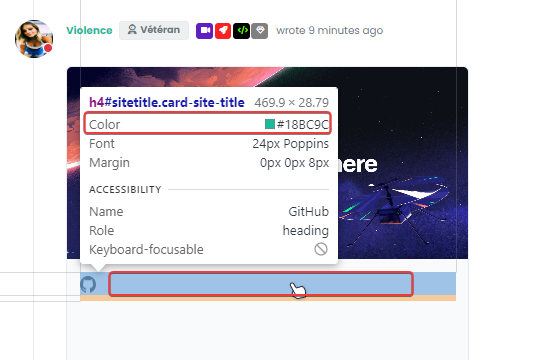
    @DownPW no. Look at your screenshot. The initial target is #sitetitle. Also, there’s no enforcement of !important in that class.

  • wrote on last edited by DownPW
    #26

    yes you are right.

    I Have find the guilty: It’s my code to have an effect on URL link :

    .posts .content a {
        color: var(--bs-link-color);
        /*background-image: linear-gradient(to right, var(--bs-link-color), var(--bs-link-color) 50%, var(--bs-link-hover-color) 50%);*/
        background-image: linear-gradient(to right, var(--bs-link-hover-color), var(--bs-link-hover-color) 50%, var(--bs-link-color) 50%);
        background-size: 200% 100%;
        background-position: -100%;
        display: inline-block;
        padding: 5px 0;
        position: relative;
        -webkit-background-clip: text;
        -webkit-text-fill-color: transparent;
        transition: all 0.3s ease-in-out;
    }
    
    .posts .content a:hover {
     background-position: 0;
    }
    
    .posts .content a:hover::before{
        width: 100%;
    }
    
  • wrote on last edited by DownPW
    #27

    But I wonder how to keep it without it coming into conflict with OGProxy, especially for the internal links to the site which do not have an iframe


Related Topics