Skip to content

Want to use Sudonix themes ?
Chitchat
80 5 30.4k 1
  • wrote on last edited by
    #28

    Mark, I think you changed the format of the forum’s message list.
    The last article I wrote on this topic appears in the middle of the list.

  • wrote on last edited by
    #29

    Not on my side it doesn’t and I’ve not changed anything. Can you send a screenshot?

  • Not on my side it doesn’t and I’ve not changed anything. Can you send a screenshot?

    wrote on last edited by
    #30

    @phenomlab i understood that first post always on top then #2 post is new one right?

  • @phenomlab i understood that first post always on top then #2 post is new one right?

    wrote on last edited by
    #31

    @cagatay no, it’s never worked that way on Sudonix. The newest post is always at the bottom (end) of the thread.

  • wrote on last edited by DownPW
    #32

    Yep I have the same things.

    EDIT : I mean same problem as cagatay
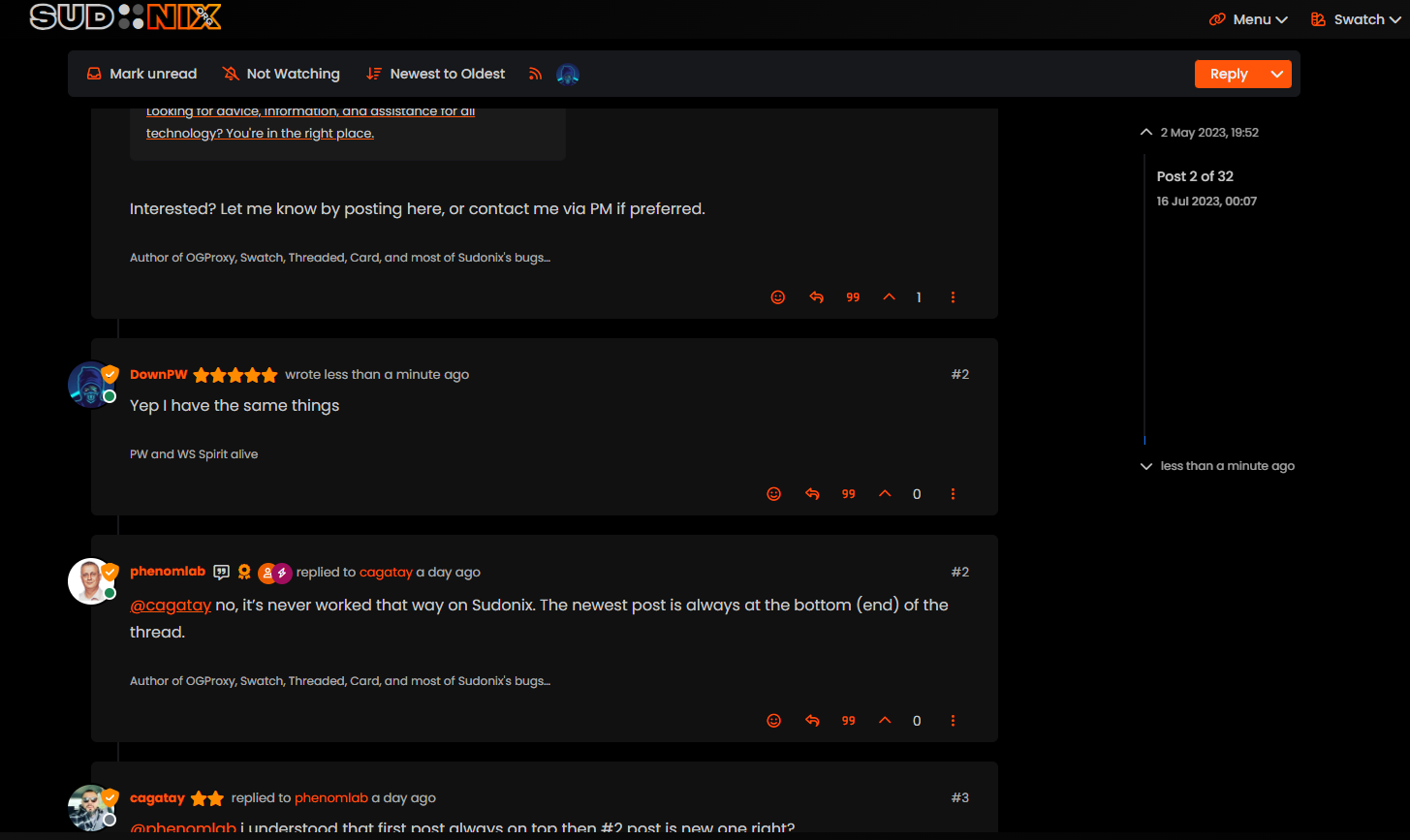
    bf6eb622-f0e5-4102-8f9b-ab08752fda68-image.png

  • Yep I have the same things.

    EDIT : I mean same problem as cagatay

    bf6eb622-f0e5-4102-8f9b-ab08752fda68-image.png

    wrote on last edited by phenomlab
    #33

    @DownPW Hmm. That’s different to what I see. Let me have a look.

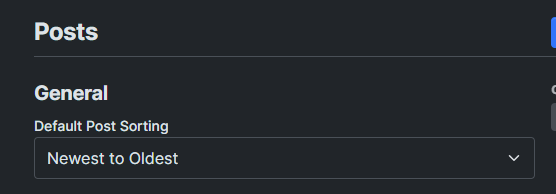
    EDIT: How odd, I don’t remember changing this value

    c4135be9-dac0-4904-9e1c-aa4fae8c1ce0-image.png

    It’s been changed now to “Oldest to Newest”.

  • wrote on last edited by
    #34

    ha ha better now 🙂

  • ha ha better now 🙂

    wrote on last edited by
    #35

    @DownPW There are two places this can be changed. In the ACP, and also in your profile. Strange though as I do not recall changing the global setting.

  • wrote on last edited by
    #36

    Mark hi
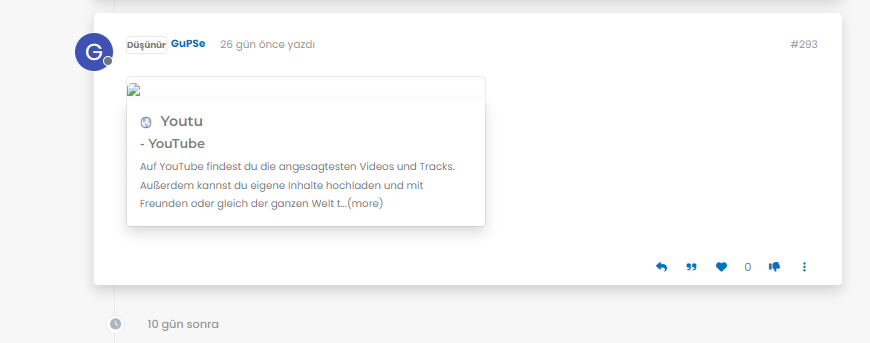
    My youtube links are not working as it should be. photos not shown 😞
    what i sould do?

    image.png
    image.png
    image.png

  • Mark hi
    My youtube links are not working as it should be. photos not shown 😞
    what i sould do?

    image.png
    image.png
    image.png

    wrote on last edited by phenomlab
    #37

    @cagatay Let me have a look at your site. Can you give me the URL where this issue is manifesting itself? Feel free to send it in a PM if you do not want to place it here.

    EDIT - never mind, I found the link.

    From what I see in the console

    Failed to load resource: the server responded with a status of 404 ()
    

    OGProxy cannot retrieve the preview image from the source URL, so attempts to replace it with it’s own image called 404_3.webp. However, this image does not seem to exist in the relative path of /images/404.webp and so the result is what you see in the screenshot.

    To resolve this, download the file 404.webp from the below link, and place this into your OGProxy subdomain inside the folder of images

    https://github.com/phenomlab/ogproxy/tree/main/images

  • wrote on last edited by
    #38

    i did but nothing changed.

  • i did but nothing changed.

    wrote on last edited by
    #39

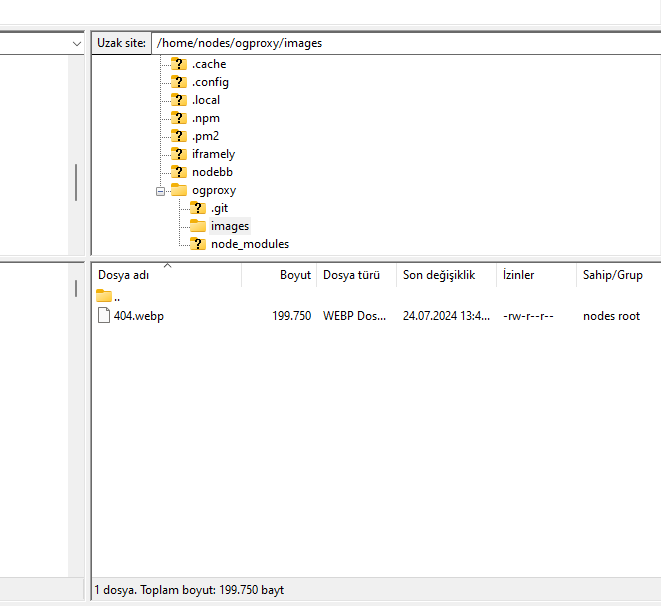
    @cagatay I do not see it in the path I described above. The image is not there - in fact, from what I see, the /images folder does not exist at all?

  • wrote on last edited by
    #40

    here

    image.png

  • here

    image.png

    wrote on last edited by phenomlab
    #41

    @cagatay You’ll need to change the owner of that file as it cannot be read. It’s set currently to root but needs to be the same user as your NodeBB runs under. The images folder needs to be set the same way.

  • wrote on last edited by
    #42

    so i add file as user nodes then i add as root but two times not working correctly.

  • so i add file as user nodes then i add as root but two times not working correctly.

    wrote on last edited by
    #43

    @cagatay I can’t see the image at all. Here’s the output from curl

    HTTP/1.1 404 Not Found
    Server: nginx
    Date: Wed, 24 Jul 2024 11:42:02 GMT
    Content-Type: text/html
    Content-Length: 146
    Connection: keep-alive
    
  • wrote on last edited by
    #44

    i cant understand what i should to do,
    folder images i have, i added your file as user and root but not worked …

  • i cant understand what i should to do,
    folder images i have, i added your file as user and root but not worked …

    wrote on last edited by
    #45

    @cagatay I’ll have a look

  • wrote on last edited by
    #46

    thank you Mark.

  • thank you Mark.

    wrote on last edited by
    #47

    @cagatay Should be working now. I found the issue - your nginx.conf file was set incorrectly. It was set to

      location /images {
        index index.php index.htm index.html;
        root /homes/nodes/ogproxy;
      }
    

    Should have been

      location /images {
        index index.php index.htm index.html;
        root /home/nodes/ogproxy;
      }
    

    Basically, homes needed to be home 🙂


Related Topics
  • Nodebb to Xenforo

    Solved Configure xenforo nodebb
    3
    0 Votes
    3 Posts
    1k Views
    phenomlab
    @cagatay as @downpw stated, there isn’t a native tool that will do this for you. You’d need to either develop your own or ask the nodebb team to assist which will be a paid exercise.
  • Who uses Flarum?

    Chitchat flarum forum
    22
    7 Votes
    22 Posts
    8k Views
    phenomlab
    @Madchatthew I use it here. It is faster, but not sure if that extends to build times.
  • Ch..ch..ch..ch..changes!

    Announcements themes layout
    16
    2
    15 Votes
    16 Posts
    5k Views
    JAC
    @phenomlab of course, to be recognised is fantastic. @phenomlab said in Ch..ch..ch..ch..changes!: Sadly, no. Web crawlers and scrapers are often JS based and read text only, so styles don’t have any bearing. I’ve read mixed things about this, but no that does make sense, it was something I read a many years back when using Wordpress.
  • Opening links in nodebb widget

    Solved Configure nodebb
    6
    4 Votes
    6 Posts
    3k Views
    phenomlab
    A more efficient way of including this would be to not over complicate it and leverage a standard iframe (providing the CSP headers of the remote site permit this) like below <iframe src="https://www.classmarker.com/online-test/start/?quiz=gag66aea7922f0a5" width="700" height="800"></iframe> This works first time every time on your site as intended.
  • CSS code customization for the link preview plugin

    Solved Customisation css nodebb
    6
    2
    3 Votes
    6 Posts
    3k Views
    phenomlab
    @kadir-ay-0 marking as resolved based on https://community.nodebb.org/topic/17109/manual-build-a-night-mode-for-harmony/5 Please do not raise requests in two places - here and the NodeBB forums. All this does is create unnecessary load for both parties.
  • Fixed background to nodebb forum

    Solved Configure nodebb
    25
    4 Votes
    25 Posts
    10k Views
    phenomlab
    @Panda said in Fixed background to nodebb forum: Chatgpt told me the ::before method. Go figure
  • Bug in Nodebb route when clicking title

    Moved Configure nodebb
    3
    2 Votes
    3 Posts
    1k Views
    Panda
    Ah silly me, thanks for finding that!
  • Why CSS acts different in Desktop?

    Bugs nodebb
    11
    4 Votes
    11 Posts
    4k Views
    phenomlab
    @DownPW I’d have to agree with that.