Skip to content

Want to use Sudonix themes ?
Chitchat
80 5 30.4k 1
  • wrote on last edited by
    #26

    Mark hi
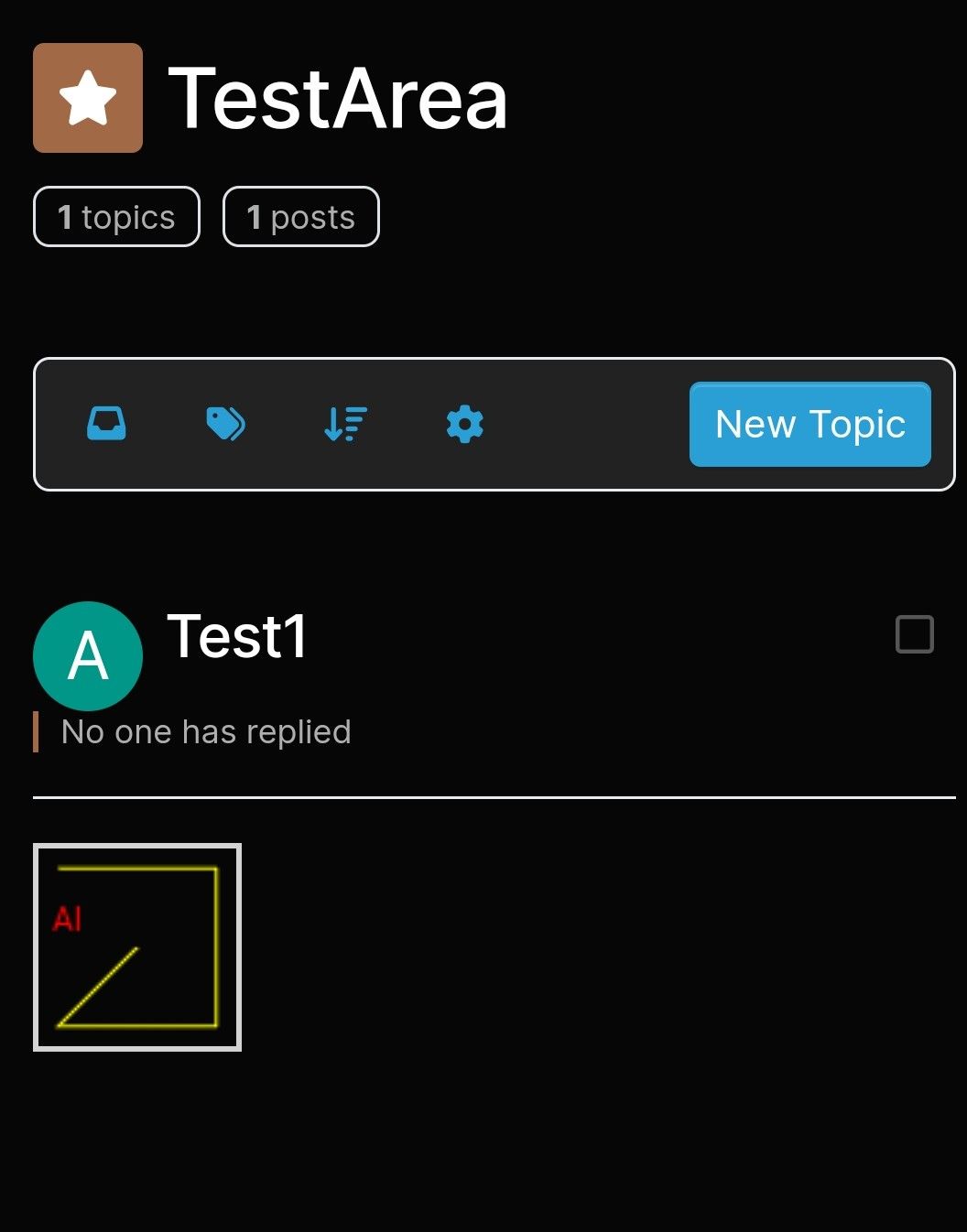
    How can i change the new topic area as yours?

    image.png

    yours;

    image.png

  • Mark hi
    How can i change the new topic area as yours?

    image.png

    yours;

    image.png

    wrote on last edited by phenomlab
    #27

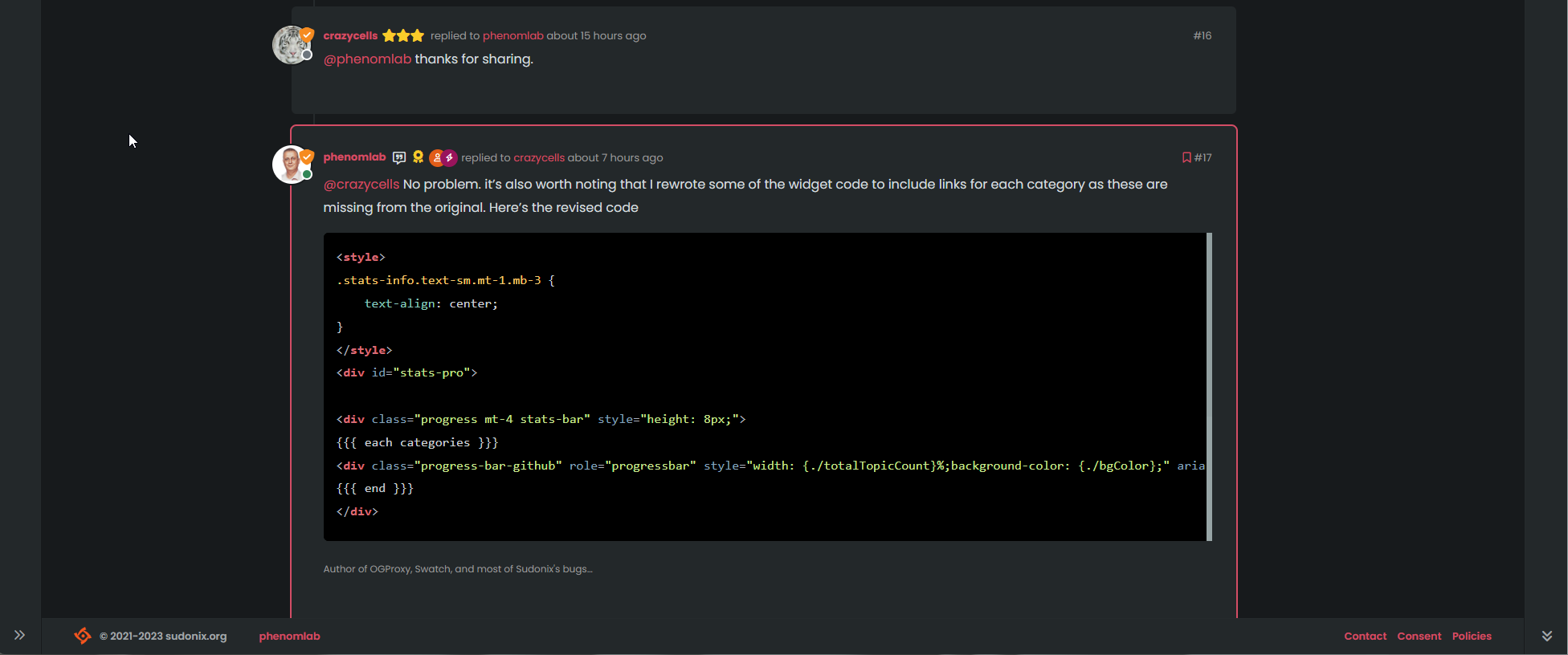
    @cagatay You can target the CSS and see how it is constructed. You probably need the revised CSS and theme files.

    CSS is below

    .btn-primary, .btn-light {
        --bs-btn-active-bg: var(--bs-node-btn-active-bg);
        --bs-btn-active-border-color: var(--bs-node-btn-active-border);
        --bs-btn-bg: var(--bs-node-btn-bg);
        --bs-btn-border-color: var(--bs-node-btn-border);
        --bs-btn-box-shadow: none;
        --bs-btn-color: var(--bs-node-btn-color);
        --bs-btn-hover-bg: var(--bs-node-btn-active-bg);
        --bs-btn-hover-border-color: var(--bs-node-btn-active-border);
        font-size: 14px;
        padding: 4px 8px;
        background: var(--bs-btn-bg);
    }
    
  • wrote on last edited by
    #28

    Mark, I think you changed the format of the forum’s message list.
    The last article I wrote on this topic appears in the middle of the list.

  • wrote on last edited by
    #29

    Not on my side it doesn’t and I’ve not changed anything. Can you send a screenshot?

  • Not on my side it doesn’t and I’ve not changed anything. Can you send a screenshot?

    wrote on last edited by
    #30

    @phenomlab i understood that first post always on top then #2 post is new one right?

  • @phenomlab i understood that first post always on top then #2 post is new one right?

    wrote on last edited by
    #31

    @cagatay no, it’s never worked that way on Sudonix. The newest post is always at the bottom (end) of the thread.

  • wrote on last edited by DownPW
    #32

    Yep I have the same things.

    EDIT : I mean same problem as cagatay
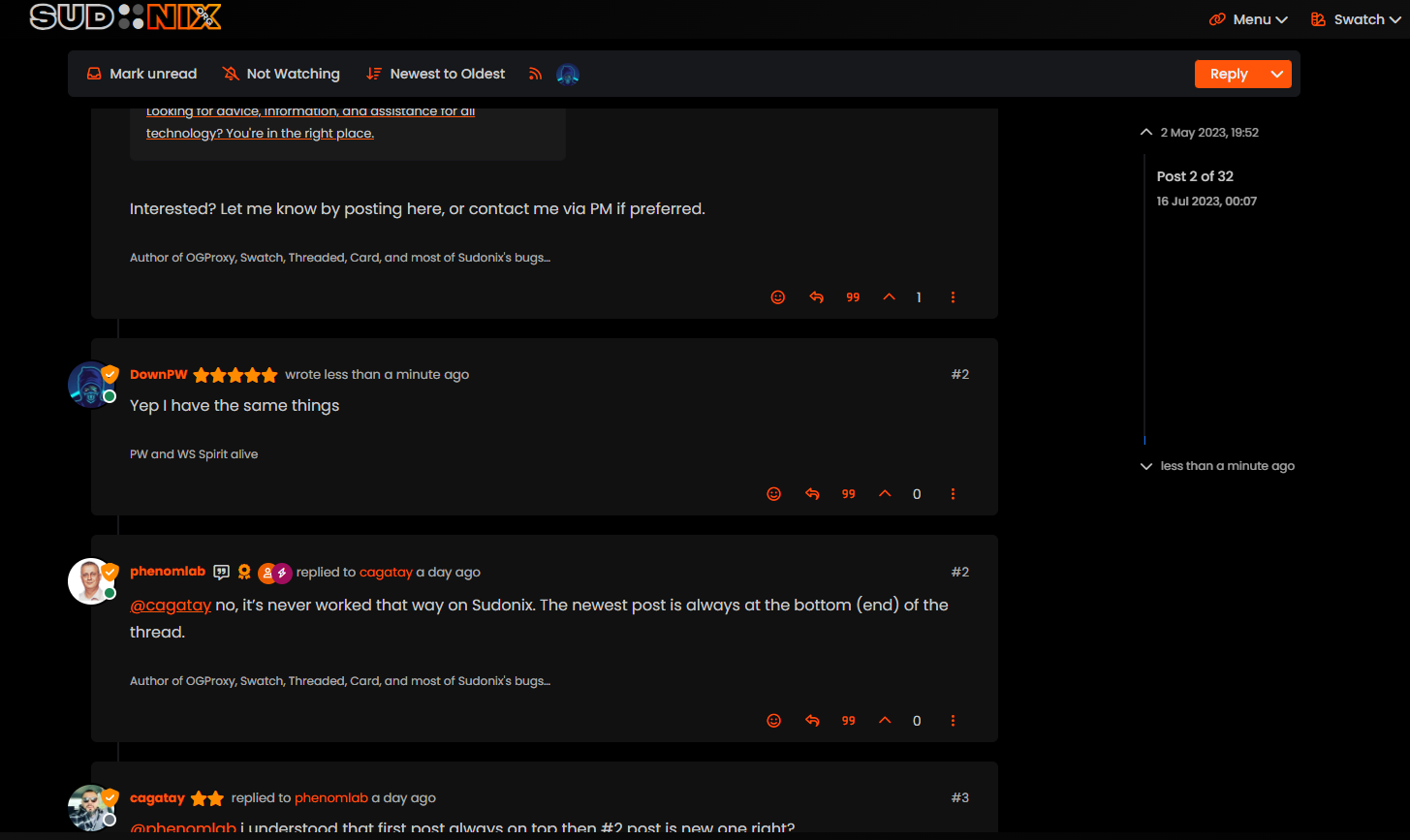
    bf6eb622-f0e5-4102-8f9b-ab08752fda68-image.png

  • Yep I have the same things.

    EDIT : I mean same problem as cagatay

    bf6eb622-f0e5-4102-8f9b-ab08752fda68-image.png

    wrote on last edited by phenomlab
    #33

    @DownPW Hmm. That’s different to what I see. Let me have a look.

    EDIT: How odd, I don’t remember changing this value

    c4135be9-dac0-4904-9e1c-aa4fae8c1ce0-image.png

    It’s been changed now to “Oldest to Newest”.

  • wrote on last edited by
    #34

    ha ha better now 🙂

  • ha ha better now 🙂

    wrote on last edited by
    #35

    @DownPW There are two places this can be changed. In the ACP, and also in your profile. Strange though as I do not recall changing the global setting.

  • wrote on last edited by
    #36

    Mark hi
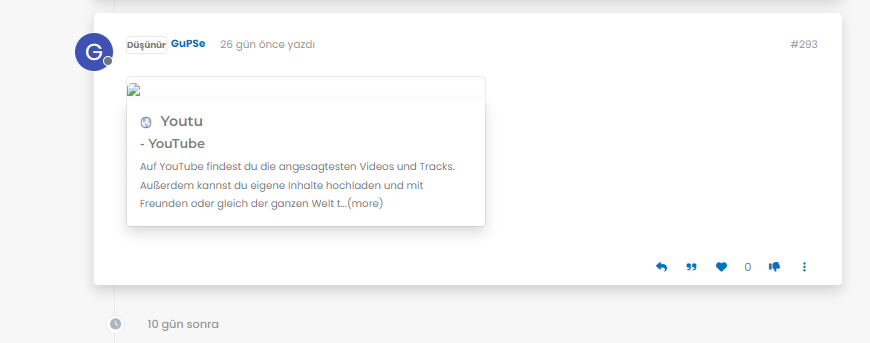
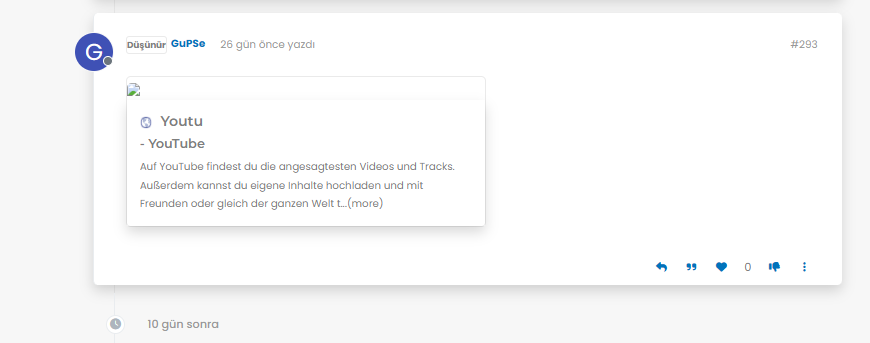
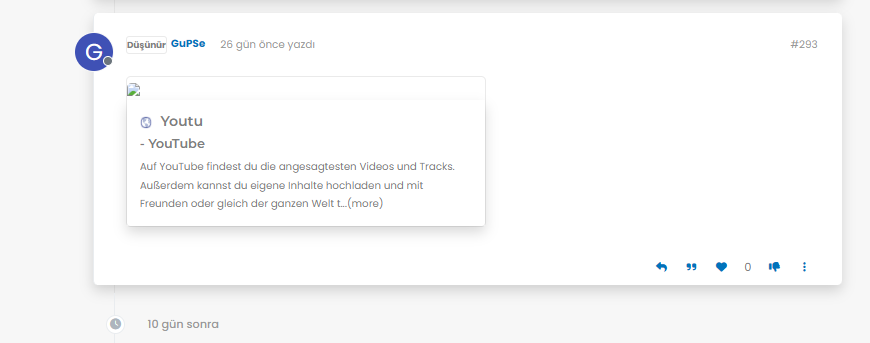
    My youtube links are not working as it should be. photos not shown 😞
    what i sould do?

    image.png
    image.png
    image.png

  • Mark hi
    My youtube links are not working as it should be. photos not shown 😞
    what i sould do?

    image.png
    image.png
    image.png

    wrote on last edited by phenomlab
    #37

    @cagatay Let me have a look at your site. Can you give me the URL where this issue is manifesting itself? Feel free to send it in a PM if you do not want to place it here.

    EDIT - never mind, I found the link.

    From what I see in the console

    Failed to load resource: the server responded with a status of 404 ()
    

    OGProxy cannot retrieve the preview image from the source URL, so attempts to replace it with it’s own image called 404_3.webp. However, this image does not seem to exist in the relative path of /images/404.webp and so the result is what you see in the screenshot.

    To resolve this, download the file 404.webp from the below link, and place this into your OGProxy subdomain inside the folder of images

    https://github.com/phenomlab/ogproxy/tree/main/images

  • wrote on last edited by
    #38

    i did but nothing changed.

  • i did but nothing changed.

    wrote on last edited by
    #39

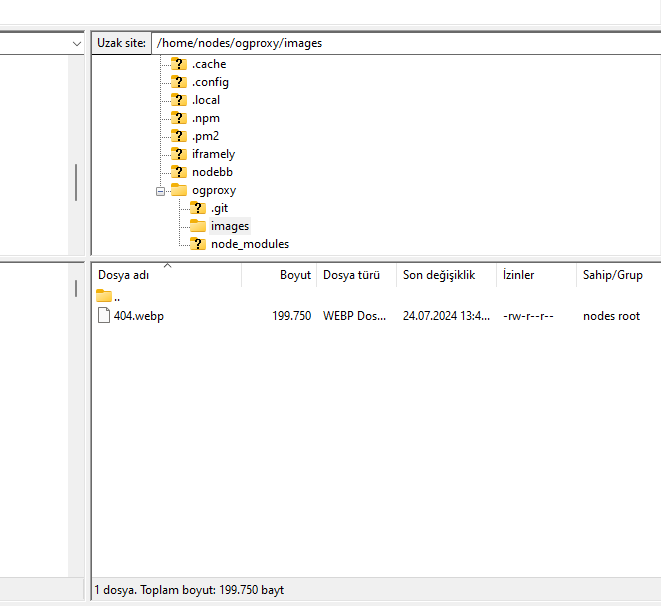
    @cagatay I do not see it in the path I described above. The image is not there - in fact, from what I see, the /images folder does not exist at all?

  • wrote on last edited by
    #40

    here

    image.png

  • here

    image.png

    wrote on last edited by phenomlab
    #41

    @cagatay You’ll need to change the owner of that file as it cannot be read. It’s set currently to root but needs to be the same user as your NodeBB runs under. The images folder needs to be set the same way.

  • wrote on last edited by
    #42

    so i add file as user nodes then i add as root but two times not working correctly.

  • so i add file as user nodes then i add as root but two times not working correctly.

    wrote on last edited by
    #43

    @cagatay I can’t see the image at all. Here’s the output from curl

    HTTP/1.1 404 Not Found
    Server: nginx
    Date: Wed, 24 Jul 2024 11:42:02 GMT
    Content-Type: text/html
    Content-Length: 146
    Connection: keep-alive
    
  • wrote on last edited by
    #44

    i cant understand what i should to do,
    folder images i have, i added your file as user and root but not worked …

  • i cant understand what i should to do,
    folder images i have, i added your file as user and root but not worked …

    wrote on last edited by
    #45

    @cagatay I’ll have a look


Related Topics
  • Nodebb to Xenforo

    Solved Configure xenforo nodebb
    3
    0 Votes
    3 Posts
    1k Views
    phenomlab
    @cagatay as @downpw stated, there isn’t a native tool that will do this for you. You’d need to either develop your own or ask the nodebb team to assist which will be a paid exercise.
  • Nodebb and emails

    Solved Configure nodebb
    27
    5 Votes
    27 Posts
    10k Views
    phenomlab
    @Panda it will use SMTP. In all cases, I never use any plugin to send email. I’ll always send it raw.
  • Who uses Flarum?

    Chitchat flarum forum
    22
    7 Votes
    22 Posts
    8k Views
    phenomlab
    @Madchatthew I use it here. It is faster, but not sure if that extends to build times.
  • IMPORTANT: Theme / Swatch changes

    Announcements swatch themes
    4
    4
    6 Votes
    4 Posts
    2k Views
    phenomlab
    @cagatay these changes aren’t published anywhere presently, so nothing for you to do.
  • Sidebar Widget is no longer on the side!

    Moved Solved General nodebb
    4
    2
    2 Votes
    4 Posts
    1k Views
    phenomlab
    @Panda said in Sidebar Widget is no longer on the side!: Ah, so sidebar wont work on mobile? Correct. If you review the docs on bootstrap, you’ll notice that it is designed on a grid system https://getbootstrap.com/docs/5.0/layout/grid/ What I mean by changing the category is moving it on here to general as you posted it in bugs, when it isn’t.
  • Top Ranked Forums

    Chitchat nodebb top ranked
    9
    1
    3 Votes
    9 Posts
    3k Views
    phenomlab
    The real issue here is that most people consider forums to be “dead” in the sense that nobody uses them anymore, and social media groups have taken their place. Their once dominant stance in the 90’s and early 00’s will never be experienced again, but having said that, there are a number of forums that did in fact survive the social media onslaught, and still enjoy a large user base. Forums tend to be niche. One that immediately sticks out is Reddit - despite looking like it was designed in the 80s, it still has an enormous user base. Another is Stack Overflow, which needs no introduction. The key to any forum is the content it offers, and the more people whom contribute in terms of posting , the more popular and widely respected it becomes as a reliable source of information. Forums are still intensely popular with gamers, alongside those that offer tips on hacking etc.
  • NodeBB inline videoplayer

    Solved Customisation nodebb
    12
    3 Votes
    12 Posts
    5k Views
    Panda
    @phenomlab YAY! It works Thanks so much
  • Iframely (Nodebb)

    Solved Configure
    40
    4 Votes
    40 Posts
    17k Views
    phenomlab
    @DownPW This is now resolved. The issue was an incorrect URL specified in the Nodebb plugin. I’ve corrected this, and now it works as intended.