Forum customisation
-
Hi Mark,
I’d like some help customising two forums running NodeBB please if possible.
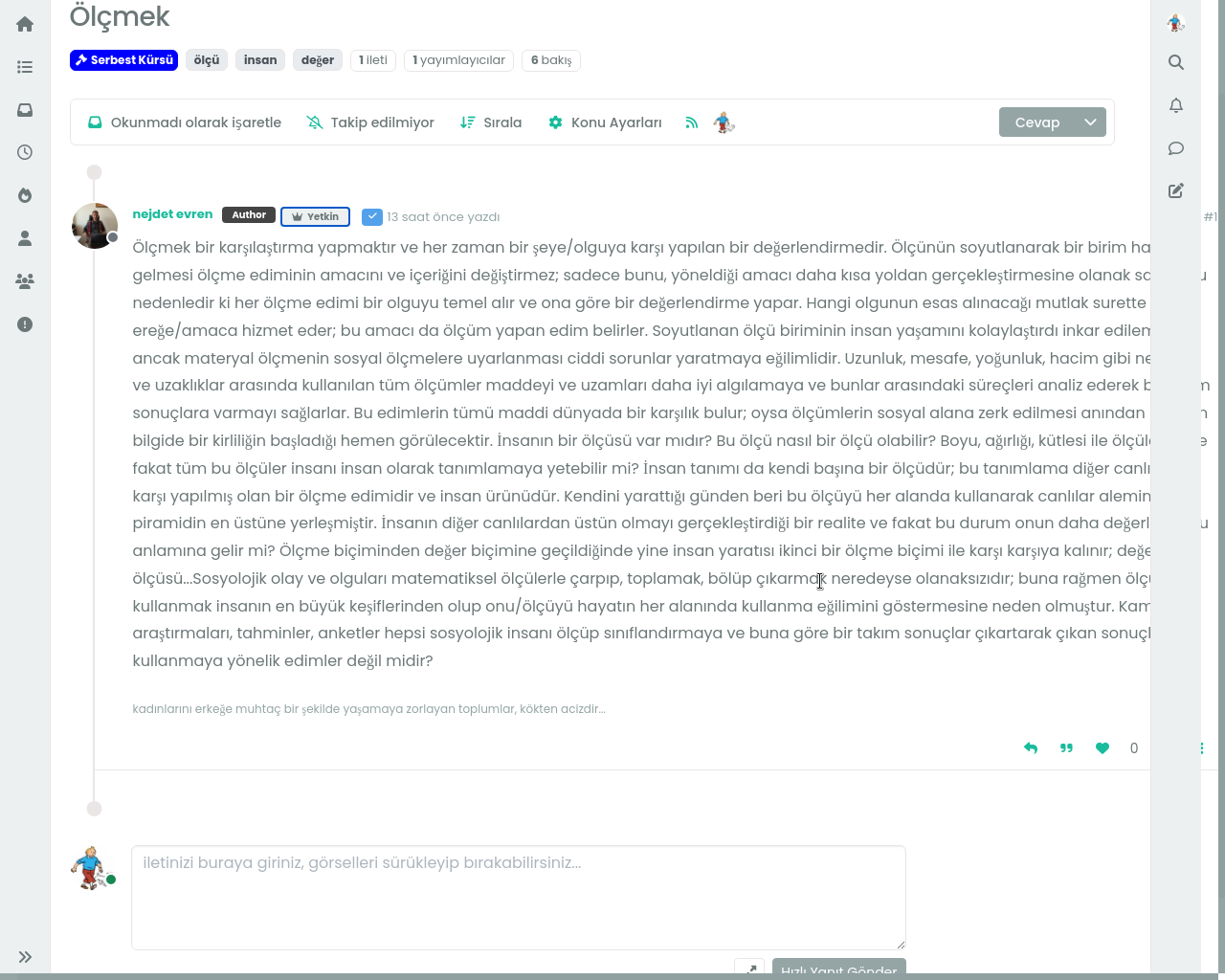
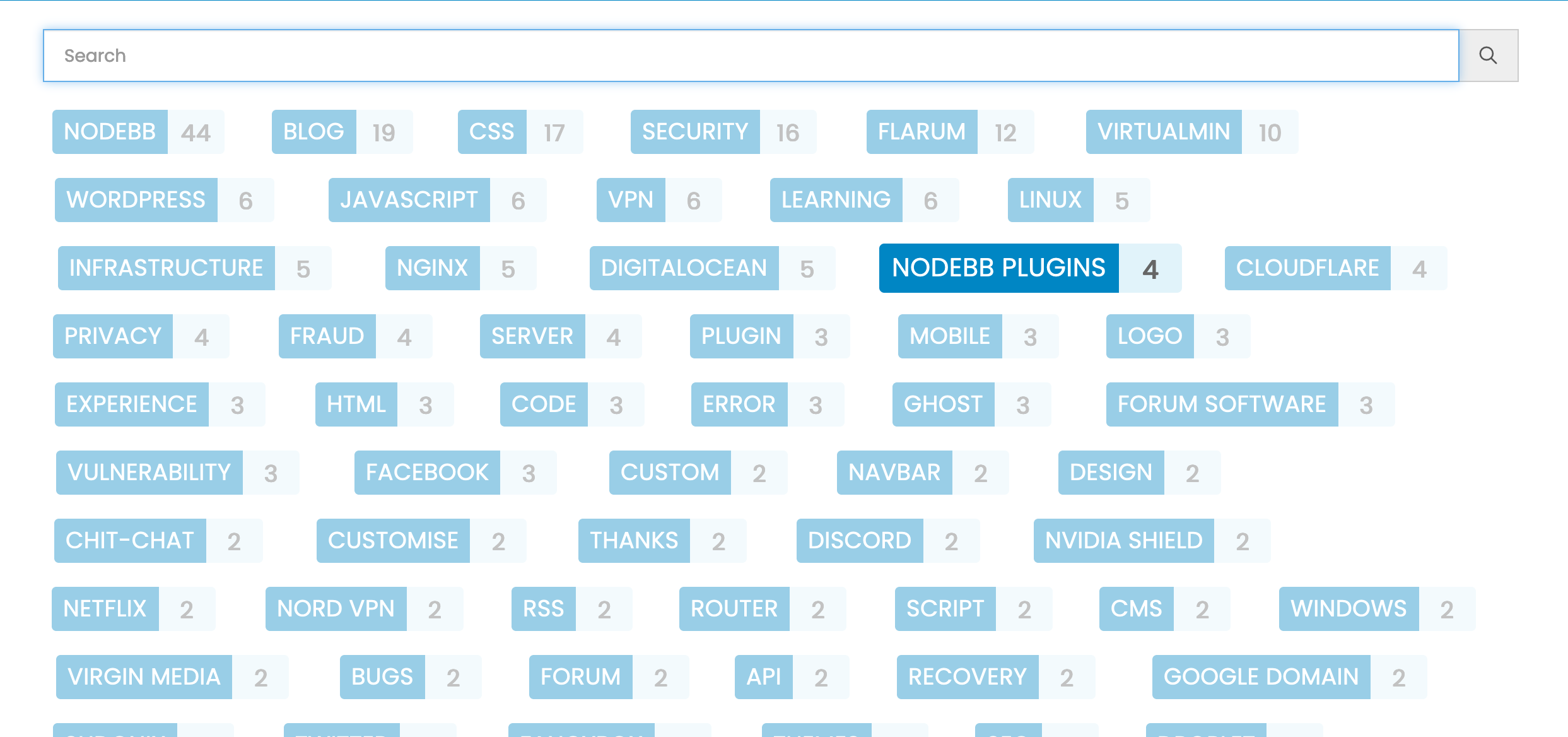
I wish to change the colours of the buttons below.

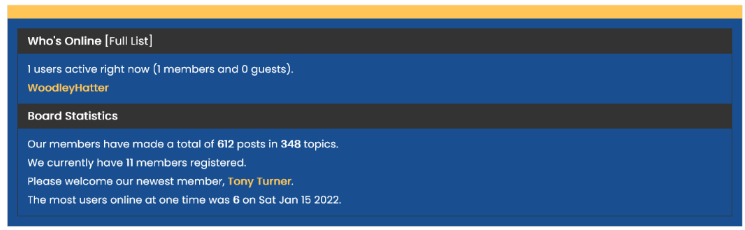
And how can I change the board stats widget to look similar to this…
As always, thank you!
 .
. -
 undefined phenomlab marked this topic as a regular topic on
-
@JAC said in Forum customisation:
I wish to change the colours of the buttons below.
.link-primary, .text-primary { color: var(--bs-link-color) !important; }@JAC said in Forum customisation:
And how can I change the board stats widget to look similar to this…
.border-secondary { --bs-border-opacity: 1; border-color: var(--bs-border-color) !important; border-radius: 10px !important; } [component="widget/board-stats"] .text-bg-secondary:first-child { color: var(--bs-link-color) !important; background-color: var(--bs-node-card-cap-bg) !important; border-top-left-radius: 10px !important; border-top-right-radius: 10px !important; } [component="widget/board-stats"] .text-bg-secondary { color: var(--bs-link-color) !important; background-color: var(--bs-node-card-cap-bg) !important; border-top-left-radius: 0px !important; border-top-right-radius: 0px !important; } -
Perfect @DownPW, thank you very much!
I’ll try these on the laptop later.
-
-
Hi Mark,
I’d like some help customising two forums running NodeBB please if possible.
I wish to change the colours of the buttons below.
And how can I change the board stats widget to look similar to this…
As always, thank you!
.@JAC said in Forum customisation:
I wish to change the colours of the buttons below.
I’d do this a bit different to @DownPW and be more specific with the target. Obviously, change
#ffffffto whatever value you require[component="post/actions"] a i, [component="post/actions"] span i { color: #ffffff !important; }This should produce something like the below (obviously not the dark background), and not white, but you get the idea.

The below CSS should not be used in this instance because it will target several other elements on the site and produce undesirable results
.link-primary, .text-primary { color: var(--bs-link-color) !important; }@JAC said in Forum customisation:
And how can I change the board stats widget to look similar to this…
I’d use something like this, which will target the widget background and the colour of the text in use
[component="widget/board-stats"] {
    background: #000000;
    color: #ffffff;
}
And the below, which will target the background and text colour of the header
[component="widget/board-stats"] h3 {
    background: red !important;
    color: yellow !important;
}
So the actual CSS you need is
[component="widget/board-stats"] {
    background: #194F90;
    color: #ffffff;
}
[component="widget/board-stats"] h3 {
    background: #000000 !important;
}
.widget-board-stats.border.border-secondary a {
    color: #FFC557;
}
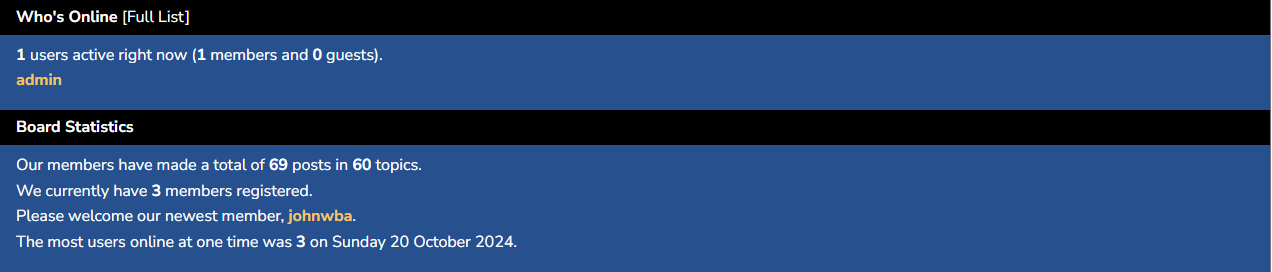
This should produce
-
Thanks very much for all the guidance, I’m currently away and don’t have the laptop on me so I’ll get to these changes next week.
-
I’m yet to add the above changes however I need to make further customisations to the look and feel of my forum if possible.
I’d like to add a box at the bottom of the last reply which will display something like ‘login/sign up to reply’. The only problem is it could get quite annoying for people already logged in if the message shows.
And if possible a border around the quotation bubble if possible?
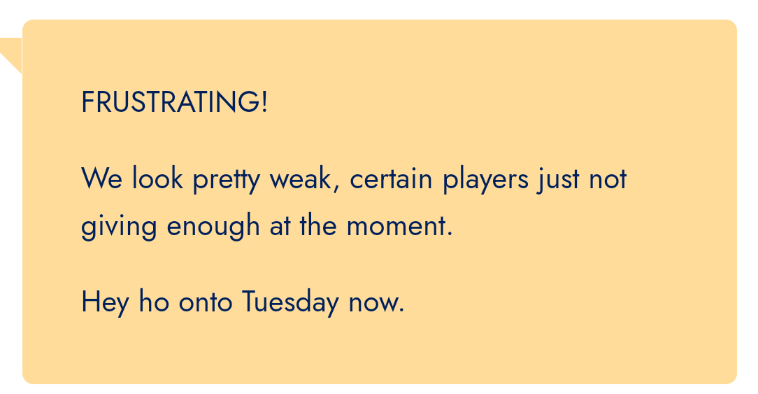
Thanks as always for all the continued help.
-
I’m yet to add the above changes however I need to make further customisations to the look and feel of my forum if possible.
I’d like to add a box at the bottom of the last reply which will display something like ‘login/sign up to reply’. The only problem is it could get quite annoying for people already logged in if the message shows.
And if possible a border around the quotation bubble if possible?
Thanks as always for all the continued help.
@JAC said in Forum customisation:
The only problem is it could get quite annoying for people already logged in if the message shows
This won’t be an issue. We can set it so that it only fires for those visitors who aren’t logged in
@JAC said in Forum customisation:
And if possible a border around the quotation bubble if possible?
Certainly possible although the border natively won’t cover the callout shape.
Mark Cutting also advises organisations as a Fractional CIO, Fractional CISO and Executive Advisor, helping boards improve technology governance, cyber resilience and executive decision making. Learn more at Phenomlab Ltd
-
@JAC said in Forum customisation:
The only problem is it could get quite annoying for people already logged in if the message shows
This won’t be an issue. We can set it so that it only fires for those visitors who aren’t logged in
@JAC said in Forum customisation:
And if possible a border around the quotation bubble if possible?
Certainly possible although the border natively won’t cover the callout shape.
@phenomlab said in Forum customisation:
This won’t be an issue. We can set it so that it only fires for those visitors who aren’t logged in
That sounds perfect!!
@phenomlab said in Forum customisation:
Certainly possible although the border natively won’t cover the callout shape.
That’s fine, what about just having the background of the quote blue with white writing and the @username in yellow?
Also I’ve noticed the newest post displays this line, is that fixable to show something like a border around the newest message or something similar?

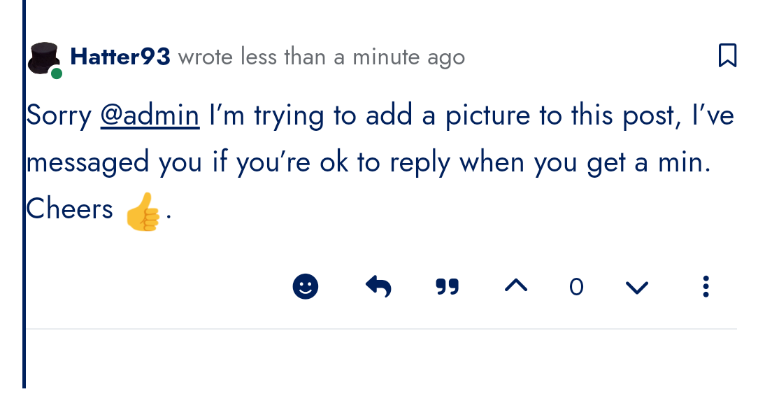
-
@phenomlab said in Forum customisation:
This won’t be an issue. We can set it so that it only fires for those visitors who aren’t logged in
That sounds perfect!!
@phenomlab said in Forum customisation:
Certainly possible although the border natively won’t cover the callout shape.
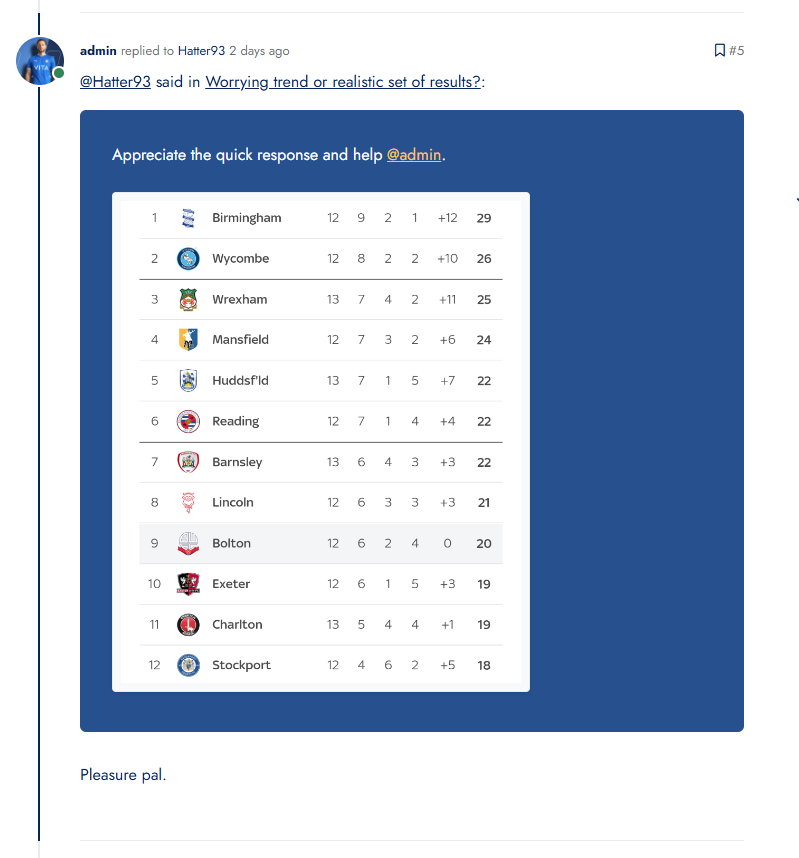
That’s fine, what about just having the background of the quote blue with white writing and the @username in yellow?
Also I’ve noticed the newest post displays this line, is that fixable to show something like a border around the newest message or something similar?
@JAC said in Forum customisation:
That’s fine, what about just having the background of the quote blue with white writing and the @username in yellow?
Something like this? (these are live on your site now)
@JAC said in Forum customisation:
Also I’ve noticed the newest post displays this line, is that fixable to show something like a border around the newest message or something similar?
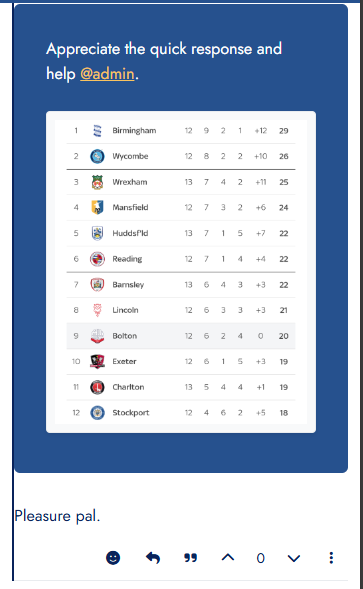
Yes, that’s the current post or last post marker. On a desktop, it’s easy to see, and there’s a decent amount of space between the border and the post as you can see from the screenshot. On mobile however, the view is condensed, so it looks like this
The way to fix that and make it a bit more elegant is to use padding left and right (10px), so
@media (max-width: 575.98px) {
    body.template-topic .topic .posts.timeline [component=post] {
        margin-left: initial;
        padding-left: 10px;
        padding-right: 10px !important;
    }
}
Which gives you this
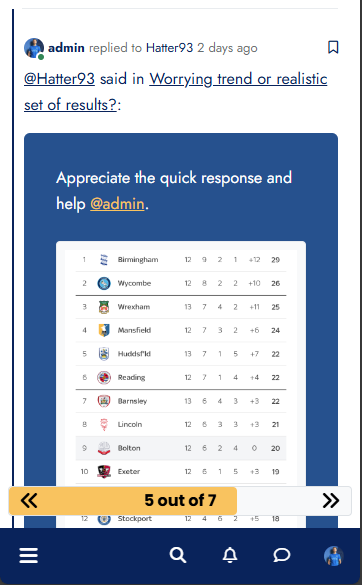
Also live on the forum now.
-
Thank you Mark, the changes look fantastic!!


Hello! It looks like you're interested in this conversation, but you don't have an account yet.
Getting fed up of having to scroll through the same posts each visit? When you register for an account, you'll always come back to exactly where you were before, and choose to be notified of new replies (either via email, or push notification). You'll also be able to save bookmarks and upvote posts to show your appreciation to other community members.
With your input, this post could be even better 💗
Register Login