
Want to use Sudonix themes ?
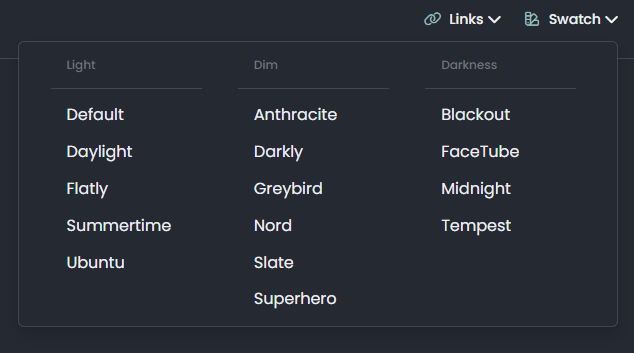
-
hahahah
 it was very easy for you but for me not same
 thank you Mark for all.
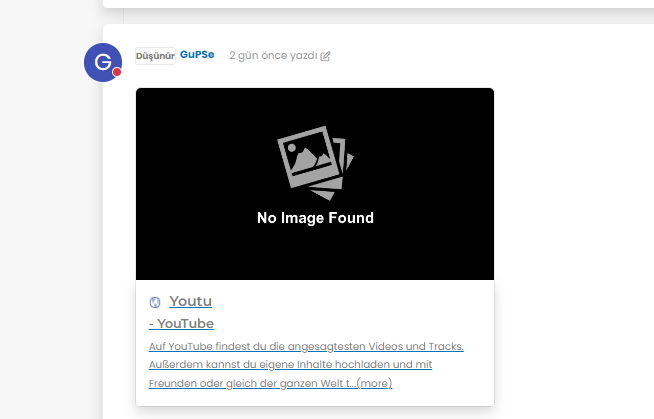
but as i see there is a problem for image founding,
-
hahahah
it was very easy for you but for me not same thank you Mark for all.
but as i see there is a problem for image founding,
@cagatay It’s not an issue. The reason as to why OGProxy uses it’s own image is because the provided URL does not present one. This is for a variety of reasons - often to do with security and image scraping. If you want to embed YouTube videos, you should consider using
nodebb-plugin-ns-embedfor this purpose. -
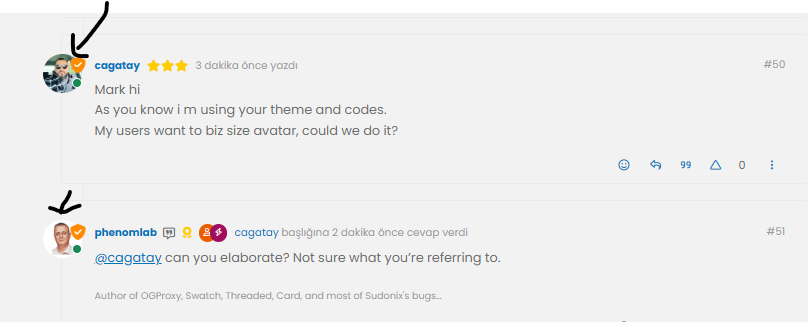
Mark hi
As you know i m using your theme and codes.
My users want to biz size avatar, could we do it? -
Mark hi
As you know i m using your theme and codes.
My users want to biz size avatar, could we do it?@cagatay can you elaborate? Not sure what you’re referring to.
-
-
@cagatay yes, that should be fairly simple to do, but what size? There may also be an impact to adjacent elements so I’d need an idea of the size you are looking for.
-
-
@cagatay that’s probably on for desktop, but might look out of place when viewed on a mobile device.
-
-
@cagatay yes, but I’d reiterate the concerns I’ve raised above in the sense that it may impact the flow of other elements.
Essentially, this is fm going to be a relatively simple CSS change.
-
Mark hi,
after upgrading 3.9 i have some problems with my web site.
Pls see below photos of my problems;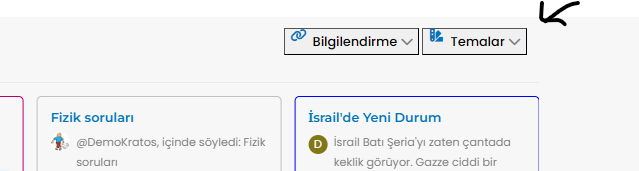
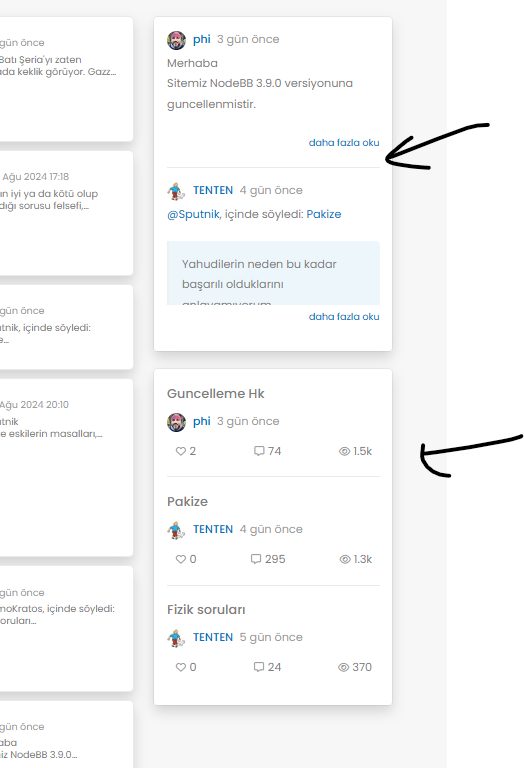
Also recent post and topics options i dont see my header
-
Mark hi,
after upgrading 3.9 i have some problems with my web site.
Pls see below photos of my problems;Also recent post and topics options i dont see my header
@cagatay This will be because of the below changes
https://community.nodebb.org/topic/18292/nodebb-3.9.0
It’s related to the brand header section here
<button type="button" class="btn-ghost-sm d-flex gap-2 dropdown-toggle" data-bs-toggle="dropdown"It needs to be changed to
<button type="button" class="btn btn-ghost btn-sm d-flex gap-2 dropdown-toggle" data-bs-toggle="dropdown"I’ve made this change on your site, but you’ll also need some additional CSS. This ought to do it, and it’s been also applied to your forum.
.btn-ghost { --bs-btn-hover-border-color: var(--bs-body-navbar-active); --bs-btn-active-bg: var(--bs-body-navbar-active); } -
Of course, I am the same problem I have change the css class button on widget brand Header
except that I had an offset present on the brand header.
I did the same manipulations but I cannot remove this shift that we see on the screen.
Any idea how to remove this @phenomlab ?
Before :

After upgrade :

PW and WS Spirit alive
-
Of course, I am the same problem I have change the css class button on widget brand Header
except that I had an offset present on the brand header.
I did the same manipulations but I cannot remove this shift that we see on the screen.
Any idea how to remove this @phenomlab ?
Before :
After upgrade :
@DownPW Is this on your live site, or development? I cannot see any issue?
EDIT - I see it on your DEV site. Not sure where the additional padding is coming from to be honest, but one quick “fix” would be to target this CSS
[type=button]:not(:disabled), [type=reset]:not(:disabled), [type=submit]:not(:disabled), button:not(:disabled)And use this
[type=button]:not(:disabled), [type=reset]:not(:disabled), [type=submit]:not(:disabled), button:not(:disabled) {
    cursor: pointer;
    margin-top: 0.5rem;
    margin-bottom: 0.5rem;
}
I think you may have added
button.btn.btn-ghost.btn-sm.d-flex.gap-2 {
    padding-top: 0.8rem;
}
Although this isn’t very elegant as padding will in fact make the button much larger.
Mark Cutting also advises organisations as a Fractional CIO, Fractional CISO and Executive Advisor, helping boards improve technology governance, cyber resilience and executive decision making. Learn more at Phenomlab Ltd
-
@DownPW Is this on your live site, or development? I cannot see any issue?
EDIT - I see it on your DEV site. Not sure where the additional padding is coming from to be honest, but one quick “fix” would be to target this CSS
[type=button]:not(:disabled), [type=reset]:not(:disabled), [type=submit]:not(:disabled), button:not(:disabled)And use this
[type=button]:not(:disabled), [type=reset]:not(:disabled), [type=submit]:not(:disabled), button:not(:disabled) {
    cursor: pointer;
    margin-top: 0.5rem;
    margin-bottom: 0.5rem;
}
I think you may have added
button.btn.btn-ghost.btn-sm.d-flex.gap-2 {
    padding-top: 0.8rem;
}
Although this isn’t very elegant as padding will in fact make the button much larger.
yep in dev, always for test before upgrade prod

@phenomlab said in Want to use Sudonix themes ?:
I think you may have added
button.btn.btn-ghost.btn-sm.d-flex.gap-2 {
padding-top: 0.8rem;
}Yep you’re right my friends.
But your method seems better :
[type=button]:not(:disabled), [type=reset]:not(:disabled), [type=submit]:not(:disabled), button:not(:disabled) {
    cursor: pointer;
    margin-top: 0.5rem;
    margin-bottom: 0.5rem;
}
Thanks
EDIT : ha noooo your code broke the “Answer” Button

keep for now this code
button.btn.btn-ghost.btn-sm.d-flex.gap-2 {
padding-top: 0.8rem;
}PW and WS Spirit alive
-
yep in dev, always for test before upgrade prod
@phenomlab said in Want to use Sudonix themes ?:
I think you may have added
button.btn.btn-ghost.btn-sm.d-flex.gap-2 {
padding-top: 0.8rem;
}Yep you’re right my friends.
But your method seems better :
[type=button]:not(:disabled), [type=reset]:not(:disabled), [type=submit]:not(:disabled), button:not(:disabled) {
    cursor: pointer;
    margin-top: 0.5rem;
    margin-bottom: 0.5rem;
}
Thanks
EDIT : ha noooo your code broke the “Answer” Button
keep for now this code
button.btn.btn-ghost.btn-sm.d-flex.gap-2 {
padding-top: 0.8rem;
}@DownPW that’s because it’s targeting the button type. Just change the post button class.
-
hmm sorry don’t understand
Edit :
like this maybe ?
.btn.btn-ghost.btn-sm:not(:disabled) {
    cursor: pointer;
    margin-top: 0.5rem;
    margin-bottom: 0.5rem;
}
PW and WS Spirit alive
-
hmm sorry don’t understand
Edit :
like this maybe ?
.btn.btn-ghost.btn-sm:not(:disabled) { cursor: pointer; margin-top: 0.5rem; margin-bottom: 0.5rem; }@DownPW Yes, that will work fine. What I meant was that the original CSS I provided targets
[type=button]so would impact all others on the page in addition to the intended target. -
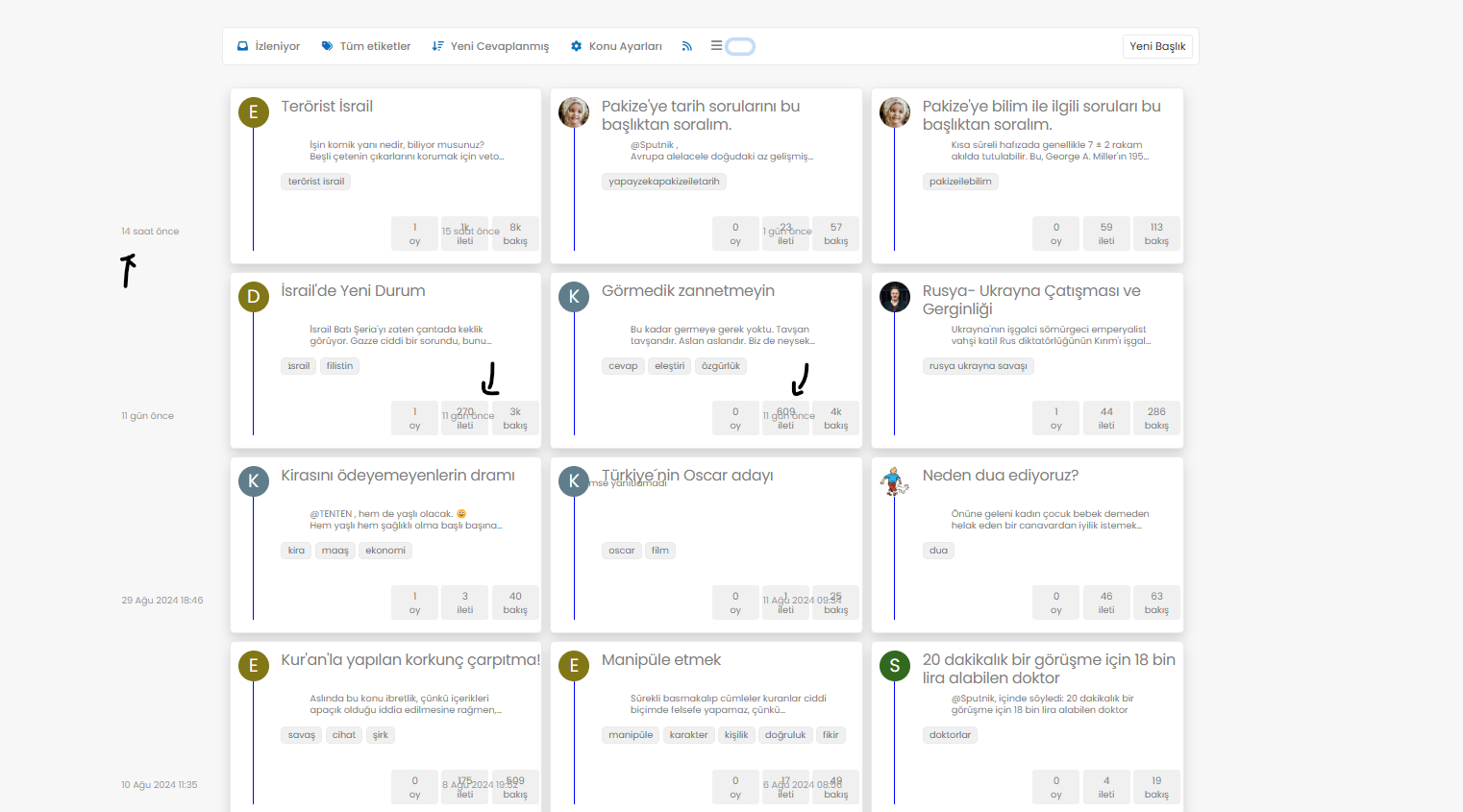
@phenomlab i have some problems with my below items when selected this type of tree;
-
@phenomlab i have some problems with my below items when selected this type of tree;
@cagatay In your CSS, locate the block starting
.category-card .text-muted.timeagoAnd remove
margin-left: -180px;



Hello! It looks like you're interested in this conversation, but you don't have an account yet.
Getting fed up of having to scroll through the same posts each visit? When you register for an account, you'll always come back to exactly where you were before, and choose to be notified of new replies (either via email, or push notification). You'll also be able to save bookmarks and upvote posts to show your appreciation to other community members.
With your input, this post could be even better 💗
Register LoginRelated Topics
-
MogoDB v6 to v7 upgrade
Solved Configure -
-
-
-
-
-
NodeBB 1.19.3
Solved Performance -
Nodebb Hashtag plugin
Solved General

