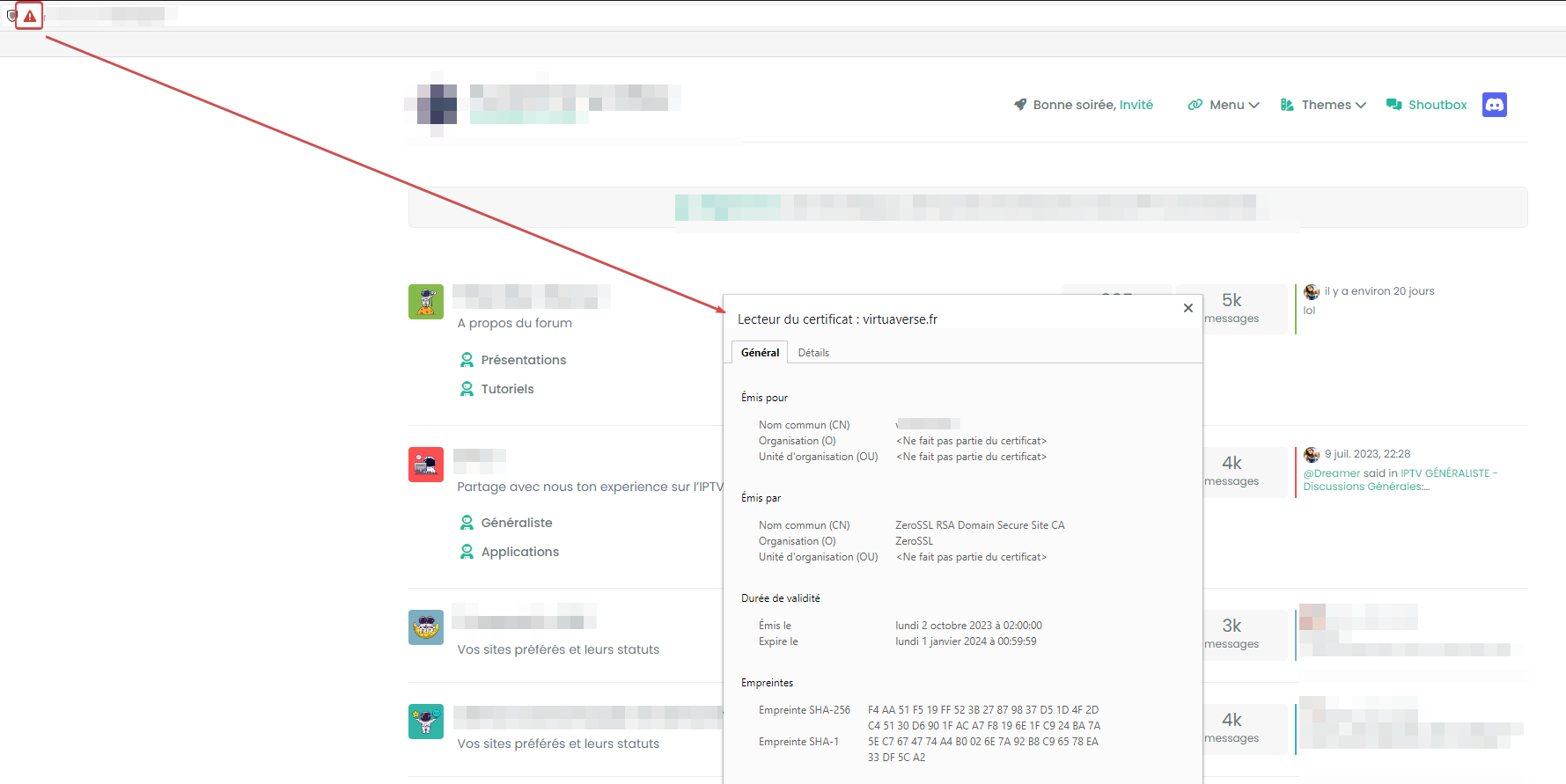
Digitalocean Ubuntu configuration
-
@phenomlab yes, it a confirmation that sudonix (phenomlab) is a great resource for everyone like me is at first attempt to manage a server…
i do not have words to say thanks
@justoverclock From what I see now, you just need to setup your forum. I think you’re good to go at this point, so (as per PM) I’m handing this server back to you. At some point (very soon - let’s not forget), we need to discuss backup policies etc.
Create a snapshot once you’re done, so if the worst comes to it, you can get everything back.
Mark Cutting also advises organisations as a Fractional CIO, Fractional CISO and Executive Advisor, helping boards improve technology governance, cyber resilience and executive decision making. Learn more at Phenomlab Ltd
-
@justoverclock From what I see now, you just need to setup your forum. I think you’re good to go at this point, so (as per PM) I’m handing this server back to you. At some point (very soon - let’s not forget), we need to discuss backup policies etc.
Create a snapshot once you’re done, so if the worst comes to it, you can get everything back.
@phenomlab said in Digitalocean Ubuntu configuration:
Create a snapshot once you’re done, so if the worst comes to it, you can get everything back.

-
@justoverclock From what I see now, you just need to setup your forum. I think you’re good to go at this point, so (as per PM) I’m handing this server back to you. At some point (very soon - let’s not forget), we need to discuss backup policies etc.
Create a snapshot once you’re done, so if the worst comes to it, you can get everything back.
@phenomlab yep sure, now i’ve just noticed that forum.justoverclock.it is not reacheable on my phone but works on my pc…
-
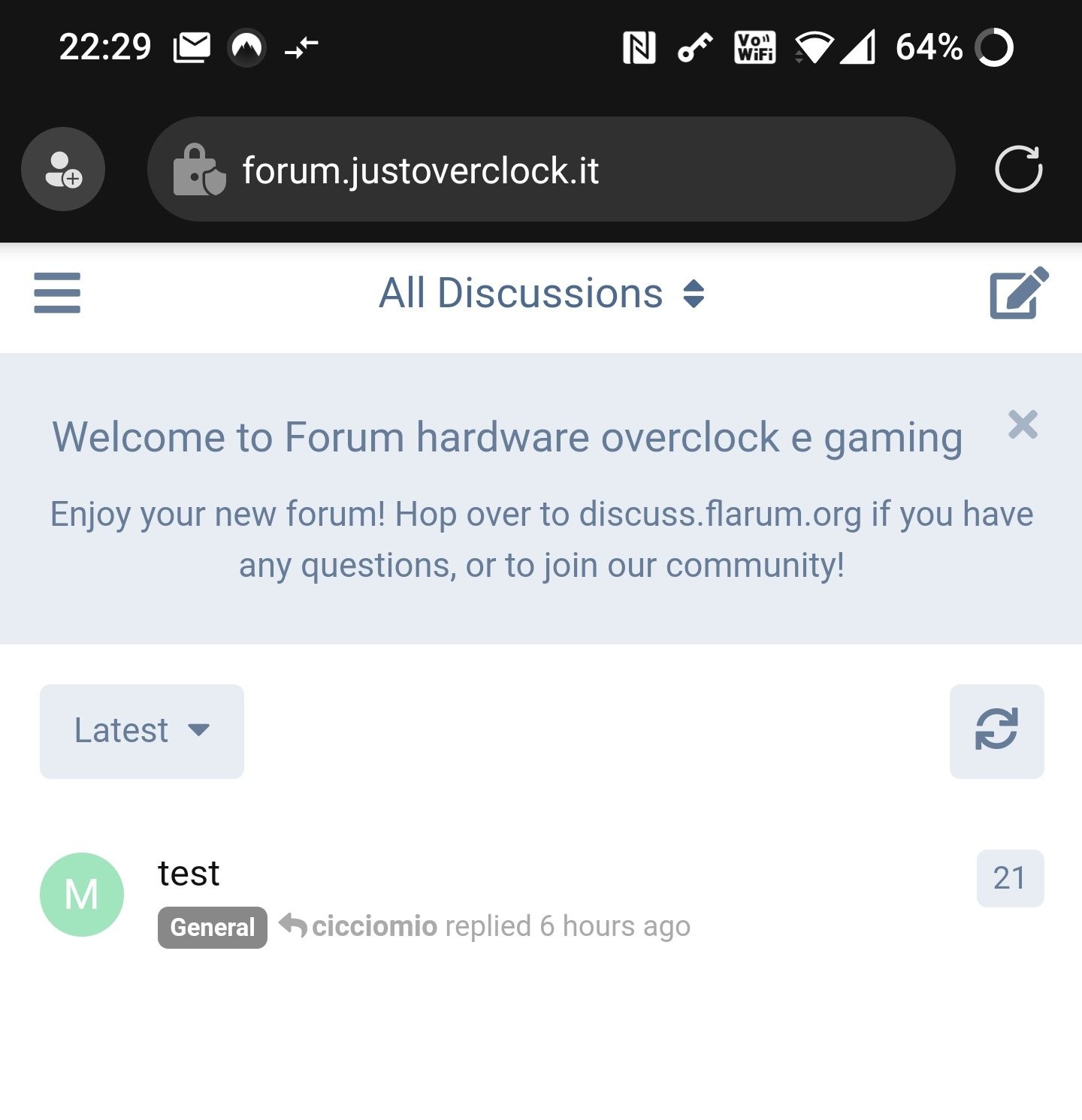
@phenomlab yep sure, now i’ve just noticed that forum.justoverclock.it is not reacheable on my phone but works on my pc…
@justoverclock works fine on my phone.
Mark Cutting also advises organisations as a Fractional CIO, Fractional CISO and Executive Advisor, helping boards improve technology governance, cyber resilience and executive decision making. Learn more at Phenomlab Ltd
-
@justoverclock works fine on my phone.
@phenomlab is a mystery…on my iphone does not work…and i’m on the same wifi of my house
-
@phenomlab is a mystery…on my iphone does not work…and i’m on the same wifi of my house
@justoverclock does it work on 4g ?
Mark Cutting also advises organisations as a Fractional CIO, Fractional CISO and Executive Advisor, helping boards improve technology governance, cyber resilience and executive decision making. Learn more at Phenomlab Ltd
-
@justoverclock does it work on 4g ?
-
@phenomlab not work
@justoverclock Very odd indeed. Do you get any specific error message and does it work from a laptop on the same WiFi network ?
Mark Cutting also advises organisations as a Fractional CIO, Fractional CISO and Executive Advisor, helping boards improve technology governance, cyber resilience and executive decision making. Learn more at Phenomlab Ltd
-
@justoverclock Very odd indeed. Do you get any specific error message and does it work from a laptop on the same WiFi network ?
@phenomlab tomorrow i will try from work pc. here i have only my pc (and works) ant phone (not)
-
@phenomlab tomorrow i will try from work pc. here i have only my pc (and works) ant phone (not)
@justoverclock this is a real mistery, it works on all computer except my iphone :)…i can’t see the website only on my phone, with 4g, with wifi…odd
-
@justoverclock this is a real mistery, it works on all computer except my iphone :)…i can’t see the website only on my phone, with 4g, with wifi…odd
@justoverclock said in Digitalocean Ubuntu configuration:
i can’t see the website only on my phone, with 4g, with wifi…odd
Odd indeed. Do you get the same issue if you try with another browser on the iPhone ?
Mark Cutting also advises organisations as a Fractional CIO, Fractional CISO and Executive Advisor, helping boards improve technology governance, cyber resilience and executive decision making. Learn more at Phenomlab Ltd
-
@justoverclock said in Digitalocean Ubuntu configuration:
i can’t see the website only on my phone, with 4g, with wifi…odd
Odd indeed. Do you get the same issue if you try with another browser on the iPhone ?
@phenomlab on an android tablet i get CERT AUTHORITY INVALID, but if i click “proceed” i can see the forum
-
@phenomlab on an android tablet i get CERT AUTHORITY INVALID, but if i click “proceed” i can see the forum
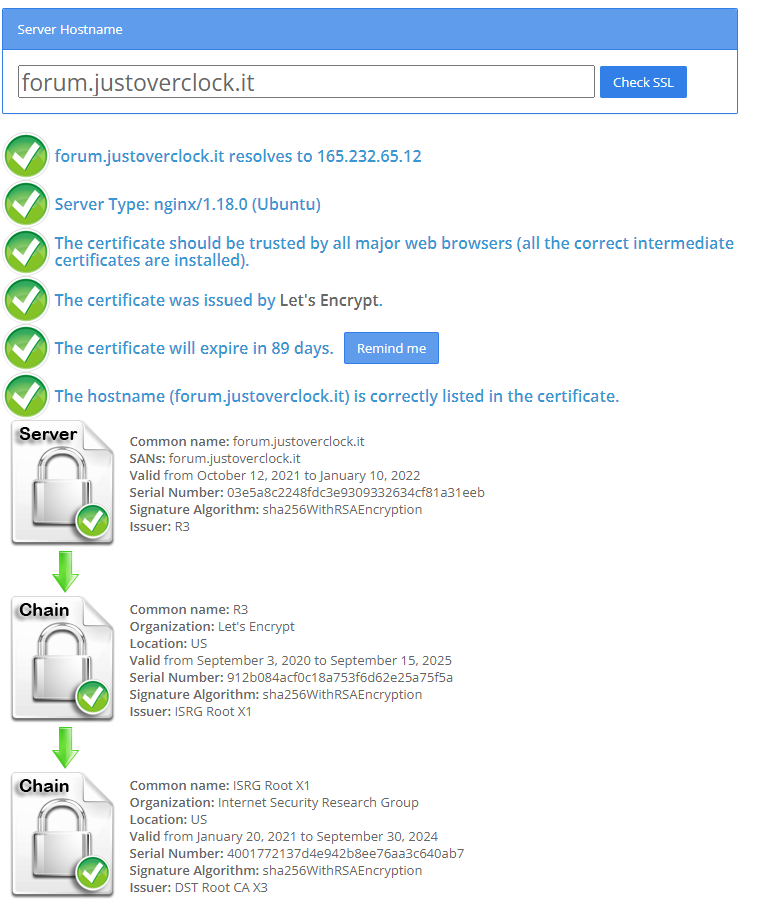
@justoverclock Hmm - you only get that message if the cert is invalid. According to this, it’s broken
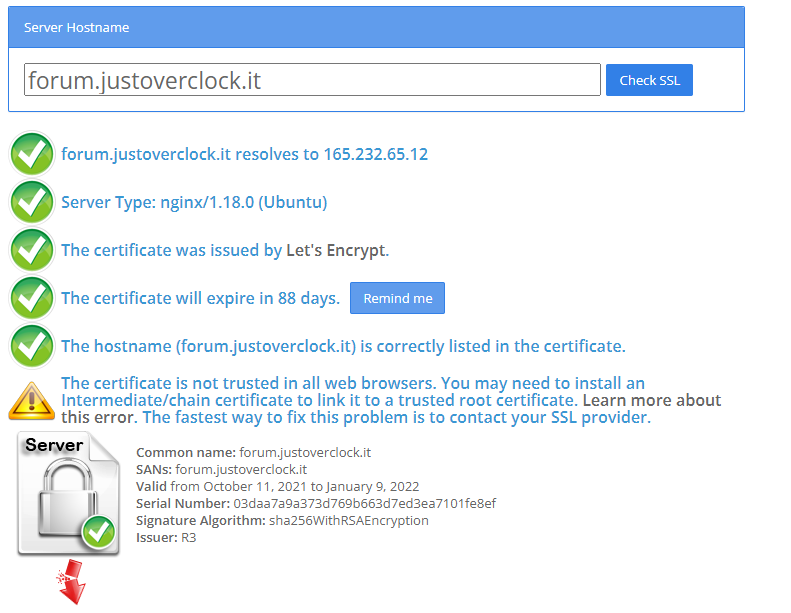
Let me have a look
-
Mark Cutting also advises organisations as a Fractional CIO, Fractional CISO and Executive Advisor, helping boards improve technology governance, cyber resilience and executive decision making. Learn more at Phenomlab Ltd
-
@phenomlab and magically now works on my iphone

-
@phenomlab and magically now works on my iphone
@justoverclock Good !!
Mark Cutting also advises organisations as a Fractional CIO, Fractional CISO and Executive Advisor, helping boards improve technology governance, cyber resilience and executive decision making. Learn more at Phenomlab Ltd
-
@justoverclock Good !!
-
@justoverclock Wow - thanks very much !!
Mark Cutting also advises organisations as a Fractional CIO, Fractional CISO and Executive Advisor, helping boards improve technology governance, cyber resilience and executive decision making. Learn more at Phenomlab Ltd
-
@justoverclock Wow - thanks very much !!
@phenomlab thank you! not me



Hello! It looks like you're interested in this conversation, but you don't have an account yet.
Getting fed up of having to scroll through the same posts each visit? When you register for an account, you'll always come back to exactly where you were before, and choose to be notified of new replies (either via email, or push notification). You'll also be able to save bookmarks and upvote posts to show your appreciation to other community members.
With your input, this post could be even better 💗
Register LoginDid this solution help you?
Related Topics
-
-
-
Ubuntu 22.04 to Ubuntu 24.04 Unable to ping
Locked Unsolved Linux -
-
-
-
-
Ubuntu Upgrade All Packages
Solved Linux