Rendering issues post migration to Sudonix theme/code
-
@phenomlab hi
One of my user sent to me photo and she said that cant see anything, using android mobile.
What can be problem for her?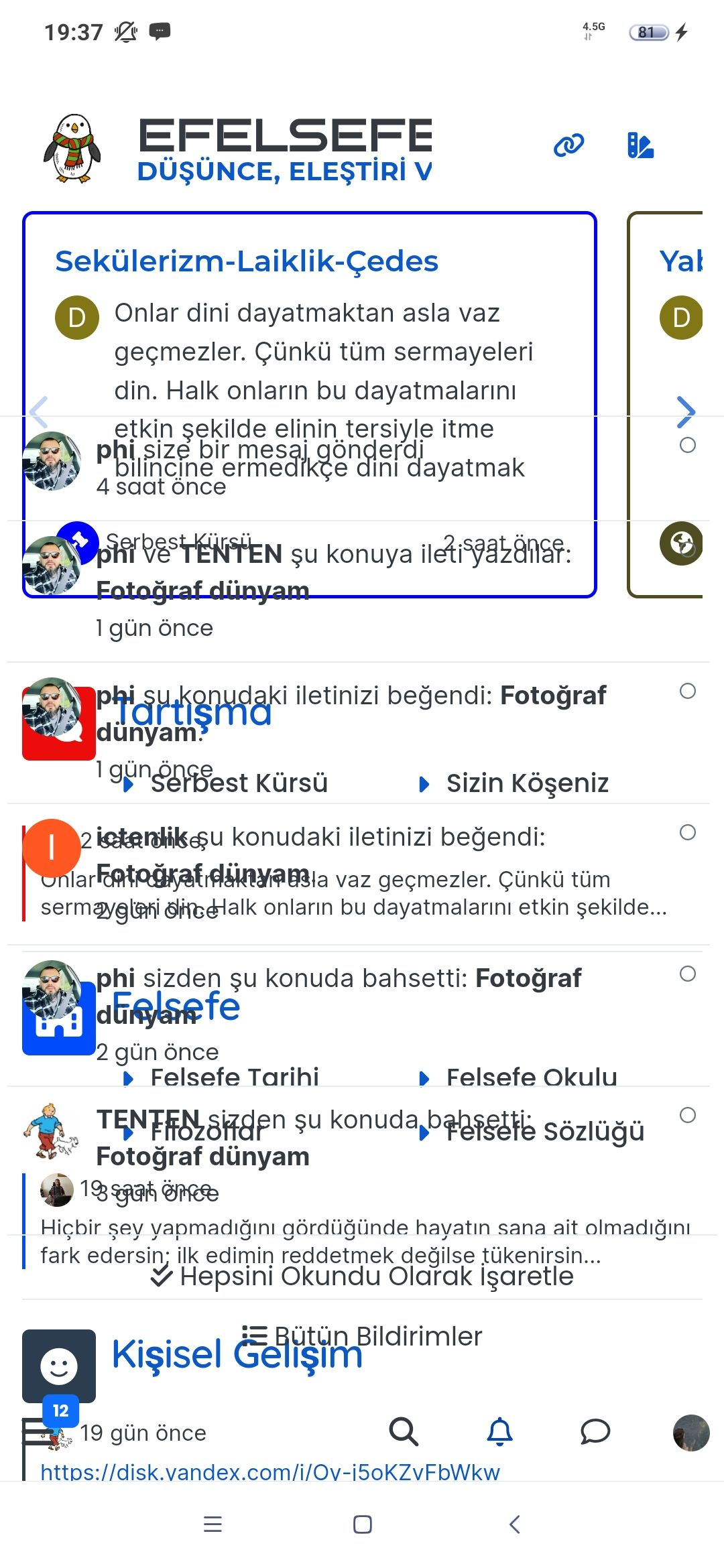
-
Changed theme and problem is fixed.
I have one more question, when user is typing there is a module name. It should be ‘‘Username is typing’’ but module name seems how i can fix it?
-
@phenomlab hi
One of my user sent to me photo and she said that cant see anything, using android mobile.
What can be problem for her?@cagatay That’s a cache issue. Tell her to empty the cache on her browser and try again. This is because the themes have all changed and she’s attempting to use one that no longer exists
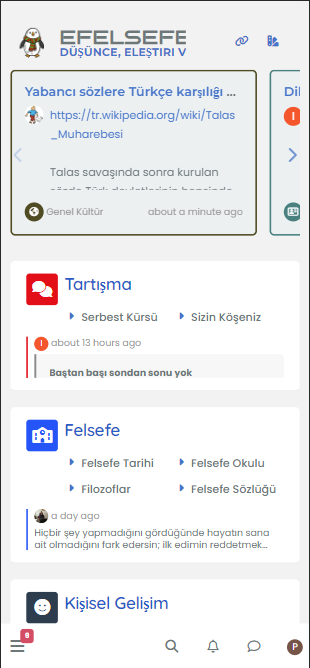
I see this on your site
-
She said that chache is cleared and reloaded all but faced same problem not fixed.
-
She said that chache is cleared and reloaded all but faced same problem not fixed.
@cagatay I can’t reproduce this. Ask her to test using an Incognito session
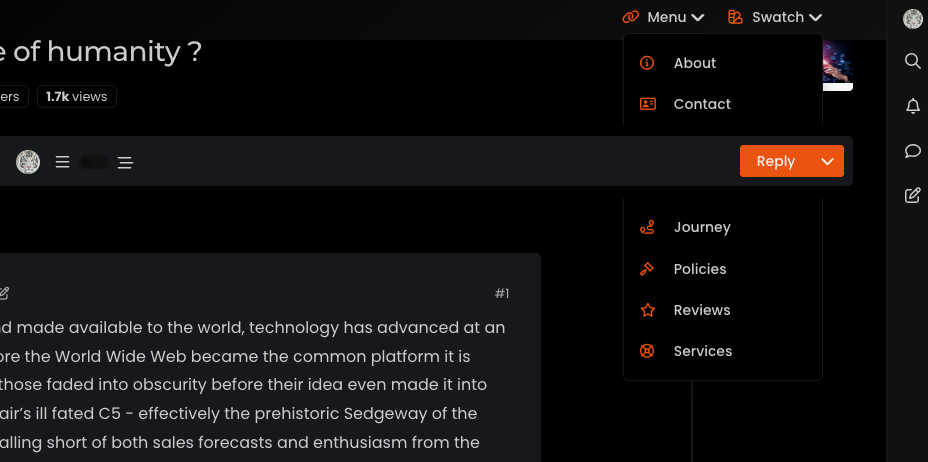
Also, ask her to tap the swatch icon on the top right of the screen and try selecting a theme.
-
Changed theme and problem is fixed.
I have one more question, when user is typing there is a module name. It should be ‘‘Username is typing’’ but module name seems how i can fix it? -
Translation problem. There is no translation for your language.
You can doing the translation on Transifex and wait for an update
-
 undefined phenomlab marked this topic as a question on
-
undefined phenomlab has marked this topic as solved on
-
Hi Mark
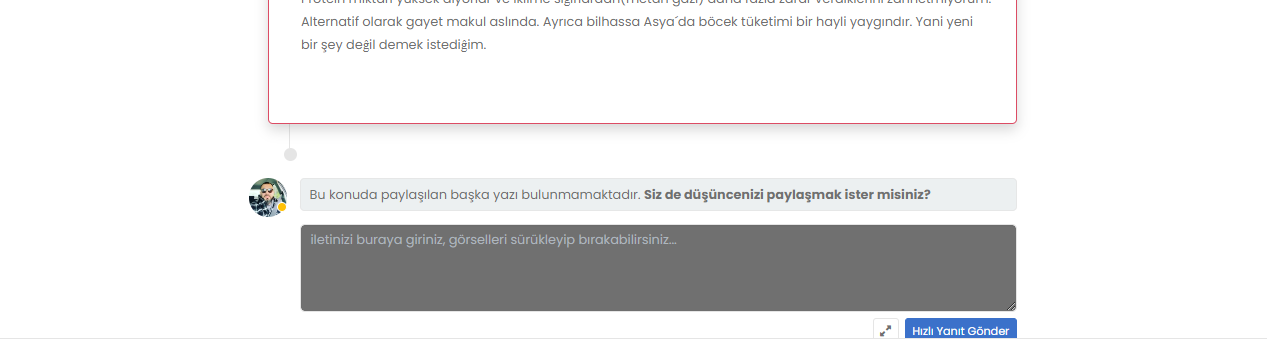
I changed the color of bs card cap bg on light.css doc but the color changed other one and cant chage it my color to #e9e9e9--bs-card-cap-bg: #e9e9e9;How can i fix it, thank you.

-
I fixed it

-
This means that the variable is also used for other elements.
2 solutions:Find a color that works well for all elements
Change the variable for problem itemsedit: oups
PW and WS Spirit alive
-
This means that the variable is also used for other elements.
2 solutions:Find a color that works well for all elements
Change the variable for problem itemsedit: oups
@DownPW said in Rendering issues post migration to Sudonix theme/code:
This means that the variable is also used for other elements.
Exactly.
-
-
you can see the time section on home page,
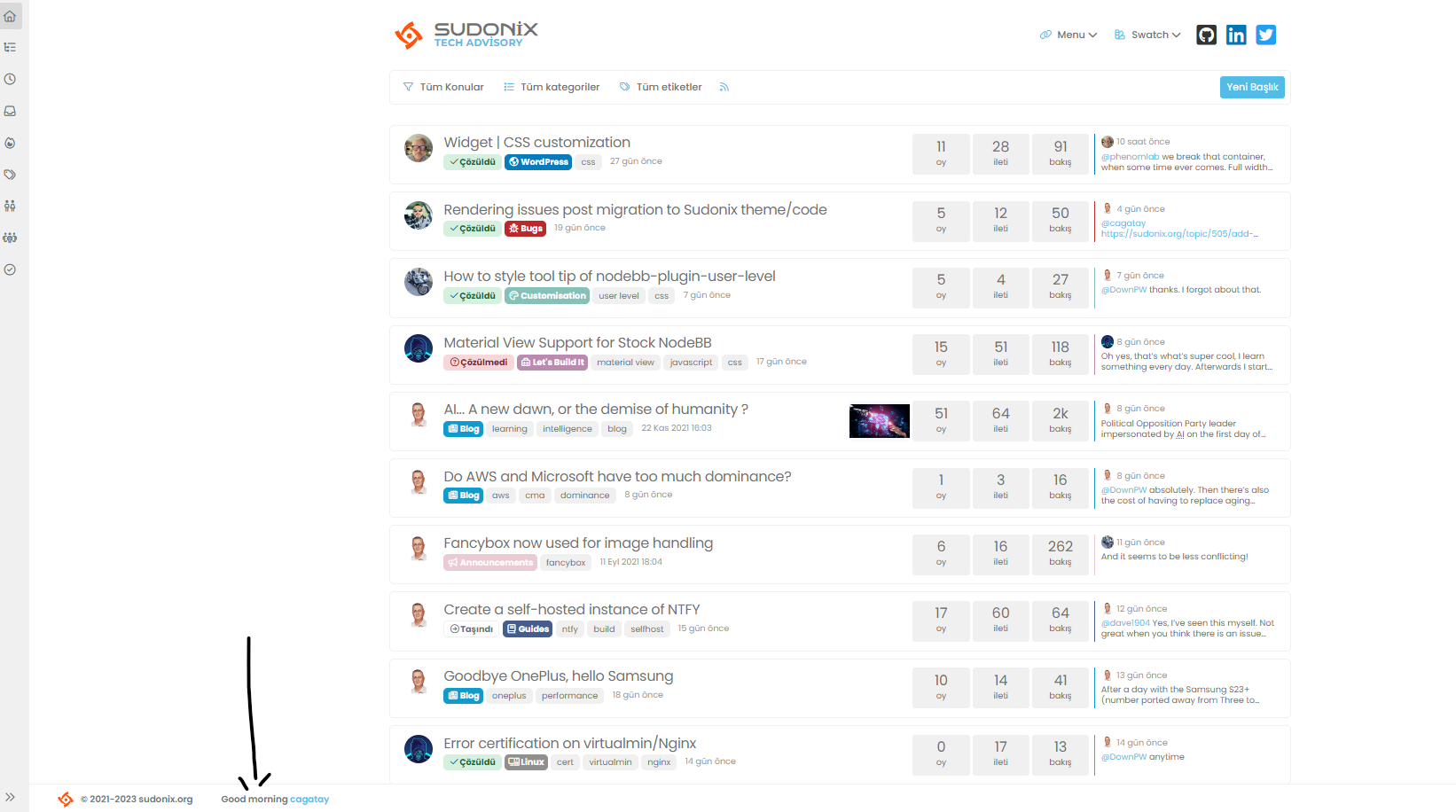
but we go to the another page, the time section disappears adn only username written.
how we can fix it?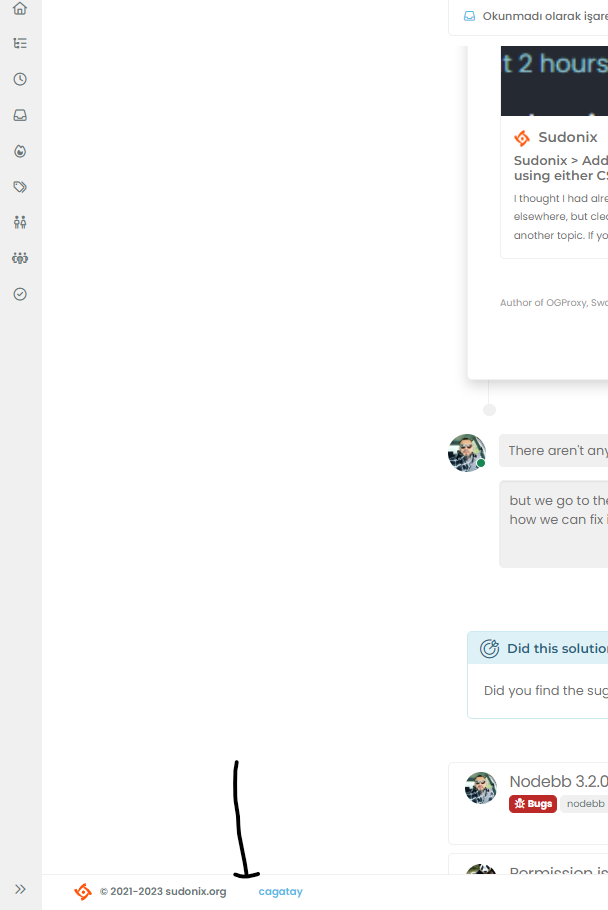
-
you can see the time section on home page,
but we go to the another page, the time section disappears adn only username written.
how we can fix it?@cagatay In
ACP->/admin/appearance/customise#custom-jslocate the function with the description ofFooter GreetingDelete these lines
    if (window.location.href.indexOf("topic") > -1) {
        //console.log("This is a topic, so hide the user welcome message");
       bar.removeClass('show');
    } else {
        $('.getUsername').prepend(themessage);

    }
Remove the remark from
// $('.getUsername').prepend(themessage);So you have just
$('.getUsername').prepend(themessage);Complete code
// Footer Greeting
$(window).on('action:ajaxify.end', function(data) {
    var bar = $('.reading-meter');
    function updateUsername() {
        $('.getUsername .username').text(app.user.username);
        $('.topicUsername').text(app.user.username);
    }
    if (document.readyState === 'loading') {
        document.addEventListener('DOMContentLoaded', updateUsername);
    } else {
        updateUsername();
    }
    var thehours = new Date().getHours();
    var themessage;
    var morning = ('Good morning');
    var afternoon = ('Good afternoon');
    var evening = ('Good evening');
    var matched = false;
    $('#getConsent').attr("href", "/user/" + app.user.username + "/consent");
    if (thehours >= 0 && thehours < 12) {
        themessage = morning;

    } else if (thehours >= 12 && thehours < 17) {
        themessage = afternoon;

    } else if (thehours >= 17 && thehours < 24) {
        themessage = evening;
    }
    $('.getUsername').prepend(themessage);
});
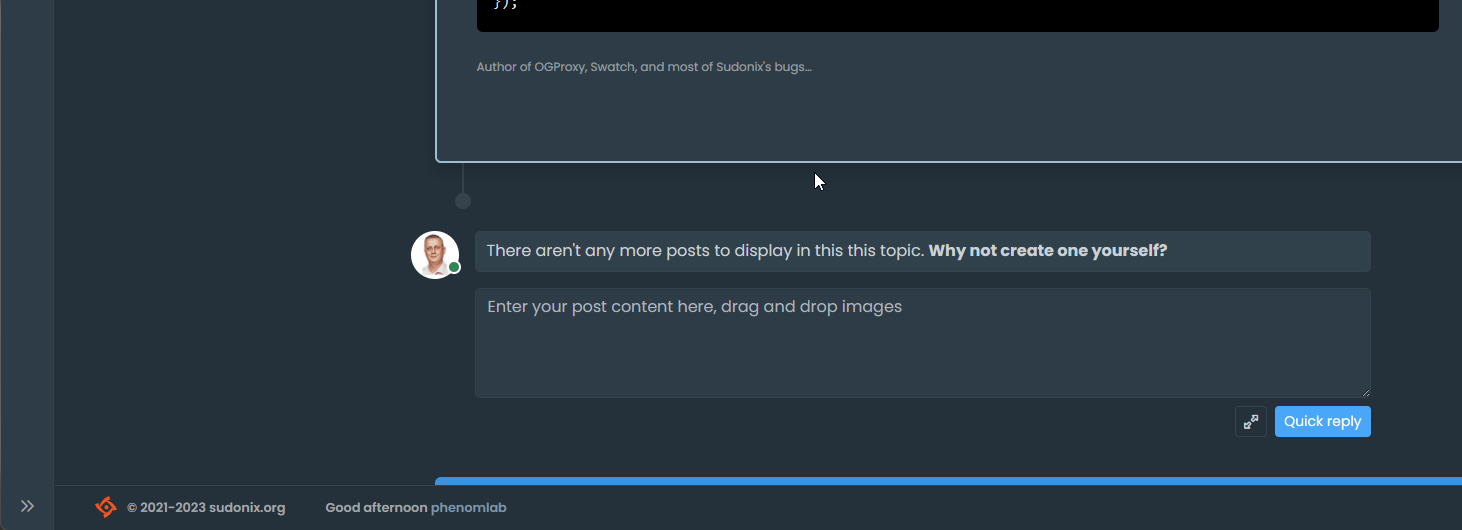
That will enable the message again
Mark Cutting also advises organisations as a Fractional CIO, Fractional CISO and Executive Advisor, helping boards improve technology governance, cyber resilience and executive decision making. Learn more at Phenomlab Ltd
-
@cagatay In
ACP->/admin/appearance/customise#custom-jslocate the function with the description ofFooter GreetingDelete these lines
    if (window.location.href.indexOf("topic") > -1) {
        //console.log("This is a topic, so hide the user welcome message");
       bar.removeClass('show');
    } else {
        $('.getUsername').prepend(themessage);

    }
Remove the remark from
// $('.getUsername').prepend(themessage);So you have just
$('.getUsername').prepend(themessage);Complete code
// Footer Greeting
$(window).on('action:ajaxify.end', function(data) {
    var bar = $('.reading-meter');
    function updateUsername() {
        $('.getUsername .username').text(app.user.username);
        $('.topicUsername').text(app.user.username);
    }
    if (document.readyState === 'loading') {
        document.addEventListener('DOMContentLoaded', updateUsername);
    } else {
        updateUsername();
    }
    var thehours = new Date().getHours();
    var themessage;
    var morning = ('Good morning');
    var afternoon = ('Good afternoon');
    var evening = ('Good evening');
    var matched = false;
    $('#getConsent').attr("href", "/user/" + app.user.username + "/consent");
    if (thehours >= 0 && thehours < 12) {
        themessage = morning;

    } else if (thehours >= 12 && thehours < 17) {
        themessage = afternoon;

    } else if (thehours >= 17 && thehours < 24) {
        themessage = evening;
    }
    $('.getUsername').prepend(themessage);
});
That will enable the message again
@phenomlab thank you Mark.
-
The mentioned codes are not in my CSS, I think we solved this situation with the widget?
-
The mentioned codes are not in my CSS, I think we solved this situation with the widget?
@cagatay said in Rendering issues post migration to Sudonix theme/code:
The mentioned codes are not in my CSS, I think we solved this situation with the widget?
Here :
@phenomlab said in Rendering issues post migration to Sudonix theme/code:
@cagatay In ACP->/admin/appearance/customise#custom-js
-
The mentioned codes are not in my CSS, I think we solved this situation with the widget?
@cagatay said in Rendering issues post migration to Sudonix theme/code:
The mentioned codes are not in my CSS, I think we solved this situation with the widget?
This is not CSS - it’s JS, hence
ACP->/admin/appearance/customise#custom-js -
-
@cagatay dog you get this working eventually?
Mark Cutting also advises organisations as a Fractional CIO, Fractional CISO and Executive Advisor, helping boards improve technology governance, cyber resilience and executive decision making. Learn more at Phenomlab Ltd


Hello! It looks like you're interested in this conversation, but you don't have an account yet.
Getting fed up of having to scroll through the same posts each visit? When you register for an account, you'll always come back to exactly where you were before, and choose to be notified of new replies (either via email, or push notification). You'll also be able to save bookmarks and upvote posts to show your appreciation to other community members.
With your input, this post could be even better 💗
Register LoginDid this solution help you?
Related Topics
-
-
-
-
-
Permission issues
Solved Bugs -
-
NodeBB upgrade now cant post
Solved Bugs -