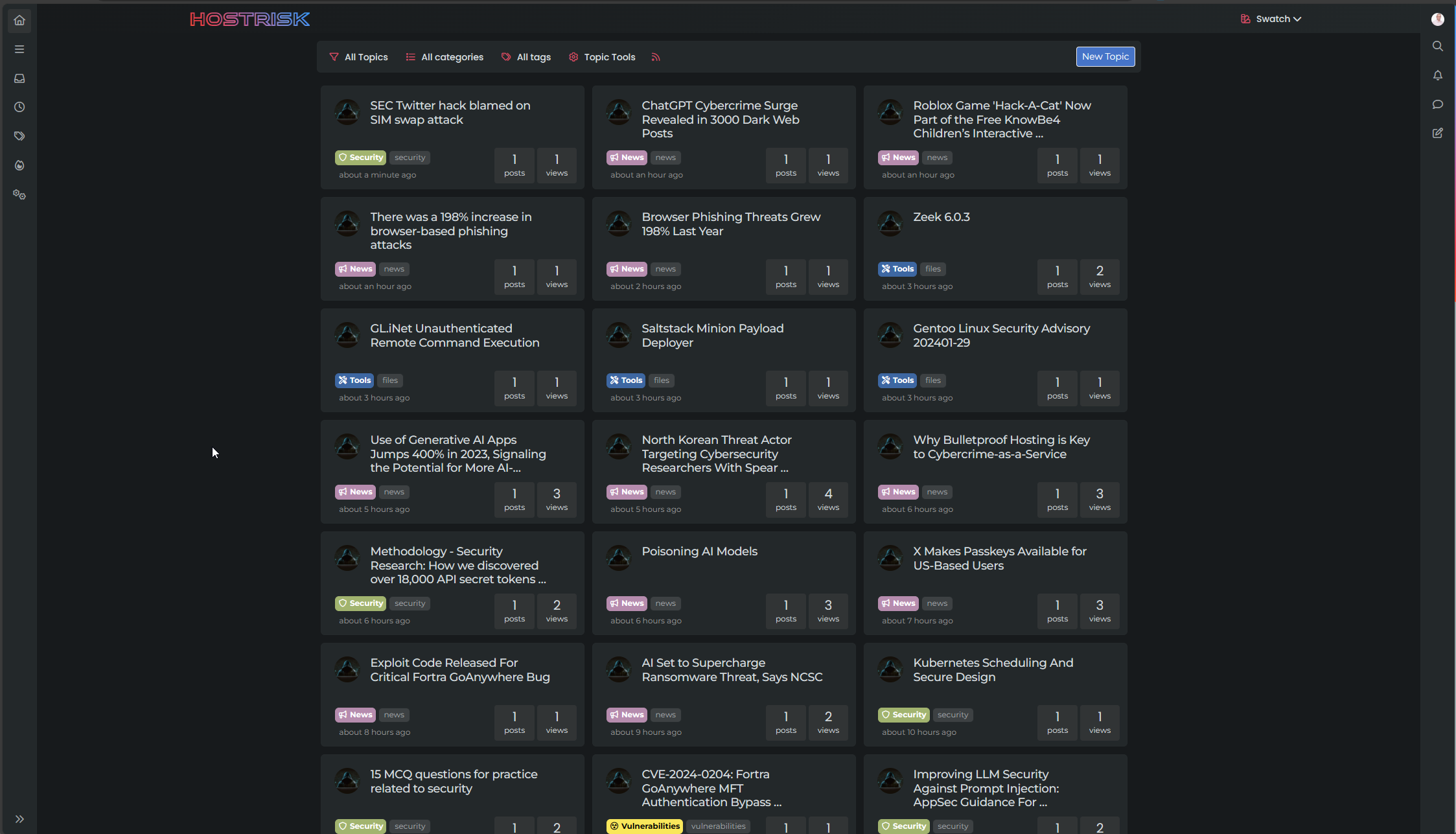
Switch between list and card view function
-
no problem dude. I’m not sure I’ll be much help on this one.
PW and WS Spirit alive
-
@DownPW no problems. Your review and findings are a great help already.
-
@DownPW I found the bug. It’s CloudFlare

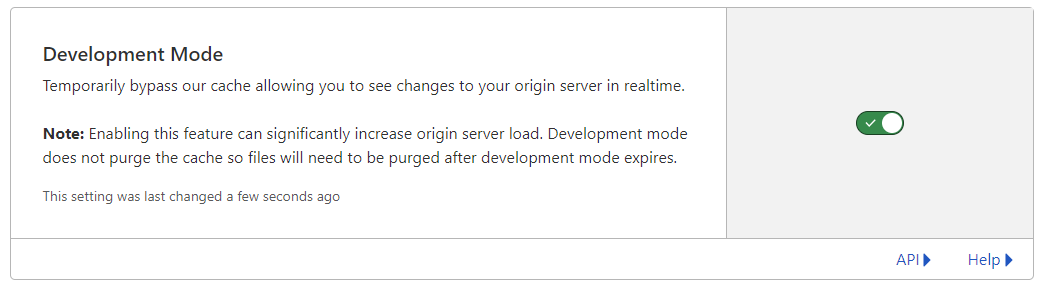
Setting the cache to bypass resolves the issue. This explains why I cannot replicate it in PROD (for me) as I only use CF for DNS resolution.
I have modified the CSS file slightly also, so you’ll need to pick up the latest code.
https://github.com/phenomlab/harmony-card-view/blob/main/card.css
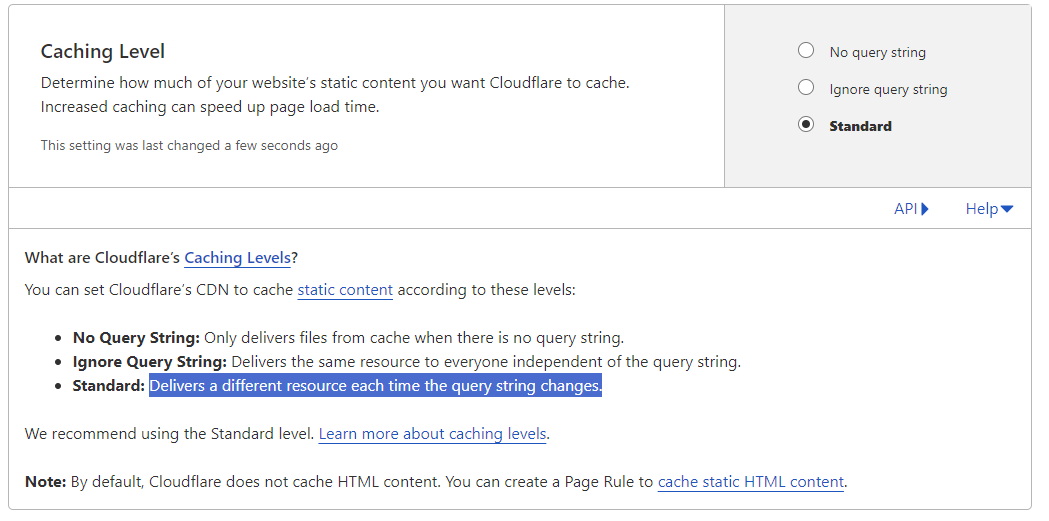
Not entirely sure why CF seems to think this file never changes - it’s different on each page load and suffixed with a random string! The setting in CF should also respect that - but doesn’t. So much for that
-
Ok @phenomlab Thanks to you for find the solution for this problem
so what is the good parameters in CF for this script ?
Maybe include this on your github ?PW and WS Spirit alive
-
Ok @phenomlab Thanks to you for find the solution for this problem
so what is the good parameters in CF for this script ?
Maybe include this on your github ?@DownPW yes, absolutely, although I’m not entirely sure why CF behaves in this manner as in most cases, a present query string that changes frequently (on each page load) should not present itself as an issue.
Still checking.
-
It’s a shame to do without the CF cache in my opinion.
Do you just have to activate development mode in CF?
PW and WS Spirit alive
-
It’s a shame to do without the CF cache in my opinion.
Do you just have to activate development mode in CF?
@DownPW yes, in my testing, just enable development mode and then reload the site a few times and you’ll notice it works as intended.
-
hmm I think they was other thing.
I have not update the css file, I have just :
- activated development mode in CF,
- purge everything cache in CF,
- and test in new incognito windows on firefox
and I have the bug.
Edit : Same with the CSS updated
PW and WS Spirit alive
-
hmm I think they was other thing.
I have not update the css file, I have just :
- activated development mode in CF,
- purge everything cache in CF,
- and test in new incognito windows on firefox
and I have the bug.
Edit : Same with the CSS updated
@DownPW is this in your dev environment? I checked that earlier and the bug wasn’t present.
-
yes the bug is in my dev environment
PW and WS Spirit alive
-
@DownPW yes, correct.
-
yes the bug is in my dev environment. tested now
PW and WS Spirit alive
-
@DownPW it wasn’t there when I tested incognito.
-
I do all my tets in incognito too
I will test with another accountYou must scroll down a little to see
PW and WS Spirit alive
-
I do all my tets in incognito too
I will test with another accountYou must scroll down a little to see
@DownPW I scrolled through but found no issues
-
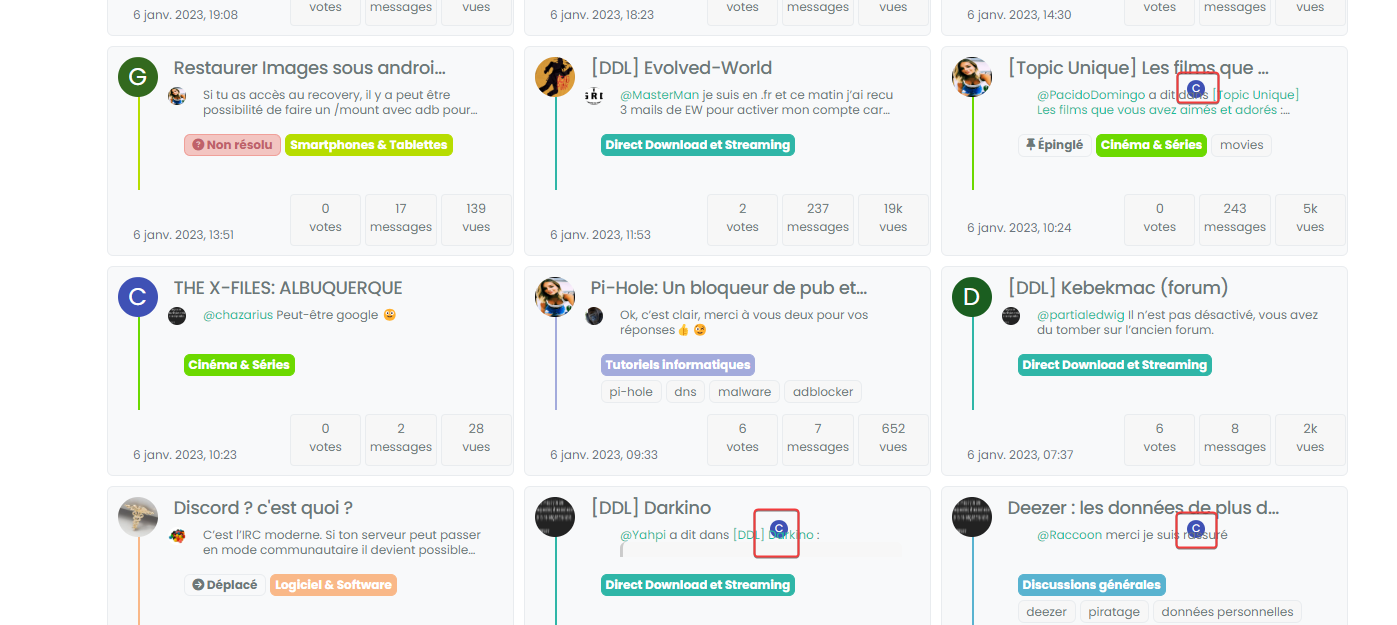
yes same with admin account in new incognito
PW and WS Spirit alive
-
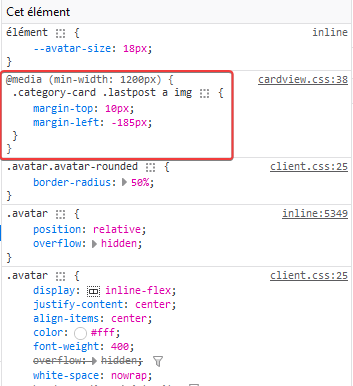
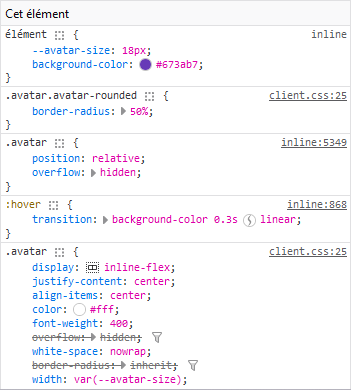
@DownPW can you target both the correctly positioned elements and the incorrectly positioned and compare the results?
I’m guessing they are different, but shouldn’t be.
-
correctly positionned :

incorrectly positioned :

PW and WS Spirit alive
-
@DownPW so the class isn’t being applied. Thanks. Let me have another look at this.
-
@DownPW from my further testing, this is 100% CF, but I don’t know why. I’ve tried Page Rules, Cache Rules, setting security in the page rules to “Essentially Off” - nothing seems to work (for me at least). I’ve stripped back my testing domain and disabled CF completely, and everything works as intended.
I was never able to reproduce the issue here, and that’s because I don’t use CF !


Hello! It looks like you're interested in this conversation, but you don't have an account yet.
Getting fed up of having to scroll through the same posts each visit? When you register for an account, you'll always come back to exactly where you were before, and choose to be notified of new replies (either via email, or push notification). You'll also be able to save bookmarks and upvote posts to show your appreciation to other community members.
With your input, this post could be even better 💗
Register Login