What's your go to product for site stats?
-

I am not a fan of the Google Analytics platform for a variety of reasons - the most important being its lack of privacy, lack of full GDPR compliance, and most of all, it will easily slow your site down. Whilst literally every website owner on the planet wants some form of visibility into how their site performs, who uses it, and where the traffic originates from, it’s difficult to obtain this data in the most efficient manner, and still respect the privacy of visitors to your website.
For a while, I used Matomo, although over time, it’s pretty clear that their original mission is changing, and they are looking to monetise what was once an Open Source product. Don’t get me wrong - it still is, but if you take a look at their website, you’ll see what I mean

Additionally, Matomo runs on PHP and MySQL. It has a lot of settings, and in my view, it is unnecessarily complex. I wanted something
- Lightweight
- Simple to setup
- Simple to get the data I want without having to spy on people
It was at this point that I stumbled across Umami Stats
And here’s their tagline

Being curious, I decided to stand up my own self-hosted installation to see what it can do.
Here’s the result
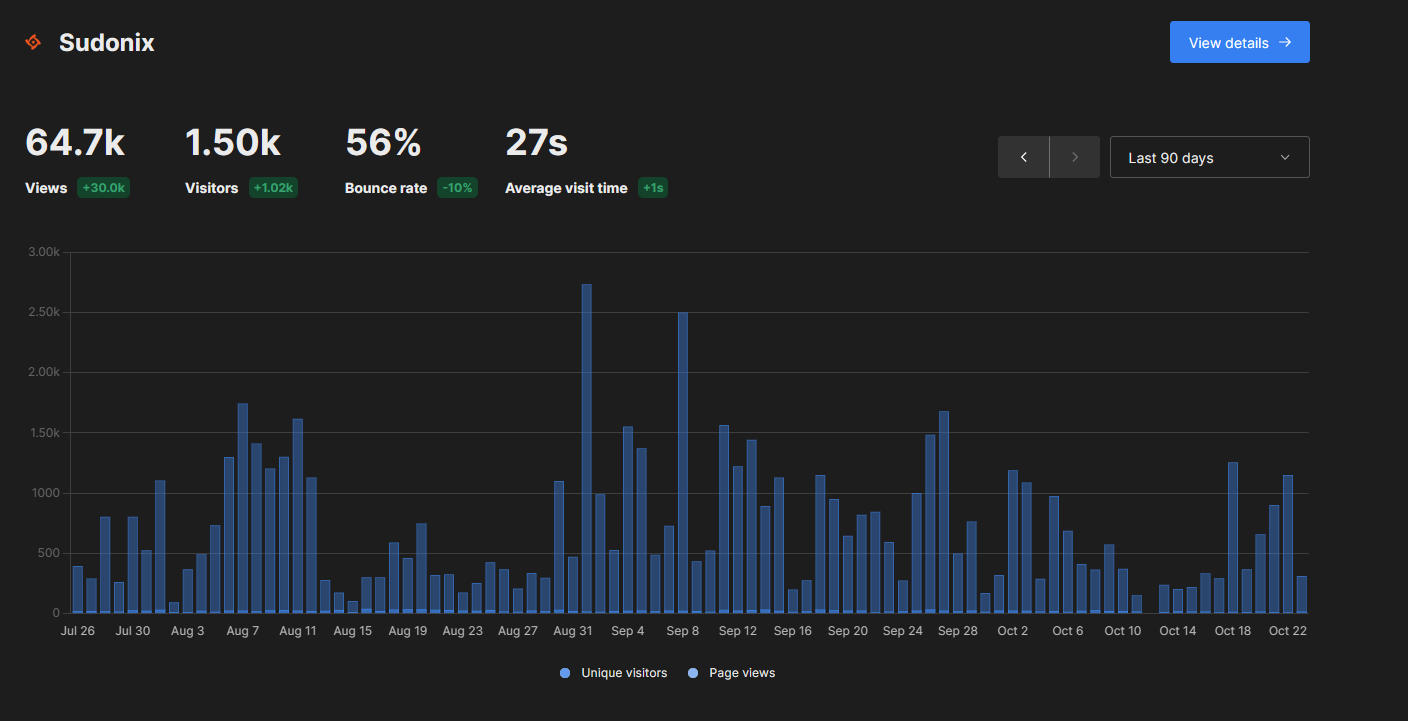
If you are looking for no-nonsense stats that just “work” without impacting the privacy of your users, I’d suggest you take a look at this.
-
Another product that I also looked at (but chose Umami) is Ackee Stats
-
And for those who are interested
Here’s a side by side review of the two products, so you can choose which platform works best for you. -
-
Thanks for the topic my friend.
is the software installed on the same server?
Quid of perf ?
And what do you recommend? -
-
-
-
Install OK
I have added a website with my subdomain (Nodebb is in a sudomain) and add script url on ACP/Custom Header :


I browsed the site but I don’t have any feedback in umami :

-
-
Yes, absolutely, I haven’t yet configured the nginx proxy but I’m not sure if that will change anything, but I’m willing to try.
-

port 3000 on TCP is created and open on firewalld via Webmin because otherwise I didn’t have access to the GUI
I configure reverse proxy now
PW and WS Spirit alive
-
port 3000 on TCP is created and open on firewalld via Webmin because otherwise I didn’t have access to the GUI
I configure reverse proxy now
-
With no proxy I access to the js script :

But It seems that umami doesn’t like reverse proxy. I access to umami on https with nginxproxy without problem but I have this now when I try to access the web site configuration (Edit) :


-
With no proxy I access to the js script :
But It seems that umami doesn’t like reverse proxy. I access to umami on https with nginxproxy without problem but I have this now when I try to access the web site configuration (Edit) :
@DownPW said in What's your go to product for site stats?:
But It seems that umami doesn’t like reverse proxy
It does because that’s how I run it

-
With no proxy I access to the js script :
But It seems that umami doesn’t like reverse proxy. I access to umami on https with nginxproxy without problem but I have this now when I try to access the web site configuration (Edit) :
-
-
On your configuration I guess not mine.
My reverse proxy working for me too but the bug appear when I click here :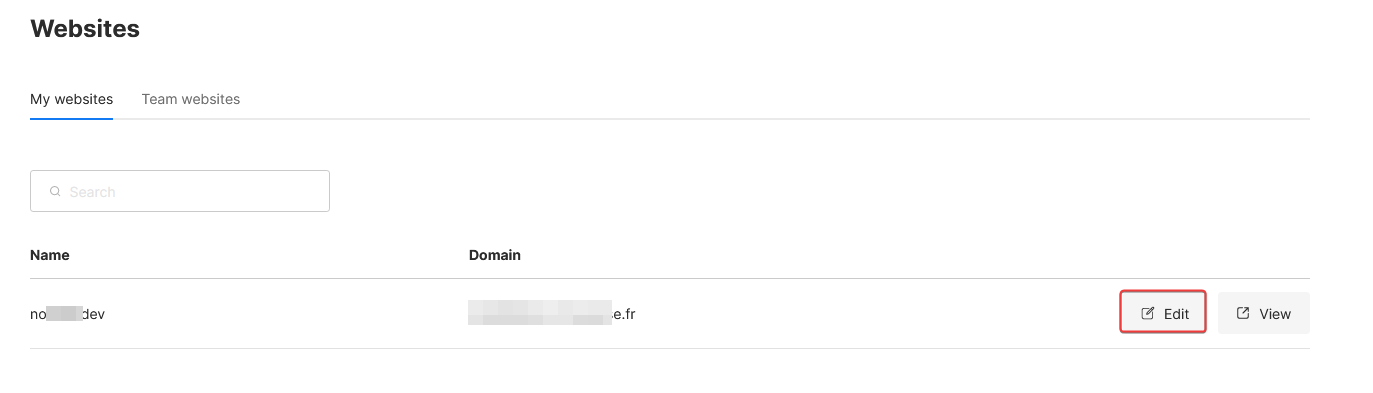
I give you my password in PM
-

Gdpr has been hitting my blog, with the majority of web traffic coming from the EU. I learn that Gdpr has the power to turn your page into a visitor in an error form like 403, 503 type. I was wondering, but after a long chat with Yandex, I realized it was Gdpr that we need to change how we operate in collecting data.
-
Gdpr has been hitting my blog, with the majority of web traffic coming from the EU. I learn that Gdpr has the power to turn your page into a visitor in an error form like 403, 503 type. I was wondering, but after a long chat with Yandex, I realized it was Gdpr that we need to change how we operate in collecting data.
@Sala If you are receiving visitors from the EU then you need to comply with the GDPR. If you haven’t already, then you should have robust policies in place that reference privacy, cookies, etc, and the ability for users to make subject access requests etc.
I can provide more detail if you need it.
Mark Cutting also advises organisations as a Fractional CIO, Fractional CISO and Executive Advisor, helping boards improve technology governance, cyber resilience and executive decision making. Learn more at Gratmore Ltd


Hello! It looks like you're interested in this conversation, but you don't have an account yet.
Getting fed up of having to scroll through the same posts each visit? When you register for an account, you'll always come back to exactly where you were before, and choose to be notified of new replies (either via email, or push notification). You'll also be able to save bookmarks and upvote posts to show your appreciation to other community members.
With your input, this post could be even better 💗
Register Login