Plugin reaction Bug
-

I have this on Nodebb 3.2.1 and @nodebb/nodebb-plugin-reactions 1.0.2
An idea ?

I have open a topic on nodebb official forum but no resposne by baris
Thanks
PW and WS Spirit alive
-
-
I have this on Nodebb 3.2.1 and @nodebb/nodebb-plugin-reactions 1.0.2
An idea ?
I have open a topic on nodebb official forum but no resposne by baris
Thanks
-
-
The plugin reaction is intalled on my test instance

@DownPW Yes, but I don’t see the issue
Mark Cutting also advises organisations as a Fractional CIO, Fractional CISO and Executive Advisor, helping boards improve technology governance, cyber resilience and executive decision making. Learn more at Gratmore Ltd
-
-
Lol ODD

@DownPW Yep…

Mark Cutting also advises organisations as a Fractional CIO, Fractional CISO and Executive Advisor, helping boards improve technology governance, cyber resilience and executive decision making. Learn more at Gratmore Ltd
-
have you test it ?
Maybe because you are not test an emoji with it ?I have test to rebuilt asset emoji/ Rebuild/restart nodebb. It’s the same things

PW and WS Spirit alive
-
have you test it ?
Maybe because you are not test an emoji with it ?I have test to rebuilt asset emoji/ Rebuild/restart nodebb. It’s the same things
Mark Cutting also advises organisations as a Fractional CIO, Fractional CISO and Executive Advisor, helping boards improve technology governance, cyber resilience and executive decision making. Learn more at Gratmore Ltd
-
@phenomlab I don’t understand
Can you test with admin account ? you have the password
PW and WS Spirit alive
-
@phenomlab I don’t understand
Can you test with admin account ? you have the password
@DownPW Perhaps a caching issue ? It seems fine to me.
Mark Cutting also advises organisations as a Fractional CIO, Fractional CISO and Executive Advisor, helping boards improve technology governance, cyber resilience and executive decision making. Learn more at Gratmore Ltd
-
@phenomlab said in Plugin reaction Bug:
@DownPW Perhaps a caching issue ? It seems fine to me.
Noipe idem with Edge
PW and WS Spirit alive
-
@phenomlab said in Plugin reaction Bug:
@DownPW Perhaps a caching issue ? It seems fine to me.
Noipe idem with Edge
@DownPW Do you get the same experience from an Incognito tab ?
Mark Cutting also advises organisations as a Fractional CIO, Fractional CISO and Executive Advisor, helping boards improve technology governance, cyber resilience and executive decision making. Learn more at Gratmore Ltd
-
@phenomlab yes
-
-
DownPW has marked this topic as solved on
-
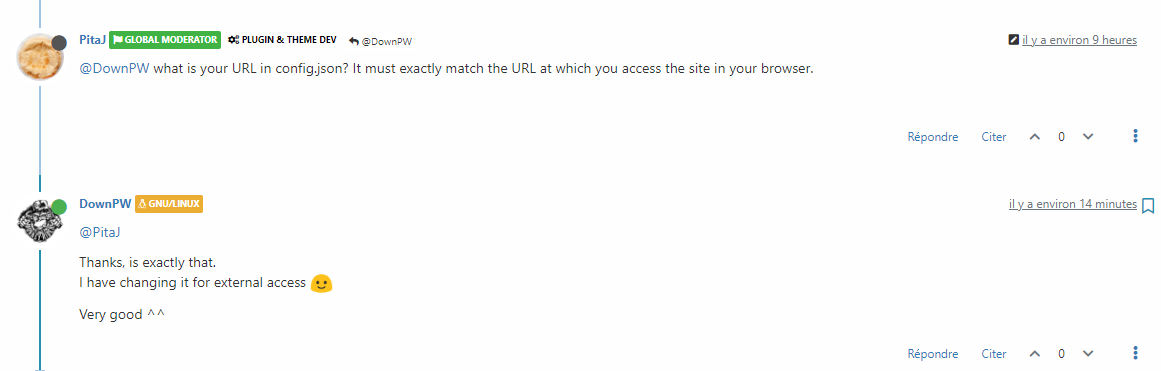
Here the solution


Hello! It looks like you're interested in this conversation, but you don't have an account yet.
Getting fed up of having to scroll through the same posts each visit? When you register for an account, you'll always come back to exactly where you were before, and choose to be notified of new replies (either via email, or push notification). You'll also be able to save bookmarks and upvote posts to show your appreciation to other community members.
With your input, this post could be even better 💗
Register Login