Skip to content

Target the posts counter in categories using CSS and jQuery

Let's Build It
2 2 1.1k 1
  • For those who have delved as deep into styling NodeBB as I have, this is for you 🙂

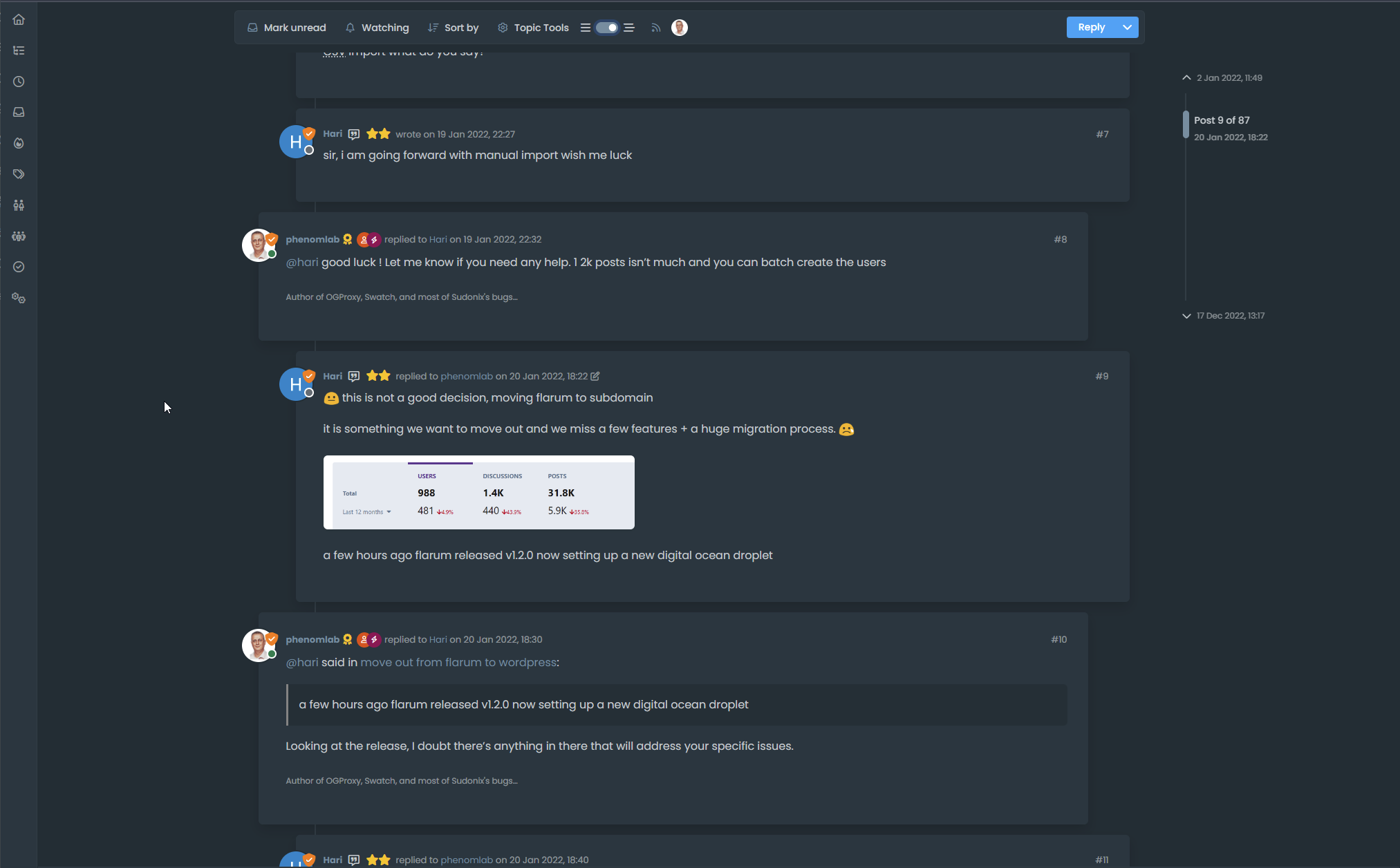
    It’s relatively easy to achieve this look when a topic is updated (note the different coloured posts card)

    84655243-fa6c-4007-9588-944e4a4800e1-image.png

    Here, we simply target the below class

    body:not(.user-guest) li.unread .stats-postcount
    

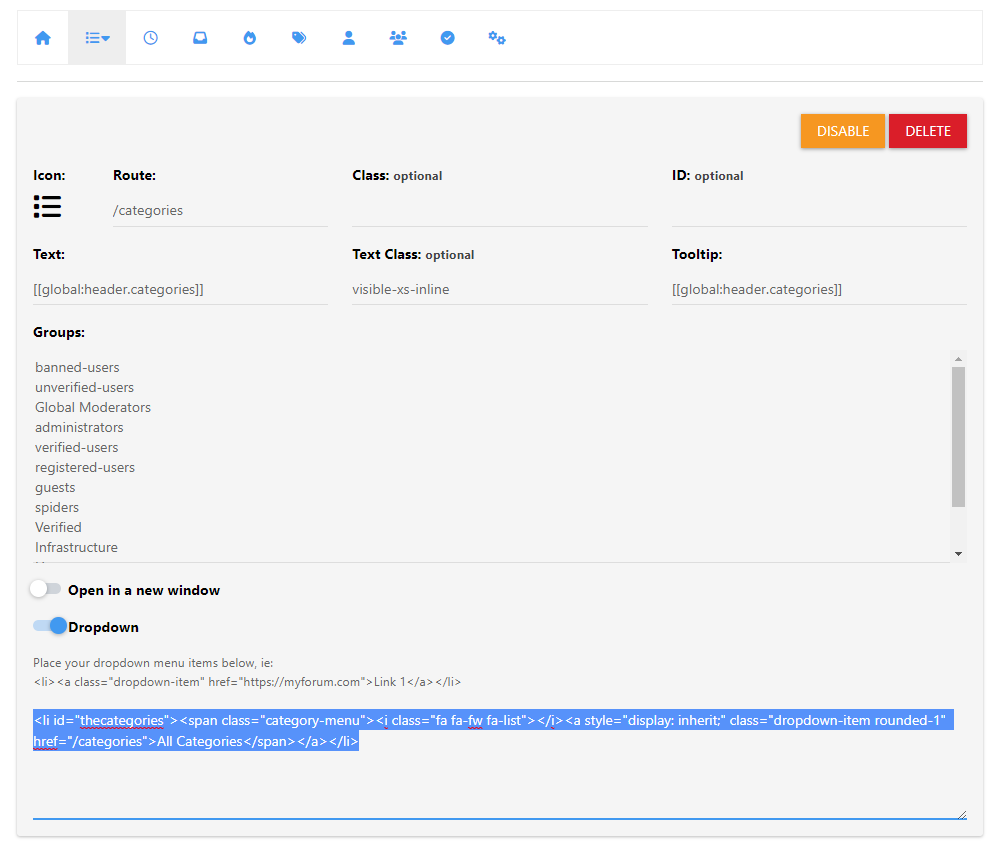
    However, it’s not so simple an affair to achieve the same look in the category view as the two DIVs are identical and have no unique classes


    c4ee50a6-5f48-4cd3-a103-3a15cb9c6461-image.png

    0fe2c02c-1b7d-451c-a3c4-bbcb7ce21115-image.png

    To work around this, we can use a very simple function that adds an ID to the “posts” DIV as shown below (this is placed in /admin/appearance/customise#custom-js)

    $(document).ready(function() {
            $(window).on('action:ajaxify.end', function(data) {
        // Select the div using its class
        $('.card.card-header.border-0.p-2.overflow-hidden.rounded-1.d-flex.flex-column.align-items-center').each(function() {
            // Check if the div contains the word "Posts"
            if ($(this).text().trim().includes("Posts")) {
                // Assign the id 'updated-posts' to the div
                $(this).attr('id', 'updated-posts');
            }
        });
    });
    });
    

    This code will first look for the classes .card.card-header.border-0.p-2.overflow-hidden.rounded-1.d-flex.flex-column.align-items-center in the DOM, and if there, it will add the ID of updated-posts, meaning you can then target with the same CSS you are using in the recent view. See below

    c4e1119b-89dd-4cc0-b433-862d83c73782-image.png

    You’ll see that the ID has been added as required, and this means we can now adjust the original CSS so it looks like the below

    body:not(.user-guest) li.unread .stats-postcount, body:not(.user-guest) .unread #updated-posts
    

    NOTE: body:not(.user-guest) is being used so that the effect is not being applied to those who are not logged in as that wouldn’t make any sense - your mileage here may vary though.

    6d1ea244-a15d-449f-b674-db9e7063f1b4-image.png

    Doesn’t that look better? For the life of me, I can’t understand why these two elements do not have ID’s set already, but there you go.

    Enjoy.

  • Very great 😉


Related Topics
  • CSS border gradients

    Blog gradient border css
    10
    3
    2 Votes
    10 Posts
    2k Views
    ah f5 need
  • Widget | CSS customization

    Solved WordPress css
    53
    17 Votes
    53 Posts
    9k Views
    @Sala the only way you can achieve this is to use a robots.txt file and disallow access to those links.
  • Threaded post support for NodeBB

    Let's Build It threading nodebb
    146
    3
    50 Votes
    146 Posts
    53k Views
    Updated git for above change https://github.com/phenomlab/nodebb-harmony-threading/commit/14a4e277521d83d219065ffb14154fd5f5cfac69
  • Rotating Star Effect

    Solved Let's Build It wordpress css
    17
    12 Votes
    17 Posts
    2k Views
    @phenomlab thanks a lot for these, both of the below are awesome! https://codepen.io/bennettfeely/pen/vYLmYJz https://codepen.io/C-L-the-selector/pen/MWZbWBo
  • 21 Votes
    110 Posts
    28k Views
    @crazycells said in Setup OGProxy for use in NodeBB: are they cached for each user separately? No. It’s a shared cache @crazycells said in Setup OGProxy for use in NodeBB: additionally, this is also handling youtube videos etc, right? No. This is handled by nodebb-plugin-ns-embed
  • [NODEBB] Help for my custom CSS

    Solved Customisation nodebb css bugfix
    237
    49 Votes
    237 Posts
    80k Views
    @baris said: You should change your selectors so it doesn’t look at the entire document. You probably only want to apply fancybox to stuff inside the #content element which is what changes when the user navigates around the page. So use $('#content a').... for your selectors then the forum logo in the header won’t be selected. I modified the JS Fancybox code now and this code and it seem better // --------------------------------------------- // Fancybox Media Reader (Without Website Logo) // --------------------------------------------- if (top.location.pathname !== '/login') { $(window).on('action:posts.loaded', function(data) { console.log("Polling DOM for lazyLoaded images to apply Fancybox"); $(document).ready(function() { $('#content a').not('.forum-logo').not(".avatar").not(".emoji").not(".bmac-noanimate").each(function() { $('#content a[href*=".jpg"], #content a[href*=".jpeg"], #content a[href*=".png"], #content a[href*=".gif"], #content a[href*=".webp"]').addClass("noanimate"); }); }); }); } if (top.location.pathname !== '/login') { $(document).ready(function() { $(window).on('action:ajaxify.end', function(data) { $('#content a').not('.logo').not(".avatar").not(".emoji").not(".bmac-noanimate").each(function() { $('#content a[href*=".jpg"], #content a[href*=".jpeg"], #content a[href*=".png"], #content a[href*=".gif"], #content a[href*=".webp"]').addClass("noanimate"); data.preventDefault() // Strip out the images contained inside blockquotes as this looks nasty :) $('#content blockquote img').remove(); }); Fancybox.bind( '#content a[href*=".jpg"], #content a[href*=".jpeg"], #content a[href*=".png"], #content a[href*=".gif"], #content a[href*=".webp"]', { groupAll: true, } ); }); }); } // Chat fancybox - fires when chat module loaded and AJAX calls new chat $(document).ready(function() { $(window).on('action:chat.loaded', function(data) { // >>> Se limiter au contenu principal uniquement <<< $('#content img').not('.forum-logo').not(".avatar").not(".emoji").not(".bmac-noanimate").each(function() { var newHref = $(this).attr("src"); $(this).wrap("<a class='fancybox' href='" + newHref + "'/>"); $('#content a[href*=".jpg"], #content a[href*=".jpeg"], #content a[href*=".png"], #content a[href*=".gif"], #content a[href*=".webp"]').addClass("noanimate"); data.preventDefault(); // Strip out the images contained inside blockquotes as this looks nasty :) $('#content blockquote img').remove(); }); Fancybox.bind( '#content a[href*=".jpg"], #content a[href*=".jpeg"], #content a[href*=".png"], #content a[href*=".gif"], #content a[href*=".webp"]', { groupAll: true, } ); }); }); For the logo, I must use overflow: visible !important; on [component="brand/logo"] /* --- Logo --- */ [component="brand/logo"] { max-height: 50px; width: auto; height: auto; max-width: 100%; display: block; object-fit: contain; object-position: left center; overflow: visible !important; } Better result !!
  • About this category

    Pinned Let's Build It lab
    5
    2 Votes
    5 Posts
    1k Views
    I’m going to be adding some new posts to the labs category, and will use this going forward when writing code that could easily be adopted by others (a great example is the OGProxy, which I will move here). If you have any ideas of would like a walkthrough of how to set something up, then this is the place it should go.
  • CSS Help on my Flarum

    Solved Customisation
    5
    2
    2 Votes
    5 Posts
    1k Views
    @mike-jones Yes, you’ll typically see this type of behaviour if there is another style that has higher priority in the sense that yours will be overridden. Using !important will override the higher preference, but should be used sparingly rather than everywhere.