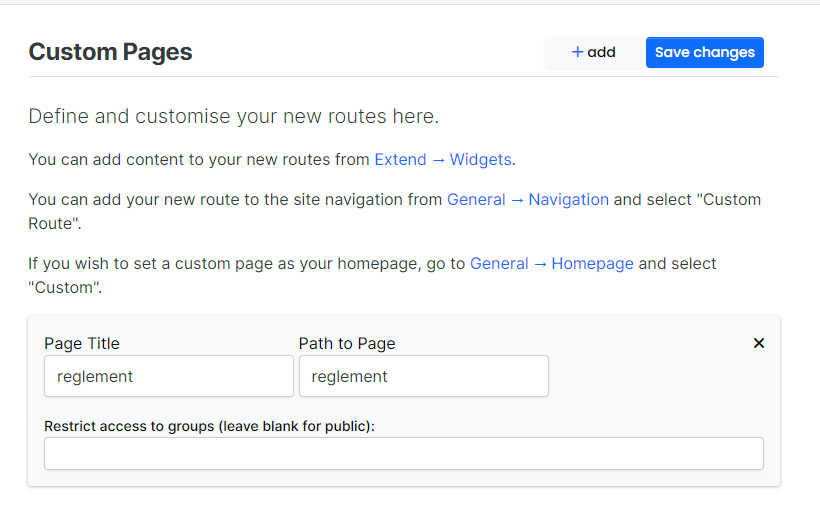
Nodebb icon on google page
-
When I to google site on my browser, there are some icons of sites previously visited.
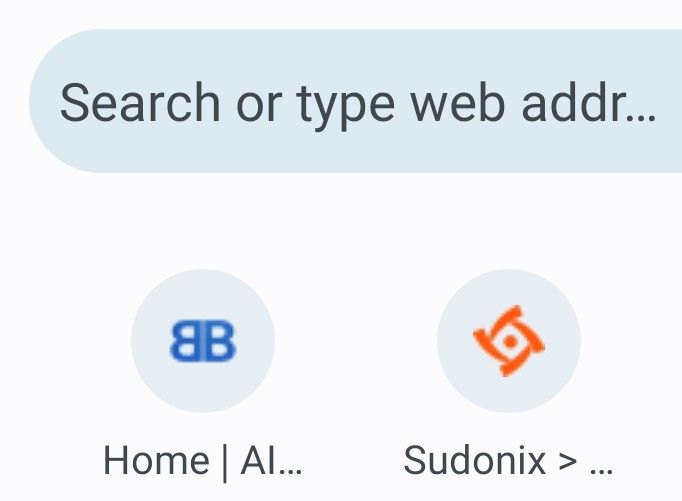
I cant get the default nodeBB icon to change here, even though I uploaded a favicon.
In the Admin menu, is this icon called something else? -
When I to google site on my browser, there are some icons of sites previously visited.
I cant get the default nodeBB icon to change here, even though I uploaded a favicon.
In the Admin menu, is this icon called something else? -
@phenomlab its enough that just add admin panel ico area? or we should add css also codes?
-
@phenomlab its enough that just add admin panel ico area? or we should add css also codes?
@cagatay It should be, yes. You don’t need any CSS though…
-
i can not understand mine also shown as nodebb fav
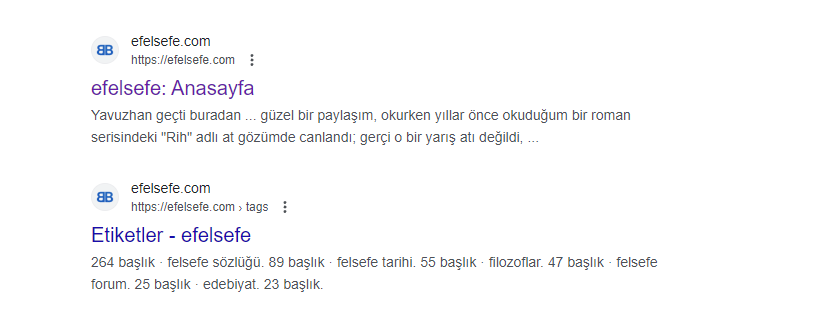
-
@cagatay I too am confused still
Although I saw the results of the favicon checker that phenomlab posted
Im confused what dimension favicon will tick all the boxes
It’s not made clear in Admin panel what to upload -
Hi Both,
Can you please ensure that the
faviconis present in both locations/path/to/nodebb/public/favicon.ico /path/to/nodebb/public/uploads/system/favicon.icoThen restart NodeBB? The files need to be present in both paths, and should be the below
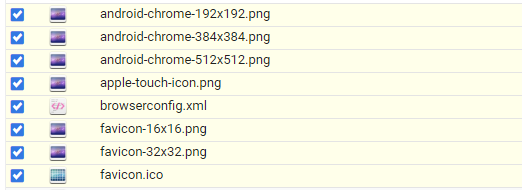
@Panda I’m aware that your site is hosted, so you are going to be at the mercy of NodeBB themselves here.
Mark Cutting also advises organisations as a Fractional CIO, Fractional CISO and Executive Advisor, helping boards improve technology governance, cyber resilience and executive decision making. Learn more at Phenomlab Ltd
-
Hi Both,
Can you please ensure that the
faviconis present in both locations/path/to/nodebb/public/favicon.ico /path/to/nodebb/public/uploads/system/favicon.icoThen restart NodeBB? The files need to be present in both paths, and should be the below
@Panda I’m aware that your site is hosted, so you are going to be at the mercy of NodeBB themselves here.
@phenomlab yes, so this is a flaw then, if successful Favicon can’t be uploaded from the Admin panel?
Worth me raising on NodeBB forum? -
 undefined Panda has marked this topic as solved on
-
@phenomlab yes, so this is a flaw then, if successful Favicon can’t be uploaded from the Admin panel?
Worth me raising on NodeBB forum?@Panda It’s been raised multiple times, but only for the open source version, and not hosted.


Hello! It looks like you're interested in this conversation, but you don't have an account yet.
Getting fed up of having to scroll through the same posts each visit? When you register for an account, you'll always come back to exactly where you were before, and choose to be notified of new replies (either via email, or push notification). You'll also be able to save bookmarks and upvote posts to show your appreciation to other community members.
With your input, this post could be even better 💗
Register LoginDid this solution help you?
Related Topics
-
-
-
-
NodeBB v3 Vote Icon
Solved Customisation -
-
-
NodeBB metadata
Solved Configure -