Skip to content

Rotating homepage icons, gifs?

Solved Configure
2 2 910 1
  • On this page, I like the way the coloured Sudonix wheel rotates when you click on it !
    Is this a gif file?
    In my nodebb forum can I just upload a gif into the settings for forum logo to get a similar effect?

  • On this page, I like the way the coloured Sudonix wheel rotates when you click on it !
    Is this a gif file?
    In my nodebb forum can I just upload a gif into the settings for forum logo to get a similar effect?

    @eveh It’s not a GIF, no. It’s actually a webp file so made much smaller, and uses keyframes to control the rotation on hover. You can easily make your own though 🙂

    The CSS for that is as below

        @keyframes rotate180 {
            from {
              transform: rotate(0deg);
            }
           
            to {
              transform: rotate(180deg);
            }
          }
           
          @keyframes rotate0 {
            from {
              transform: rotate(180deg);
            }
           
            to {
              transform: rotate(0deg);
            }
          }
    

    Your milage may vary on the CSS below, as it’s custom for Sudonix, but this is the class that is used to control the rotate

    .header .forum-logo,
    img.forum-logo.head {
        max-height: 50px;
        width: auto;
        height: 30px;
        margin-top: 9px;
        max-width: 150px;
        min-width: 32px;
        display: inline-block;
        animation-name: rotate180, rotate0;
        animation-duration: 1000ms;
        animation-delay: 0s, 1000ms;
        animation-iteration-count: 1;
        animation-timing-function: linear;
        transition: transform 1000ms ease-in-out;
    }
    
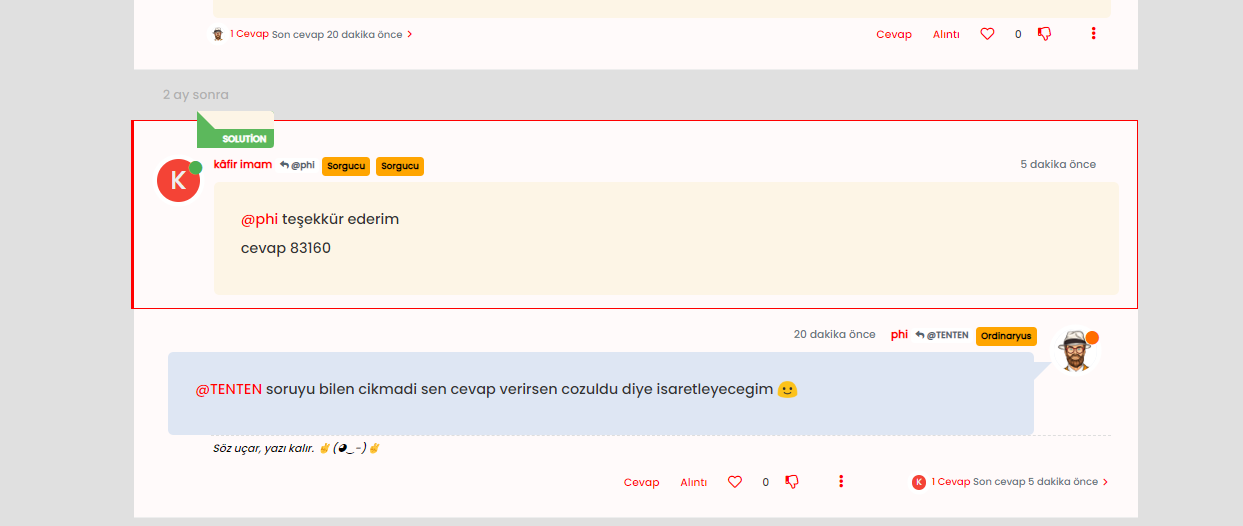
  • phenomlabundefined phenomlab has marked this topic as solved on

Did this solution help you?
Did you find the suggested solution useful? Support 💗 Sudonix with a coffee
If your organisation needs deeper expertise around infrastructure, security, or technology leadership, learn more about Phenomlab Ltd. Many of the deeper technical guides behind Sudonix are published there.

Related Topics
  • Nodebb vs Wordpress vs Other

    General wordpress nodebb woocomerce business
    4
    2 Votes
    4 Posts
    592 Views
    PrestaShop + modules IA https://www.prestashop.com Magento https://developer.adobe.com/open/magento
  • Test of youtube embeds

    Solved Configure nodebb
    14
    11 Votes
    14 Posts
    3k Views
    @phenomlab Perfect!!! Many thanks.
  • Nodebb design

    Solved General nodebb
    2
    1 Votes
    2 Posts
    951 Views
    @Panda said in Nodebb design: One negative is not being so good for SEO as more Server side rendered forums, if web crawlers dont run the JS to read the forum. From recollection, Google and Bing have the capability to read and process JS, although it’s not in the same manner as a physical person will consume content on a page. It will be seen as plain text, but will be indexed. However, it’s important to note that Yandex and Baidu will not render JS, although seeing as Google has a 90% share of the content available on the web in terms of indexing, this isn’t something you’ll likely lose sleep over. @Panda said in Nodebb design: The “write api” is preferred for server-to-server interactions. This is mostly based around overall security - you won’t typically want a client machine changing database elements or altering data. This is why you have “client-side” which could be DOM manipulation etc, and “server-side” which performs more complex operations as it can communicate directly with the database whereas the client cannot (and if it can, then you have a serious security flaw). Reading from the API is perfectly acceptable on the client-side, but not being able to write. A paradigm here would be something like SNMP. This protocol exists as a UDP (UDP is very efficient, as it is “fire and forget” and does not wait for a response like TCP does) based service which reads performance data from a remote source, thus enabling an application to parse that data for use in a monitoring application. In all cases, SNMP access should be “RO” (Read Only) and not RW (Read Write). It is completely feasible to assume complete control over a firewall for example by having RW access to SNMP and then exposing it to the entire internet with a weak passphrase. You wouldn’t do it (at least, I hope you wouldn’t) and the same ethic applies to server-side rendering and the execution of commands.
  • Where are widgets stored?

    Solved Configure nodebb
    3
    1 Votes
    3 Posts
    961 Views
    @phenomlab Thanks, have DMed you
  • NodeBB v3 Chat Very Slow

    Moved Performance nodebb v3 nodebb chat
    47
    11 Votes
    47 Posts
    14k Views
    @DownPW Seems fine.
  • Want to use Sudonix themes ?

    Chitchat themes nodebb
    80
    1
    34 Votes
    80 Posts
    18k Views
    omg thank you Mark.
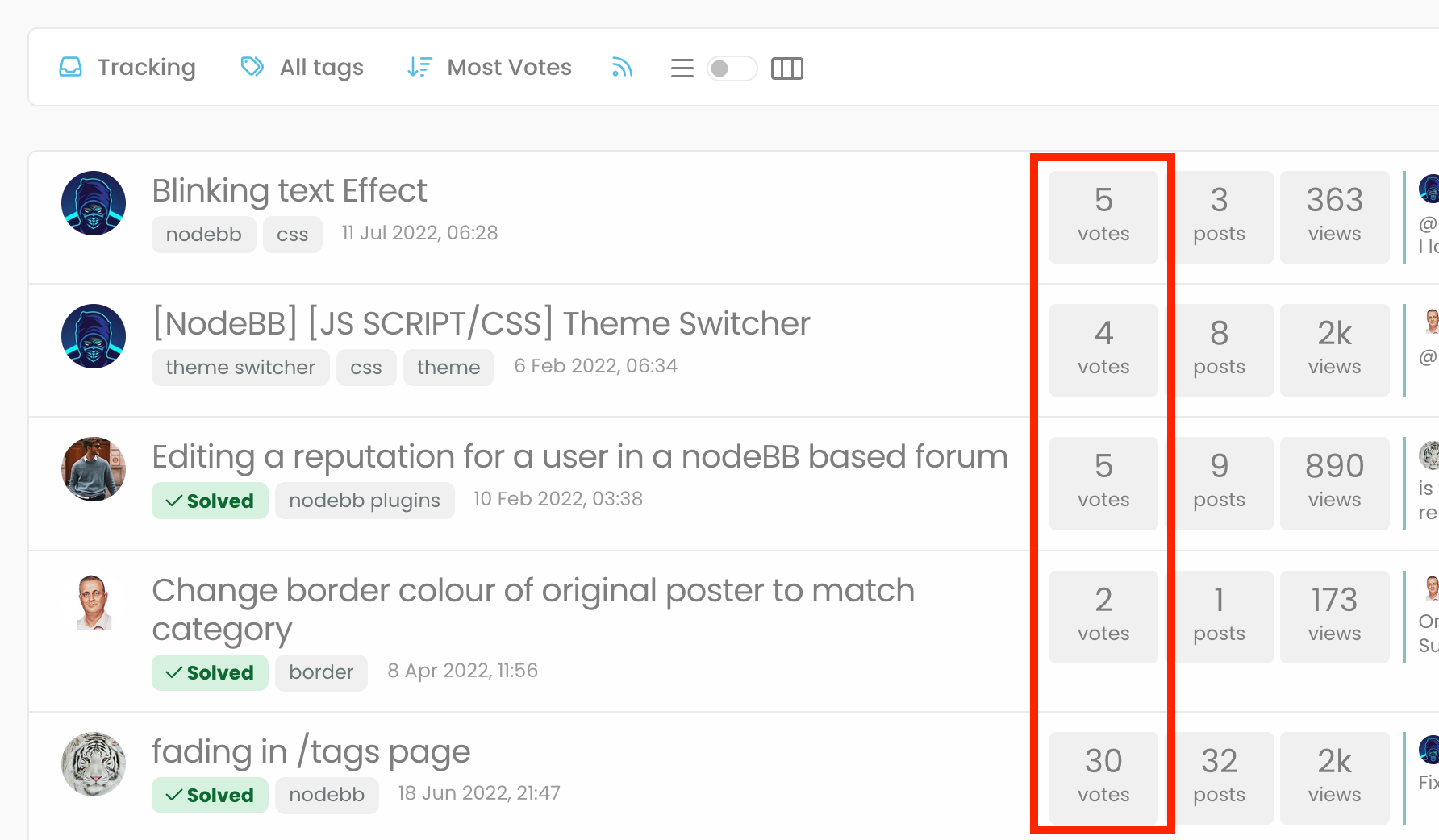
  • Blinking text Effect

    Customisation nodebb text effect css
    3
    5 Votes
    3 Posts
    1k Views
    @phenomlab I love it too @phenomlab said in Blinking text Effect: Has that “broken neon light” look that you see in films. It’s exactly that, kind of old neon signs of bar or pubs a bit cyberpunk too
  • [NODEBB] Help for my custom CSS

    Solved Customisation nodebb css bugfix
    237
    49 Votes
    237 Posts
    100k Views
    @baris said: You should change your selectors so it doesn’t look at the entire document. You probably only want to apply fancybox to stuff inside the #content element which is what changes when the user navigates around the page. So use $('#content a').... for your selectors then the forum logo in the header won’t be selected. I modified the JS Fancybox code now and this code and it seem better // --------------------------------------------- // Fancybox Media Reader (Without Website Logo) // --------------------------------------------- if (top.location.pathname !== '/login') { $(window).on('action:posts.loaded', function(data) { console.log("Polling DOM for lazyLoaded images to apply Fancybox"); $(document).ready(function() { $('#content a').not('.forum-logo').not(".avatar").not(".emoji").not(".bmac-noanimate").each(function() { $('#content a[href*=".jpg"], #content a[href*=".jpeg"], #content a[href*=".png"], #content a[href*=".gif"], #content a[href*=".webp"]').addClass("noanimate"); }); }); }); } if (top.location.pathname !== '/login') { $(document).ready(function() { $(window).on('action:ajaxify.end', function(data) { $('#content a').not('.logo').not(".avatar").not(".emoji").not(".bmac-noanimate").each(function() { $('#content a[href*=".jpg"], #content a[href*=".jpeg"], #content a[href*=".png"], #content a[href*=".gif"], #content a[href*=".webp"]').addClass("noanimate"); data.preventDefault() // Strip out the images contained inside blockquotes as this looks nasty :) $('#content blockquote img').remove(); }); Fancybox.bind( '#content a[href*=".jpg"], #content a[href*=".jpeg"], #content a[href*=".png"], #content a[href*=".gif"], #content a[href*=".webp"]', { groupAll: true, } ); }); }); } // Chat fancybox - fires when chat module loaded and AJAX calls new chat $(document).ready(function() { $(window).on('action:chat.loaded', function(data) { // >>> Se limiter au contenu principal uniquement <<< $('#content img').not('.forum-logo').not(".avatar").not(".emoji").not(".bmac-noanimate").each(function() { var newHref = $(this).attr("src"); $(this).wrap("<a class='fancybox' href='" + newHref + "'/>"); $('#content a[href*=".jpg"], #content a[href*=".jpeg"], #content a[href*=".png"], #content a[href*=".gif"], #content a[href*=".webp"]').addClass("noanimate"); data.preventDefault(); // Strip out the images contained inside blockquotes as this looks nasty :) $('#content blockquote img').remove(); }); Fancybox.bind( '#content a[href*=".jpg"], #content a[href*=".jpeg"], #content a[href*=".png"], #content a[href*=".gif"], #content a[href*=".webp"]', { groupAll: true, } ); }); }); For the logo, I must use overflow: visible !important; on [component="brand/logo"] /* --- Logo --- */ [component="brand/logo"] { max-height: 50px; width: auto; height: auto; max-width: 100%; display: block; object-fit: contain; object-position: left center; overflow: visible !important; } Better result !!