Forum Icons NodeBB
-
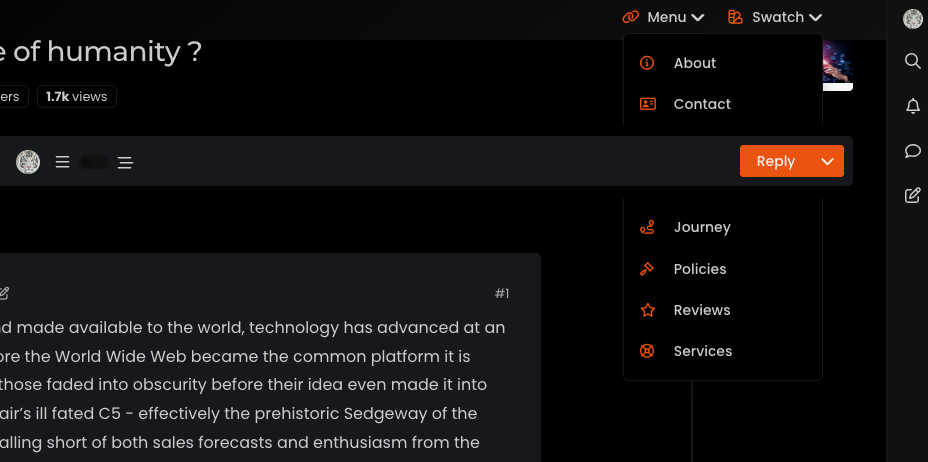
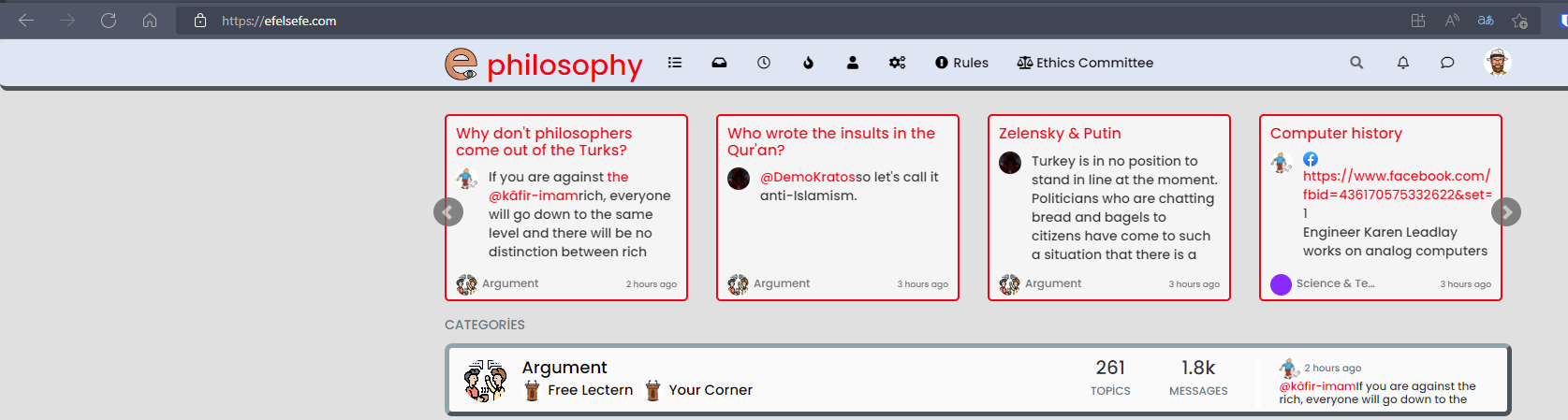
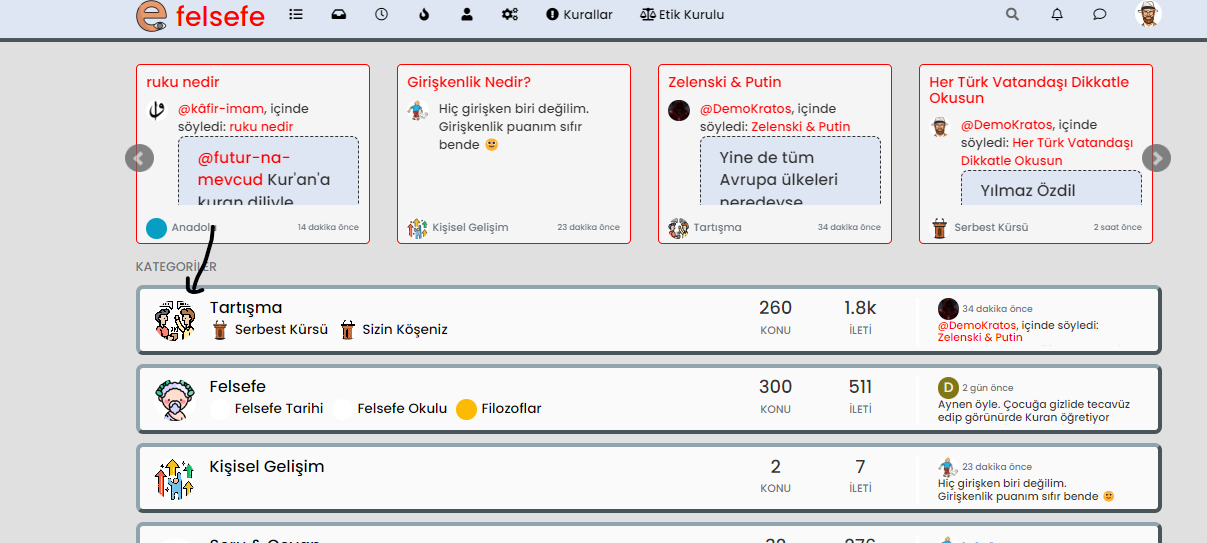
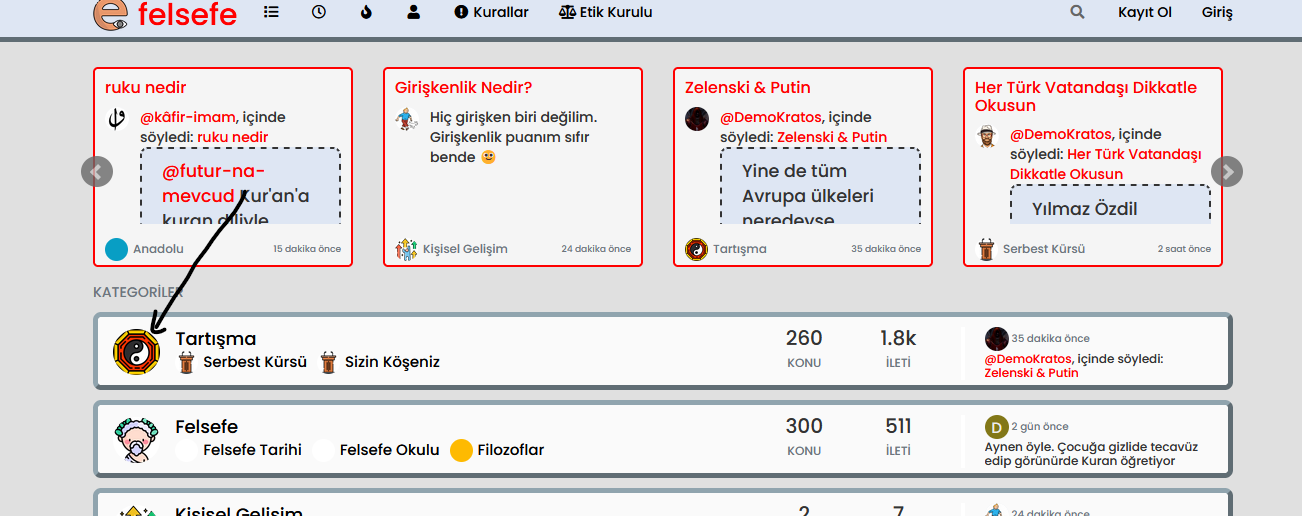
Although I deleted the old forum icons from ftp, the new icons do not appear, what is the reason?
-
@cagatay That matches what I see
-
Although I deleted the old forum icons from ftp, the new icons do not appear, what is the reason?
-
@cagatay these are likely being cached by nginx on the server. Restart the nginx service, and also access the site in incognito mode as the caching also likely extends to the local browser.
Mark Cutting also advises organisations as a Fractional CIO, Fractional CISO and Executive Advisor, helping boards improve technology governance, cyber resilience and executive decision making. Learn more at Phenomlab Ltd
-
@cagatay these are likely being cached by nginx on the server. Restart the nginx service, and also access the site in incognito mode as the caching also likely extends to the local browser.
@phenomlab Isn’t there an atomatic chache clear status for it of nginx?
-
@phenomlab Isn’t there an atomatic chache clear status for it of nginx?
@cagatay that depends on your config. Can you provide it ?
Mark Cutting also advises organisations as a Fractional CIO, Fractional CISO and Executive Advisor, helping boards improve technology governance, cyber resilience and executive decision making. Learn more at Phenomlab Ltd
-
@phenomlab i do not know about nginx, my friend installed it, not me.
-
@phenomlab i do not know about nginx, my friend installed it, not me.
@cagatay Ok - what about opening the site in incognito mode ?
Mark Cutting also advises organisations as a Fractional CIO, Fractional CISO and Executive Advisor, helping boards improve technology governance, cyber resilience and executive decision making. Learn more at Phenomlab Ltd
-
@phenomlab everything is normal in incognito mode. But i see some problem about chache on my web site espically on admin panel. I checked some web site which chache system for nginx, but i m afraid to touch it

-
@phenomlab everything is normal in incognito mode. But i see some problem about chache on my web site espically on admin panel. I checked some web site which chache system for nginx, but i m afraid to touch it
@cagatay You should just be able to restart the NGINX service which would have the same result in terms of clearing the cache.
Mark Cutting also advises organisations as a Fractional CIO, Fractional CISO and Executive Advisor, helping boards improve technology governance, cyber resilience and executive decision making. Learn more at Phenomlab Ltd
-
@cagatay You should just be able to restart the NGINX service which would have the same result in terms of clearing the cache.
@phenomlab restart is done by yestarday, icons are seems clearly which uploaded the site.
-
@phenomlab restart is done by yestarday, icons are seems clearly which uploaded the site.
@cagatay So which icon should be displayed? It’s not entirely clear from your original post.
Mark Cutting also advises organisations as a Fractional CIO, Fractional CISO and Executive Advisor, helping boards improve technology governance, cyber resilience and executive decision making. Learn more at Phenomlab Ltd
-
@cagatay So which icon should be displayed? It’s not entirely clear from your original post.
-
@cagatay That matches what I see
-
 undefined phenomlab has marked this topic as solved on

Hello! It looks like you're interested in this conversation, but you don't have an account yet.
Getting fed up of having to scroll through the same posts each visit? When you register for an account, you'll always come back to exactly where you were before, and choose to be notified of new replies (either via email, or push notification). You'll also be able to save bookmarks and upvote posts to show your appreciation to other community members.
With your input, this post could be even better 💗
Register LoginDid this solution help you?
Related Topics
-
-
-
-
-
NodeBB v3 Vote Icon
Solved Customisation -
-
NodeBB 1.19.3
Solved Performance -