Skip to content

Please help me, I can't install nodebb

Locked Solved Customisation
7 2 2.0k 1
  • wrote on last edited by
    #1

    Please help me, I can’t install nodebb, I installed it for a week, the installation was unsuccessful, please help me, I provide the server account and password, my operating system is Ubuntu 22.04, please help me, friends, thank you.

  • wrote on last edited by phenomlab
    #7

    Installation completed, verified, and tested. Correct installation methodology is below

    https://docs.nodebb.org/installing/os/ubuntu/

  • wrote on last edited by phenomlab
    #2

    Can you PM me your server details and I’ll take a look. I will also need domain details etc.

  • Can you PM me your server details and I’ll take a look. I will also need domain details etc.

    wrote on last edited by
    #3

    @phenomlab Hello, do you have a discord number, I’ll add you as a friend.

  • @phenomlab Hello, do you have a discord number, I’ll add you as a friend.

    wrote on last edited by phenomlab
    #4

    @abcabc123 no, I don’t use Discord. You can contact me here via the private messaging facility.

  • @abcabc123 no, I don’t use Discord. You can contact me here via the private messaging facility.

    wrote on last edited by
    #5

    @phenomlab Hello, did you receive my message?

  • @phenomlab Hello, did you receive my message?

    wrote on last edited by
    #6
  • wrote on last edited by phenomlab
    #7

    Installation completed, verified, and tested. Correct installation methodology is below

    https://docs.nodebb.org/installing/os/ubuntu/

  • phenomlab phenomlab has marked this topic as solved on
  • phenomlab phenomlab locked this topic on

Did this solution help you?
Did you find the suggested solution useful? Support 💗 Sudonix with a coffee ☕
If your organisation needs deeper expertise around infrastructure, security, or technology leadership, learn more about Phenomlab Ltd. Many of the deeper technical guides behind Sudonix are published there.

Related Topics
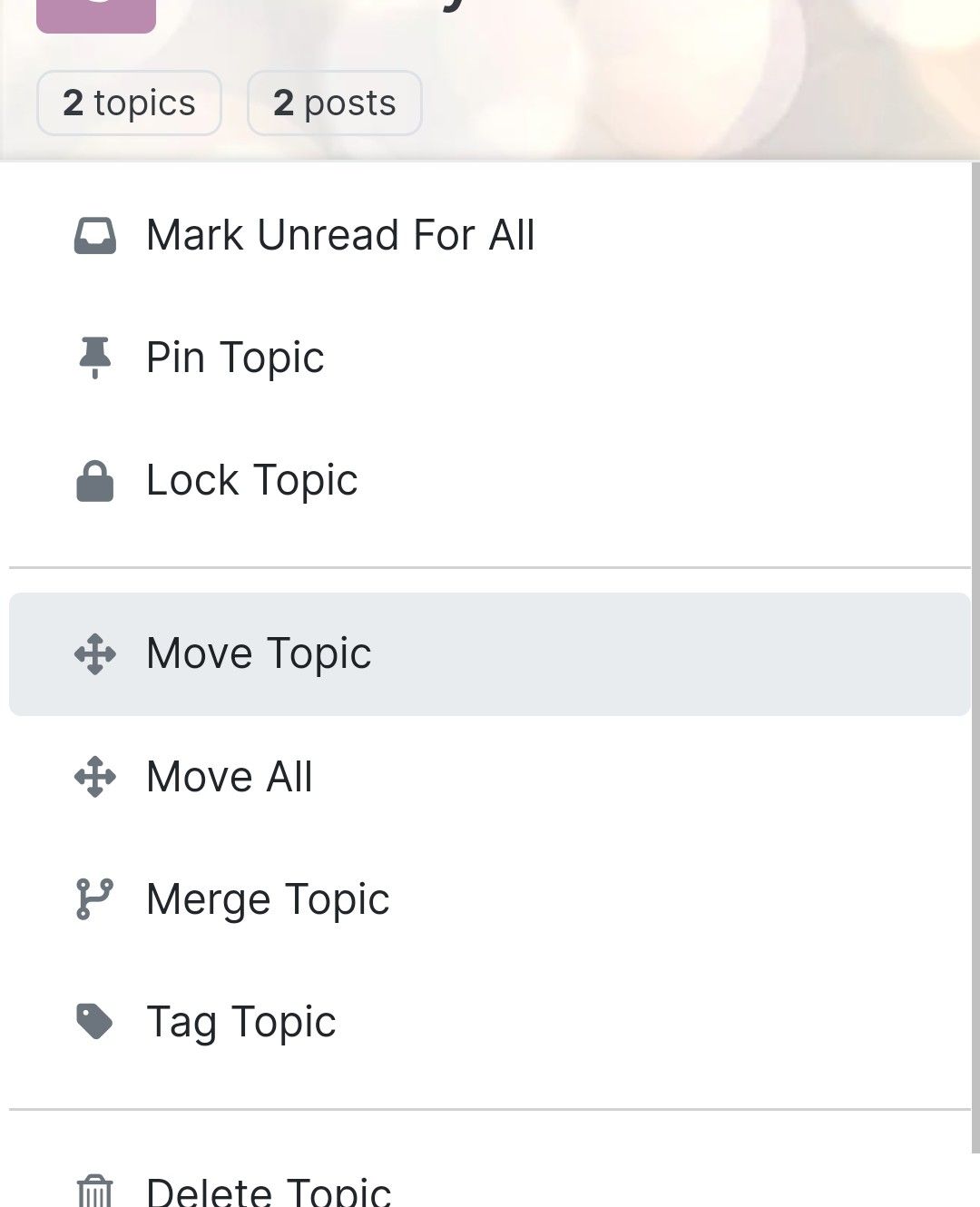
  • Difficult to move posts now, on mobile.

    Bugs nodebb
    16
    1
    5 Votes
    16 Posts
    5k Views
    phenomlab
    @DownPW Yes, it is. It’s set far too low meaning other elements with a higher preference will sit over the top of it.
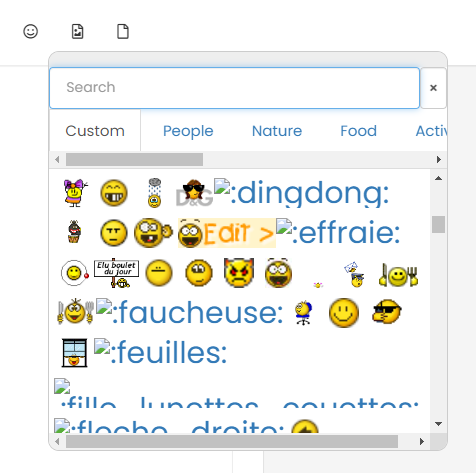
  • nodebb loading emojis

    Solved Configure nodebb emojis
    16
    1
    1 Votes
    16 Posts
    6k Views
    phenomlab
    @DownPW sure. Let me have a look at this in more detail. I know nginx plus has extensive support for this, but it’s not impossible to get somewhere near acceptable with the standard version. You might be better off handling this at the Cloudflare level given that it sits in between the requesting client and your server.
  • Forum Icons NodeBB

    Solved Customisation icons forum nodebb
    13
    0 Votes
    13 Posts
    5k Views
    phenomlab
    @cagatay That matches what I see [image: 4f0f858d-9812-42b1-9f61-ffb13d31dccd-image.png]
  • Changing Background on NodeBB

    Solved Customisation background image nodebb
    4
    0 Votes
    4 Posts
    2k Views
    phenomlab
    @cagatay You’d target the body tag and use the below line of CSS background: url(/assets/customcss/backgrounds/default/default.png) no-repeat center center fixed; Obviously, you need to change the path to suit where your image is being stored. More info around the background property can be found here https://www.w3schools.com/cssref/css3_pr_background.php
  • NodeBB inline videoplayer

    Solved Customisation nodebb
    12
    3 Votes
    12 Posts
    5k Views
    Panda
    @phenomlab YAY! It works Thanks so much
  • [NodeBB] greeting message

    Solved Customisation css nodebb javascript
    2
    1
    3 Votes
    2 Posts
    2k Views
    phenomlab
    @pwsincd welcome to sudonix, and thanks for the comments. What your looking for is here https://sudonix.com/topic/195/nodebb-welcome-message/3?_=1648295651358
  • NodeBB Design help

    Solved Customisation
    8
    3
    2 Votes
    8 Posts
    4k Views
    phenomlab
    @riekmedia I’ve applied some new CSS to your site. Can you reload the page and try again ? For the record, this is what I added #footer { background: #2d343e; border-top: 4px solid #2d343e; font-size: 0.9em; margin-top: 70px; padding: 80px 0 0; position: relative; clear: both; bottom: 0; left: 0; right: 0; z-index: 1000; margin-left: -15px; margin-right: -338px; } The /categories page seems a bit messed up, so looking at that currently EDIT - issued some override CSS in the CATEGORIES widget <!--- CSS fix for overspill on /categories page - DO NOT DELETE --> <style> #footer { margin-right: -45px; } </style> That should resolve the /categories issue.
  • CSS Help on my Flarum

    Solved Customisation
    5
    2
    2 Votes
    5 Posts
    3k Views
    phenomlab
    @mike-jones Yes, you’ll typically see this type of behaviour if there is another style that has higher priority in the sense that yours will be overridden. Using !important will override the higher preference, but should be used sparingly rather than everywhere.