Skip to content

Loading Image Problem
Bugs
24 2 11.3k 1
  • Do you have my account info?

    wrote on last edited by phenomlab
    #12

    @cagatay Yes. I’ve checked, and can see this on upload in the console

    bcf0d040-72b1-4796-be36-486bc3a688ca-image.png

    This is “entity too large” and relates to the upload being over the max size permitted in NGINX.

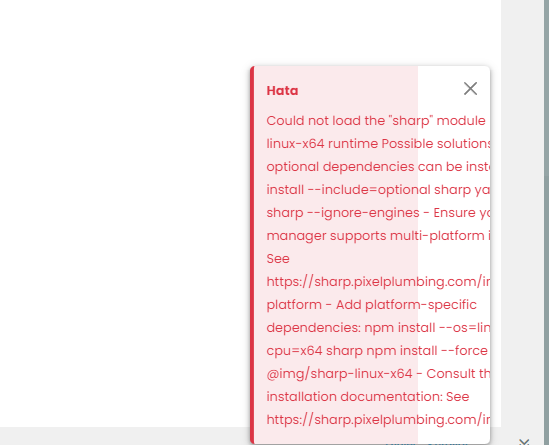
    In addition, the sharp module seems to be missing

    Could not load the “sharp” module using the linux-x64 runtime Possible solutions: - Ensure optional dependencies can be installed: npm install --include=optional sharp yarn add sharp --ignore-engines - Ensure your package manager supports multi-platform installation: See https://sharp.pixelplumbing.com/install#cross-platform - Add platform-specific dependencies: npm install --os=linux --cpu=x64 sharp npm install --force @img/sharp-linux-x64 - Consult the installation documentation: See https://sharp.pixelplumbing.com/install

  • wrote on last edited by
    #13

    so what i should do?

  • so what i should do?

    wrote on last edited by
    #14

    @cagatay Nothing for the moment…

  • wrote on last edited by
    #15

    i m also can not change anything on my admin control panel.
    same problem.

  • i m also can not change anything on my admin control panel.
    same problem.

    wrote on last edited by phenomlab
    #16

    @cagatay Fixed that too. Try now? You should reload your browser. Uploads will also work - see

    https://efelsefe.com/topic/1726/test/3

  • wrote on last edited by
    #17

    yes working 🙂 what did you do? 🙂

  • yes working 🙂 what did you do? 🙂

    wrote on last edited by
    #18

    @cagatay npm install which will add all missing dependencies 🙂

  • wrote on last edited by
    #19

    omg thank you Mark …

  • omg thank you Mark …

    wrote on last edited by
    #20

    @cagatay Did you encounter any odd issues with the upgrade?

  • wrote on last edited by cagatay
    #21

    no without problem i upgraded.
    just that problem wich faced.
    your proxy and css/js everything working without problem.

  • no without problem i upgraded.
    just that problem wich faced.
    your proxy and css/js everything working without problem.

    wrote on last edited by
    #22

    @cagatay Strange. Well, it’s fixed now, so hopefully shouldn’t be an issue going forward.

  • no without problem i upgraded.
    just that problem wich faced.
    your proxy and css/js everything working without problem.

    wrote on last edited by
    #23

    @cagatay said in Loading Image Problem:

    your proxy and css/js everything working without problem.

    Yes, I updated also yesterday to test that 🙂

  • wrote on last edited by
    #24

    Thank you Mark.


Related Topics
  • CTA banner for visitors

    Solved Bugs bug
    3
    1
    2 Votes
    3 Posts
    2k Views
    phenomlab
    @crazycells Yes, because of this code $(document).ready(function () { $(window).on('action:ajaxify.end', function (data) { if (config && config.uid > 0) { // User is logged in, so don't fire any message } else { // Insert content into the selected element var addAfterLastPost = $( "<div class='alert alert-warning alert-dismissible fade show' role='alert'>" + "<p><strong>Hello! It looks like you're interested in this conversation, but you don't have an account yet.</strong></p>" + "<p>Getting fed up of having to scroll through the same posts each visit? When you register for an account, you'll always come back to exactly where you were before, " + "and choose to be notified of new replies (ether email, or push notification). You'll also be able to save bookmarks, use reactions, and upvote to show your appreciation to other community members.</p>" + "<p>With your input, this post could be even better 💗"+ "<br><br>"+ "<a style='margin-right:5px;' component='topic/reply/guest' href='/register' class='fw-semibold btn btn-sm btn-warning'>Register</a>" + "<a component='topic/reply/guest' href='/login' class='fw-semibold btn btn-sm btn-info'>Log in</a>" + "<button type='button' class='btn-close' data-bs-dismiss='alert' aria-label='Close'></button>" + "</div>" ); $('ul[component="topic"]').after(addAfterLastPost); } }); }); This was adopted into core as far as I know, so I’ve removed my manual code.
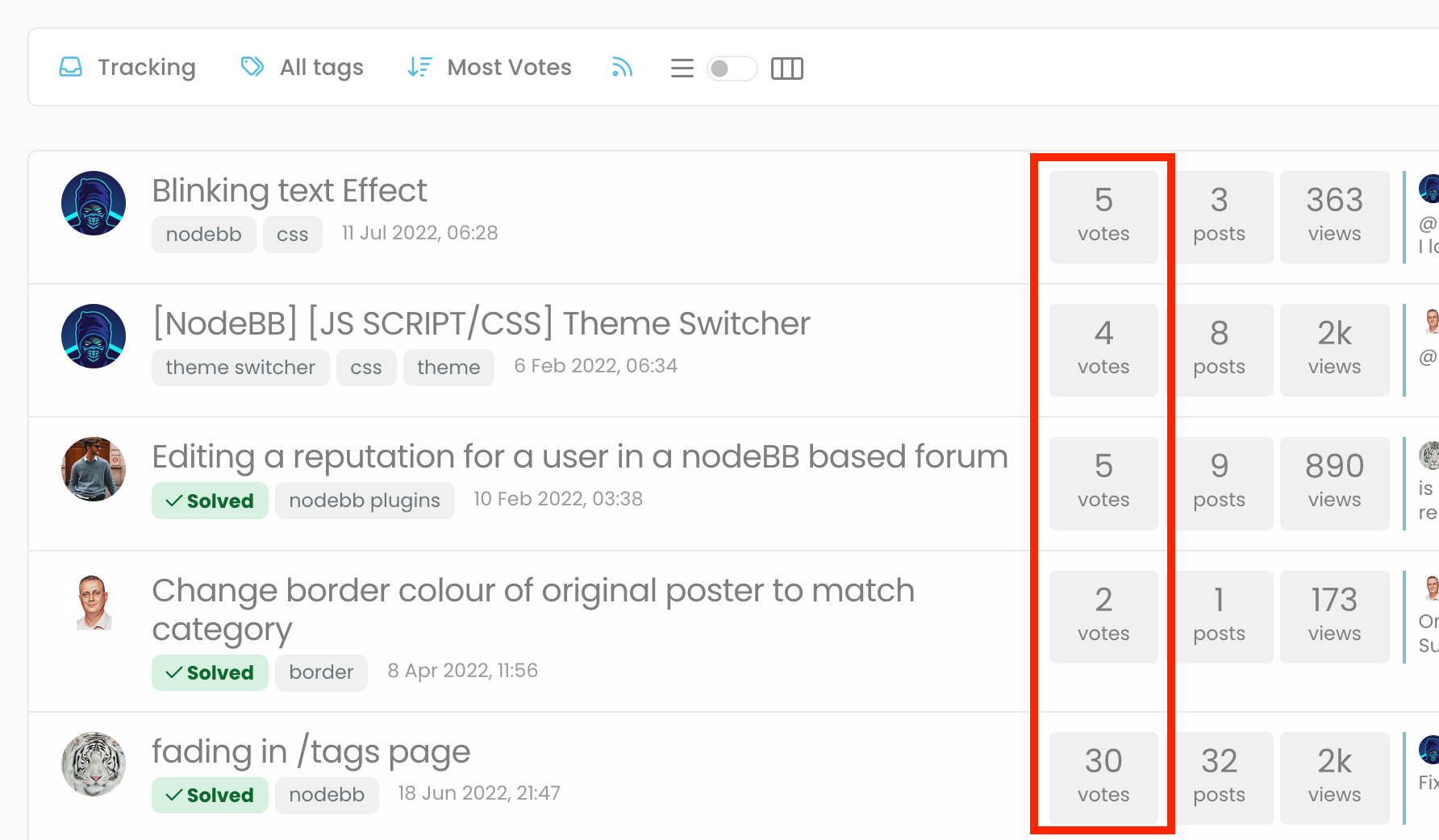
  • "most votes" ranking option is not respecting the plugin

    Bugs nodebb
    5
    1
    3 Votes
    5 Posts
    2k Views
    phenomlab
    @crazycells Agreed. It takes a more sensible approach. Nobody ever upvotes the first post - it’s usually much further down as the conversation progresses.
  • problem with search page and copyright in footer

    Solved Bugs bug
    13
    1
    6 Votes
    13 Posts
    4k Views
    crazycells
    @phenomlab yes, search page is fixed thanks
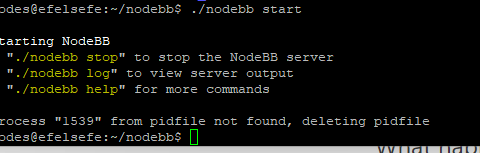
  • Getting Eror When Started NodeBB

    Solved Configure bug
    7
    1
    2 Votes
    7 Posts
    2k Views
    cagatay
    @phenomlab yes i did. i deleted one of plugin then it started to work normally.
  • Is NTFY working properly on iOS?

    Bugs
    10
    5 Votes
    10 Posts
    4k Views
    crazycells
    @phenomlab thx, the same for us. It sees 1.7.3 as the last version although it is updated to 1.7.4… i will report this to @barisusakli
  • Bug Report

    Solved Bugs nodebb bugs
    47
    1
    26 Votes
    47 Posts
    20k Views
    phenomlab
    @crazycells Good points, thanks. I completely forgot that classes are added - makes life much simpler! EDIT - seems this is pretty straightforward, and only needs the below CSS .upvoted i { color: var(--bs-user-level) !important; } This then yields [image: 3f072f8a-ebfa-4910-8723-73c493b8e4eb-image.png] However, the caveat here is that the .upvoted class will only show for your upvotes, and nobody else’s. However, this does satisfy the original request however I would love to see my upvoted posts more clearly, because currently, when I upvote, nothing on the post tool is changing, it would be nicer if there is an indication that I have upvoted (like a filled or colored triangle?)
  • Nodebb 3.2.2

    Bugs nodebb 3.2.2
    27
    1
    11 Votes
    27 Posts
    11k Views
    phenomlab
    @crazycells yes, I’ve just seen that and modified the post. It seems to only happen if you have a space between the “greater than” symbol and the actual text. Clearly a markdown thing.
  • Issues with Imgur images in Fancybox chat module

    Bugs fancybox chat
    12
    1
    2 Votes
    12 Posts
    4k Views
    phenomlab
    @DownPW looks good to me.