How to set a signature in NodeBB?
-
@jac I’m moving your post here as it doesn’t relate to the topic it was originally posted in. More of a question.
-
@jac said in Facebook goes offline 🤭:
@phenomlab said in Facebook goes offline 🤭:
@jac https://hostrisk.com/topic/1297/facebook-instagram-whatsapp-suffer-widespread-outage
Very good that at the bottom, keep you out of trouble.
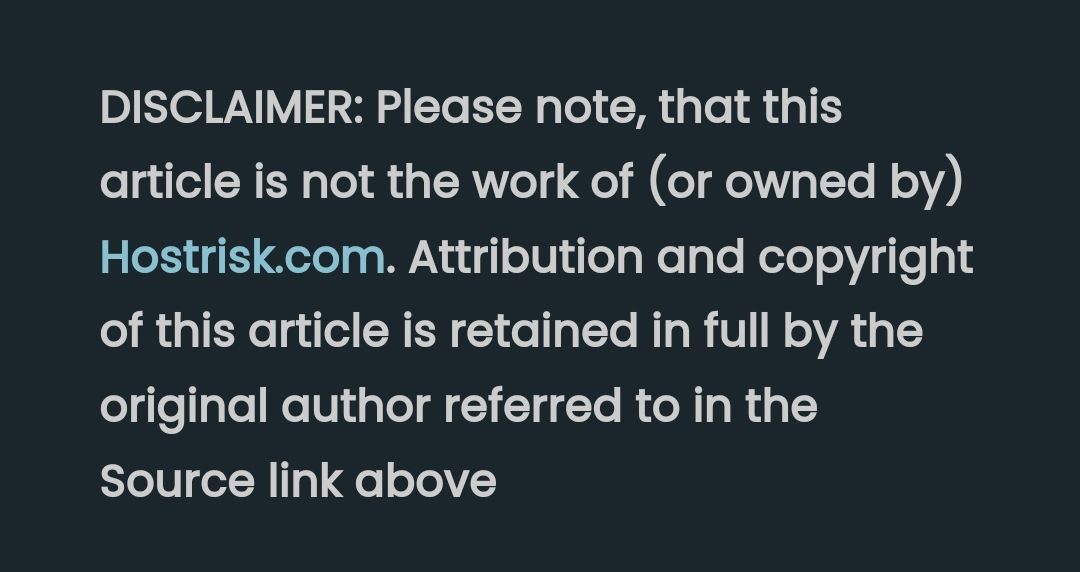
I of course don’t wish to get into trouble with feeding in links / content that isn’t mine.
How can I add something similar but without copying?
I’m a little worried that I’m liking all your ideas too much

 .
.Although more than happy to link back to phenomlab in footer etc.
@jac No issues at all with copying. This is set using the signature for the user you are posting as. In the case of Hostrisk, it’s set like the below
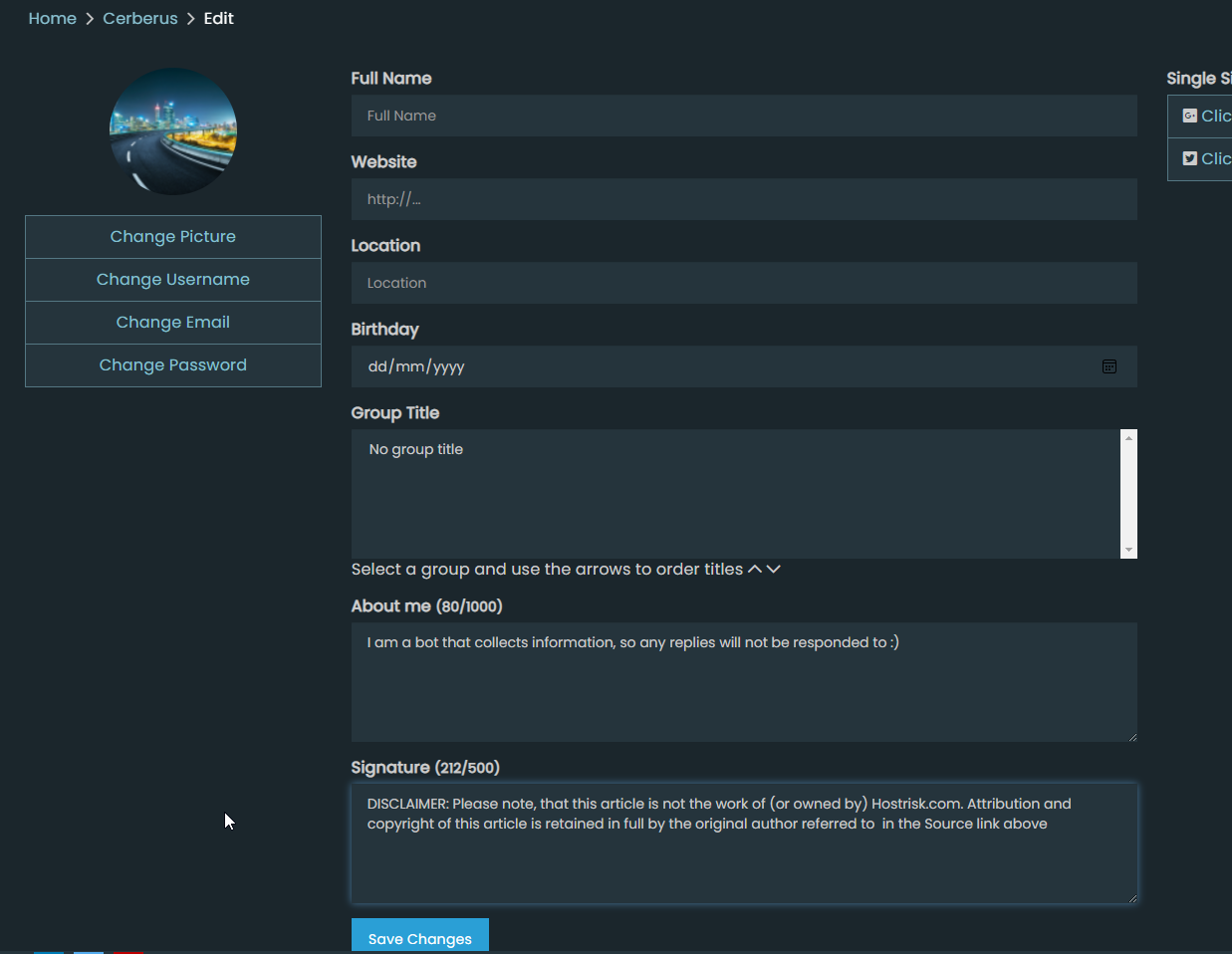
You can set the signature by using
https://domain.com/user/theuser/editMark Cutting also advises organisations as a Fractional CIO, Fractional CISO and Executive Advisor, helping boards improve technology governance, cyber resilience and executive decision making. Learn more at Phenomlab Ltd
-
@phenomlab said in Facebook goes offline 🤭:
@jac https://hostrisk.com/topic/1297/facebook-instagram-whatsapp-suffer-widespread-outage
Very good that at the bottom, keep you out of trouble.
@jac said in Facebook goes offline 🤭:
@phenomlab said in Facebook goes offline 🤭:
@jac https://hostrisk.com/topic/1297/facebook-instagram-whatsapp-suffer-widespread-outage
Very good that at the bottom, keep you out of trouble.
I of course don’t wish to get into trouble with feeding in links / content that isn’t mine.
How can I add something similar but without copying?
I’m a little worried that I’m liking all your ideas too much
.Although more than happy to link back to phenomlab in footer etc.
-
@jac said in Facebook goes offline 🤭:
@phenomlab said in Facebook goes offline 🤭:
@jac https://hostrisk.com/topic/1297/facebook-instagram-whatsapp-suffer-widespread-outage
Very good that at the bottom, keep you out of trouble.
I of course don’t wish to get into trouble with feeding in links / content that isn’t mine.
How can I add something similar but without copying?
I’m a little worried that I’m liking all your ideas too much
.Although more than happy to link back to phenomlab in footer etc.
@jac No issues at all with copying. This is set using the signature for the user you are posting as. In the case of Hostrisk, it’s set like the below
You can set the signature by using
https://domain.com/user/theuser/editMark Cutting also advises organisations as a Fractional CIO, Fractional CISO and Executive Advisor, helping boards improve technology governance, cyber resilience and executive decision making. Learn more at Phenomlab Ltd
-
 undefined phenomlab has marked this topic as solved on
-
undefined phenomlab unlocked this topic on
-
@jac No issues at all with copying. This is set using the signature for the user you are posting as. In the case of Hostrisk, it’s set like the below
You can set the signature by using
https://domain.com/user/theuser/edit@phenomlab said in How to set a signature in NodeBB?:
@jac No issues at all with copying. This is set using the signature for the user you are posting as. In the case of Hostrisk, it’s set like the below
You can set the signature by using
https://domain.com/user/theuser/editMamy thanks Mark, I’ll set this up later
 .
.

Hello! It looks like you're interested in this conversation, but you don't have an account yet.
Getting fed up of having to scroll through the same posts each visit? When you register for an account, you'll always come back to exactly where you were before, and choose to be notified of new replies (either via email, or push notification). You'll also be able to save bookmarks and upvote posts to show your appreciation to other community members.
With your input, this post could be even better 💗
Register LoginDid this solution help you?
Related Topics
-
-
Forum Icons NodeBB
Solved Customisation -
-
-
-
NodeBB Footer
Solved Customisation -
-
Customising NodeBB
Locked Customisation