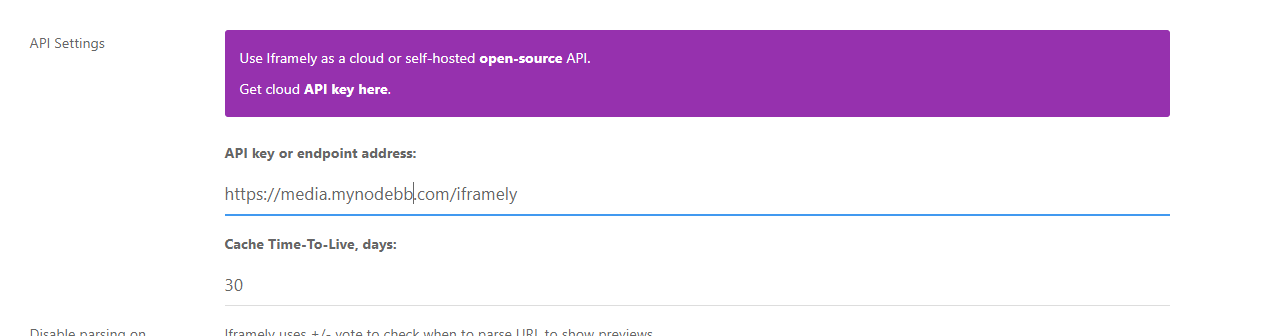
How to install a self-hosted instance of iFramely for use with NodeBB

-
PW and WS Spirit alive
-
@DownPW no. It needs to be an A record. CNAME is canonical meaning that traffic sent to it will land up at your main nginx site. The A record will sent headers which nginx can use to route the traffic correctly.
CNAME records do not have this and will resolve to the underlying host which will cause you problems. Useful for WWW and non-WWW, but that’s about it.
Essentially, it’s an alias and not a record in it’s own right.
Mark Cutting also advises organisations as a Fractional CIO, Fractional CISO and Executive Advisor, helping boards improve technology governance, cyber resilience and executive decision making. Learn more at Phenomlab Ltd
-
@DownPW no. It needs to be an A record. CNAME is canonical meaning that traffic sent to it will land up at your main nginx site. The A record will sent headers which nginx can use to route the traffic correctly.
CNAME records do not have this and will resolve to the underlying host which will cause you problems. Useful for WWW and non-WWW, but that’s about it.
Essentially, it’s an alias and not a record in it’s own right.
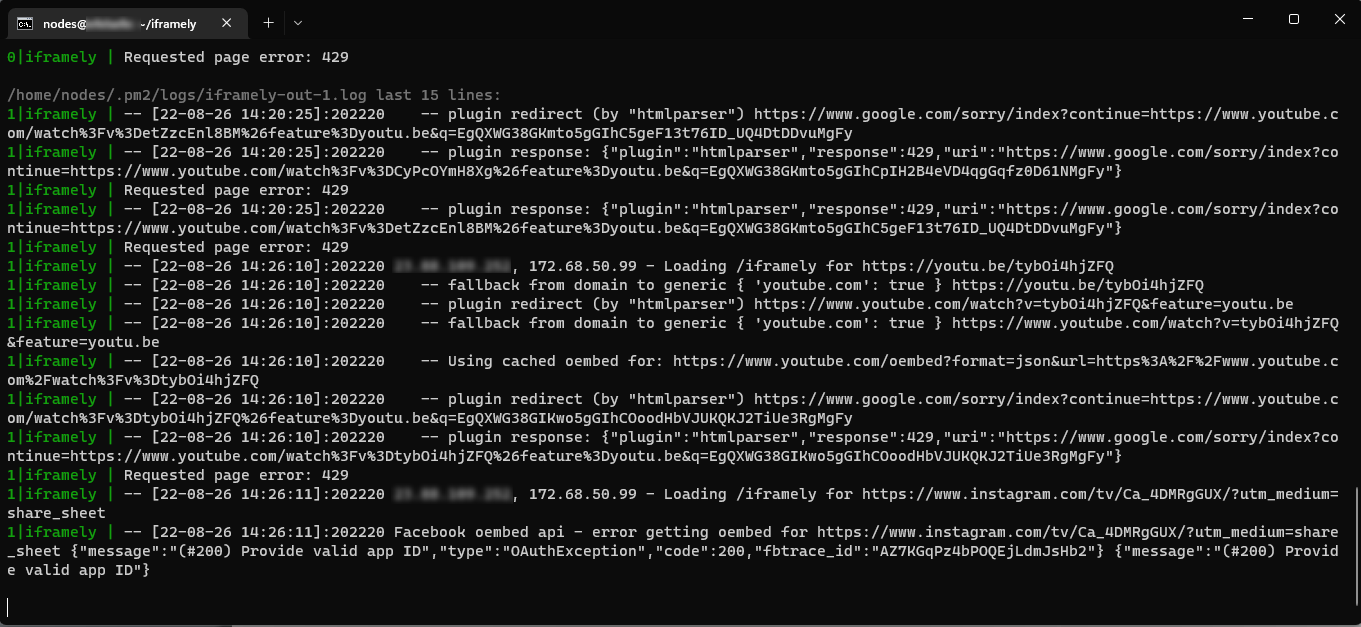
@phenomlab i think my ifamely started to not work i dont know why
 youtube embed not working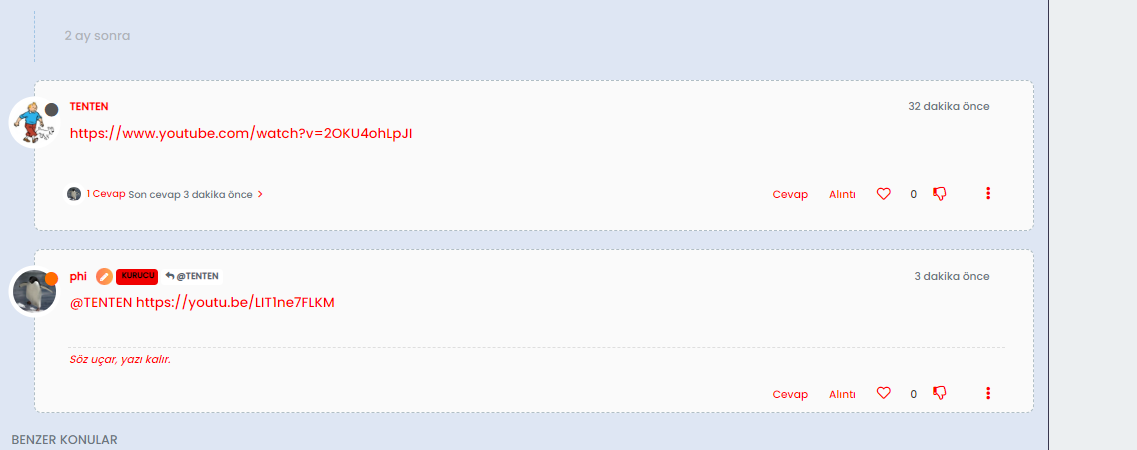
[PM2][ERROR] Process or Namespace iframely not found
[PM2][WARN] Current process list is not synchronized with saved list. App iframely iframely differs. Type ‘pm2 save’ to synchronize. -
@cagatay is the
iframelyservice started ? That error message would indicate it’s not runningMark Cutting also advises organisations as a Fractional CIO, Fractional CISO and Executive Advisor, helping boards improve technology governance, cyber resilience and executive decision making. Learn more at Phenomlab Ltd
-
@cagatay is the
iframelyservice started ? That error message would indicate it’s not running@phenomlab as a result of ps -x i cant see iframely service pid id so i think its not working automaticly when i rebooted the server. How can i start it?
-
@phenomlab as a result of ps -x i cant see iframely service pid id so i think its not working automaticly when i rebooted the server. How can i start it?
@cagatay try
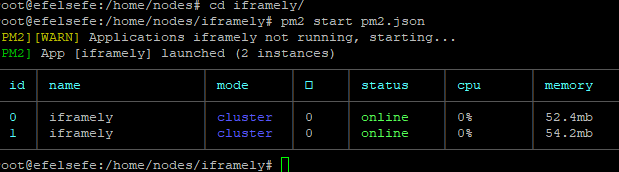
pm2 start pm2.jsonwhich needs to be executed from the directory of the iFramely domain where it is installed. See previous documentation I provided after the installation.A quicker route would be to reboot your VPS to see if that resolves the issue.
Mark Cutting also advises organisations as a Fractional CIO, Fractional CISO and Executive Advisor, helping boards improve technology governance, cyber resilience and executive decision making. Learn more at Phenomlab Ltd
-
@cagatay try
pm2 start pm2.jsonwhich needs to be executed from the directory of the iFramely domain where it is installed. See previous documentation I provided after the installation.A quicker route would be to reboot your VPS to see if that resolves the issue.
hope everything is ok from now.
-
@cagatay try
pm2 start pm2.jsonwhich needs to be executed from the directory of the iFramely domain where it is installed. See previous documentation I provided after the installation.A quicker route would be to reboot your VPS to see if that resolves the issue.
@phenomlab when i reboot the vps nodebb and iframely not working auto
but manually everything is working fine right now. -
@phenomlab when i reboot the vps nodebb and iframely not working auto
but manually everything is working fine right now.@cagatay ok, that needs looking at then as it seems it’s not configured properly. For now of course you can start it manually.
-
Hello @phenomlab
I like your iframe :
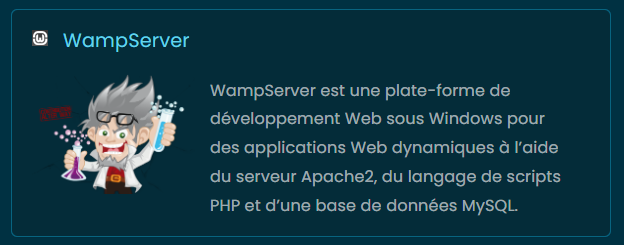
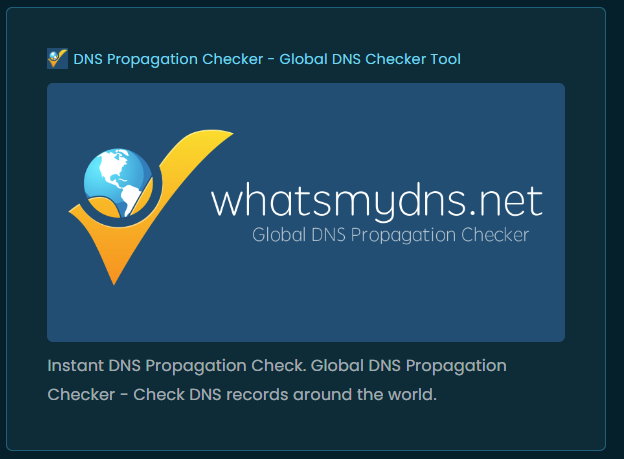
Can you please provide your CSS code with me for Iframely Iframe ?
Thanks in advance dude
PW and WS Spirit alive
-
Hello @phenomlab
I like your iframe :
Can you please provide your CSS code with me for Iframely Iframe ?
Thanks in advance dude
@DownPW this was actually stolen from @crazycells (
 ) and slightly modified, so I can’t really take the credit.
His original response to the iFramely guide I posted contains the CSS he’s using is here
Mark Cutting also advises organisations as a Fractional CIO, Fractional CISO and Executive Advisor, helping boards improve technology governance, cyber resilience and executive decision making. Learn more at Phenomlab Ltd
-
 undefined phenomlab referenced this topic on
-
@DownPW this was actually stolen from @crazycells (
) and slightly modified, so I can’t really take the credit.His original response to the iFramely guide I posted contains the CSS he’s using is here
@phenomlab
 yeap, unfortunately, the original unpaid version of iframely takes up a huge space on the screen. These CSS codes make it better than normal. But of course, it is not as good as the original paid version of iframely
-
Hello @phenomlab
I like your iframe :
Can you please provide your CSS code with me for Iframely Iframe ?
Thanks in advance dude
@DownPW it is the second post of this thread.
-
undefined phenomlab referenced this topic on




Hello! It looks like you're interested in this conversation, but you don't have an account yet.
Getting fed up of having to scroll through the same posts each visit? When you register for an account, you'll always come back to exactly where you were before, and choose to be notified of new replies (either via email, or push notification). You'll also be able to save bookmarks and upvote posts to show your appreciation to other community members.
With your input, this post could be even better 💗
Register LoginRelated Topics
-
Nodebb and emails
Solved Configure -
-
-
restarting nodebb on boot
Unsolved Configure -
-
iFramely self host help
Solved Configure -
NodeBB metadata
Solved Configure -
Iframely (Nodebb)
Solved Configure