Nodebb 3.2.0
-
i think my css codes should be cleared.
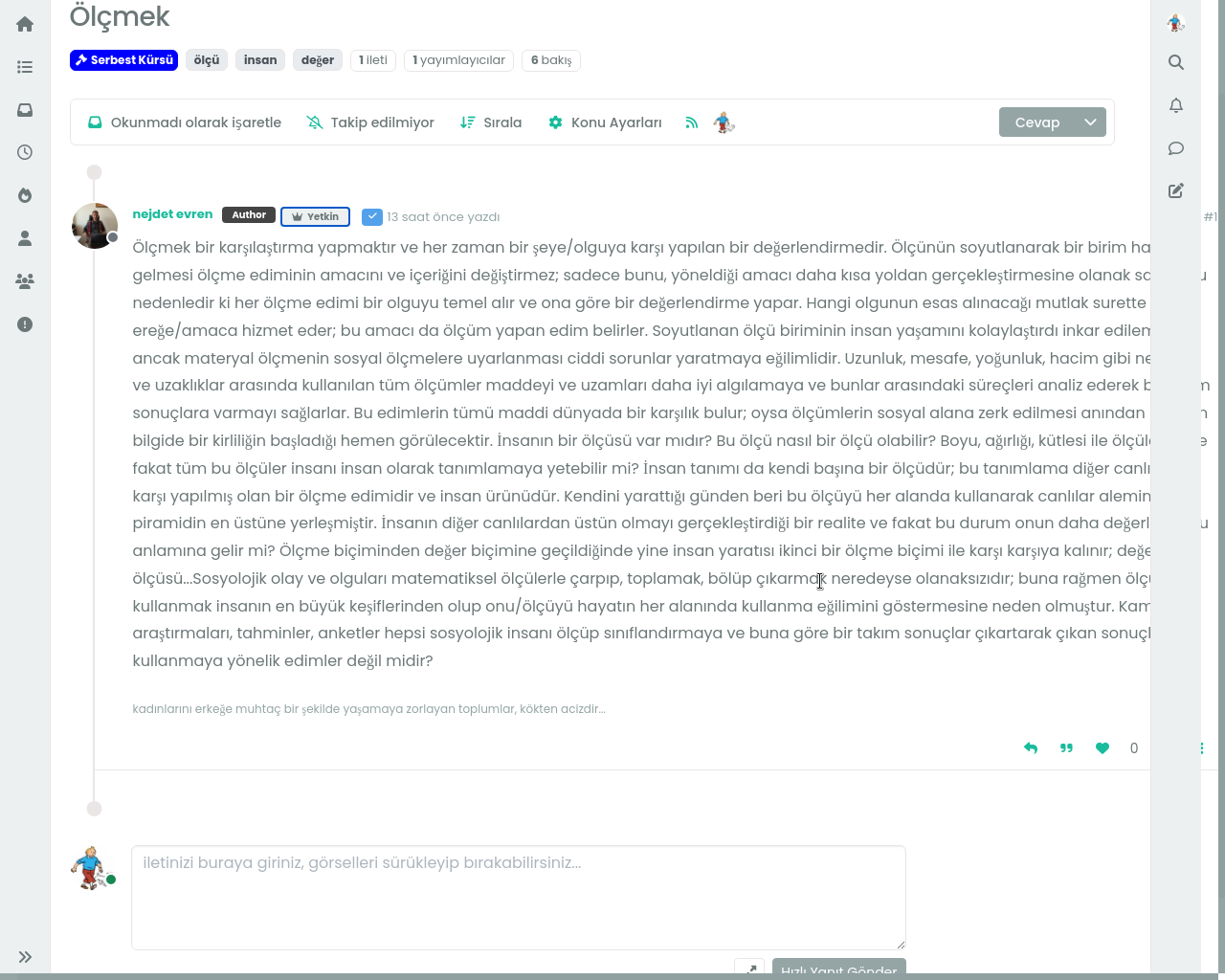
vote area not working for example as for the first post.
and that photo was taken by andorid phone.@cagatay In the console, I see
Adding required classes for messenger type viewwhich would have been a modified class that referred to the messenger type view I created for1.xof the NodeBB software. As previously stated, it’s not valid for3.xso will need to be removed.I’ll login to your site now and take a look.
Mark Cutting also advises organisations as a Fractional CIO, Fractional CISO and Executive Advisor, helping boards improve technology governance, cyber resilience and executive decision making. Learn more at Phenomlab Ltd
-
@cagatay In the console, I see
Adding required classes for messenger type viewwhich would have been a modified class that referred to the messenger type view I created for1.xof the NodeBB software. As previously stated, it’s not valid for3.xso will need to be removed.I’ll login to your site now and take a look.
@phenomlab thank you for your prompt response.
-
@phenomlab thank you for your prompt response.
@cagatay No problem. Reload your site and test.
-
yes, everything is okey now, but changed my icon for upvote and downvote

-
@cagatay Yes, you’ll need to set those back to what you want them to be.
I had to remove all of your CSS, and replace it with a working copy I have. This issue stems from new classes and viewports being introduced in
3.2.0and because you had overriding classes from the previous1.xversion, it caused the issues you were experiencing.The upside of this is that this CSS code is bleeding edge - the downside is that any customisations you made will need to be put back.
-
thank you Mark.
-
This post is deleted!
-
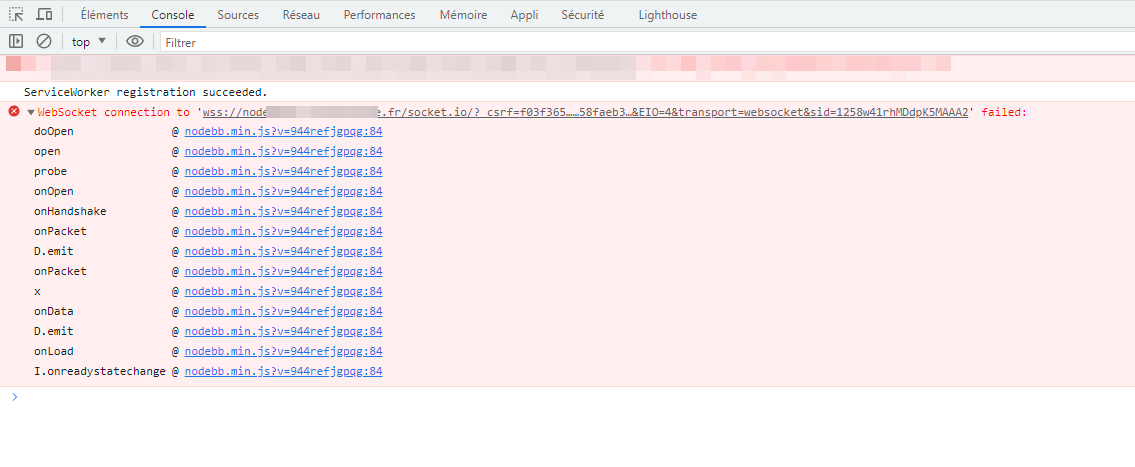
For my part, since I upgraded to 3.2.0, the page takes longer to load than before and I see this socket error :
PW and WS Spirit alive
-
For my part, since I upgraded to 3.2.0, the page takes longer to load than before and I see this socket error :
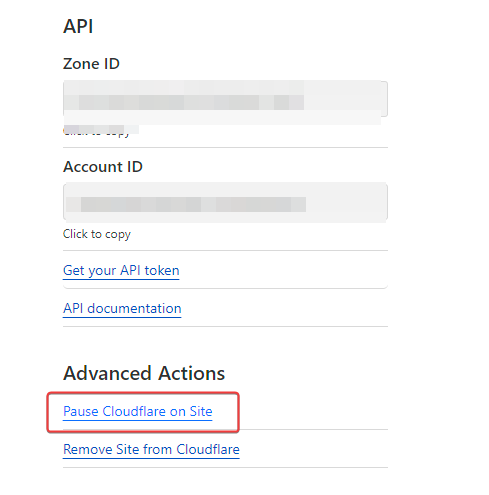
@DownPW can you try disabling Cloudflare and let me know if that resolves the issue?
-
If is here, already disable.
Same in incognito
if i disable OGproxy (ACP/custom JS), it’s better (more fast) but I have the error.
PW and WS Spirit alive
-
If is here, already disable.
Same in incognito
if i disable OGproxy (ACP/custom JS), it’s better (more fast) but I have the error.
@DownPW OGProxy has no bearing on sockets. The only thing that could possibly slow down a reverse proxy is a slow DNS lookup. What happens if you change the DNS to (for example)
8.8.8.8or1.1.1.1?Do you have any firewall device in between the internet and your server?
-
hmmm no and no. I have test on 2 diffèrent physical site (home and work)
Since upgrade, I haven’t constated this.I haven’t this error on my VM in local (no domain)
I have deactivate proxied on DNS entry on Cloudflare = samePW and WS Spirit alive
-
hmmm no and no. I have test on 2 diffèrent physical site (home and work)
Since upgrade, I haven’t constated this.I haven’t this error on my VM in local (no domain)
I have deactivate proxied on DNS entry on Cloudflare = same@DownPW I’ll have a look at this tomorrow. I assume this is your Dev server?
-
Yes dev serv
-
hmmm no and no. I have test on 2 diffèrent physical site (home and work)
Since upgrade, I haven’t constated this.I haven’t this error on my VM in local (no domain)
I have deactivate proxied on DNS entry on Cloudflare = same@DownPW Just checked your site this morning. I see no slowness at all, and there are no socket errors for me
-
hi @phenomlab , I think there is a bug on /groups page, “verified” group looks weird.
-
hi @phenomlab , I think there is a bug on /groups page, “verified” group looks weird.
@crazycells yes, I’m aware of that. Need to fix
EDIT- fixed. Caused by the same CSS that is used to absolutely position the “verified” group badge in the posts view. Amended this CSS so that is specifically targets the post stream as below
    li[component="post"] a[href*="/groups/verified"] {
        position: absolute !important;
        left: 8px;
        z-index: 2;
        margin-top: 1px;
        border-radius: 999px !important;
        line-height: 14px;
        display: block;
        height: 22px;
        margin-left: 0px !important;
    }




Hello! It looks like you're interested in this conversation, but you don't have an account yet.
Getting fed up of having to scroll through the same posts each visit? When you register for an account, you'll always come back to exactly where you were before, and choose to be notified of new replies (either via email, or push notification). You'll also be able to save bookmarks and upvote posts to show your appreciation to other community members.
With your input, this post could be even better 💗
Register LoginRelated Topics
-
-
-
NodeBB upgrade now cant post
Solved Bugs -
-
-
-
Iframely (Nodebb)
Solved Configure -