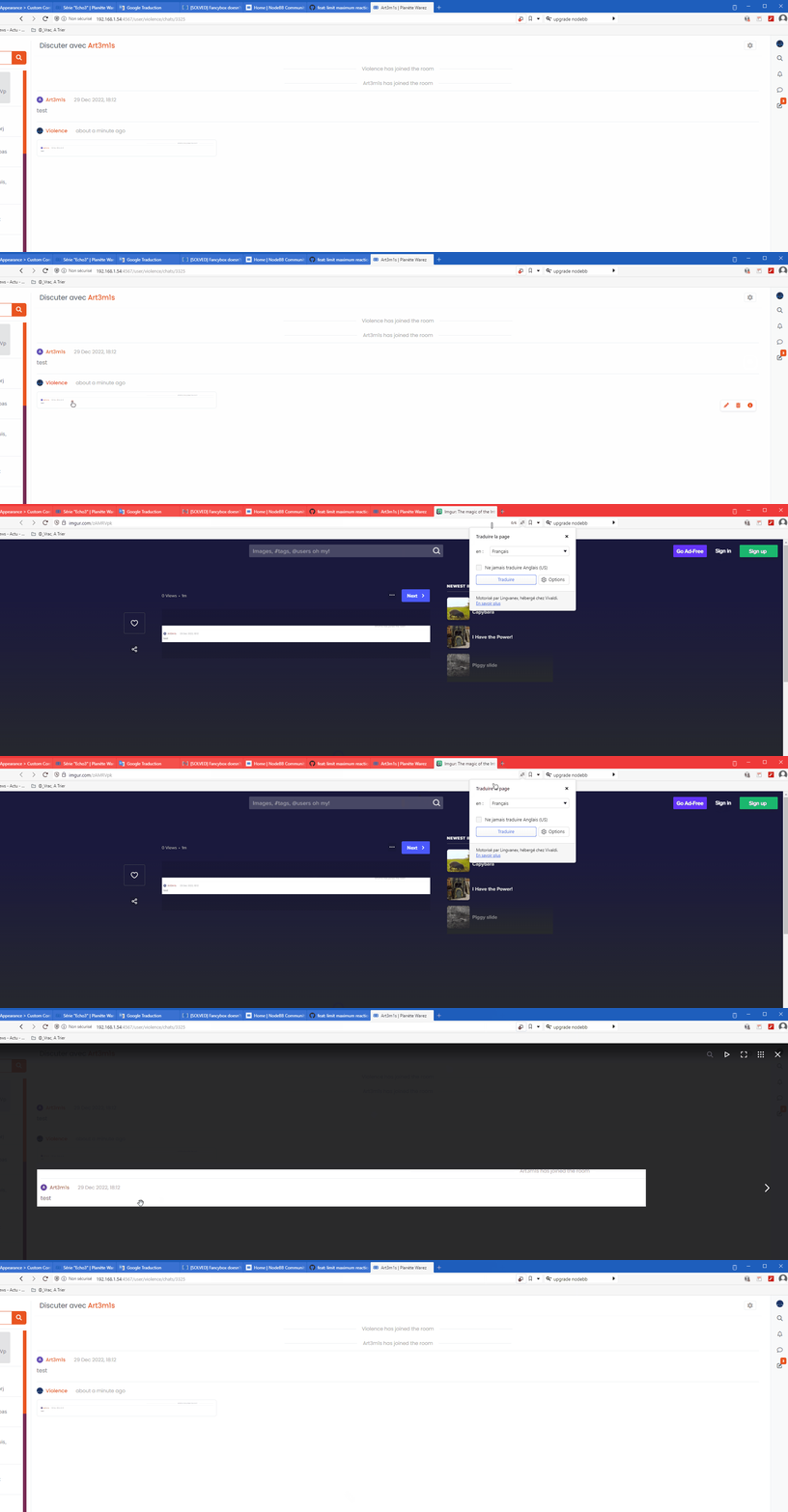
[SOLVED] Fancybox doesn't work in chat
-
For those of you using Fancybox, you’ve probably noticed that it doesn’t seem to work in Chat since the upgrade to v3. Looking at the function, it’s pretty obvious why
if (top.location.pathname !== '/login') {
    $(document).ready(function() {
        $(window).on('action:ajaxify.end', function(data) {
            this.$('a').not('.forum-logo').not(".avatar").not(".emoji").not(".bmac-noanimate").each(function() {
                $('a[href*=".jpg"], a[href*=".jpeg"], a[href*=".png"], a[href*=".gif"], a[href*=".webp"]').addClass("noanimate");
                data.preventDefault()
                // Strip out the images contained inside blockquotes as this looks nasty :)
                $('blockquote img').remove();
            });
            Fancybox.bind(
                'a[href*=".jpg"], a[href*=".jpeg"], a[href*=".png"], a[href*=".gif"], a[href*=".webp"]', {
                    groupAll: true,
                }
            );
        });
    });
}
The function above targets
a hrefwhere in fact, in the chat window, it doesn’t exist - it’s just animgtag
Not very helpful, so I will need to modify this function. I’ll advise as soon as I have it working in case you want to use on your own forums

-
Ok, this will work. Chats are now handled differently, so the two below functions need to be added to your custom
js// Chat fancybox - fires when chat module loaded and AJAX calls new chat $(document).ready(function() { $(window).on('action:chat.loaded', function(data) { this.$('img').not('.forum-logo').not(".avatar").not(".emoji").not(".bmac-noanimate").each(function() { var newHref = $(this).attr("src"); $(this).wrap("<a class='fancybox' href='" + newHref + "'/>"); $('a[href*=".jpg"], a[href*=".jpeg"], a[href*=".png"], a[href*=".gif"], a[href*=".webp"]').addClass("noanimate"); data.preventDefault(); // Strip out the images contained inside blockquotes as this looks nasty :) $('blockquote img').remove(); }); Fancybox.bind( 'a[href*=".jpg"], a[href*=".jpeg"], a[href*=".png"], a[href*=".gif"], a[href*=".webp"]', { groupAll: true, } ); }); }); -
EDIT: Sorry all, I found a bug that causes Fancybox to be bound twice.
Please remove the original functions I provided (the original post has been updated for anyone who did not use the original code and is new here) and replace with just this block
// Chat fancybox - fires when chat module loaded and AJAX calls new chat $(document).ready(function() { $(window).on('action:chat.loaded', function(data) { this.$('img').not('.forum-logo').not(".avatar").not(".emoji").not(".bmac-noanimate").each(function() { var newHref = $(this).attr("src"); $(this).wrap("<a class='fancybox' href='" + newHref + "'/>"); $('a[href*=".jpg"], a[href*=".jpeg"], a[href*=".png"], a[href*=".gif"], a[href*=".webp"]').addClass("noanimate"); data.preventDefault(); // Strip out the images contained inside blockquotes as this looks nasty :) $('blockquote img').remove(); }); Fancybox.bind( 'a[href*=".jpg"], a[href*=".jpeg"], a[href*=".png"], a[href*=".gif"], a[href*=".webp"]', { groupAll: true, } ); }); }); -
 undefined phenomlab forked this topic on
-
 undefined DownPW referenced this topic on
Hello! It looks like you're interested in this conversation, but you don't have an account yet.
Getting fed up of having to scroll through the same posts each visit? When you register for an account, you'll always come back to exactly where you were before, and choose to be notified of new replies (either via email, or push notification). You'll also be able to save bookmarks and upvote posts to show your appreciation to other community members.
With your input, this post could be even better 💗
Register Login