Issues with Progress Bar on v3
-
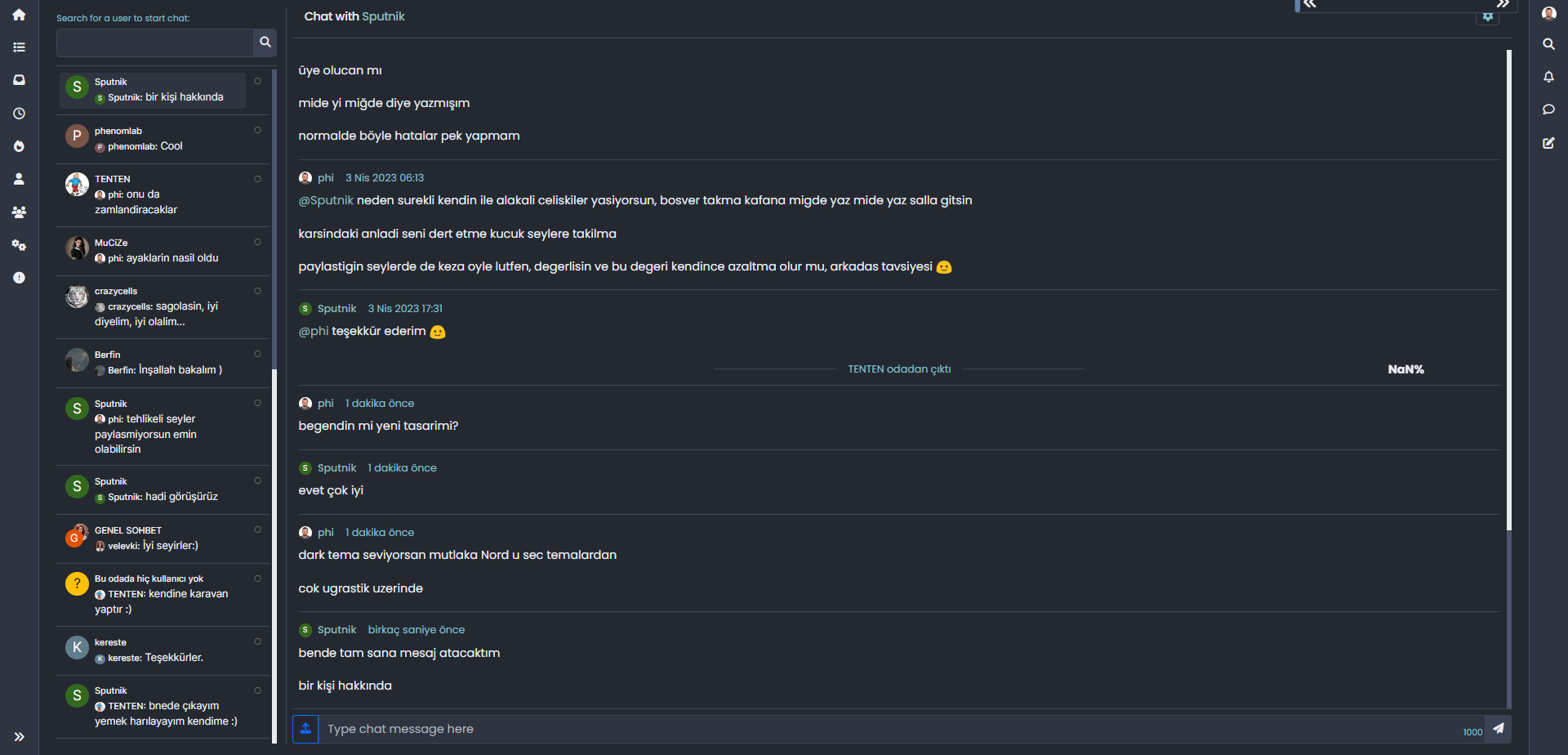
how i can fix it? as i know i use also your css codes, i did not anything wihtouth you

-
how i can fix it? as i know i use also your css codes, i did not anything wihtouth you
@cagatay I’m not sure yet. I will need to look at this when I have some free time. For now, you could disable the progress bar by removing the header.
-
@cagatay The reason this fails for you is because you have to auto-hide the bottom bar
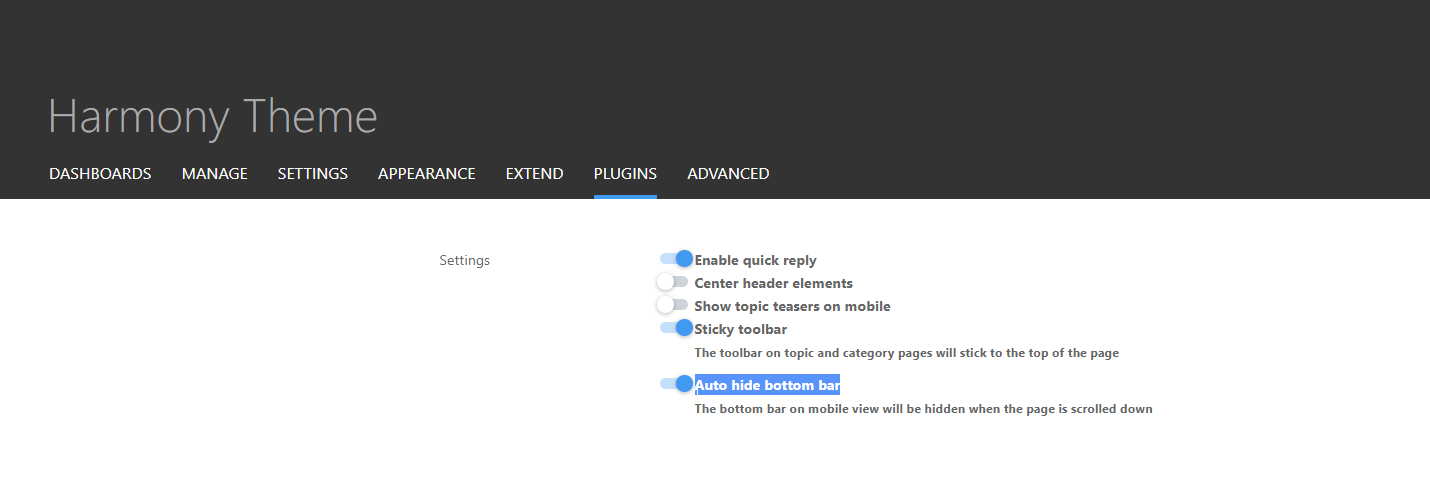
I’ve made this change and it’s now working for the most part - but it should also float with the bottom bar depending on it’s position. Not sure why that’s not working but looking now.
@phenomlab said in Issues with Progress Bar on v3:
@cagatay The reason this fails for you is because you have to auto-hide the bottom bar
I’ve made this change and it’s now working for the most part - but it should also float with the bottom bar depending on it’s position. Not sure why that’s not working but looking now.
i did disable mode auto hide
now working normally on phones. -
@phenomlab said in Issues with Progress Bar on v3:
@cagatay The reason this fails for you is because you have to auto-hide the bottom bar
I’ve made this change and it’s now working for the most part - but it should also float with the bottom bar depending on it’s position. Not sure why that’s not working but looking now.
i did disable mode auto hide
now working normally on phones.@cagatay Excellent.
-
yop Mark
I see this on progress bar :
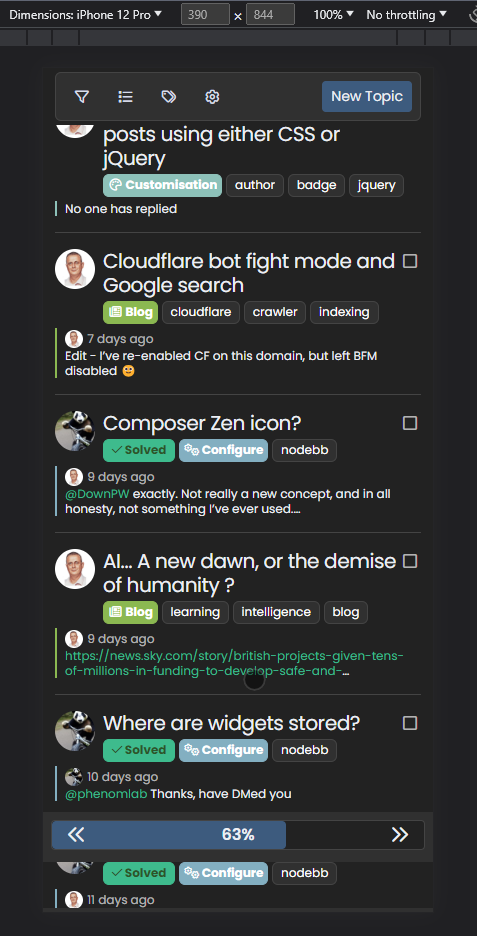
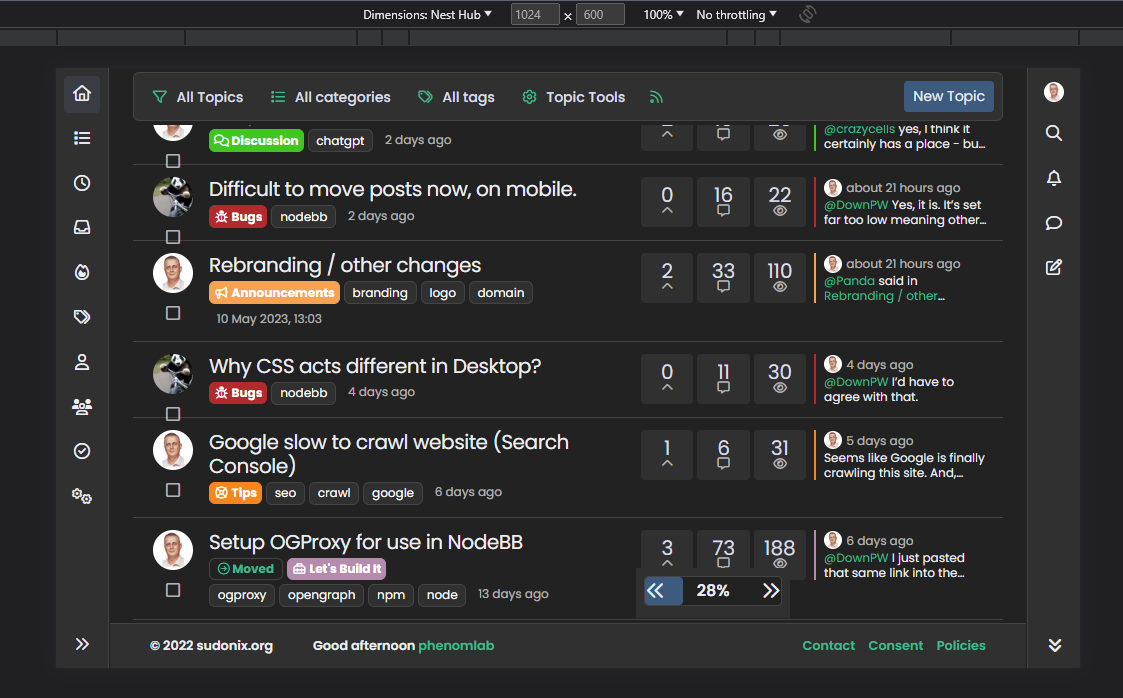
On small screen resolutions, the space between the arrows and the background div (progress bar) is not fixed.
It wouldn’t hurt to add fixed spaces no matter the resolution
PW and WS Spirit alive
-
yop Mark
I see this on progress bar :
On small screen resolutions, the space between the arrows and the background div (progress bar) is not fixed.
It wouldn’t hurt to add fixed spaces no matter the resolution -
OMG. Why on earth did I use percentages???

.pageUp {
    font-size: 1.25rem !important;
    left: 6%;
    line-height: 1.5;
    position: absolute;
    z-index: 10;
}
.pageDown {
    font-size: 1.25rem !important;
    line-height: 1.5;
    position: absolute;
    right: 6%;
    z-index: 10;
}
Change the
leftandrightvalues shown above to be1rem(or whatever value you’d prefer) and not6%
So
.pageUp {
    font-size: 1.25rem!important;
    left: 1rem;
    line-height: 1.5;
    position: absolute;
    z-index: 10;
}

.pageDown {
    font-size: 1.25rem!important;
    line-height: 1.5;
    position: absolute;
    right: 1rem;
    z-index: 10;
}
Mark Cutting also advises organisations as a Fractional CIO, Fractional CISO and Executive Advisor, helping boards improve technology governance, cyber resilience and executive decision making. Learn more at Phenomlab Ltd
-
OMG. Why on earth did I use percentages???
.pageUp {
    font-size: 1.25rem !important;
    left: 6%;
    line-height: 1.5;
    position: absolute;
    z-index: 10;
}
.pageDown {
    font-size: 1.25rem !important;
    line-height: 1.5;
    position: absolute;
    right: 6%;
    z-index: 10;
}
Change the
leftandrightvalues shown above to be1rem(or whatever value you’d prefer) and not6%So
.pageUp { font-size: 1.25rem!important; left: 1rem; line-height: 1.5; position: absolute; z-index: 10; } .pageDown { font-size: 1.25rem!important; line-height: 1.5; position: absolute; right: 1rem; z-index: 10; }PW and WS Spirit alive
-
I often use my mobile landscape, and then this progress bar takes up a lot of the screen.

Id rather remove it entirely.
How can I do that, another CSS fix? -
I often use my mobile landscape, and then this progress bar takes up a lot of the screen.
Id rather remove it entirely.
How can I do that, another CSS fix?@Panda Yes, that would be the only way as this is part of the core.
Mark Cutting also advises organisations as a Fractional CIO, Fractional CISO and Executive Advisor, helping boards improve technology governance, cyber resilience and executive decision making. Learn more at Phenomlab Ltd
-
@phenomlab ok how could I do that please?
I have an old flarum forum I had given up with, but I have to say its looking nicer than nodebb on mobile now. I prefer minimalistic and uncluttered look.
-
@phenomlab ok how could I do that please?
I have an old flarum forum I had given up with, but I have to say its looking nicer than nodebb on mobile now. I prefer minimalistic and uncluttered look.
@Panda You could use the below
.page-topic .pagination-block.ready {
    display: none;
}






Hello! It looks like you're interested in this conversation, but you don't have an account yet.
Getting fed up of having to scroll through the same posts each visit? When you register for an account, you'll always come back to exactly where you were before, and choose to be notified of new replies (either via email, or push notification). You'll also be able to save bookmarks and upvote posts to show your appreciation to other community members.
With your input, this post could be even better 💗
Register LoginDid this solution help you?
Related Topics
-
-
-
Please help me, I can't install nodebb
Locked Solved Customisation -
-
NodeBB v3 Vote Icon
Solved Customisation -
-
-