Digitalocean step by step guide to nginx configuration
-
Hello guys,
i’m in trouble, i’m trying to follow some tutorials to setup nginx for my digitalocean droplets.what i have:
i have a react application now running at http://111.222.33.44:8080/ (fake ip, real port)the served folder is into /home/MYNAME/ folder on the server
and it works, but i’ve buyed a domain, and i want to use mydomain.it to serve the same folder as now, with https and ssl.
Can someone please helpe with that? i’m stucked, nothing works so far…
-
@phenomlab you have pm
@justoverclock Thanks. Your config appears to be in default, which is fine, but was not set correctly. In the
locationblock, I’ve setproxy_set_header X-Real-IP $remote_addr; proxy_set_header X-Forwarded-For $proxy_add_x_forwarded_for; proxy_set_header Host $http_host; proxy_set_header X-NginX-Proxy true; proxy_pass http://127.0.0.1:8080/; proxy_redirect off; # Socket.IO Support proxy_http_version 1.1; proxy_set_header Upgrade $http_upgrade; proxy_set_header Connection "upgrade";This should now work when you to to https://vfgest.it
Mark Cutting also advises organisations as a Fractional CIO, Fractional CISO and Executive Advisor, helping boards improve technology governance, cyber resilience and executive decision making. Learn more at Phenomlab Ltd
-
Hello guys,
i’m in trouble, i’m trying to follow some tutorials to setup nginx for my digitalocean droplets.what i have:
i have a react application now running at http://111.222.33.44:8080/ (fake ip, real port)the served folder is into /home/MYNAME/ folder on the server
and it works, but i’ve buyed a domain, and i want to use mydomain.it to serve the same folder as now, with https and ssl.
Can someone please helpe with that? i’m stucked, nothing works so far…
its really odd…
i don’t know what i’m doing exactly but…now if i navigate to
https://vfgest.it/i see the nginx page
if i navigate tohttps://www.vfgest.it/i see a 404 error
if i navigate tovfgest.it:8080(without www and without http) i can see the site -
its really odd…
i don’t know what i’m doing exactly but…now if i navigate to
https://vfgest.it/i see the nginx page
if i navigate tohttps://www.vfgest.it/i see a 404 error
if i navigate tovfgest.it:8080(without www and without http) i can see the site@justoverclock What you need here is a reverse proxy. If you navigate to the site with custom port (in this case, 8080), you’ll get the site directly, but for cosmetic reasons, this won’t work. You need an NGINX server block, which is simple enough to do. What is currently in your server’s
nginx.conf?Mark Cutting also advises organisations as a Fractional CIO, Fractional CISO and Executive Advisor, helping boards improve technology governance, cyber resilience and executive decision making. Learn more at Phenomlab Ltd
-
@justoverclock What you need here is a reverse proxy. If you navigate to the site with custom port (in this case, 8080), you’ll get the site directly, but for cosmetic reasons, this won’t work. You need an NGINX server block, which is simple enough to do. What is currently in your server’s
nginx.conf?user www-data; worker_processes auto; pid /run/nginx.pid; include /etc/nginx/modules-enabled/*.conf; events { worker_connections 768; # multi_accept on; } http { ## # Basic Settings ## sendfile on; tcp_nopush on; types_hash_max_size 2048; # server_tokens off; server_names_hash_bucket_size 64; # server_name_in_redirect off; include /etc/nginx/mime.types; default_type application/octet-stream; ## # SSL Settings ## ssl_protocols TLSv1 TLSv1.1 TLSv1.2 TLSv1.3; # Dropping SSLv3, ref: POODLE ssl_prefer_server_ciphers on; ## # Logging Settings ## access_log /var/log/nginx/access.log; error_log /var/log/nginx/error.log; ## # Gzip Settings ## gzip on; # gzip_vary on; # gzip_proxied any; # gzip_comp_level 6; # gzip_buffers 16 8k; # gzip_http_version 1.1; # gzip_types text/plain text/css application/json application/javascript text/xml application/xml application/xml+rss text/javascript; ## # Virtual Host Configs ## include /etc/nginx/conf.d/*.conf; include /etc/nginx/sites-enabled/*; } #mail { # # See sample authentication script at: # # http://wiki.nginx.org/ImapAuthenticateWithApachePhpScript # # # auth_http localhost/auth.php; # # pop3_capabilities "TOP" "USER"; # # imap_capabilities "IMAP4rev1" "UIDPLUS"; # # server { # listen localhost:110; # protocol pop3; # proxy on; # } # # server { # listen localhost:143; # protocol imap; # proxy on; # } #} -
user www-data; worker_processes auto; pid /run/nginx.pid; include /etc/nginx/modules-enabled/*.conf; events { worker_connections 768; # multi_accept on; } http { ## # Basic Settings ## sendfile on; tcp_nopush on; types_hash_max_size 2048; # server_tokens off; server_names_hash_bucket_size 64; # server_name_in_redirect off; include /etc/nginx/mime.types; default_type application/octet-stream; ## # SSL Settings ## ssl_protocols TLSv1 TLSv1.1 TLSv1.2 TLSv1.3; # Dropping SSLv3, ref: POODLE ssl_prefer_server_ciphers on; ## # Logging Settings ## access_log /var/log/nginx/access.log; error_log /var/log/nginx/error.log; ## # Gzip Settings ## gzip on; # gzip_vary on; # gzip_proxied any; # gzip_comp_level 6; # gzip_buffers 16 8k; # gzip_http_version 1.1; # gzip_types text/plain text/css application/json application/javascript text/xml application/xml application/xml+rss text/javascript; ## # Virtual Host Configs ## include /etc/nginx/conf.d/*.conf; include /etc/nginx/sites-enabled/*; } #mail { # # See sample authentication script at: # # http://wiki.nginx.org/ImapAuthenticateWithApachePhpScript # # # auth_http localhost/auth.php; # # pop3_capabilities "TOP" "USER"; # # imap_capabilities "IMAP4rev1" "UIDPLUS"; # # server { # listen localhost:110; # protocol pop3; # proxy on; # } # # server { # listen localhost:143; # protocol imap; # proxy on; # } #}@justoverclock Can you send me the one for the site you have posted about, which should be inside
/etc/nginx/sites-enabled/?Mark Cutting also advises organisations as a Fractional CIO, Fractional CISO and Executive Advisor, helping boards improve technology governance, cyber resilience and executive decision making. Learn more at Phenomlab Ltd
-
@justoverclock Can you send me the one for the site you have posted about, which should be inside
/etc/nginx/sites-enabled/?@phenomlab i have two folder inside…
default
vfgest (i think that i make this one due to a tutorial)do you want the default?
-
@phenomlab i have two folder inside…
default
vfgest (i think that i make this one due to a tutorial)do you want the default?
@justoverclock No, probably the one inside
vfgest.Mark Cutting also advises organisations as a Fractional CIO, Fractional CISO and Executive Advisor, helping boards improve technology governance, cyber resilience and executive decision making. Learn more at Phenomlab Ltd
-
@justoverclock No, probably the one inside
vfgest.@phenomlab mmmhhh odd…these are not folders…but links i suppose…i dont know where should i go…
now i’m in /etc/nginx
-
@phenomlab mmmhhh odd…these are not folders…but links i suppose…i dont know where should i go…
now i’m in /etc/nginx
@justoverclock Can you give me access to your host ? Send me the details in a PM
Mark Cutting also advises organisations as a Fractional CIO, Fractional CISO and Executive Advisor, helping boards improve technology governance, cyber resilience and executive decision making. Learn more at Phenomlab Ltd
-
@justoverclock Can you give me access to your host ? Send me the details in a PM
-
@phenomlab you have pm
@justoverclock Thanks. Your config appears to be in default, which is fine, but was not set correctly. In the
locationblock, I’ve setproxy_set_header X-Real-IP $remote_addr; proxy_set_header X-Forwarded-For $proxy_add_x_forwarded_for; proxy_set_header Host $http_host; proxy_set_header X-NginX-Proxy true; proxy_pass http://127.0.0.1:8080/; proxy_redirect off; # Socket.IO Support proxy_http_version 1.1; proxy_set_header Upgrade $http_upgrade; proxy_set_header Connection "upgrade";This should now work when you to to https://vfgest.it
Mark Cutting also advises organisations as a Fractional CIO, Fractional CISO and Executive Advisor, helping boards improve technology governance, cyber resilience and executive decision making. Learn more at Phenomlab Ltd
-
@justoverclock Thanks. Your config appears to be in default, which is fine, but was not set correctly. In the
locationblock, I’ve setproxy_set_header X-Real-IP $remote_addr; proxy_set_header X-Forwarded-For $proxy_add_x_forwarded_for; proxy_set_header Host $http_host; proxy_set_header X-NginX-Proxy true; proxy_pass http://127.0.0.1:8080/; proxy_redirect off; # Socket.IO Support proxy_http_version 1.1; proxy_set_header Upgrade $http_upgrade; proxy_set_header Connection "upgrade";This should now work when you to to https://vfgest.it
@phenomlab works but if i type https://www.vfgest.it/ i see a 404 error page, works only with no www
-
@phenomlab works but if i type https://www.vfgest.it/ i see a 404 error page, works only with no www
@justoverclock Hold on.
-
@phenomlab works but if i type https://www.vfgest.it/ i see a 404 error page, works only with no www
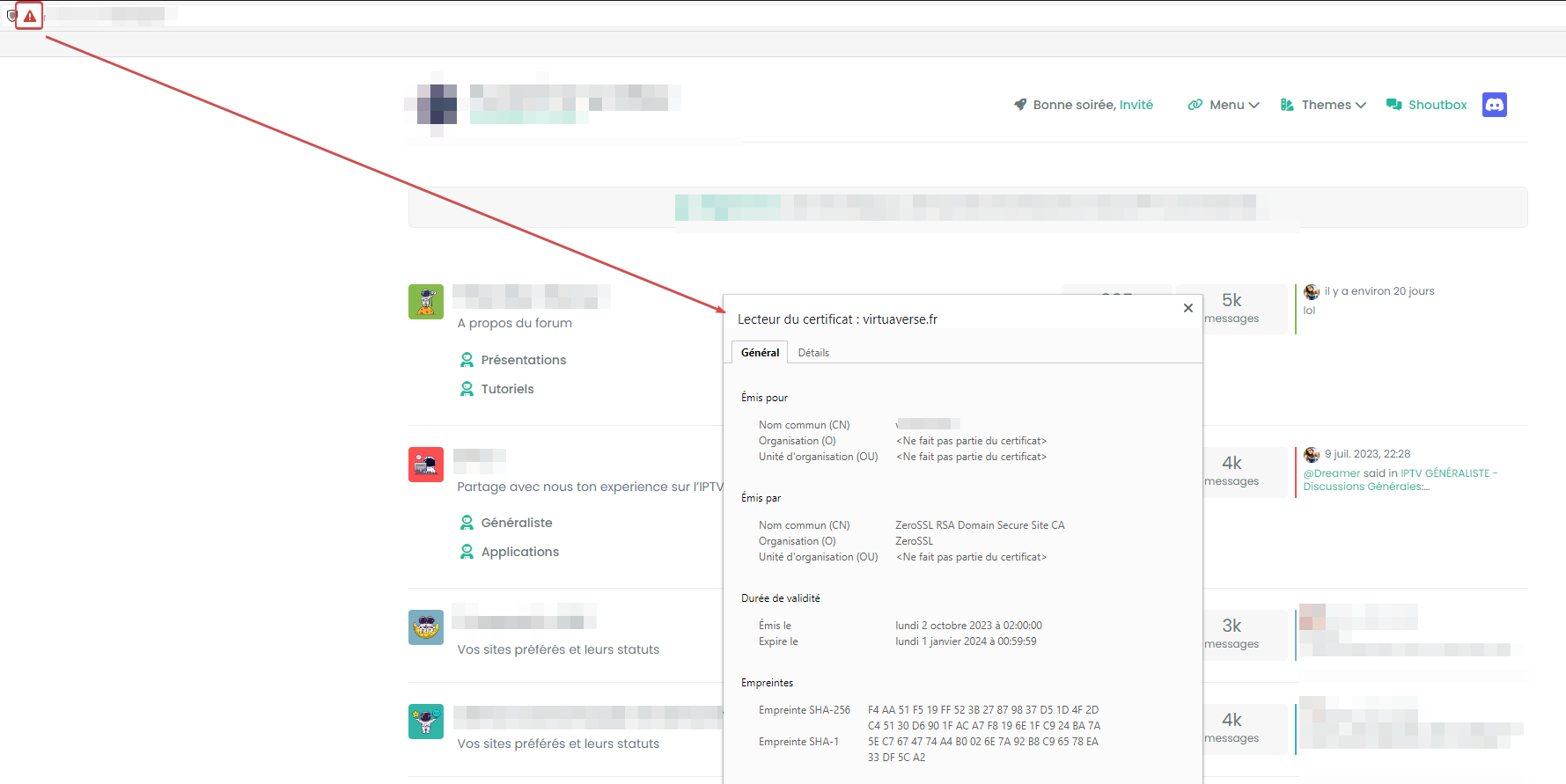
@justoverclock That will work now, but your certificate binding is not correct. The certificate is for the non-www only, so you’ll get an error. Let me fix that.
Mark Cutting also advises organisations as a Fractional CIO, Fractional CISO and Executive Advisor, helping boards improve technology governance, cyber resilience and executive decision making. Learn more at Phenomlab Ltd
-
@justoverclock That will work now, but your certificate binding is not correct. The certificate is for the non-www only, so you’ll get an error. Let me fix that.
@phenomlab for sure is my fault, i’ve done all by myself with a tutorial with a certbot
-
@phenomlab works but if i type https://www.vfgest.it/ i see a 404 error page, works only with no www
@justoverclock All done. Both https://vfgest.it and https://vfgest.it should work now
You have to adjust
certbotfor this to work - see below command transcript executed on your hostroot@vito-fiore:/etc/nginx/sites-enabled# sudo certbot Saving debug log to /var/log/letsencrypt/letsencrypt.log Which names would you like to activate HTTPS for? We recommend selecting either all domains, or all domains in a VirtualHost/server block. - - - - - - - - - - - - - - - - - - - - - - - - - - - - - - - - - - - - - - - - 1: vfgest.it 2: www.vfgest.it - - - - - - - - - - - - - - - - - - - - - - - - - - - - - - - - - - - - - - - - Select the appropriate numbers separated by commas and/or spaces, or leave input blank to select all options shown (Enter 'c' to cancel): - - - - - - - - - - - - - - - - - - - - - - - - - - - - - - - - - - - - - - - - You have an existing certificate that contains a portion of the domains you requested (ref: /etc/letsencrypt/renewal/vfgest.it.conf) It contains these names: vfgest.it You requested these names for the new certificate: vfgest.it, www.vfgest.it. Do you want to expand and replace this existing certificate with the new certificate? - - - - - - - - - - - - - - - - - - - - - - - - - - - - - - - - - - - - - - - - (E)xpand/(C)ancel: E Renewing an existing certificate for vfgest.it and www.vfgest.it Successfully received certificate. Certificate is saved at: /etc/letsencrypt/live/vfgest.it/fullchain.pem Key is saved at: /etc/letsencrypt/live/vfgest.it/privkey.pem This certificate expires on 2022-12-29. These files will be updated when the certificate renews. Certbot has set up a scheduled task to automatically renew this certificate in the background. Deploying certificate Successfully deployed certificate for vfgest.it to /etc/nginx/sites-enabled/vfgest Successfully deployed certificate for www.vfgest.it to /etc/nginx/sites-enabled/vfgest Your existing certificate has been successfully renewed, and the new certificate has been installed. - - - - - - - - - - - - - - - - - - - - - - - - - - - - - - - - - - - - - - - - If you like Certbot, please consider supporting our work by: * Donating to ISRG / Let's Encrypt: https://letsencrypt.org/donate * Donating to EFF: https://eff.org/donate-le - - - - - - - - - - - - - - - - - - - - - - - - - - - - - - - - - - - - - - - - root@vito-fiore:/etc/nginx/sites-enabled# -
@phenomlab for sure is my fault, i’ve done all by myself with a tutorial with a certbot
@justoverclock You can drop the
vfgestconf file as it’s not being usedMark Cutting also advises organisations as a Fractional CIO, Fractional CISO and Executive Advisor, helping boards improve technology governance, cyber resilience and executive decision making. Learn more at Phenomlab Ltd
-
@justoverclock You can drop the
vfgestconf file as it’s not being used@phenomlab thank you very much!!!
-
@phenomlab thank you very much!!!
@justoverclock Anytime
-
@phenomlab thank you very much!!!
@justoverclock You should change your app so that it only listens on
localhostor127.0.0.1for security reasons as you are currently exposing it publicly via port 8080. The reverse proxy means that this is not required, asnginxredirects it for you and is fully secure.Mark Cutting also advises organisations as a Fractional CIO, Fractional CISO and Executive Advisor, helping boards improve technology governance, cyber resilience and executive decision making. Learn more at Phenomlab Ltd


Hello! It looks like you're interested in this conversation, but you don't have an account yet.
Getting fed up of having to scroll through the same posts each visit? When you register for an account, you'll always come back to exactly where you were before, and choose to be notified of new replies (either via email, or push notification). You'll also be able to save bookmarks and upvote posts to show your appreciation to other community members.
With your input, this post could be even better 💗
Register LoginDid this solution help you?
Related Topics
-
-
-
-
-
-
nginx can't start again
Moved Solved Configure -
-