NodeBB v4.0.0
-
Mark
I updated to version 4 but i could not understand what changed from the forum?
Could it be that i did not notice a difference because i’m using your theme?
I could not clearly understand the active pub section. What is it purpose excatly? -
Mark
I updated to version 4 but i could not understand what changed from the forum?
Could it be that i did not notice a difference because i’m using your theme?
I could not clearly understand the active pub section. What is it purpose excatly?@cagatay v4 mostly focuses on the ActivtyPub additions, documented here
https://docs.nodebb.org/activitypub/
New features and fixes are listed here
-
-
@cagatay see
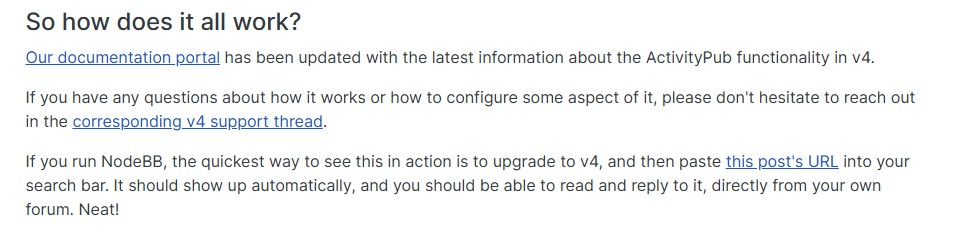
https://community.nodebb.org/topic/18545/nodebb-v4.0.0-federate-good-times-come-on?_=1737549145517
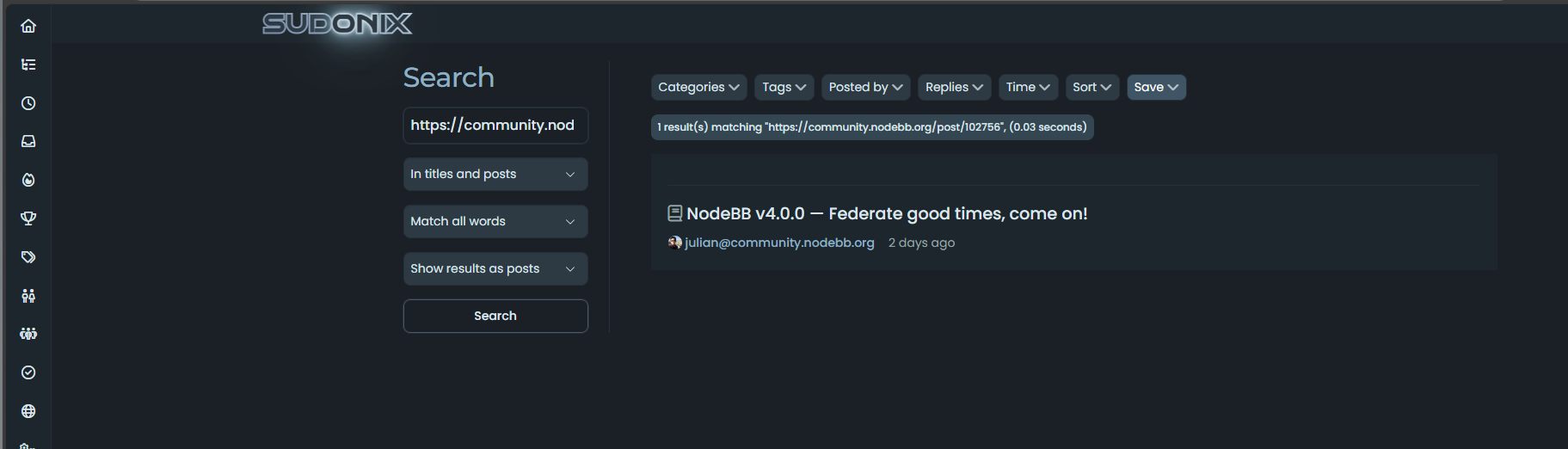
Specifically, this section
-
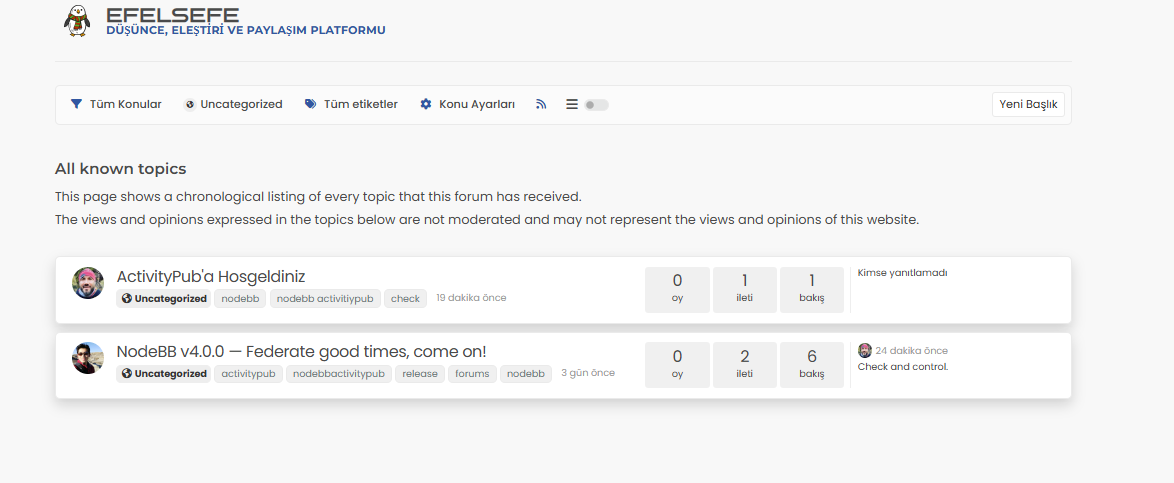
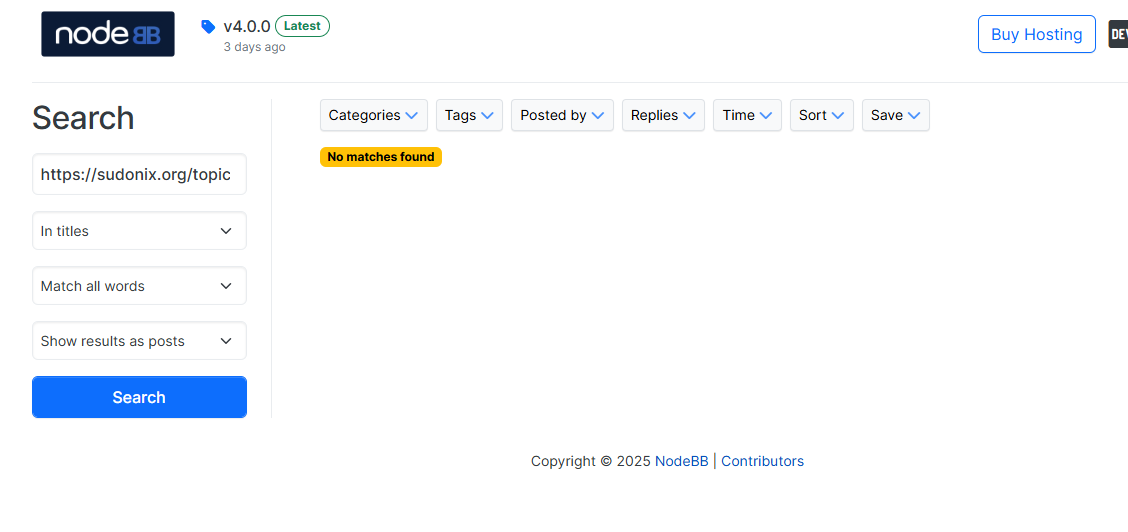
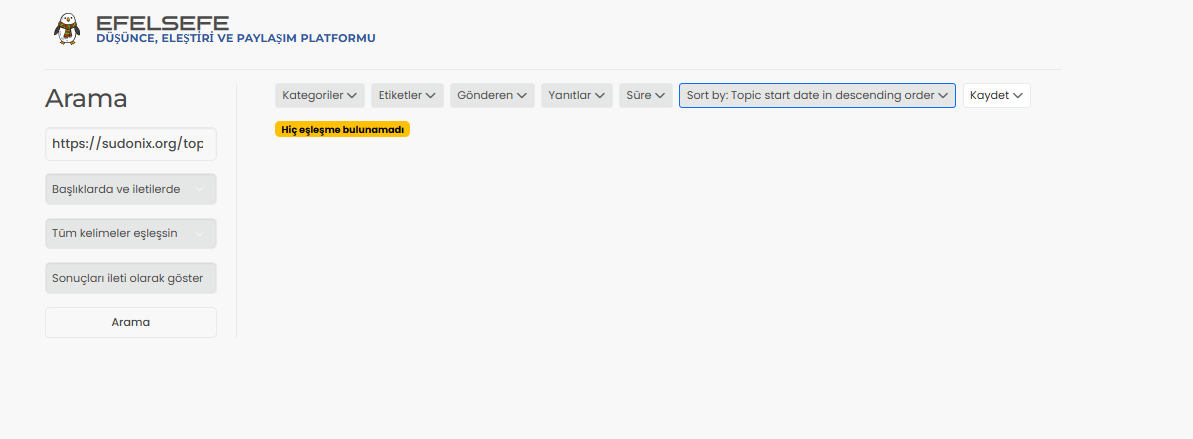
I created a topic, but when I search for the link, it doesn’t appear either on your site or on NodeBB’s own site.
-
I created a topic, but when I search for the link, it doesn’t appear either on your site or on NodeBB’s own site.
@cagatay It does - look at the second post in your screenshot

-
@phenomlab yes i see that but mine is not working, i m not see my post in your web site when i searched my link…
-
@phenomlab yes i see that but mine is not working, i m not see my post in your web site when i searched my link…
@cagatay For federation to work between two NodeBB sites, you have to follow users in the remote site.
-
If I follow you here and you share something in World, will I see it on my own site? Shall we test this?
-
If I follow you here and you share something in World, will I see it on my own site? Shall we test this?
@cagatay Good idea. Let’s try it.
-
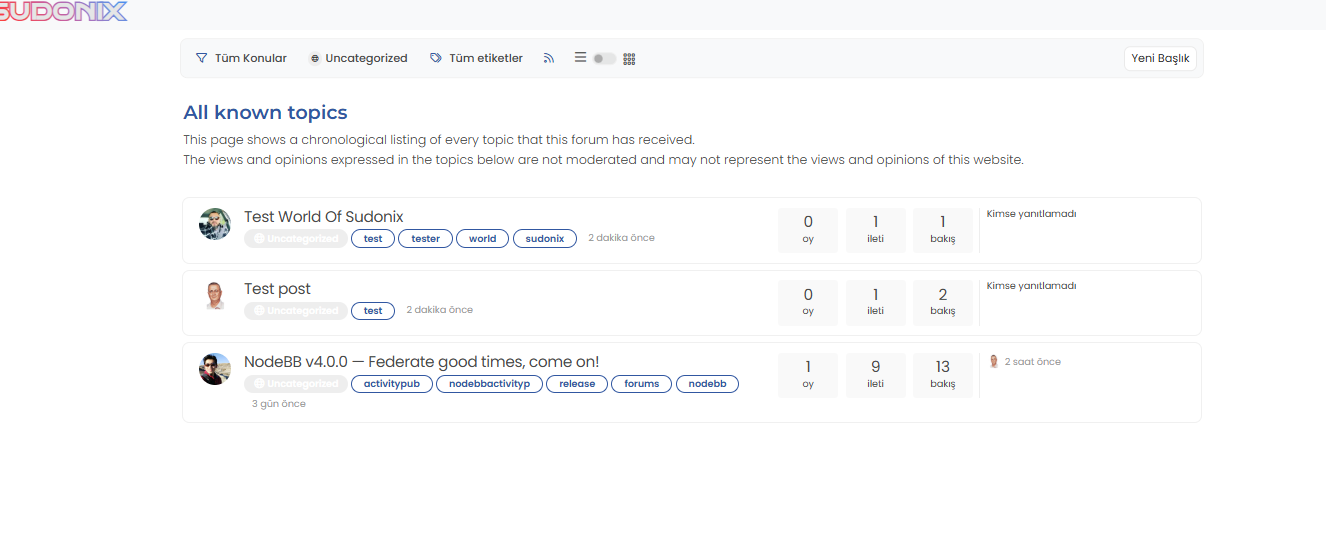
@phenomlab i m following you and opened topic, tested link on my web site. result 0
did not see anything. -
-
-
@cagatay Yep. Done
-
-
@cagatay Search the same link on your own forum
-
-
-
Yes, I can see these while on your site, and I created the topic from your site in the World category. However, I should also be able to see the links on my own site or the NodeBB site, but I can’t, even though I am following you.
-
Yes, I can see these while on your site, and I created the topic from your site in the World category. However, I should also be able to see the links on my own site or the NodeBB site, but I can’t, even though I am following you.
@cagatay Yes, exactly that.




Hello! It looks like you're interested in this conversation, but you don't have an account yet.
Getting fed up of having to scroll through the same posts each visit? When you register for an account, you'll always come back to exactly where you were before, and choose to be notified of new replies (either via email, or push notification). You'll also be able to save bookmarks and upvote posts to show your appreciation to other community members.
With your input, this post could be even better 💗
Register Login